

 中文
中文 
Feelup deepin
2026-09-29 14:41 deepin 会不会是你的电脑主板上的电池没电了,导致那次同步时,时间恢复为了这个默认值。
虽然在开机的情况下,你可以手动同步(或手动修改)恢复正确的时间,但断电关机太久后可能又会变成现在这样。
Reply Like 0 View the author
 deepin
 会不会是你的电脑主板上的电池没电了,导致那次同步时,时间恢复为了这个默认值。
虽然在开机的情况下,你可以手动同步(或手动修改)恢复正确的时间,但断电关机太久后可能又会变成现在这样。
 deepin
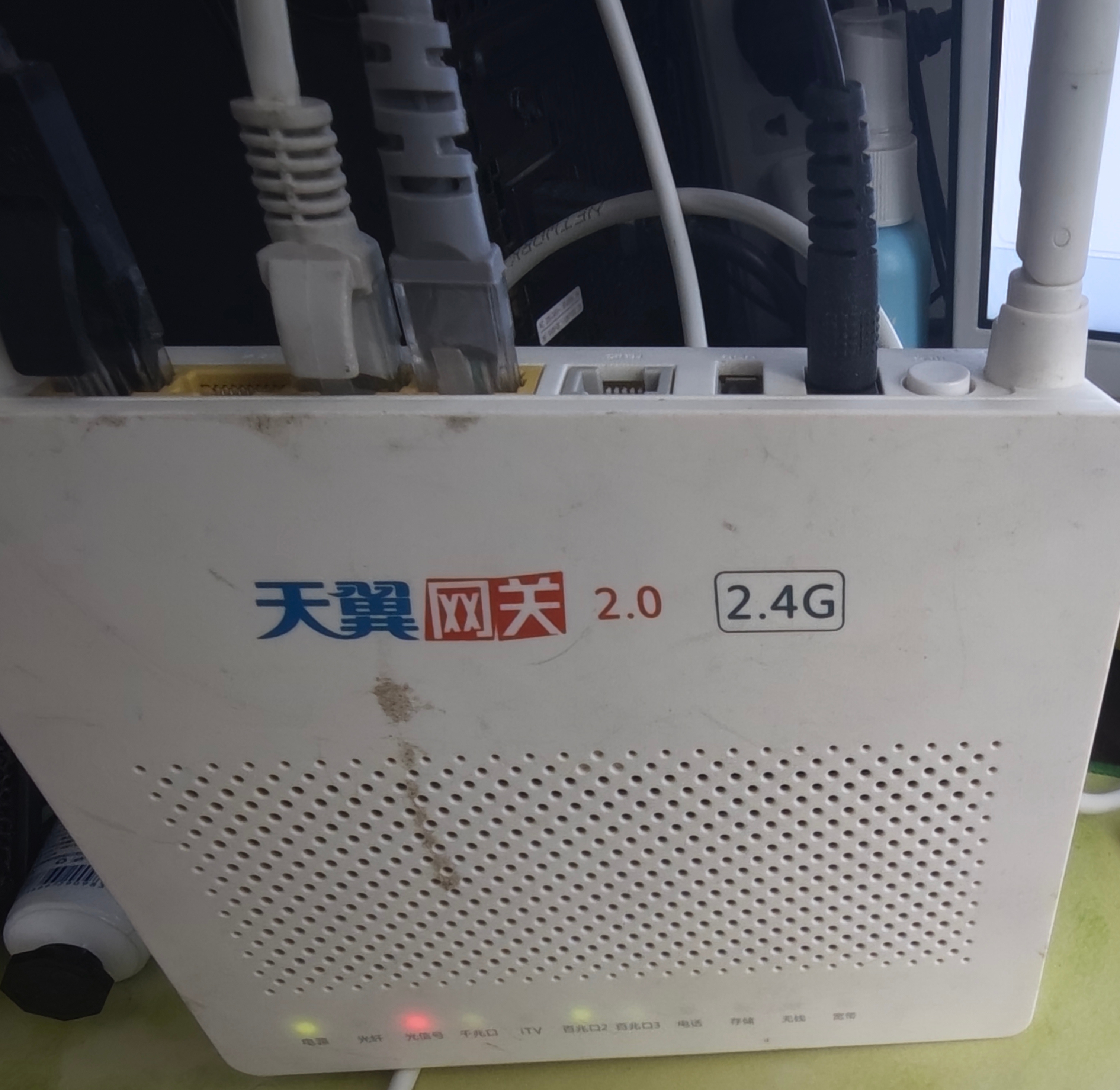
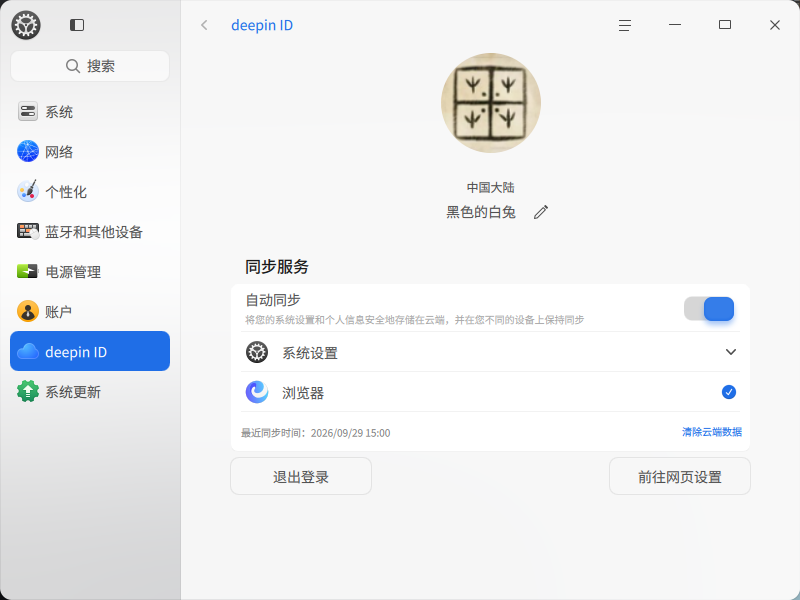
 刚才借用废弃电信光猫充当交换机,刚看了下同步时间正常了。

 deepin
 hwclock -r 看下时间
deepin hwclock -r 看下时间
hwclock -r
hwclock: Cannot access the Hardware Clock via any known method.
hwclock: Use the --verbose option to see the details of our search for an access method.
执行结果是这样的
deepin hwclock -r
hwclock: Cannot access the Hardware Clock via any known method.
hwclock: Use the --verbose option to see the details of our search for an access method.
执行结果是这样的
加上 sudo hwclock -r
Popular Ranking
ChangePopular Events
More


 Unable to install HP Laserject Pro M15a Printer
今天右下角一直提示网络异常,deepinID登陆状态同步失败,打开设置中的deepinID发现同步时间是1970/01/01,有没有跟我同样情况的?这个也是网络原因导致的吗?