win+空格打开AUR 然后直接搜索linglong-store-bin
linglong-store-bin
安装效果图如下,完美支持深浅色模式
另外,如果出现了ll-cli repo show异常 就点一下:重启 org.deepin.linglong.PackageManager.service
org.deepin.linglong.PackageManager.service
每安装一个应用都会有pkexec弹窗确实有点烦
有点好笑:
这系统bug极多。稳定性太差了
Featured Collection
Popular Ranking
Popular Events


 中文
中文 
 deepin deepin
  deepin
 deepin
 deepin


 List of bugs and suggestions
win+空格打开AUR
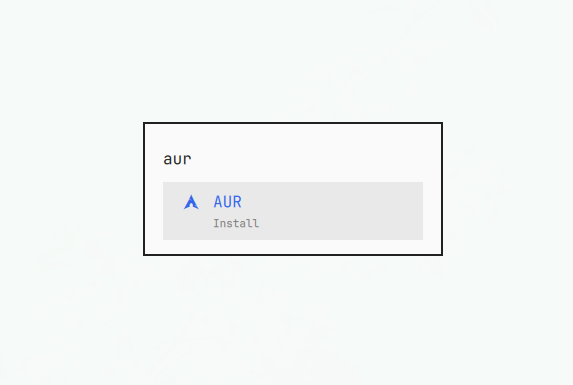
然后直接搜索
linglong-store-bin安装效果图如下,完美支持深浅色模式
另外,如果出现了ll-cli repo show异常
就点一下:重启
org.deepin.linglong.PackageManager.service