

 中文
中文 

deepin流云
2026-08-07 10:24 Super Moderator
Community OP
Please use the following command to upload the kernel logs generated on your desktop:
sudo journalctl -k > ~/Desktop/kernel_journal.txt
If you do not have internet access, please use a USB drive or other means to transfer the file to a device that can go online, and then upload it there. I will forward it to the R&D team for analysis to identify where the issue lies.
Additionally, R&D suggests powering off the device for two minutes and then restarting it to see if the issue recovers.
Reply Like 1 View the author



 Unable to install HP Laserject Pro M15a Printer


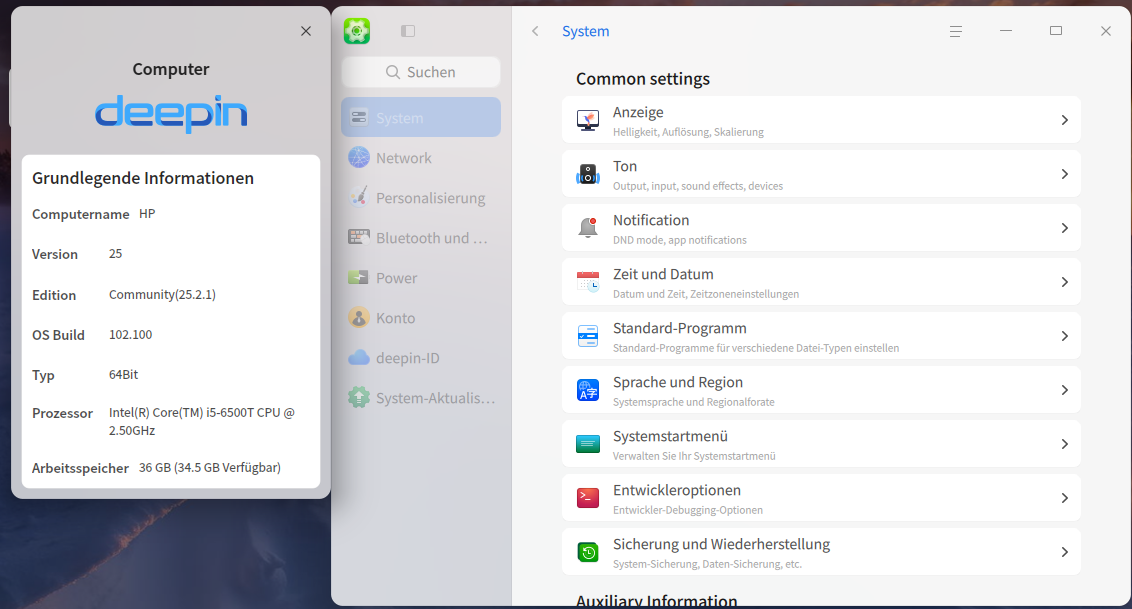
the Network section no longer appears since the update to 25.2.1 in the control center
I can no longer manage my wifi or network connection
Deepin 25.2.1
Lenovo ThinkPad