中文
中文 
deepin流云
2026-07-22 15:46 Super Moderator
Community OP
试下商店里的chrome或者edge浏览器
Reply Like 0 View the author

试下商店里的chrome或者edge浏览器
 deepin
 试下商店里的chrome或者edge浏览器
试下商店里的chrome或者edge浏览器。二个浏览器还是不能滑动。
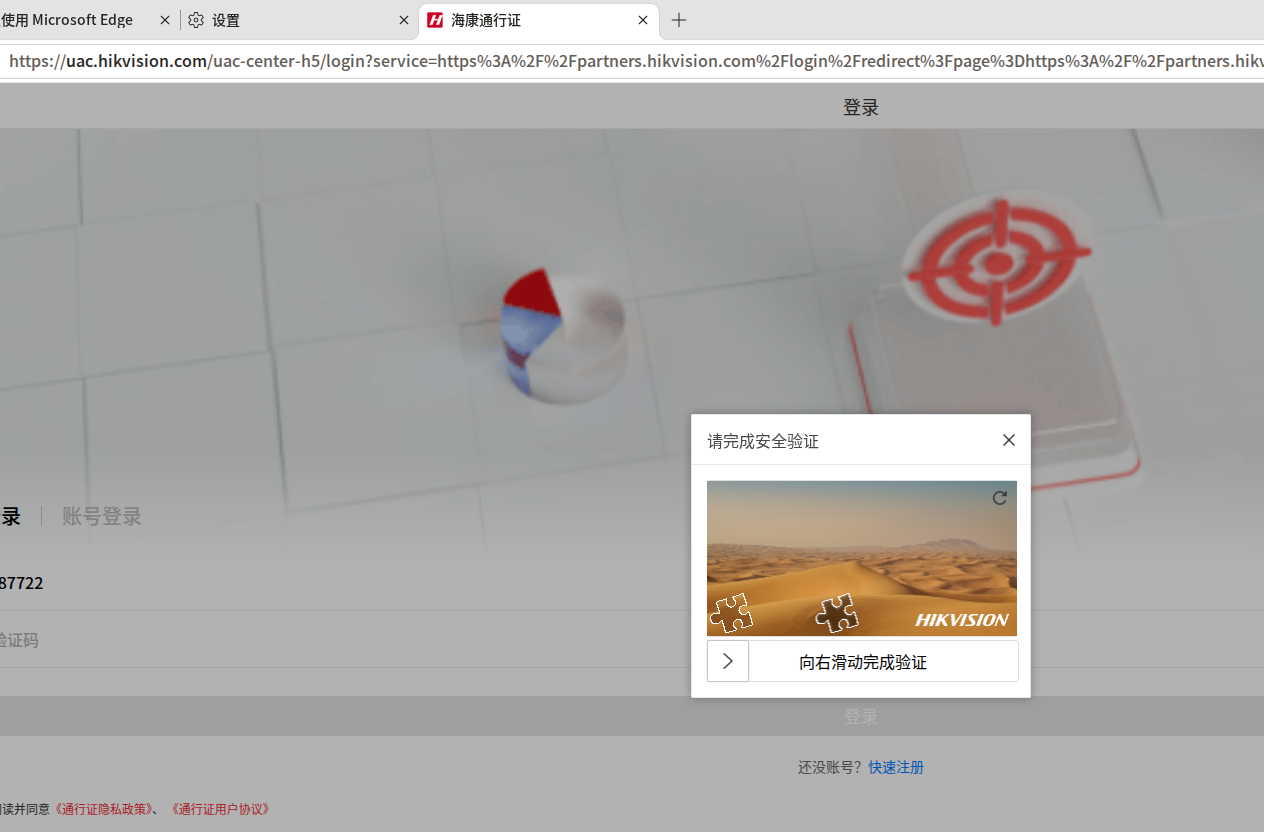

那就是网站的问题了,反馈给网站运营方,不是浏览器的问题。或者检查下你的鼠标,是不是鼠标出问题了。
deepin 那就是网站的问题了,反馈给网站运营方,不是浏览器的问题。或者检查下你的鼠标,是不是鼠标出问题了。
使用虚拟机在win10下是正常能滑动。还是浏览器的问题。应该是显示的问题。
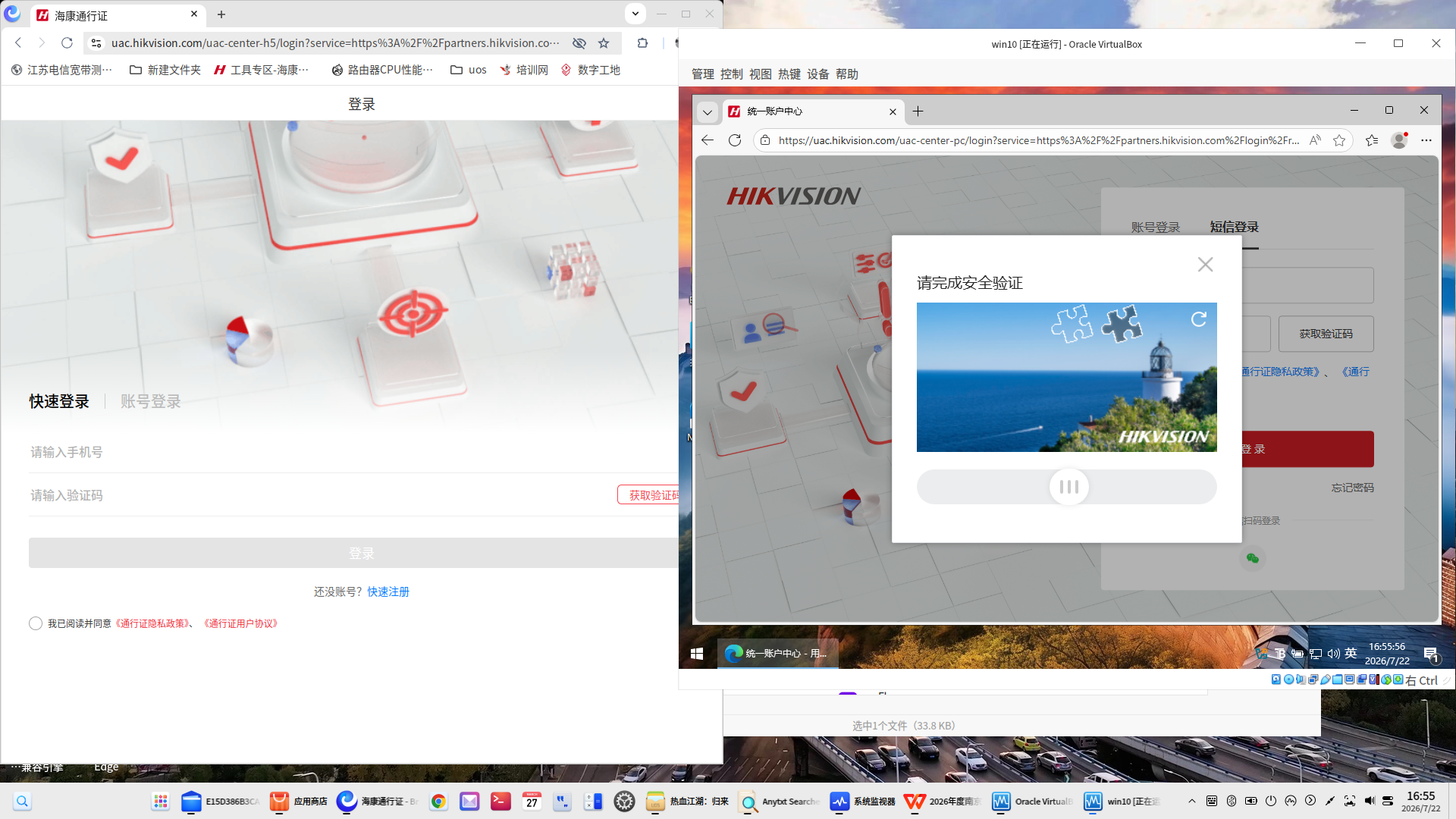
使用虚拟机在win10下是正常能滑动。还是浏览器的问题。应该是显示的问题。
你找个切换浏览器的UA插件,把UA换成Windows试试,我怀疑是这个网页识别的问题,三个Chromium内核的同时出问题就很奇怪了
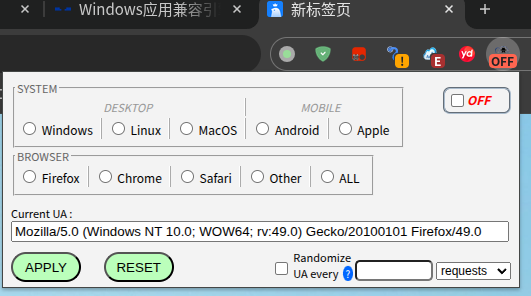
deepin 你找个切换浏览器的UA插件,把UA换成Windows试试,我怀疑是这个网页识别的问题,三个Chromium内核的同时出问题就很奇怪了
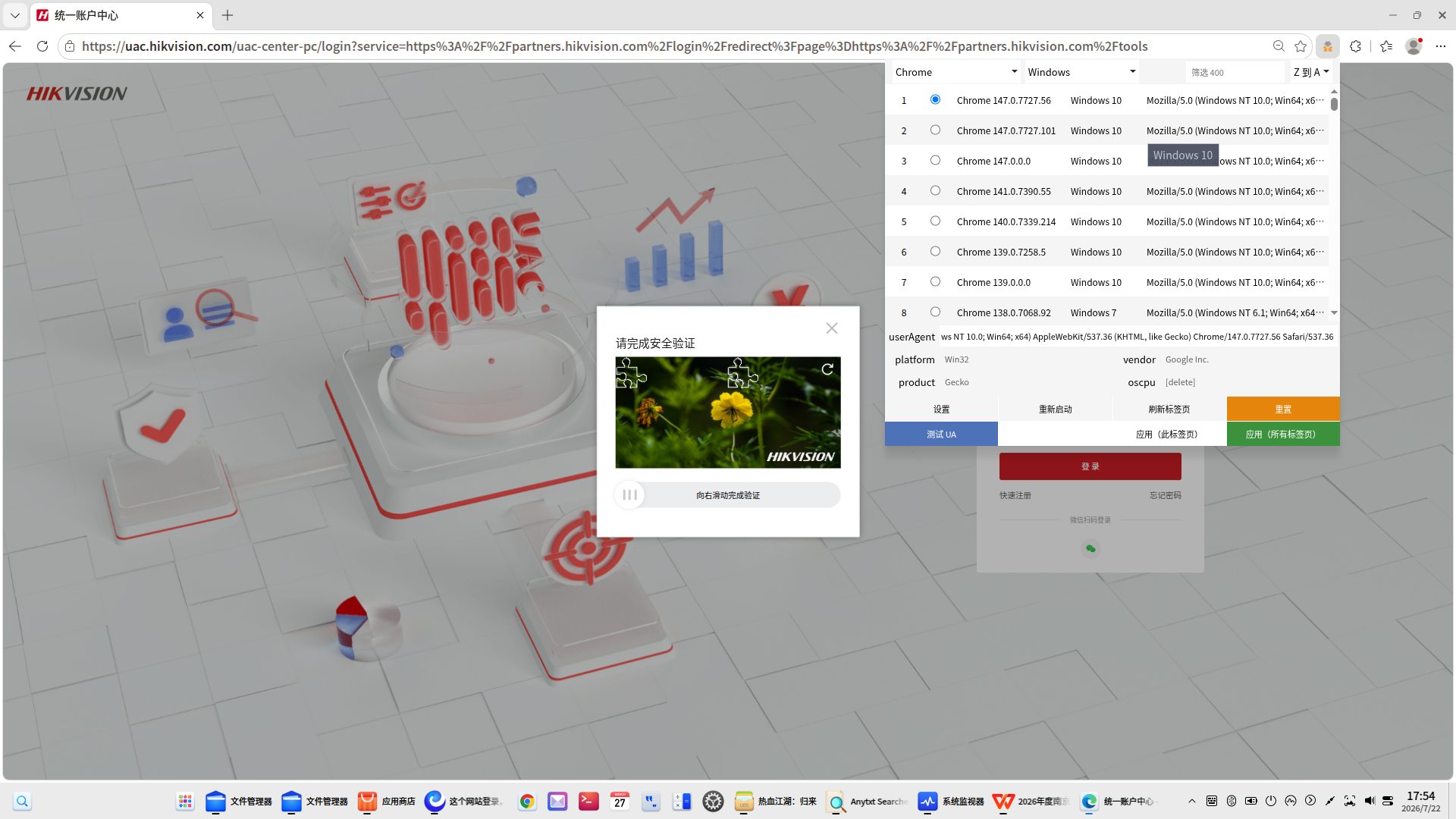
按你的办法试了试,网页打开后就不一样了与windows看到的是一样的。滑动也OK了。
deepin 另外吐槽一下edge浏览器下个插件点获取,这个确认框已经超出屏幕了。
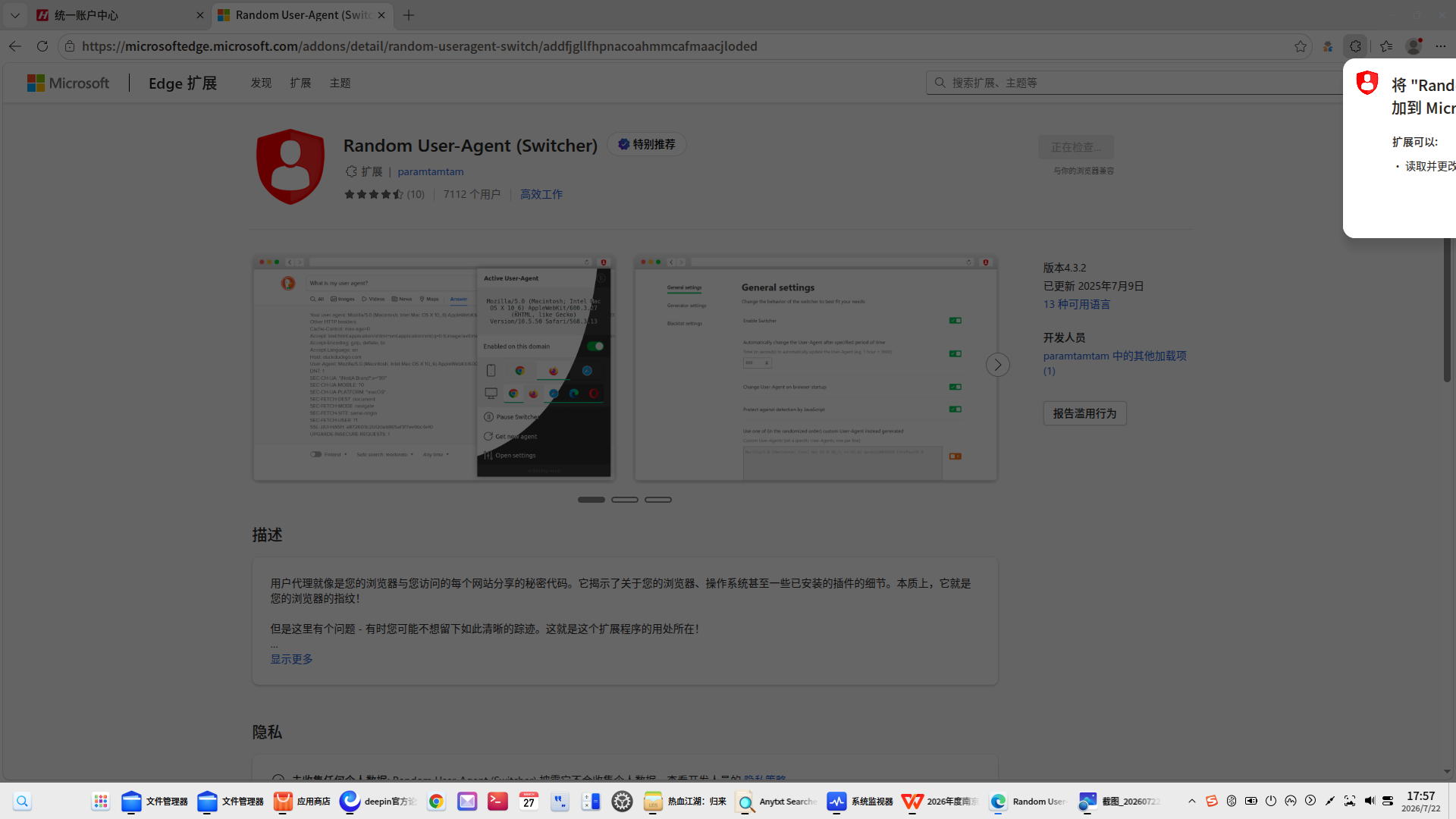
按你的办法试了试,网页打开后就不一样了与windows看到的是一样的。滑动也OK了。
所以说嘛,还是网站的问题,不兼容Linux,得找海康解决。
另外吐槽一下edge浏览器下个插件点获取,这个确认框已经超出屏幕了。
还是那句😂 找微软……这问题在别的发行版上也有。

 deepin
 另外吐槽一下edge浏览器下个插件点获取,这个确认框已经超出屏幕了。
微软的锅,mint也这样
 deepin
 很多网站都屏蔽Linux的访问 😂

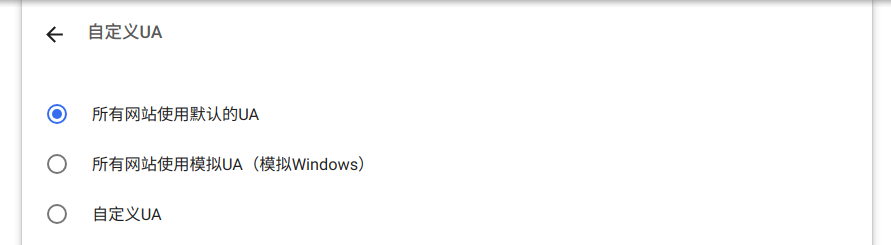
如果真的是网站本身的问题(限制为Windows访问),那可以试试360安全浏览器,然后在浏览器设置-自定义UA里选择“模拟Windows”
Popular Ranking
ChangePopular Events
More


 List of bugs and suggestions
这个网站登录,无法滑动,无法完成验证,浏览器版本 6.6.5.13(正式版本)(64 位)| 127.0.6533.100