[Internal testing communication] 怎么装mission center这个软件
Tofloor
poster avatar
小琥在发呆
deepin
2026-06-28 22:37
Author

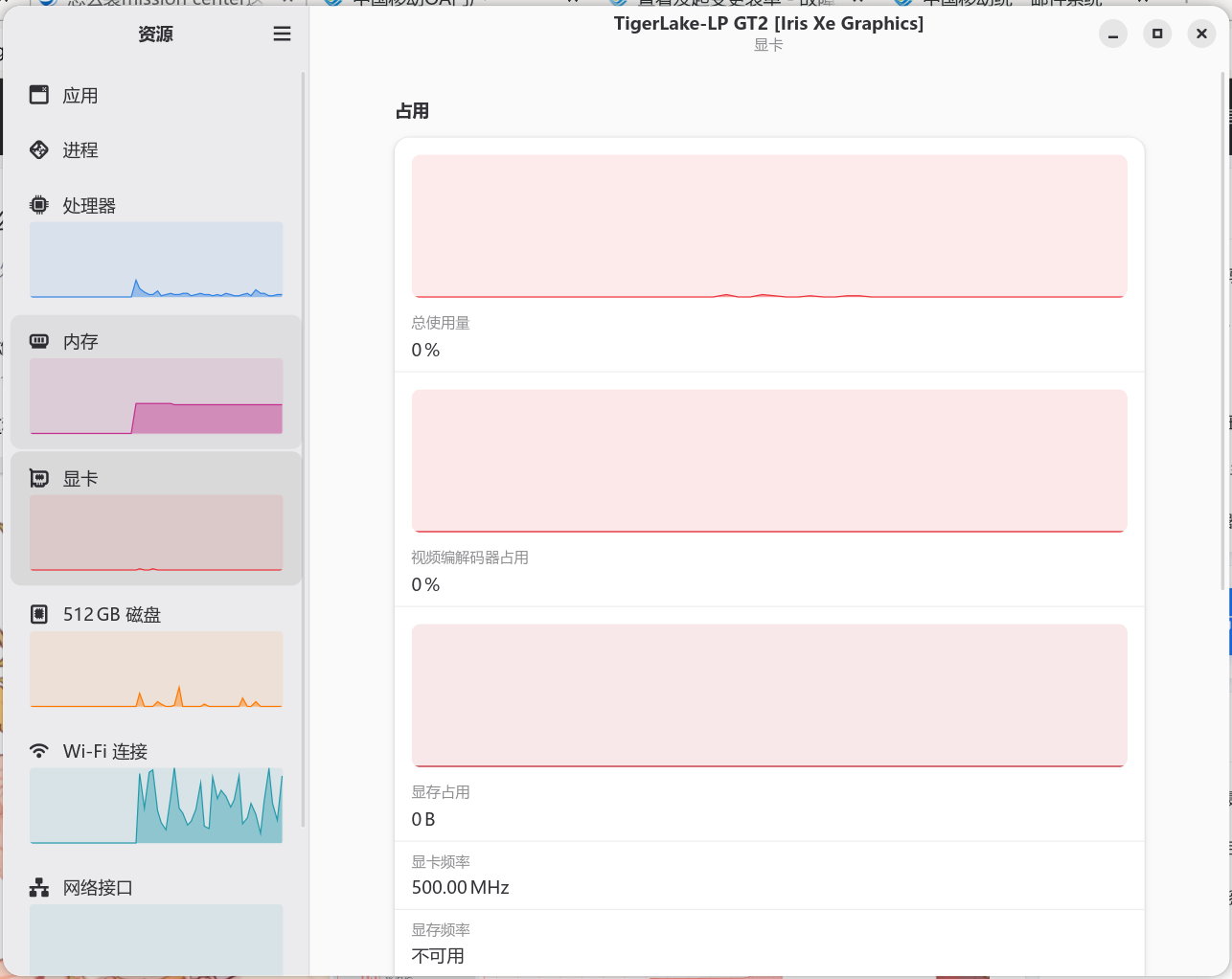
就是这种能看到显卡的,需要输什么代码?

B7E0FCE13BBB6A14E7D1BAA1E5817320.png

Reply Favorite View the author
All Replies
avatar
北冥夜未央
deepin
Ecological co-builder
2026-06-29 00:07
#1

应用商店搜对应名字安装就行

Reply View the author
avatar
LiuYongzhang
deepin
2026-06-29 05:59
#2

image.png

Reply View the author
avatar
小琥在发呆
deepin
2026-06-29 09:22
#3
It has been deleted!
avatar
小琥在发呆
deepin
2026-06-29 09:23
#4
LiuYongzhang

image.png

截图_deepin-home-appstore-client_20260629092254.png

Reply View the author
avatar
小琥在发呆
deepin
2026-06-29 09:23
#5
北冥夜未央

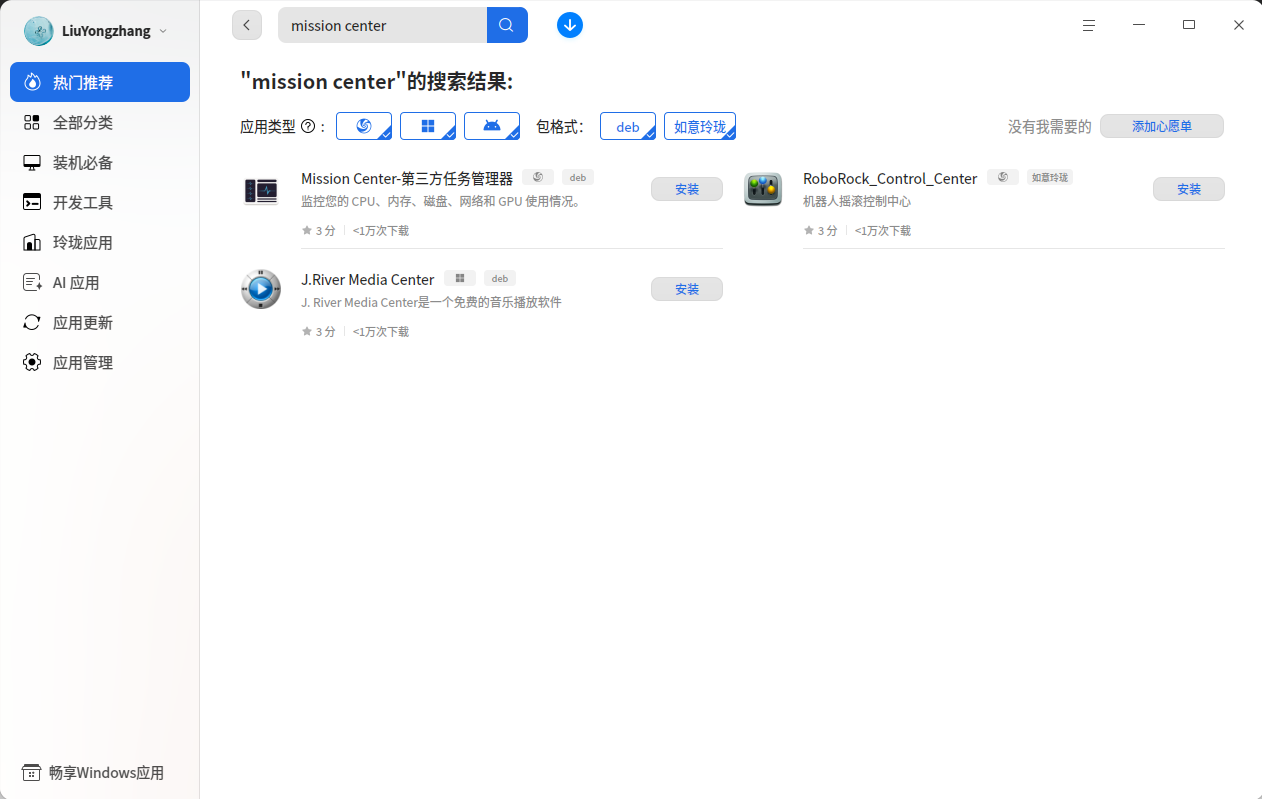
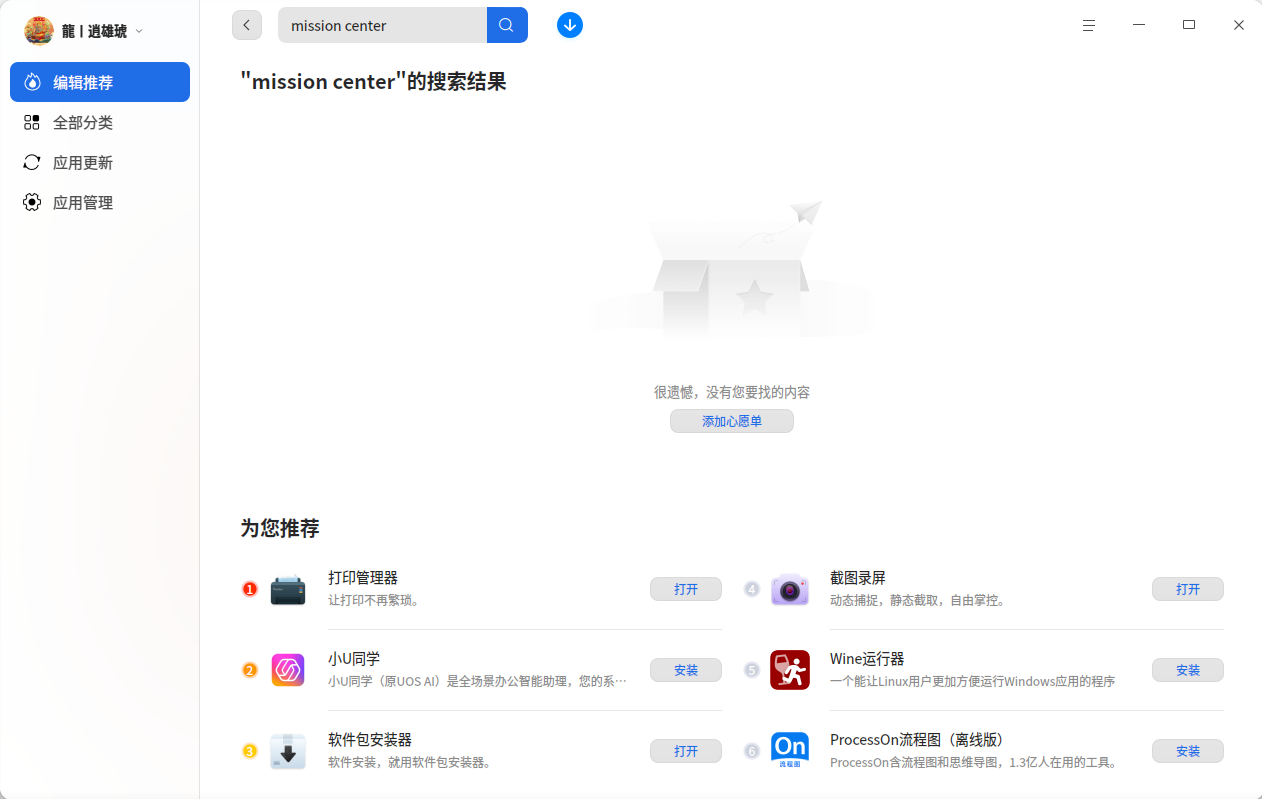
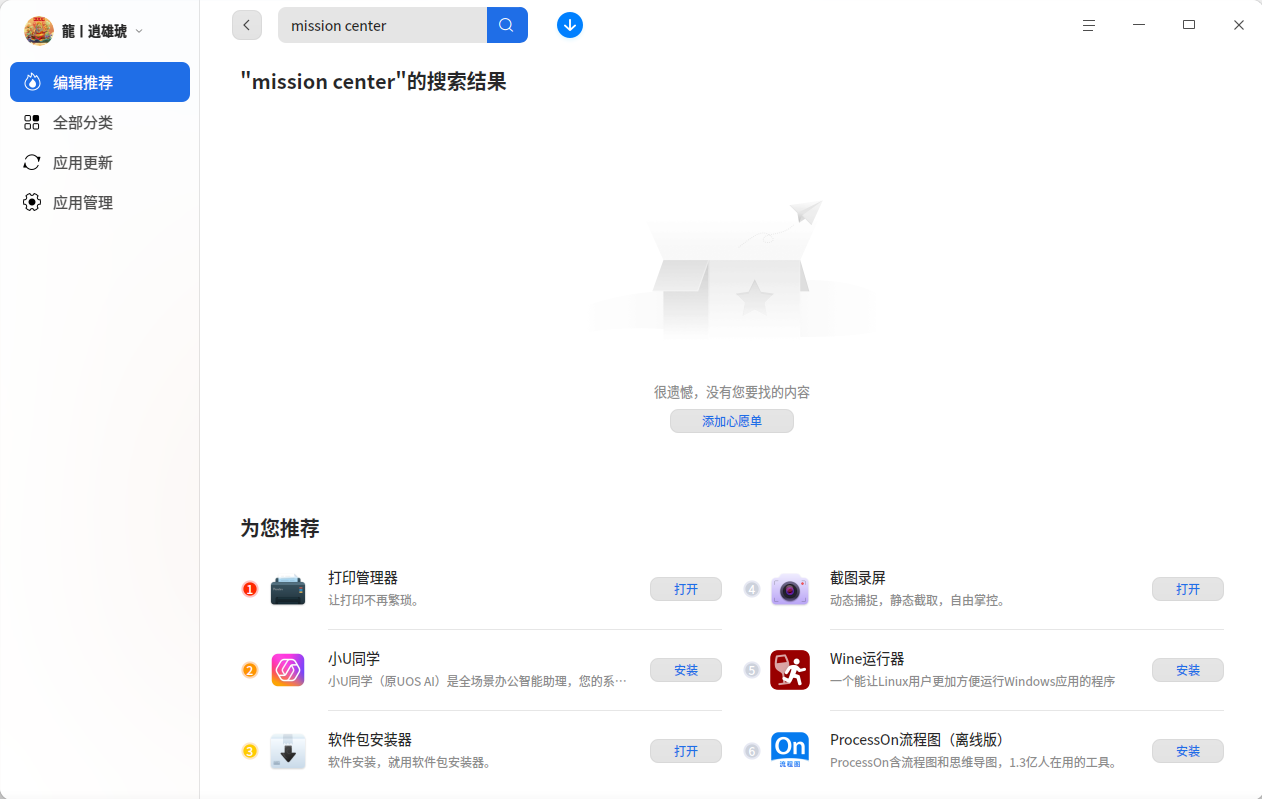
应用商店搜对应名字安装就行

没有么
截图_deepin-home-appstore-client_20260629092254.png

Reply View the author
avatar
LiuYongzhang
deepin
2026-06-29 09:46
#6
小琥在发呆

没有么
截图_deepin-home-appstore-client_20260629092254.png

只有amd64处理器的

Reply View the author
avatar
锵锵枪ᯤ
deepin
2026-06-29 09:52
#7

image.png

Reply View the author
avatar
小琥在发呆
deepin
2026-06-29 10:05
#8
锵锵枪ᯤ

image.png

这是啥软件,怎么显存不可用?

Reply View the author
avatar
锵锵枪ᯤ
deepin
2026-06-29 10:42
#9
小琥在发呆

这是啥软件,怎么显存不可用?

Linux的驱动读不到的参数, 显示就不可用。这个跟软件一般没有关系。

我用的这个:

https://flathub.org/zh-Hans/apps/net.nokyan.Resources

Reply View the author
avatar
小琥在发呆
deepin
2026-06-29 10:55
#10
锵锵枪ᯤ

Linux的驱动读不到的参数, 显示就不可用。这个跟软件一般没有关系。

我用的这个:

https://flathub.org/zh-Hans/apps/net.nokyan.Resources

这个我下载了包识别不了

Reply View the author
avatar
锵锵枪ᯤ
deepin
2026-06-29 11:06
#11
小琥在发呆

这个我下载了包识别不了

不用下载啊,安装flatpak后直接安装就行了

Reply View the author
avatar
mozixun
Moderator
2026-06-29 14:44
#12

flatpak直接上最新版就行了

Reply View the author
avatar
小琥在发呆
deepin
2026-07-01 10:28
#13
mozixun

flatpak直接上最新版就行了

不会😭 ,还是希望上架应用商店

Reply View the author
avatar
小琥在发呆
deepin
2026-07-01 10:28
#14
锵锵枪ᯤ

不用下载啊,安装flatpak后直接安装就行了

我 就是连这个了不会装😂

Reply View the author
avatar
锵锵枪ᯤ
deepin
2026-07-03 09:14
#15
小琥在发呆

我 就是连这个了不会装😂

在终端里面执行,就安装好了

sudo apt update

sudo apt install flatpak -y

设置,再执行下面两套就行。以后flathub上面找到的软件就都能直接装了

flatpak remote-add --if-not-exists flathub https://dl.flathub.org/repo/flathub.flatpakrepo
flatpak remote-modify flathub --url=https://mirrors.ustc.edu.cn/flathub
Reply View the author
avatar
小琥在发呆
deepin
2026-07-06 21:46
#16
锵锵枪ᯤ

在终端里面执行,就安装好了

sudo apt update

sudo apt install flatpak -y

设置,再执行下面两套就行。以后flathub上面找到的软件就都能直接装了

flatpak remote-add --if-not-exists flathub https://dl.flathub.org/repo/flathub.flatpakrepo
flatpak remote-modify flathub --url=https://mirrors.ustc.edu.cn/flathub

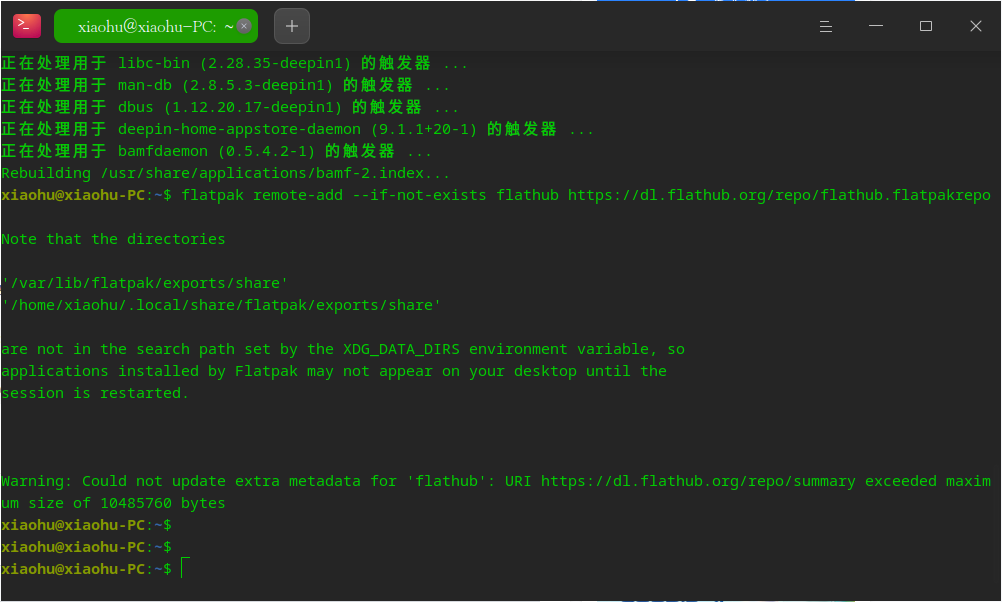
前两个命令都正常,后面两个好像都在输入密码后成这样了
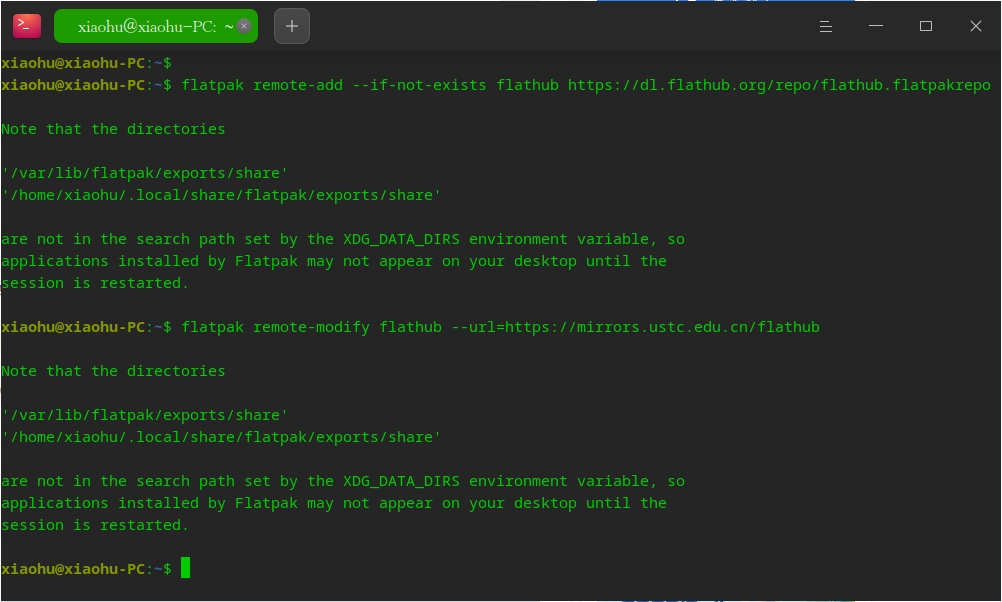
截图_deepin-terminal_20260706214539.png

截图_deepin-terminal_20260706214457.png

Reply View the author
avatar
锵锵枪ᯤ
deepin
2026-07-07 09:30
#17
小琥在发呆

前两个命令都正常,后面两个好像都在输入密码后成这样了
截图_deepin-terminal_20260706214539.png

截图_deepin-terminal_20260706214457.png

不影响。

Reply View the author
avatar
小琥在发呆
deepin
2026-07-07 21:03
#18
锵锵枪ᯤ

不影响。

主要是没装上😭

Reply View the author