

 中文
中文 
罐子
2026-04-23 12:53 Moderator
浏览器访问肯定不行吗。
你当网站访问是什么鬼
Reply Like 0 View the author

浏览器访问肯定不行吗。
你当网站访问是什么鬼

 deepin
 smb:\\ xxxxx试试看
 deepin
 用网络邻居试试自己开启: sudo systemctl enable avahi-daemon.service --now
 deepin
 win系统访问UOS共享文件夹,打开此电脑,在地址栏输入 \\+你的共享IP地址
UOS系统访问win系统共享文件夹,打开计算机,在地址栏输入smb://+你的共享IP地址
看看这样能不能访问
 deepin
 浏览器访问肯定不行吗。
你当网站访问是什么鬼
是在我的电脑中输入会自动跳转到浏览器,就挺奇怪的
deepin smb:\\ xxxxx试试看
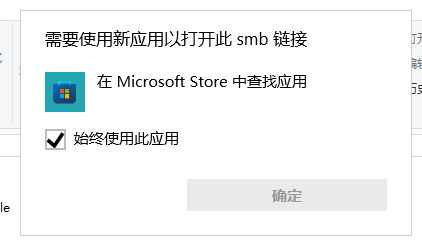 尝试过 会弹出这样的东西
deepin win系统访问UOS共享文件夹,打开此电脑,在地址栏输入 \\+你的共享IP地址
UOS系统访问win系统共享文件夹,打开计算机,在地址栏输入smb://+你的共享IP地址
看看这样能不能访问
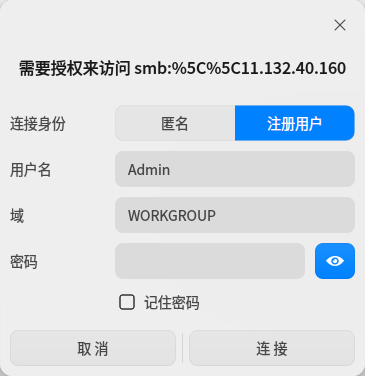
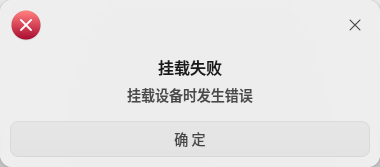 这个账号密码去哪里查看直接匿名访问的话又显示挂载错误
win下是\\x.x.x.x

 deepin
 win系统访问UOS共享文件夹,打开此电脑,在地址栏输入 \\+你的共享IP地址
UOS系统访问win系统共享文件夹,打开计算机,在地址栏输入smb://+你的共享IP地址
看看这样能不能访问
感谢,还一直纳闷为啥不行呢,原来是忽略了斜线的方向,忘记了win跟类uinx的不一样
Popular Ranking
ChangePopular Events
More


 List of bugs and suggestions
明明共享文件都设置好了并且处在同一局域网 但是都互相无法发现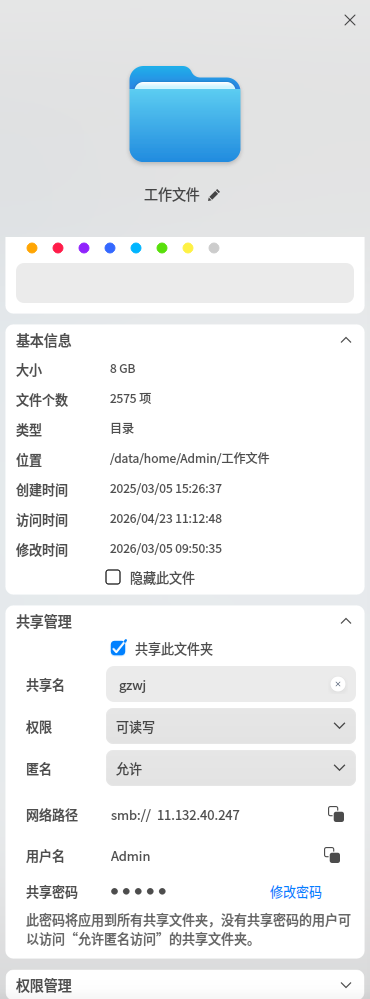
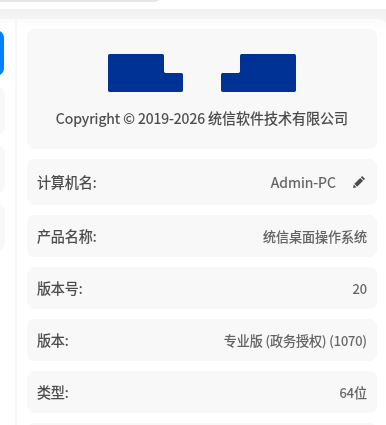
UOS情况如下
windows情况如下
现在WIN可以访问UOS 但是UOS挂载WIN的共享文件夹会出现
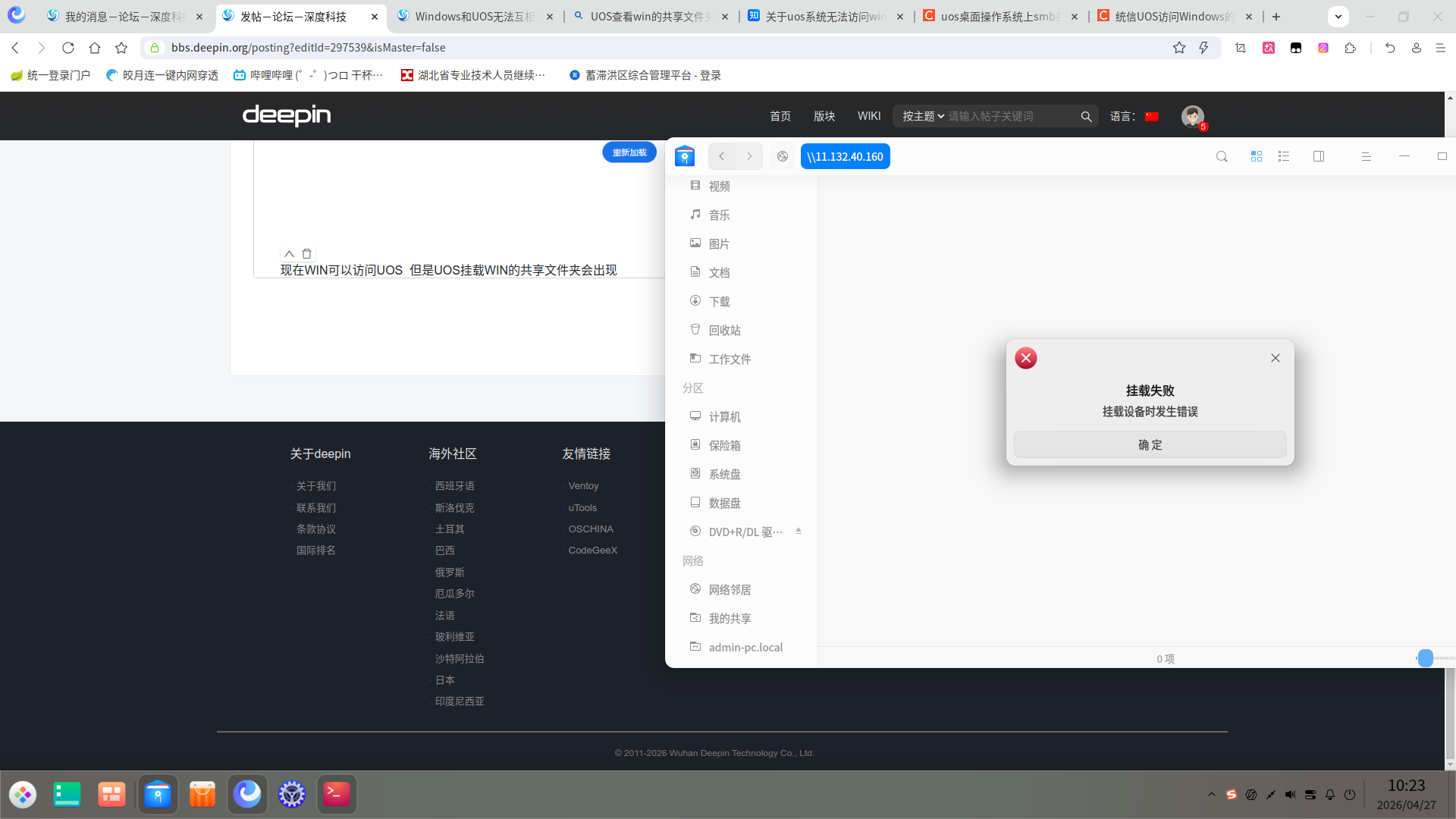 挂载失败的问题 使用的是smb:\\ +WindowsIP地址 不清楚为何会报错