

 中文
中文 
晚秋(lateautumn)
2026-04-13 10:24 Moderator
谢谢分享。学习了。以前一直用命令,这次用下这个软件。
Reply Like 0 View the author

谢谢分享。学习了。以前一直用命令,这次用下这个软件。

 deepin
 谢谢分享。学习了。以前一直用命令,这次用下这个软件。
给它偷来,放商店里。😁
 deepin
 给它偷来,放商店里。😁
这个论坛一直都有,版本比这个还新,但审不过
这回我投个旧版试试
 deepin
 龙芯应用合作社上的这个U盘镜像写入工具兼容性更好。之前制作麒麟v11启动盘测试了N种工具均失败,用龙芯这个工具制作成功并正常安装系统。
 deepin
 今天折腾了一下,制作完启动盘,到了这一步以后,直接黑屏,没有下一步了,笔记本电脑型号攀升LL300
deepin 楼主成功安装了么
deepin 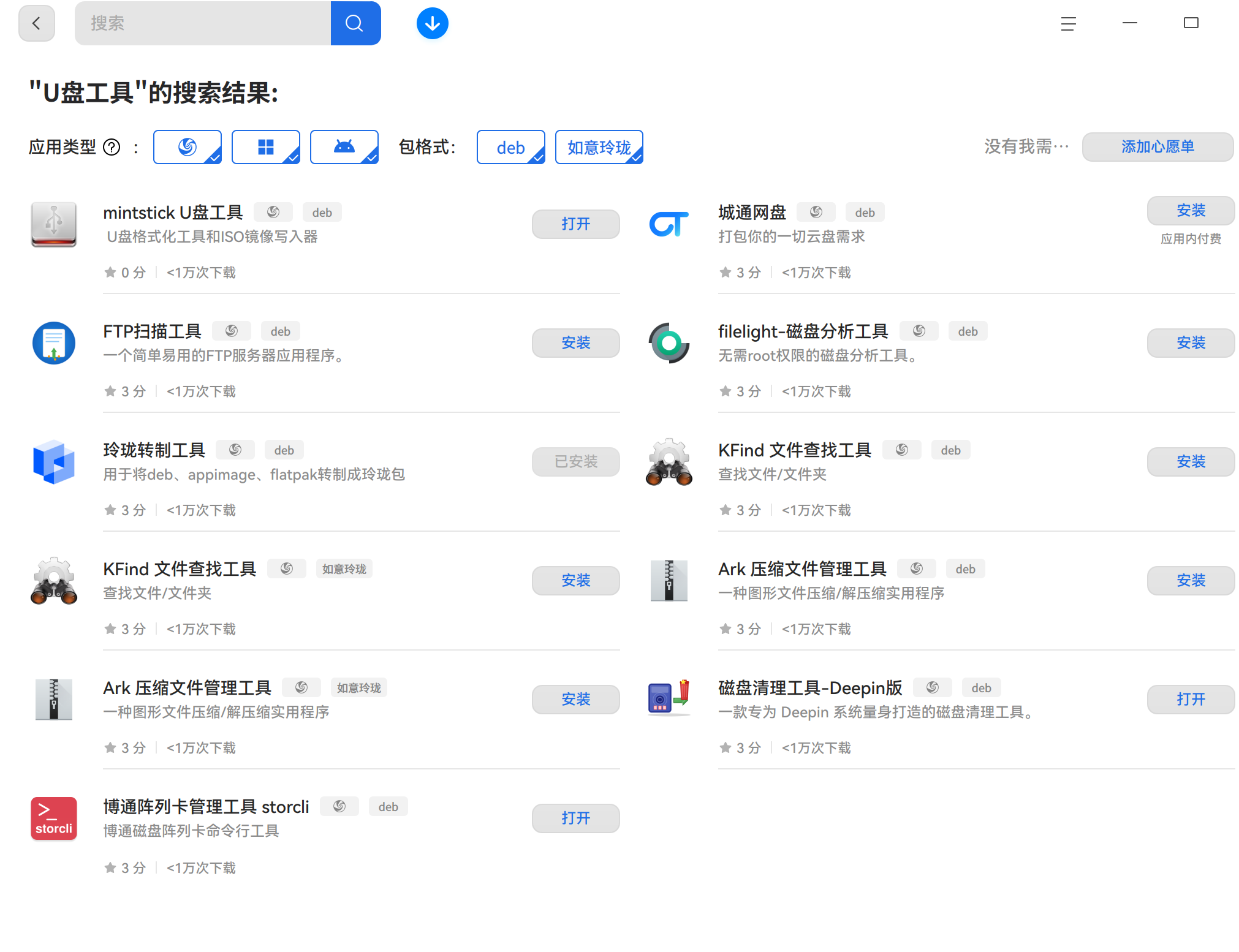
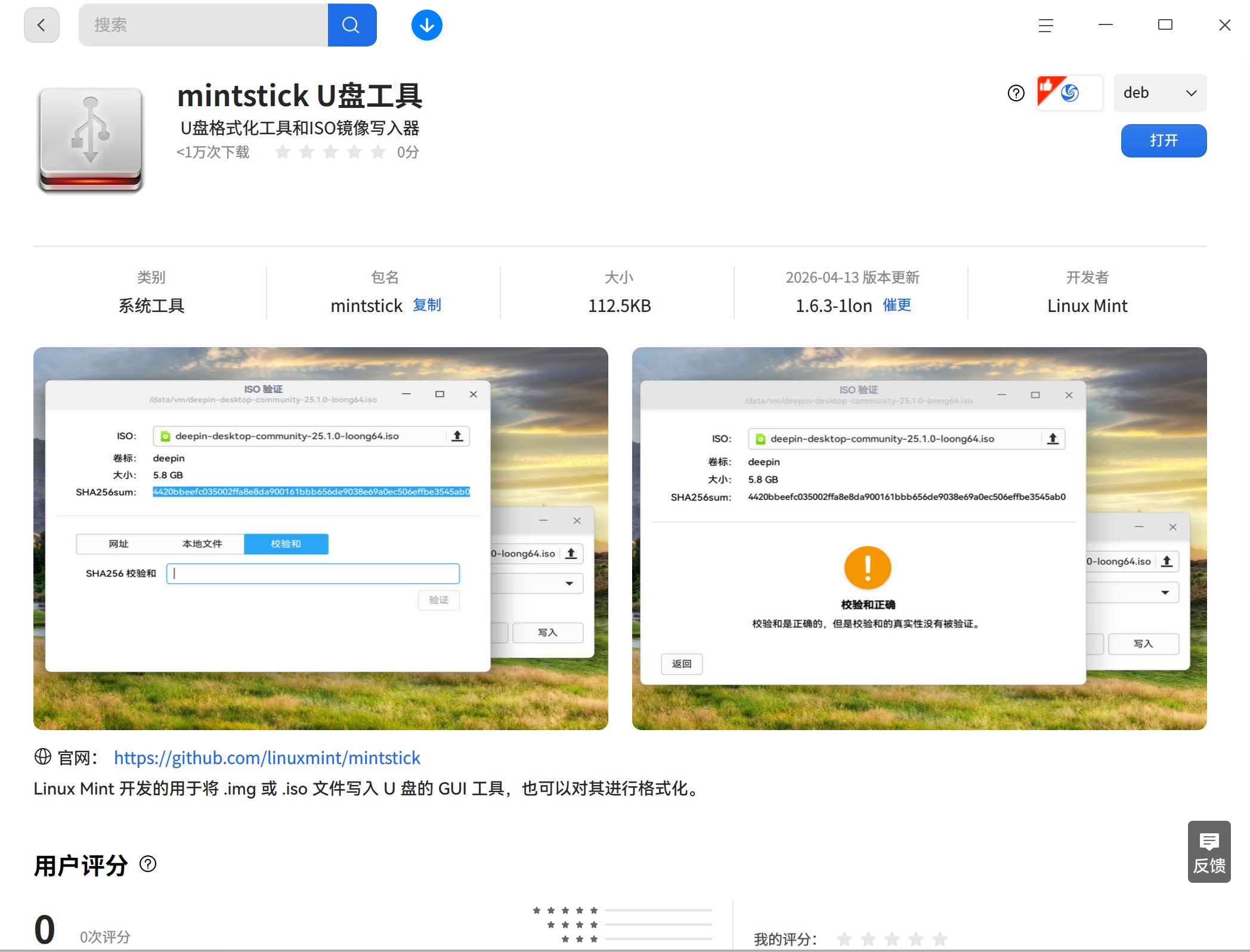
deepin 我启动到安装界面,就没有进一步。因为我的系统正在使用中。
我是从龙芯应用商店下载的loong64版的。
 deepin
 单位发了台机器,用的麒麟的,不太好用,我就改成了deepin25.1loong ,用R做了启动U盘,
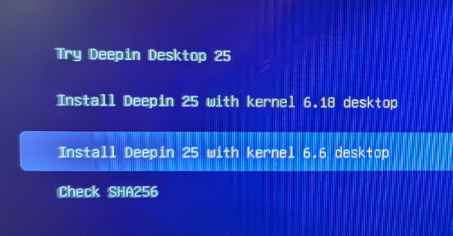 前面两个黑屏重启,第三个可以成功安装~~,因为机器是内网不知道去哪找软件,还望大佬指教
Popular Ranking
ChangePopular Events
More


 List of bugs and suggestions
@lon
1.软件下载,龙芯应用合作社。
2.制作启动盘
3.UEFI启动U盘
系统正常使用,启动到此,就没有进行下一步安装。应该可以的。