

 中文
中文 
h***n@163.com deepin
2026-04-12 21:58 deepin 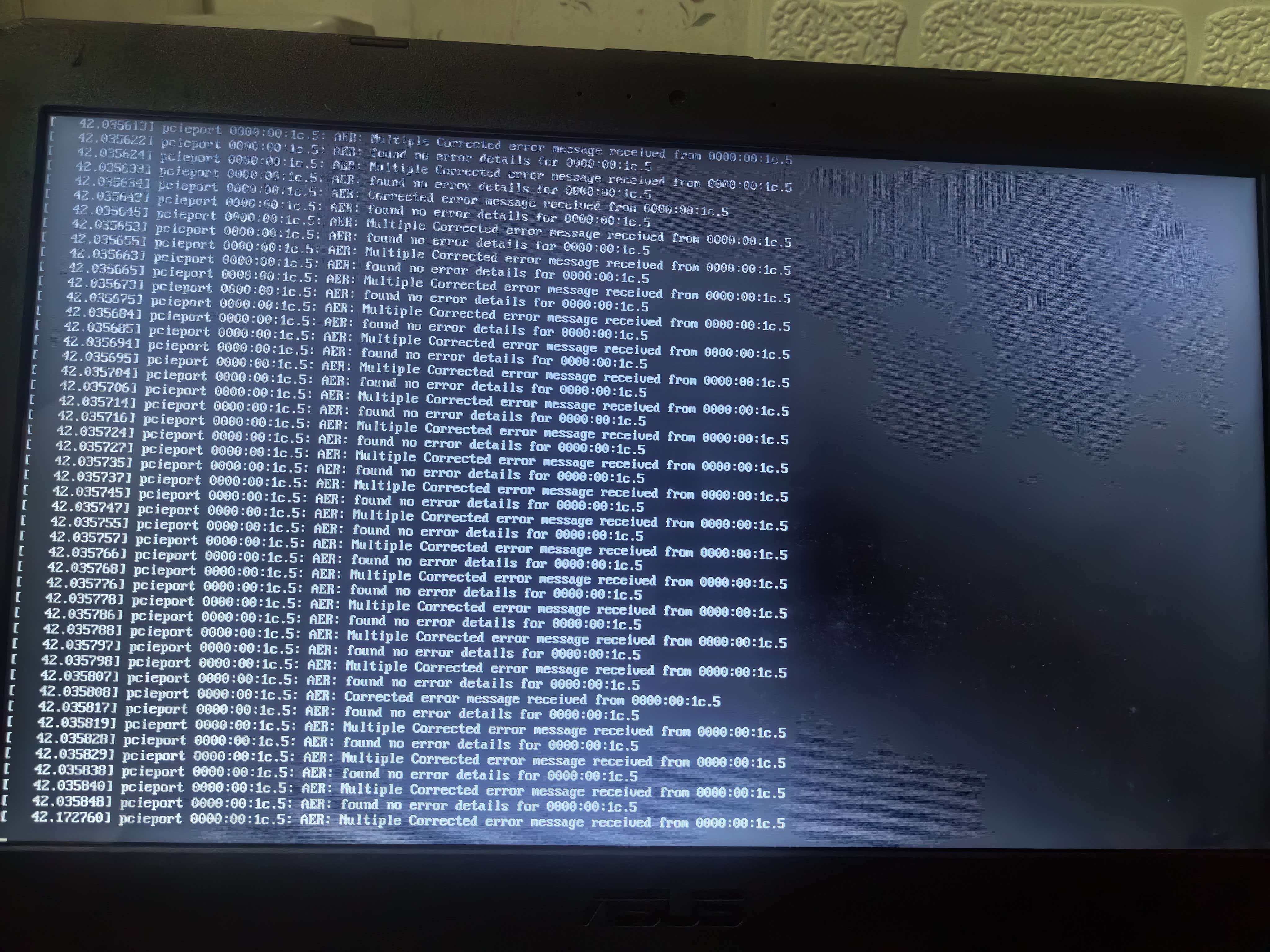
Reply Like 0 View the author
 deepin
 deepin
 1,进入笔记本BIOS,做以下调整:关闭「PCIe ASPM」「CPU C-State」等节能选项
· 2,若你的笔记本是可拆机型:关机断电后重新插拔无线网卡 / NVMe 硬盘,清洁金手指,解决接触不良。
更换安装 U 盘、USB 接口,排除 U 盘安装介质的供电 / 信号干扰。

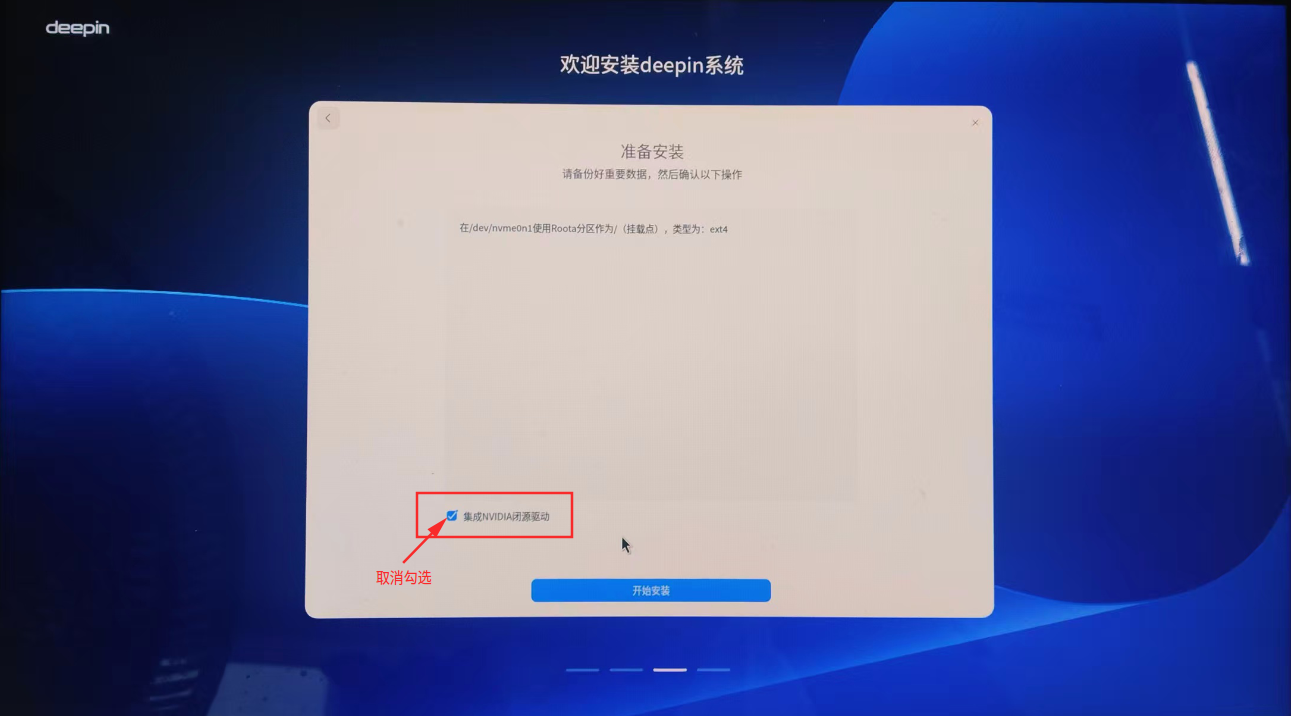
试试把N卡驱动取消勾选再装:
https://bbs.deepin.org.cn/post/295712
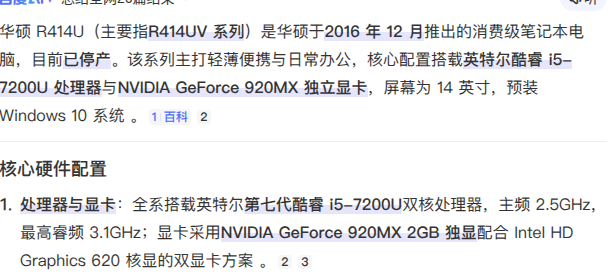
 deepin
 我的也是,直接装25.1死活不行,退而求其次,先装了23.1,然后找教程升的25.1
Popular Ranking
ChangePopular Events
More


 List of bugs and suggestions
UEFI和MRB都失败了,开鸿X86、ubuntu 25.10顺利安装,不知问题在哪?