

 中文
中文 
马小松 deepin
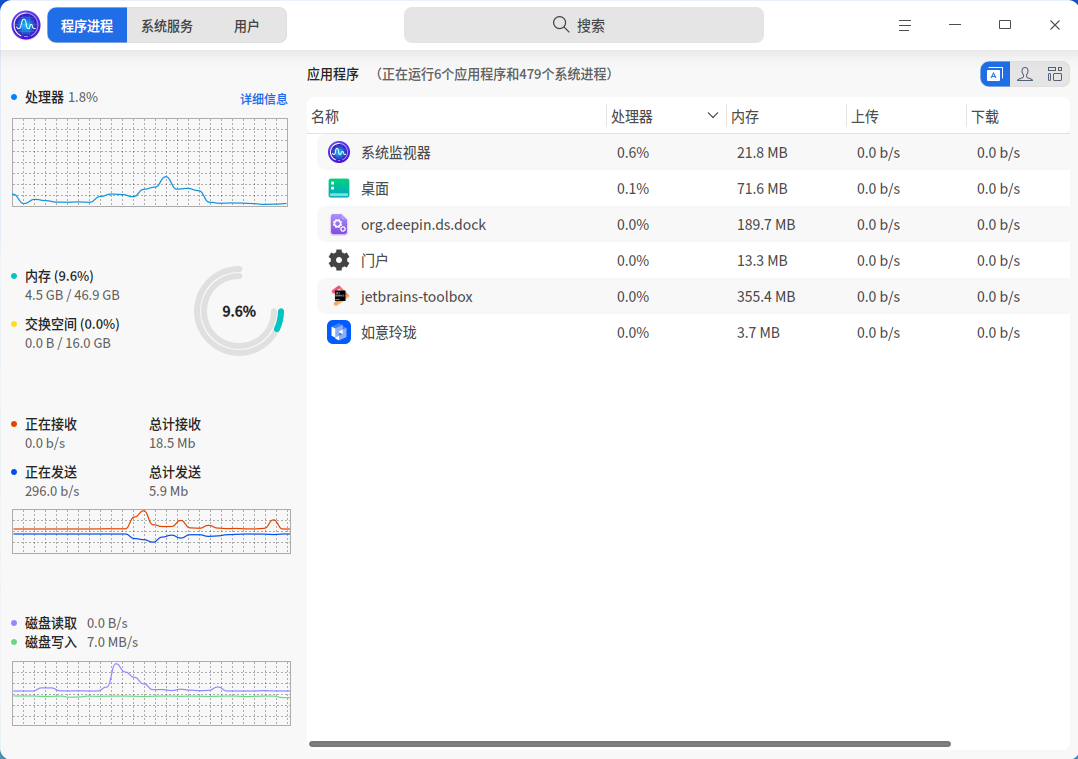
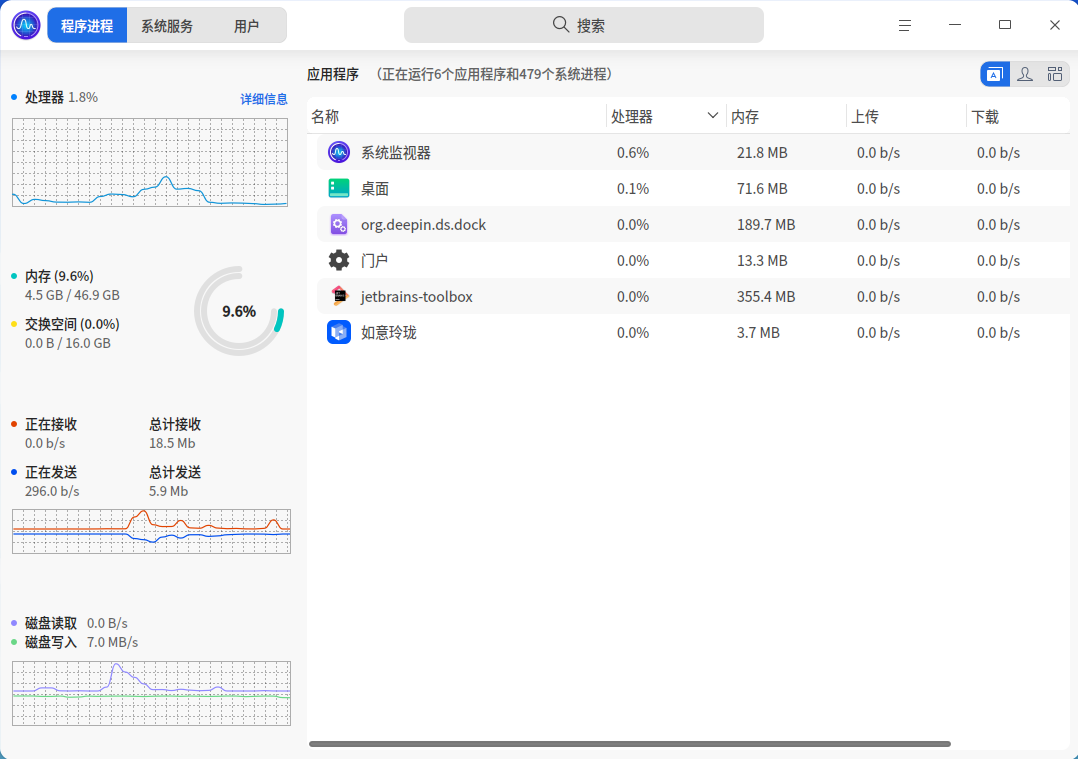
2026-04-12 21:09 deepin 系统自带的系统监视器无法监控 GPU 的使用情况
Reply Like 0 View the author
 deepin
 系统自带的系统监视器无法监控 GPU 的使用情况

 deepin
 你这配置挺少见的,AU+I卡,看下内核,建议可以试试不同的内核,官方目前应该有6.6、6.12、6.18可以选,试试另外的内核
 deepin
 系统与 BIOS 设置问题
1,Resizable BAR (ReBAR) 未开启(B580 必须开启,性能损失极大)。
2,系统电源模式为节能,CPU/GPU 被降频。
3,桌面特效(合成器)占用过高。
如果还是不行,就是官方源版本太低导致,等待官方源的升级。

lspci | grep -i "VGA\|3D"
终端执行这个,输出中应包含 Intel Corporation Battlemage 或 Intel Arc B580 等字样。如果没找到,可能是硬件连接或PCIe识别问题。另外25.1已经集成6.18内核了,用6.18内核看看是否正常驱动
再来个内核日志:sudo journalctl -k > ~/Desktop/kernel_journal.txt
研发分析了下,Intel 580显卡需要高版本的mesa驱动,可以添加下这个仓库,把系统的mesa更新下,你这个卡应该就可以驱动了。终端里面执行
sudo nano /etc/apt/sources.list
然后把这一行加到系统源下面(粘贴完ctrl+o写入,ctrl+x退出):
deb https://ci.deepin.com/repo/deepin/deepin-community/hwe-25/ unstable main community commercial
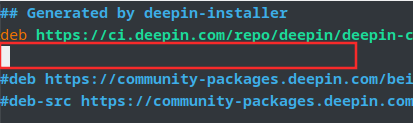
再执行 sudo apt update&&sudo apt dist-upgrade更新mesa驱动,重启系统
 deepin
 研发分析了下,Intel 580显卡需要高版本的mesa驱动,可以添加下这个仓库,把系统的mesa更新下,你这个卡应该就可以驱动了。终端里面执行
sudo nano /etc/apt/sources.list
然后把这一行加到系统源下面(粘贴完ctrl+o写入,ctrl+x退出):
deb https://ci.deepin.com/repo/deepin/deepin-community/hwe-25/ unstable main community commercial
再执行 sudo apt update&&sudo apt dist-upgrade更新mesa驱动,重启系统
levenhan@levenhan-PC:~$ lspci | grep -i "VGA|3D"
09:00.0 VGA compatible controller: Intel Corporation Battlemage G21 [Arc B580]
:未找到命令
levenhan@levenhan-PC:$ sudo journalctl -k > $ sudo nano /etc/apt/sources.list/Desktop/kernel_journal.txt$ sudo nano /etc/apt/sources.list
请输入密码:
验证成功
levenhan@levenhan-PC:
levenhan@levenhan-PC:
levenhan@levenhan-PC:~$ sudo apt update&&sudo apt dist-upgrade
获取:4 https://ci.deepin.com/repo/deepin/deepin-community/hwe-25 unstable InRelease [45.7 kB]
获取:3 https://cdn-community-packages.deepin.com/driver-25 snipe InRelease [15.0 kB]
获取:5 https://ci.deepin.com/repo/deepin/deepin-community/hwe-25 unstable/main i386 Packages [85.2 kB]
命中:1 https://community-packages.deepin.com/beige crimson InRelease
获取:6 https://ci.deepin.com/repo/deepin/deepin-community/hwe-25 unstable/main amd64 Packages [93.7 kB]
获取:7 https://cdn-community-packages.deepin.com/driver-25 snipe/non-free amd64 Packages [649 kB]
获取:2 https://app-store-files.uniontech.com/260626170002636/appstorev23 crimson InRelease [7,661 B]
获取:8 https://ci.deepin.com/repo/deepin/deepin-community/hwe-25 unstable/main amd64 Contents (deb) [155 kB]
获取:9 https://ci.deepin.com/repo/deepin/deepin-community/hwe-25 unstable/main i386 Contents (deb) [148 kB]
获取:10 https://ci.deepin.com/repo/deepin/deepin-community/hwe-25 unstable/community i386 Packages [6,182 B]
获取:11 https://ci.deepin.com/repo/deepin/deepin-community/hwe-25 unstable/community amd64 Packages [6,214 B]
获取:12 https://ci.deepin.com/repo/deepin/deepin-community/hwe-25 unstable/community amd64 Contents (deb) [16.4 kB]
deepin levenhan@levenhan-PC:~$ lspci | grep -i "VGA|3D"
09:00.0 VGA compatible controller: Intel Corporation Battlemage G21 [Arc B580]
:未找到命令
levenhan@levenhan-PC:$ sudo journalctl -k > $ sudo nano /etc/apt/sources.list/Desktop/kernel_journal.txt$ sudo nano /etc/apt/sources.list
请输入密码:
验证成功
levenhan@levenhan-PC:
levenhan@levenhan-PC:
levenhan@levenhan-PC:~$ sudo apt update&&sudo apt dist-upgrade
获取:4 https://ci.deepin.com/repo/deepin/deepin-community/hwe-25 unstable InRelease [45.7 kB]
获取:3 https://cdn-community-packages.deepin.com/driver-25 snipe InRelease [15.0 kB]
获取:5 https://ci.deepin.com/repo/deepin/deepin-community/hwe-25 unstable/main i386 Packages [85.2 kB]
命中:1 https://community-packages.deepin.com/beige crimson InRelease
获取:6 https://ci.deepin.com/repo/deepin/deepin-community/hwe-25 unstable/main amd64 Packages [93.7 kB]
获取:7 https://cdn-community-packages.deepin.com/driver-25 snipe/non-free amd64 Packages [649 kB]
获取:2 https://app-store-files.uniontech.com/260626170002636/appstorev23 crimson InRelease [7,661 B]
获取:8 https://ci.deepin.com/repo/deepin/deepin-community/hwe-25 unstable/main amd64 Contents (deb) [155 kB]
获取:9 https://ci.deepin.com/repo/deepin/deepin-community/hwe-25 unstable/main i386 Contents (deb) [148 kB]
获取:10 https://ci.deepin.com/repo/deepin/deepin-community/hwe-25 unstable/community i386 Packages [6,182 B]
获取:11 https://ci.deepin.com/repo/deepin/deepin-community/hwe-25 unstable/community amd64 Packages [6,214 B]
获取:12 https://ci.deepin.com/repo/deepin/deepin-community/hwe-25 unstable/community amd64 Contents (deb) [16.4 kB]
deepin 研发分析了下,Intel 580显卡需要高版本的mesa驱动,可以添加下这个仓库,把系统的mesa更新下,你这个卡应该就可以驱动了。终端里面执行
sudo nano /etc/apt/sources.list
然后把这一行加到系统源下面(粘贴完ctrl+o写入,ctrl+x退出):
deb https://ci.deepin.com/repo/deepin/deepin-community/hwe-25/ unstable main community commercial
再执行 sudo apt update&&sudo apt dist-upgrade更新mesa驱动,重启系统
可能就这样吧,有没有集成开发环境推荐,我装宝塔和1p 都失败了
deepin 研发分析了下,Intel 580显卡需要高版本的mesa驱动,可以添加下这个仓库,把系统的mesa更新下,你这个卡应该就可以驱动了。终端里面执行
sudo nano /etc/apt/sources.list
然后把这一行加到系统源下面(粘贴完ctrl+o写入,ctrl+x退出):
deb https://ci.deepin.com/repo/deepin/deepin-community/hwe-25/ unstable main community commercial
再执行 sudo apt update&&sudo apt dist-upgrade更新mesa驱动,重启系统
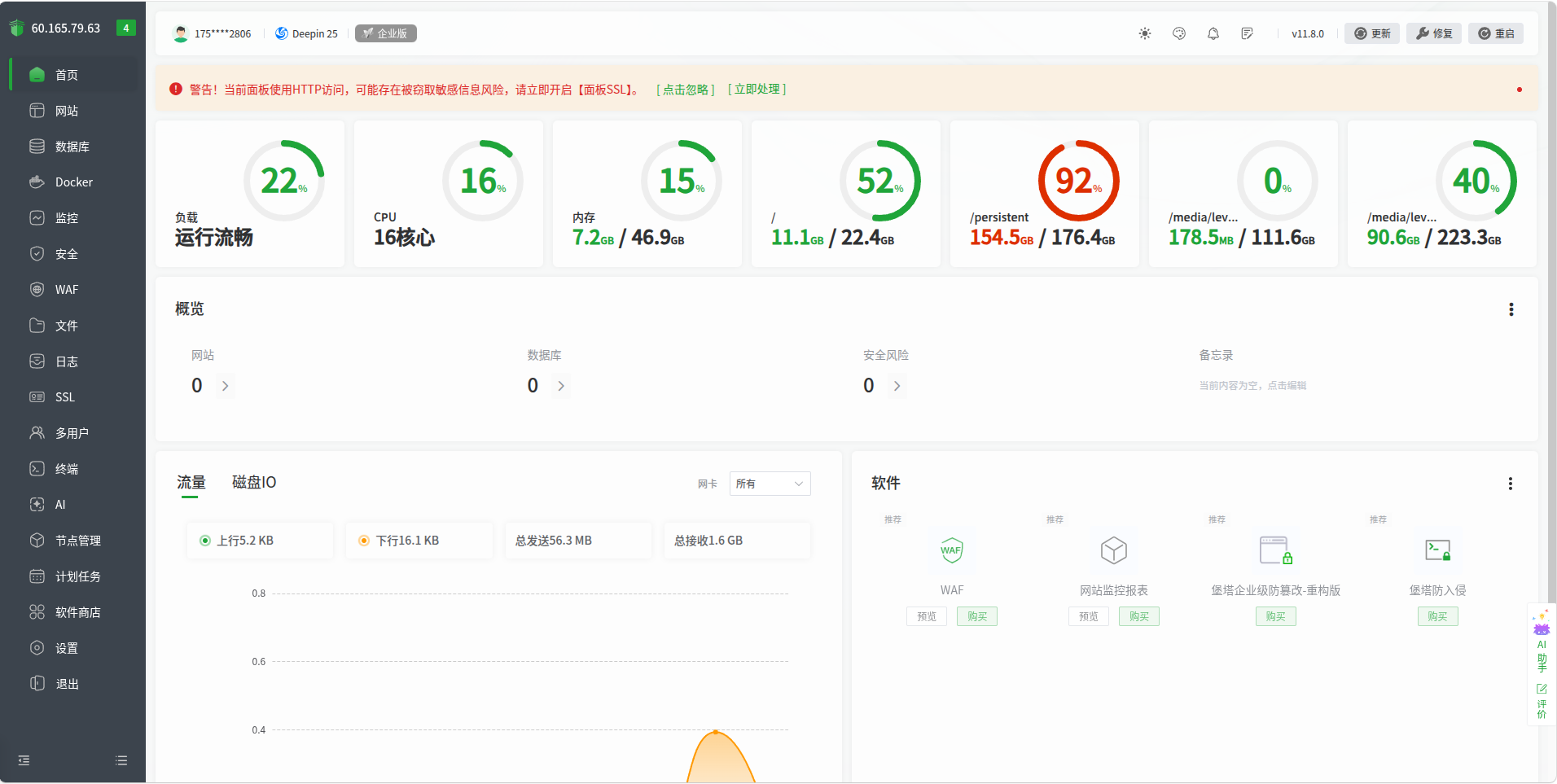
刚发现宝塔适配了deepin,以前装debian的包总是报错,原来是ubuntu/deepin
deepin 研发分析了下,Intel 580显卡需要高版本的mesa驱动,可以添加下这个仓库,把系统的mesa更新下,你这个卡应该就可以驱动了。终端里面执行
sudo nano /etc/apt/sources.list
然后把这一行加到系统源下面(粘贴完ctrl+o写入,ctrl+x退出):
deb https://ci.deepin.com/repo/deepin/deepin-community/hwe-25/ unstable main community commercial
再执行 sudo apt update&&sudo apt dist-upgrade更新mesa驱动,重启系统
安装宝塔直接给我GUI干废了,要重装系统了,有没有类似的集成开发环境推荐?
方便管理版本的
Popular Ranking
ChangePopular Events
More


 List of bugs and suggestions
我的显卡是Intel 蓝戟B580 ,这里没有显示,是因为驱动不支持还是其他原因