

 中文
中文 

LiuYongzhang deepin
2026-02-06 21:11 deepin 试试先卸载 deepin-immutable-ctl
sudo atp purge deepin-immutable-ctl
再重新安装timeshift
sudo apt reinstall timeshift -y
重新运行timeshift向导
在终端运行获取以下信息
echo "=== FSTAB信息 ==="
cat /etc/fstab
echo "=== BTRFS分区信息 ==="
lsblk -f
echo -e "\n=== BTRFS子卷列表 ==="
sudo btrfs subvolume list -a -p /
可以合理利用Ai 把遇到的问题丢给Ai 根据提示一步步操作,再把操作反馈信息继续喂给Ai
Reply Like 0 View the author
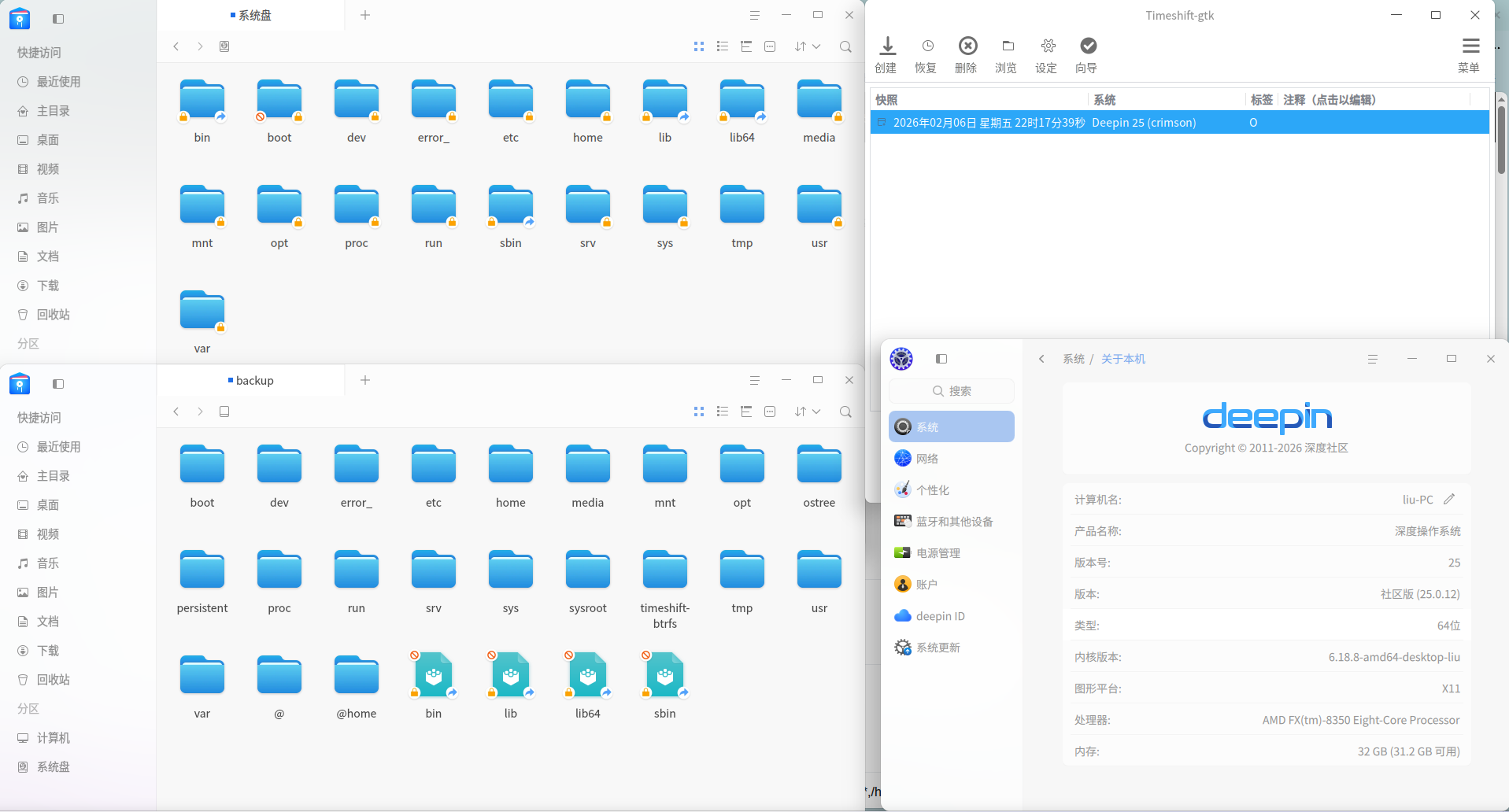



 List of bugs and suggestions


日志如下:
(base) scott@scott-PC:~$ timeshift-launcher
(timeshift-gtk:5085): GLib-GObject-CRITICAL **: 19:11:38.839: g_value_set_boxed: assertion 'G_VALUE_HOLDS_BOXED (value)' failed
(timeshift-gtk:5085): GLib-GObject-CRITICAL **: 19:11:38.839: g_value_set_boxed: assertion 'G_VALUE_HOLDS_BOXED (value)' failed
(timeshift-gtk:5085): dbind-WARNING **: 19:11:38.849: AT-SPI: Error retrieving accessibility bus address: org.freedesktop.DBus.Error.ServiceUnknown: The name org.a11y.Bus was not provided by any .service files
App config loaded: /etc/timeshift/timeshift.json
Mounted '/dev/nvme0n1p2' at '/run/timeshift/5085/backup'
btrfs: Quotas are not enabled
Creating new backup...(BTRFS)
Saving to device: /dev/nvme0n1p2, mounted at path: /run/timeshift/5085/backup
Created directory: /run/timeshift/5085/backup/timeshift-btrfs/snapshots/2026-02-06_19-11-41
E: ERROR: Could not create subvolume: Text file busy
E: btrfs returned an error: 256
E: Failed to create subvolume snapshot: @
Failed to create snapshot