[System Monitor] 不显示进程的详细信息
Tofloor
poster avatar
张张张
deepin
2022-12-15 00:59
Author

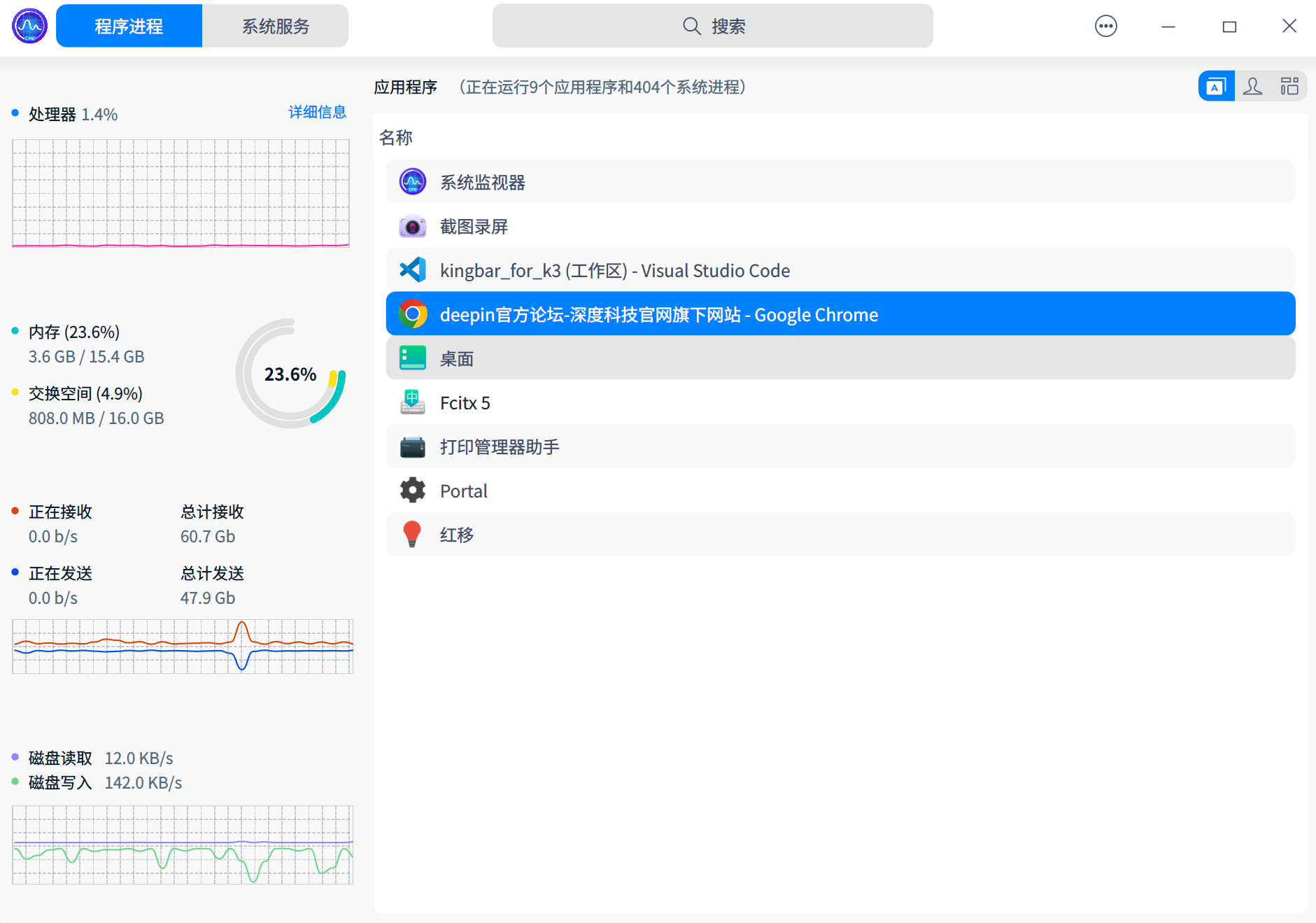
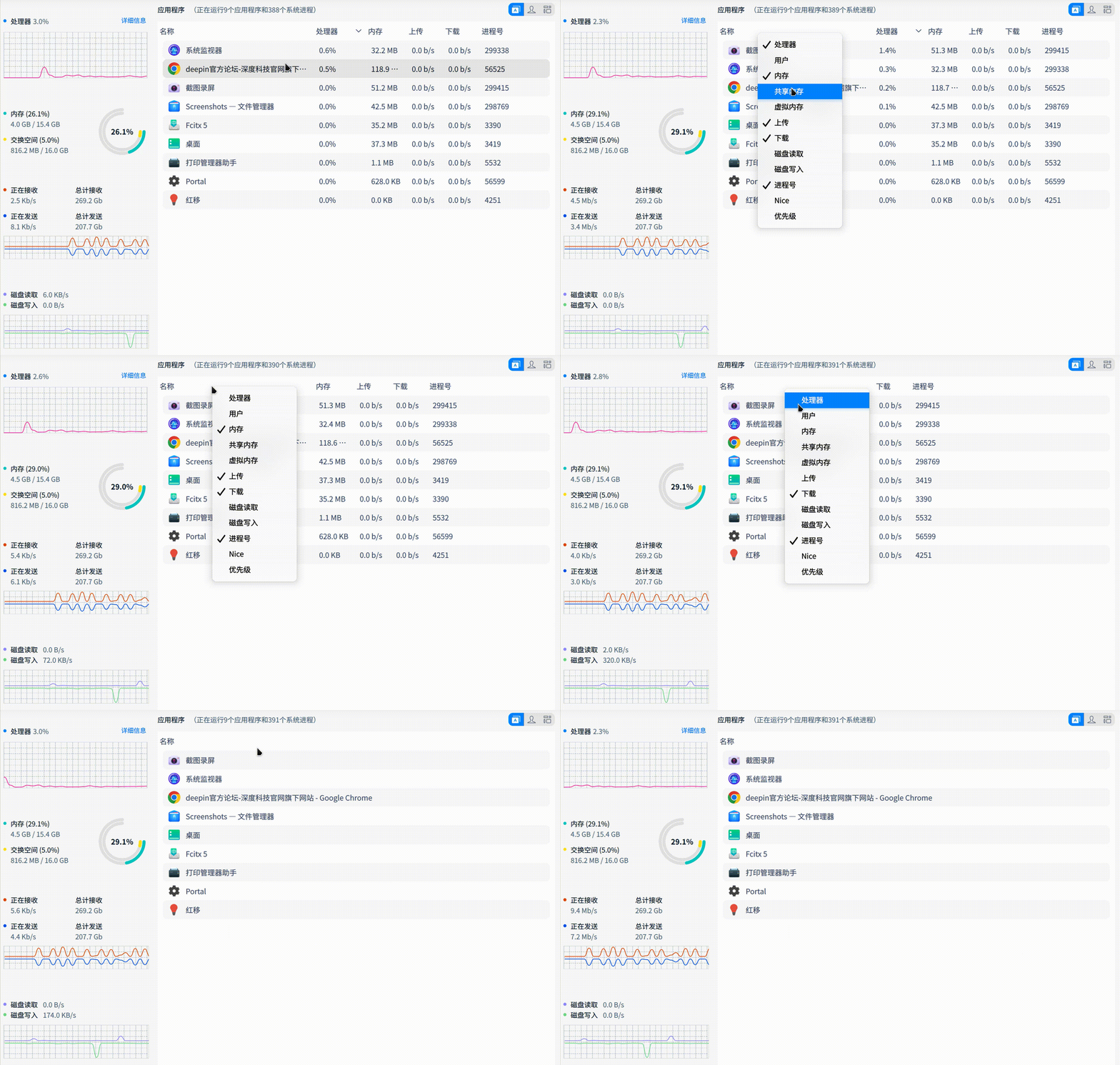
现在打开监控程序,只显示一个进程名字。别的都不能显示。

有哪位大佬知道什么问题吗?
image.png

Reply Favorite View the author
All Replies
152******14
deepin
2022-12-15 01:01
#1

你看见右上角三个标签没,逐一点开,看看能不能解你的疑惑。

Reply View the author
deepin_xiaoqian
deepin testing team
2022-12-15 02:19
#2

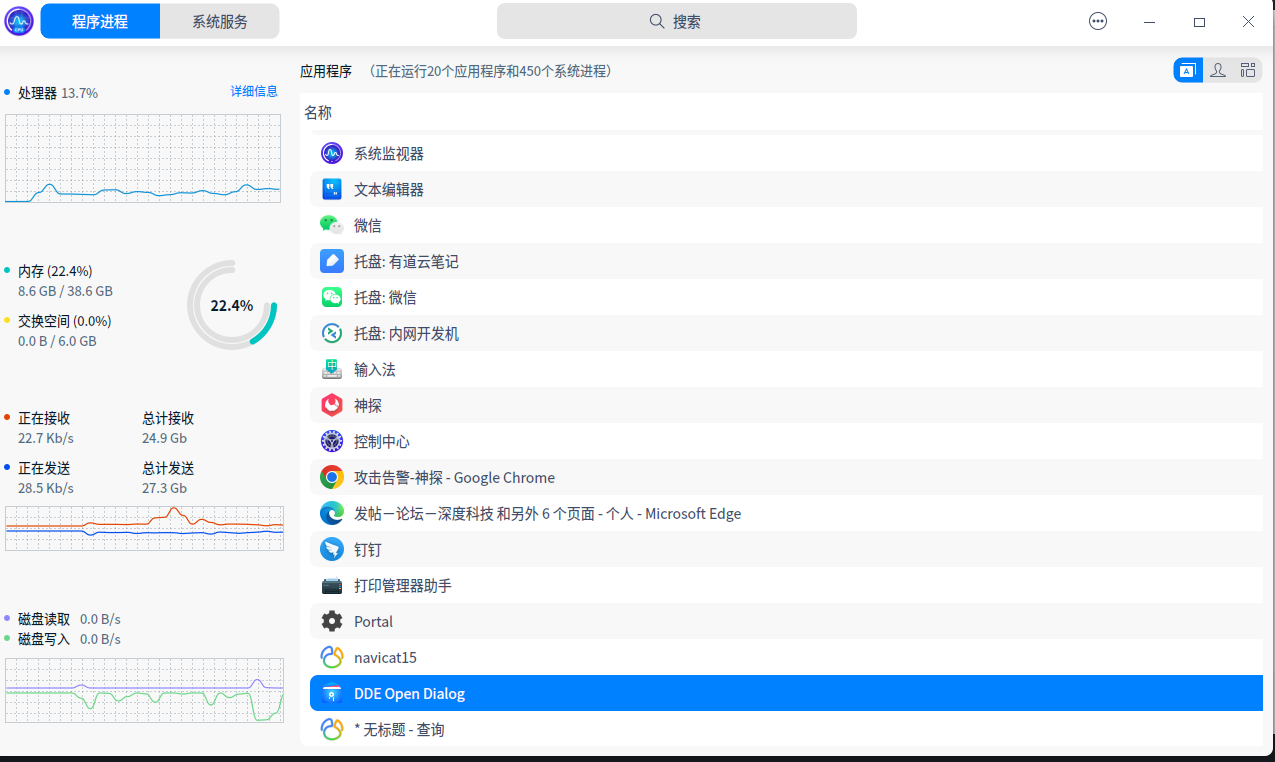
emmm...这一看就是bug,但我们这边实在没复现到。您方便提供下系统版本和系统监视器的版本吗,重启后是否正常呢?

Reply View the author
joo
deepin
2022-12-15 23:12
#3

截图_20221215151155.png

Reply View the author
joo
deepin
2022-12-15 23:13
#4
joo

截图_20221215151155.png

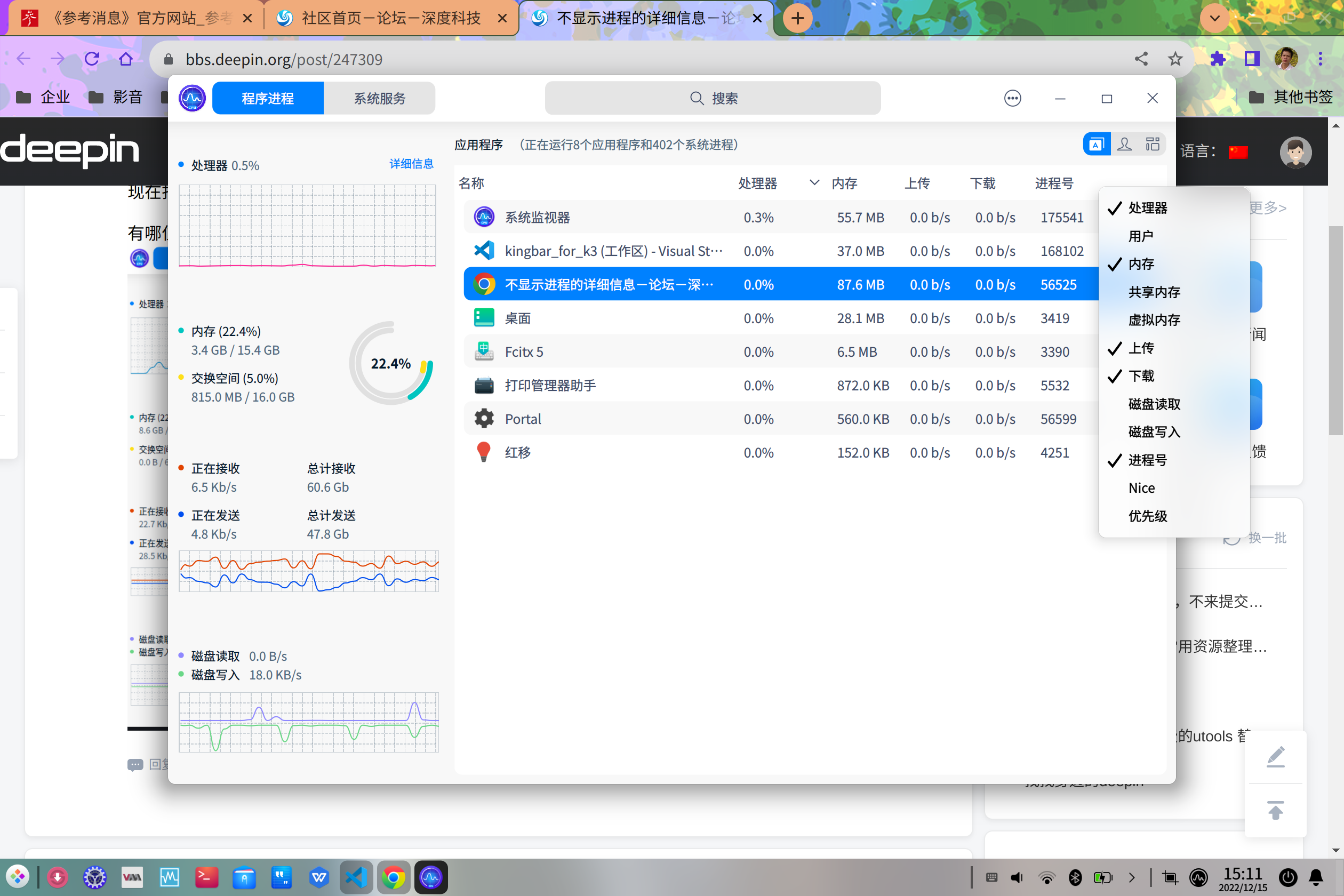
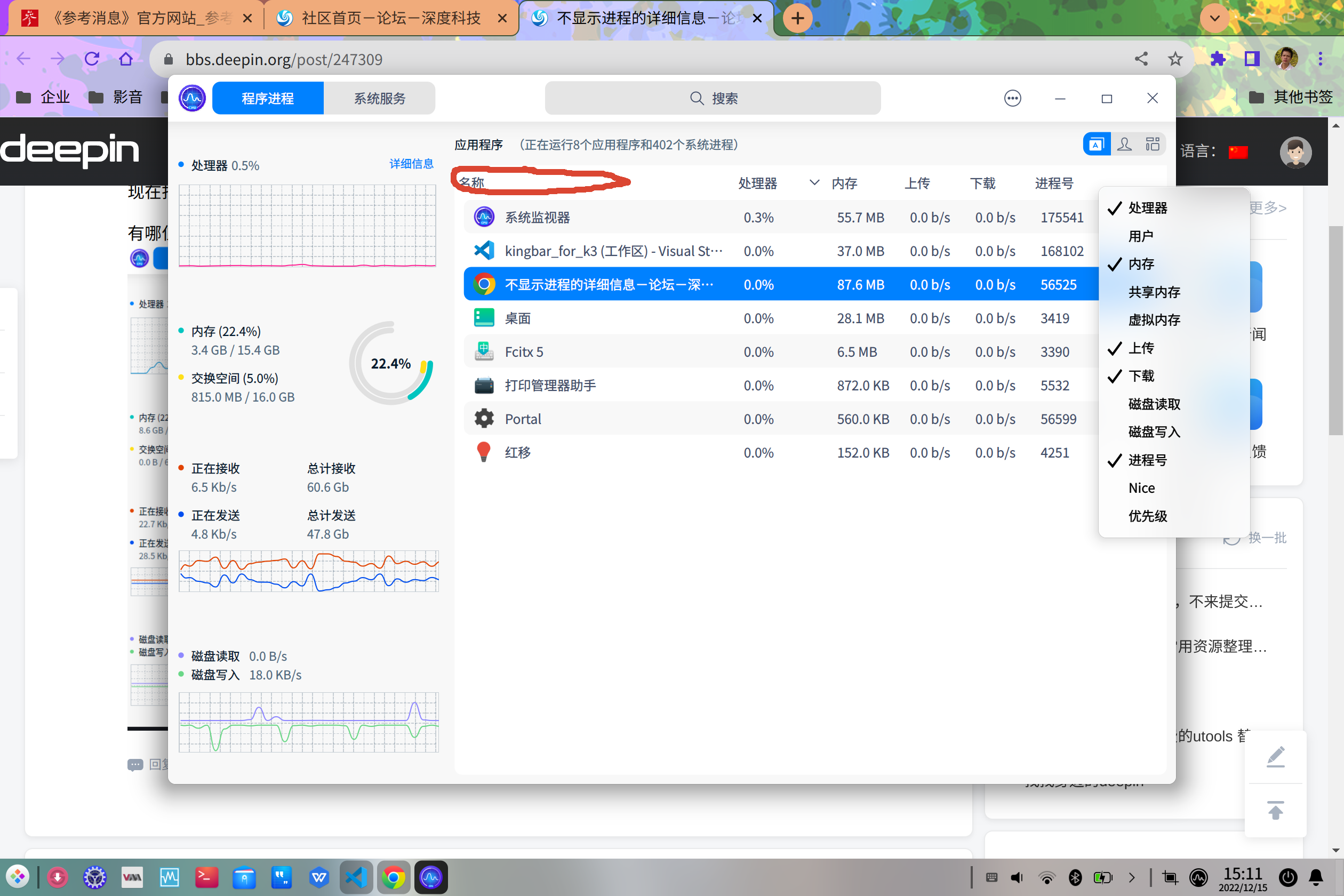
在 名称 的标题栏右键,把需要的勾上

Reply View the author
joo
deepin
2022-12-15 23:16
#5

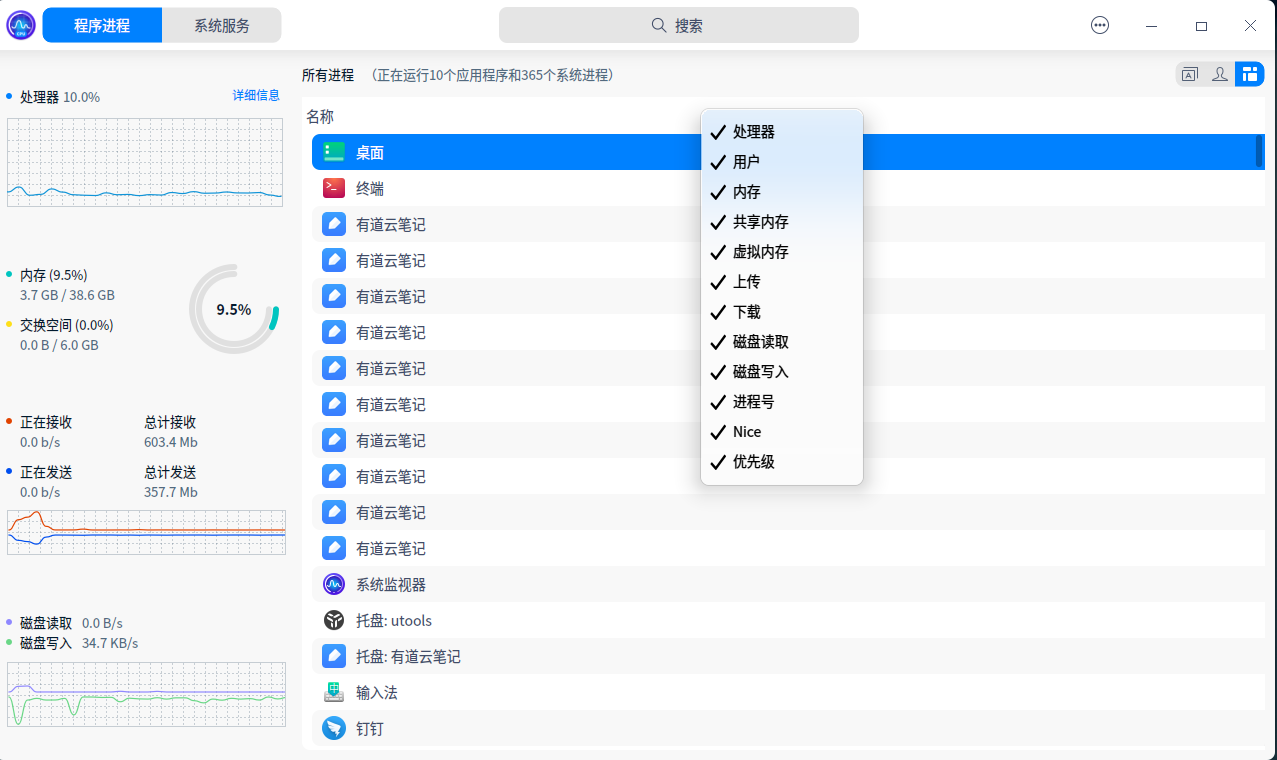
这是我重现你的问题。
截图_选择区域_20221215151548.png

Reply View the author
张张张
deepin
2022-12-16 17:50
#6
joo

截图_20221215151155.png

不行,试过了。

image.png

Reply View the author
张张张
deepin
2022-12-16 17:51
#7
152******14

你看见右上角三个标签没,逐一点开,看看能不能解你的疑惑。

不行,已点过。

Reply View the author
张张张
deepin
2022-12-16 17:54
#8
deepin_xiaoqian

emmm...这一看就是bug,但我们这边实在没复现到。您方便提供下系统版本和系统监视器的版本吗,重启后是否正常呢?

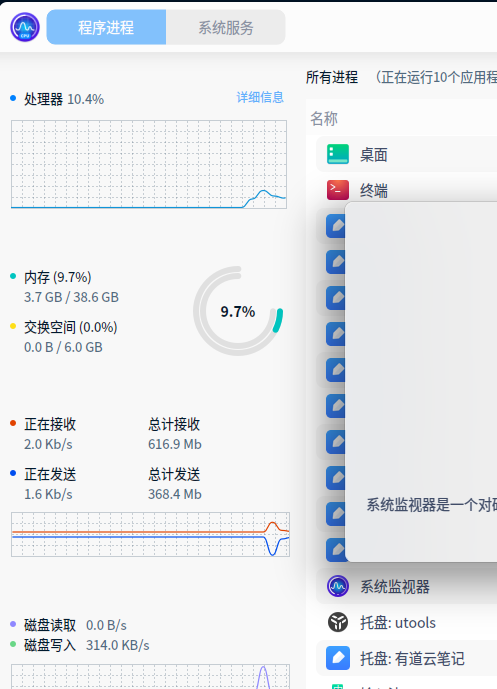
嗯版本
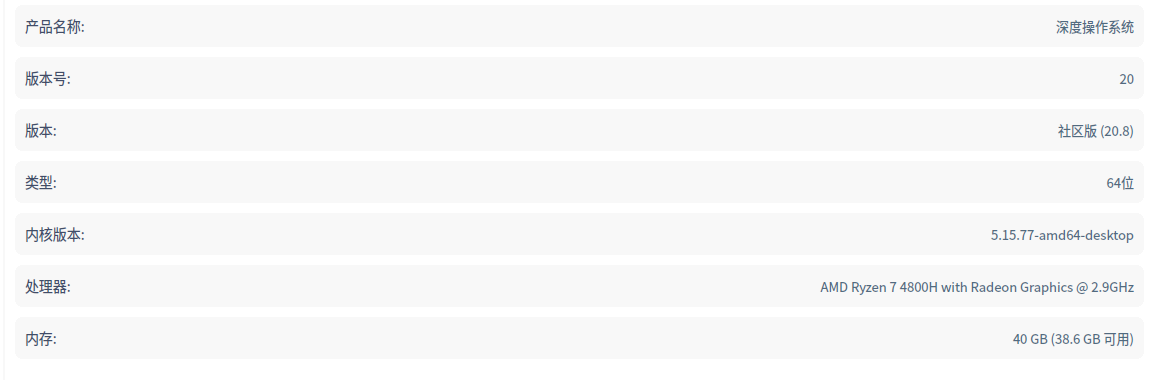
image.png

image.png

Reply View the author
joo
deepin
2022-12-16 21:37
#9

在红色的圈圈那里右键,名称 这2个字的红色圈圈那里右键,菜单就会有项目给你打勾
截图_20221215151155.png

Reply View the author
joo
deepin
2022-12-16 21:41
#10

不是bug,我模拟你的问题给你看看,这是我模拟的问题图片,看到没,我的也只有名称了
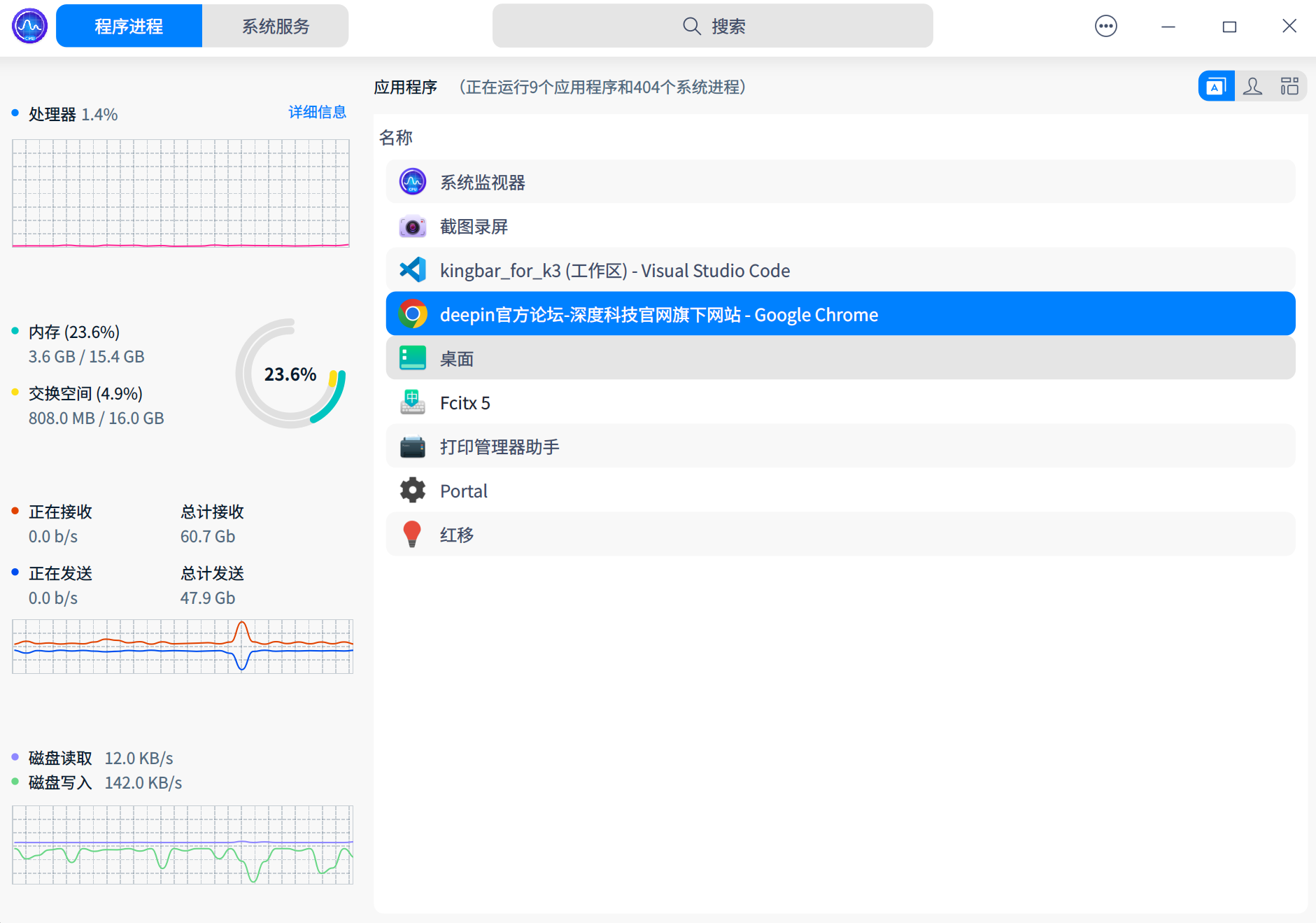
截图_选择区域_20221215151548.png

Reply View the author
joo
deepin
2022-12-16 21:44
#11

录屏_选择区域_20221216134318.gif

Reply View the author
张张张
deepin
2022-12-17 17:04
#12
张张张

嗯版本
image.png

image.png

image.png

Reply View the author
deepin_xiaoqian
deepin testing team
2022-12-27 18:28
#13
joo

录屏_选择区域_20221216134318.gif

感谢您在帖子下的答复哦,似乎用户将所有的选项都勾选上却依然只显示名称。但我们也没复现到用户的问题

sad

Reply View the author
deepin_xiaoqian
deepin testing team
2022-12-27 18:32
#14
张张张

image.png

目前我们暂时没有复现到,勾选其它选项(如处理器、内存等)情况下只显示名称的问题。请问有没有啥复现路径呢?我们也会持续留意该问题~

Reply View the author