

 中文
中文 
璀璨星空 deepin
2022-12-13 23:28 deepin 可以自己用wine运行器试试
Reply Like 0 View the author
 deepin
 可以自己用wine运行器试试

 deepin
 1:自己把微信的 Wine容器 复制一个出来,专门用于安装运行win下的小工具
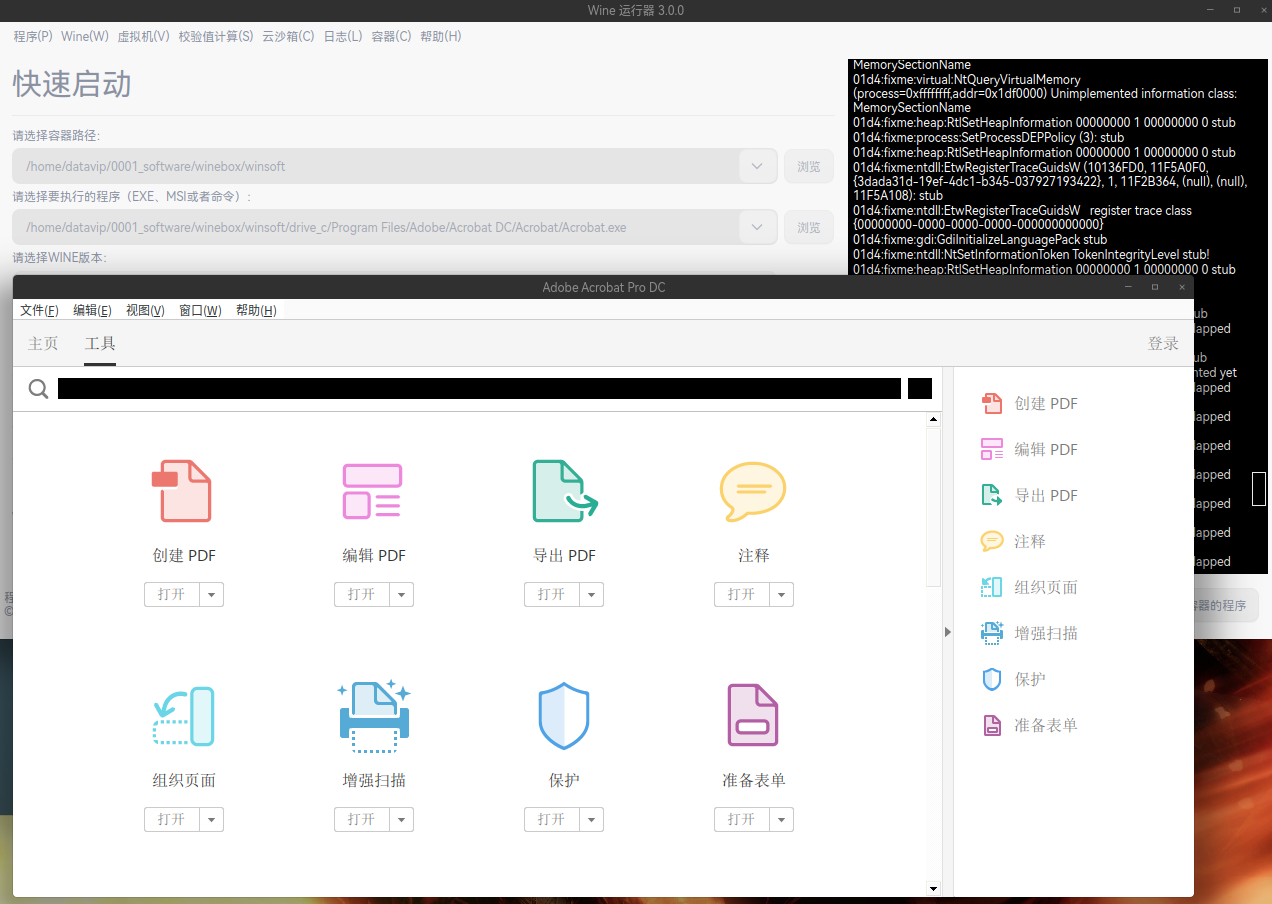
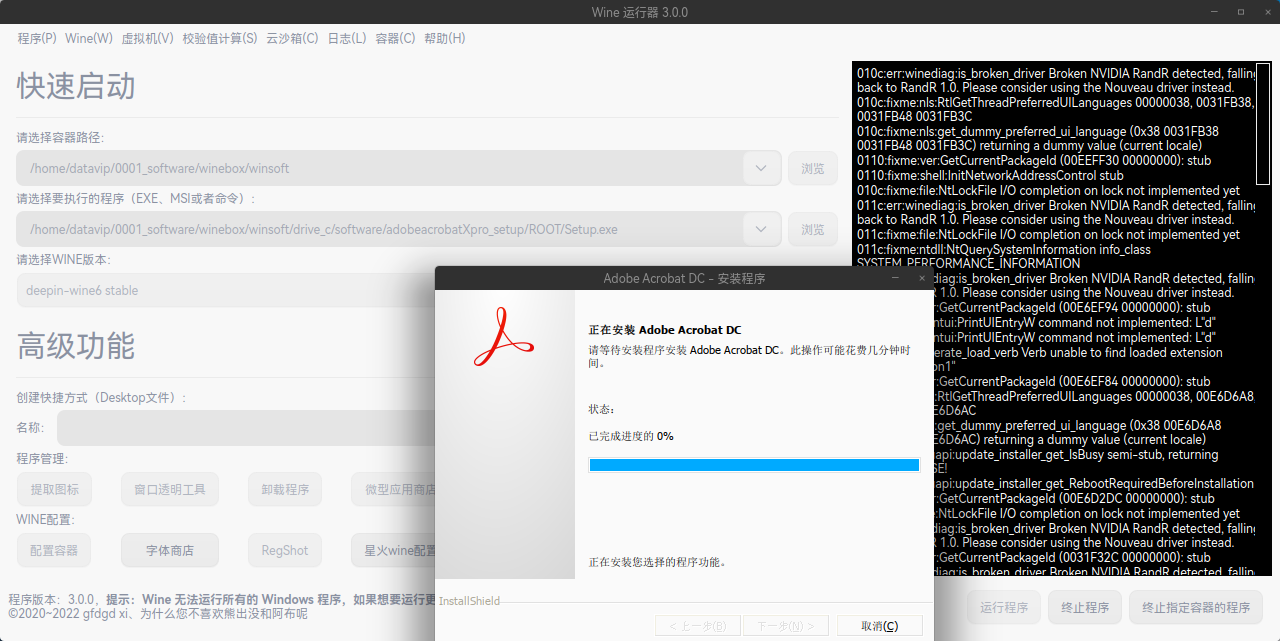
2:使用 Wine 运行器 3.0.0 运行安装包,在安装完成后安装程序会卡 0% 别管它,确认安装完成就强制结束安装过程。
3:还是 Wine 运行器 3.0.0 ,指定Adobe的路径与程序,运行起来。不过,这玩意在win环境好使,在Linux不太好用。
 deepin
 我来试试看,我先前没有做第一步,直接第2步安装一直有错

Master PDF Editor 5这个也不错吧,我试用了一下,与Adobe Acrobat 功能差不多。装完是英文版的,但发现能调成中文。

 deepin
 使用 Wine 运行器 3.0.0 运行安装包
这一步要怎么做,是双击打开哪个软件?微信的Wine容器好像没有找到
deepin 现在deepin上面没有找到哪个免费的pdf编辑器能方便新建、合并、拆分、压缩pdf文件的
deepin 现在deepin上面没有找到哪个免费的pdf编辑器能方便新建、合并、拆分、压缩pdf文件的
Deepin自带PDF编辑工具就是LibreOffice Draw
deepin Deepin自带PDF编辑工具就是LibreOffice Draw
这个不好用,就单纯拆分合并都不好搞
只能装个win7虚拟机用福晰编辑器来处理
deepin 用的迅读PDF,买了个会员,挺好用的
Popular Ranking
ChangePopular Events
More



 is Deepin 25 using OSTree?
Adobe Acrobat这个软件真的是太强大了,其他代替软件真的很难做到它的水准。现在使用的福昕高级专业版还是差距挺大,所有不知道论坛有没有大佬实现安装使用的。