

 中文
中文 
tifa deepin
2022-12-11 07:21 deepin Linux具有先进性,不用刷新
Reply Like 0 View the author
 deepin
 Linux具有先进性,不用刷新

下载星火应用商店,从里面安装一个右键刷新

 deepin
 右键中没有刷新,但其实按一下F5,就是刷新。
如果确实想要,可以自己添加。
将下面的代码保存为refresh.sh文件,运行一下就可以了。
#!/bin/bash
#*@package deepin-refresh
#*@author Lyvnee
#*@version 0.3
#*@license MIT
#*@link http://lyvnee.com
echo "==========开始安装=========="
dirname="/usr/share/deepin/dde-file-manager/oem-menuextensions"
if [ ! -d $dirname ];then
echo "正在创建插件路径..."
sudo mkdir -p $dirname
else
echo "插件路径已存在!"
fi
echo "安装所需依赖..."
sudo apt install xautomation -y
echo "开始创建refresh.desktop文件..."
cd $dirname
read -p "硬件使用F5刷新,请输入 1 ;硬件使用Fn+F5刷新,请输入 2:" refresh
case $refresh in
echo "==========安装完成=========="
echo "请重启文件管理器,点击右键查看。"

 deepin
 😃 收到,谢谢!
 deepin
 刷新并没有什么实际用途,最多心理安慰。
deepin windows的刷新,是为了解决计算机缓存、内存、硬盘不同步问题设置的。比如你用文件管理器正查看spot目录,这时候另一个程序在spot目录下建立个文件,你是看不到的,要刷新一下才看得到。
现在计算机硬件软件技术进步太多,系统每时每刻都在自动刷新,因此已经不需要手动刷新了。
deepin windows的刷新,是为了解决计算机缓存、内存、硬盘不同步问题设置的。比如你用文件管理器正查看spot目录,这时候另一个程序在spot目录下建立个文件,你是看不到的,要刷新一下才看得到。
现在计算机硬件软件技术进步太多,系统每时每刻都在自动刷新,因此已经不需要手动刷新了。
😂 确实是这样的,只是习惯性回到桌面就点右键刷新,哈哈,看来习惯得改咯
deepin 😂 确实是这样的,只是习惯性回到桌面就点右键刷新,哈哈,看来习惯得改咯
慢慢改,习惯就好了。
 deepin
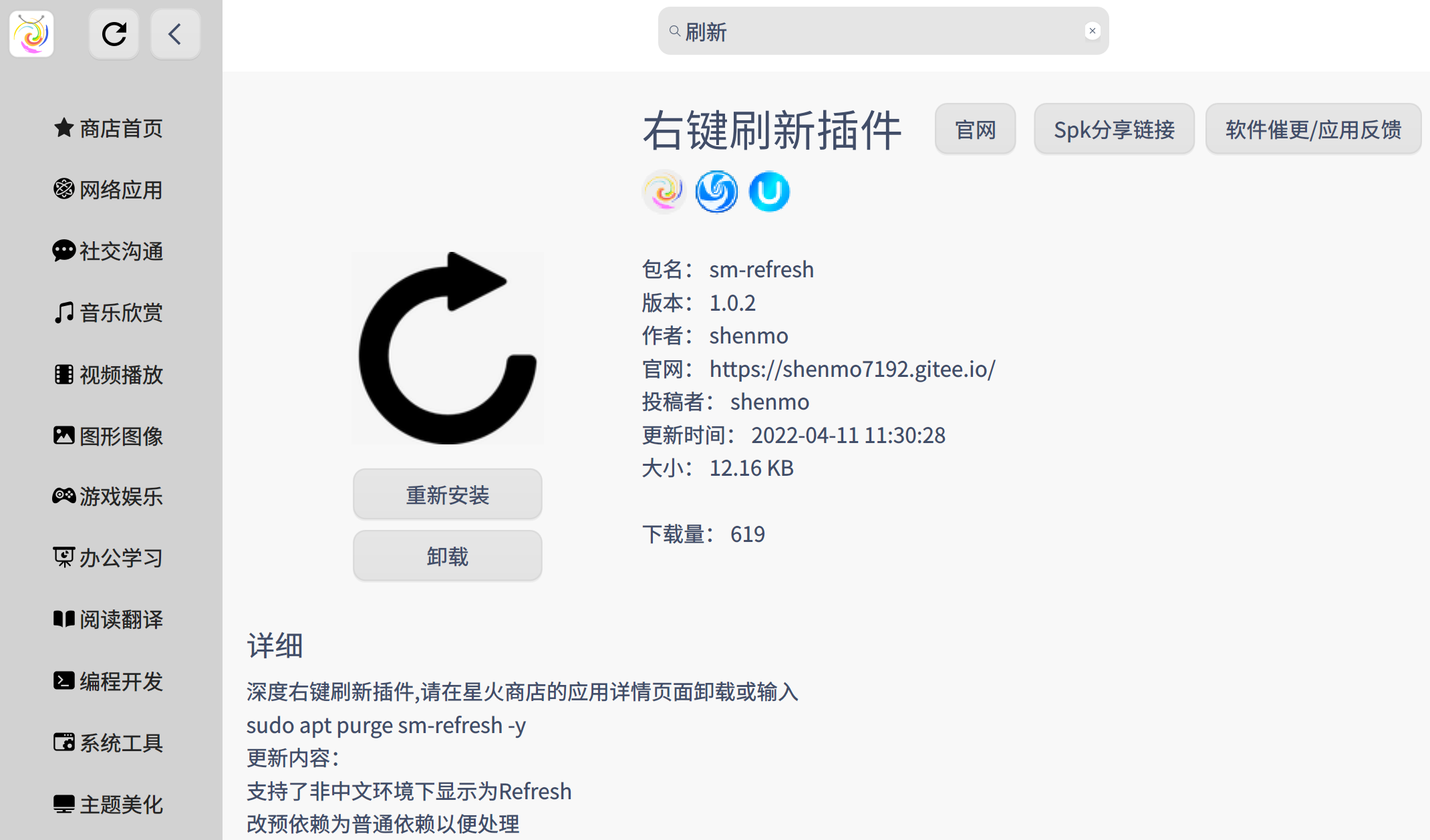
下载地址 https://gitee.com/deepin-community-store/spark-store/releases/tag/3.2
deepin
下载地址 https://gitee.com/deepin-community-store/spark-store/releases/tag/3.2
😊 谢谢,按照你说的解决了!

 deepin
 20.9可能会回归这个功能(具体请以实际版本发行注记为准),已经在需求规划中
 deepin
 卵用没有 就算是windows的刷新也没有任何实际意义
Popular Ranking
ChangePopular Events
More


 is Deepin 25 using OSTree?
第一次用深度,总的来说不错,刚刚使用,还需要适应,不知道可以添加右键“刷新”,期待深度体验了再来!!!