

 中文
中文 
凡 deepin
2022-12-10 09:07 deepin Selinux解决的方法有两个:
1、直接输入:/usr/sbin/setenforce 0 意思是关闭SELINUX,但是这个只是会话级别的设置;
2、全局设置关闭SELINUX,通过编辑/etc/sysconfig/selinux文件,将SELINUX参数修改成disabled.
Reply Like 0 View the author
deepin Selinux解决的方法有两个:
1、直接输入:/usr/sbin/setenforce 0 意思是关闭SELINUX,但是这个只是会话级别的设置;
2、全局设置关闭SELINUX,通过编辑/etc/sysconfig/selinux文件,将SELINUX参数修改成disabled.
deepin 如果还是不能解决问题,要查看一下jdk的环境变量设置方法、Java version的正确验证方式。

 deepin
 这么麻烦?只需要三步就行了,下载bin压缩包,解压,添加环境变量。就可以了。
 deepin
 JDK启动没有找到GLIBC
 deepin
 有个文件记录了加载库文件的路径。可以把你编译的文件的路径加进去。
可以看看https:/blog.csdn.net/ababab12345/article/details/123480925

 deepin
 apt里不可能没有17吧?
Popular Ranking
ChangePopular Events
More


 is Deepin 25 using OSTree?
2023-01-07
然后就是make报错了
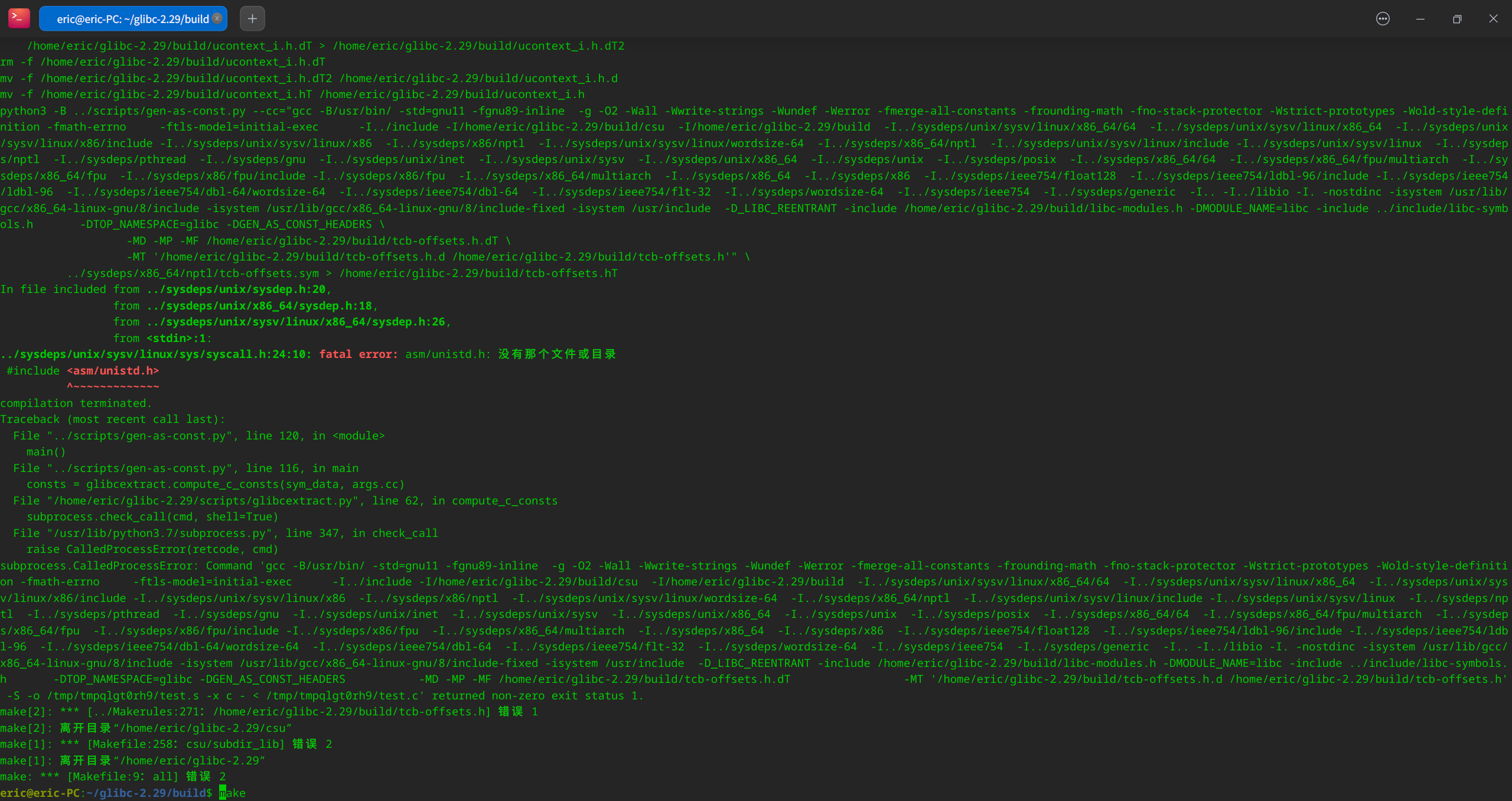
按照教程下载,编译了GLIBC_2.29。然后系统没起来。重新全盘安装了 20.8还是不行。