

 中文
中文 
jjcui8595 deepin
2022-11-14 22:37 deepin linux系统下也是可以设置卷标的
Reply Like 0 View the author
 deepin
 linux系统下也是可以设置卷标的

 deepin
 linux系统下也是可以设置卷标的
貌似系统盘可以重命名,但另一个分区就没有重命名的选项
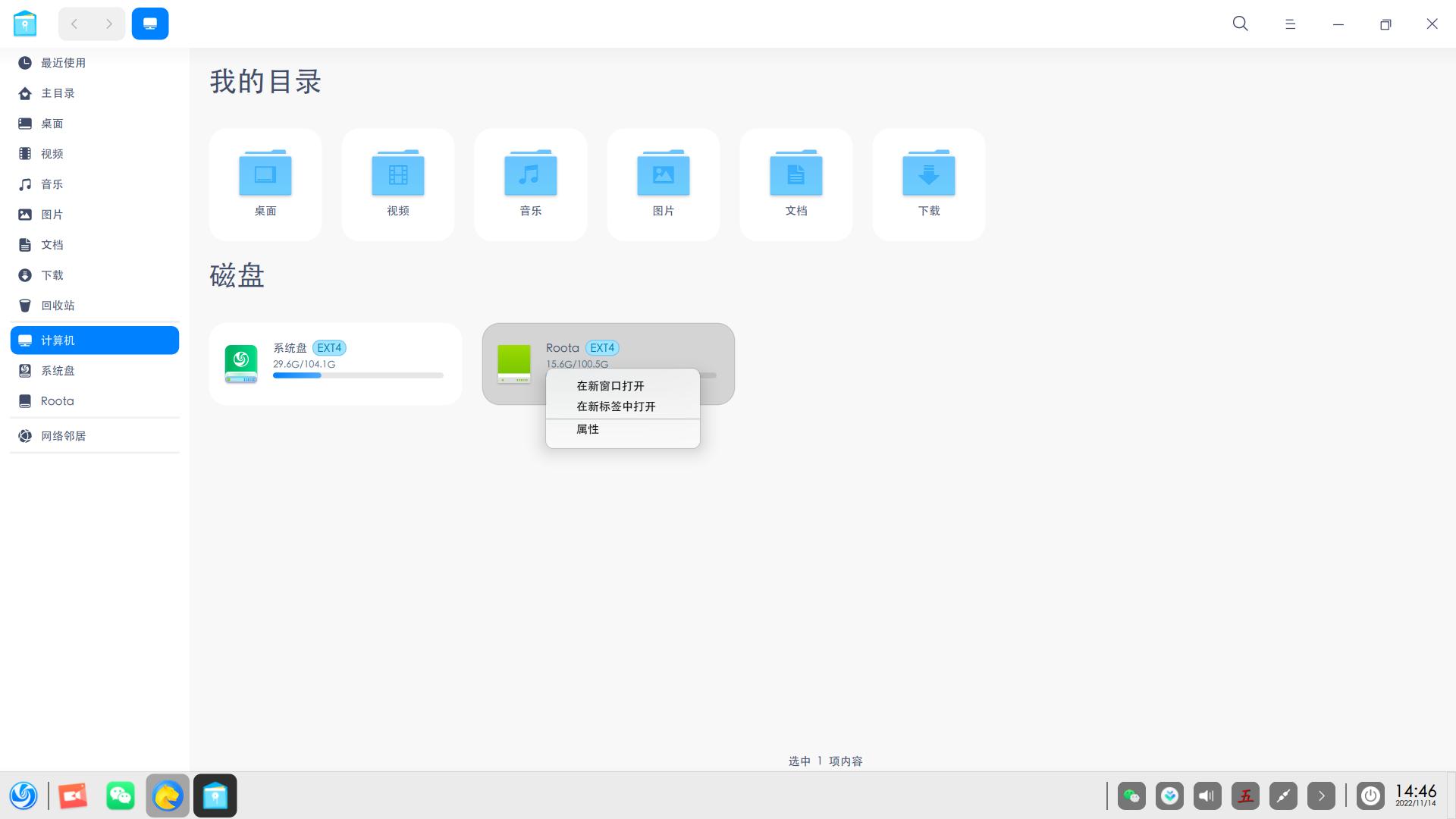
deepin 貌似系统盘可以重命名,但另一个分区就没有重命名的选项
应用商店安装分区管理器,先卸载准备修改卷标的分区,再右击该分区,选择“文件系统卷标”,就可以修改了
deepin 当然动手能力强的话,也可以使用命令修改卷标

 deepin
 你试试右键 然后重命名

我是来学习的

 deepin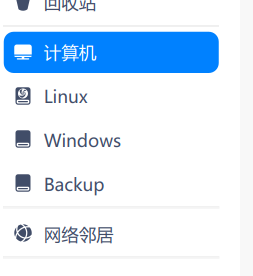
 deepin
 貌似系统盘可以重命名,但另一个分区就没有重命名的选项
说的就是这样的问题😄
 deepin
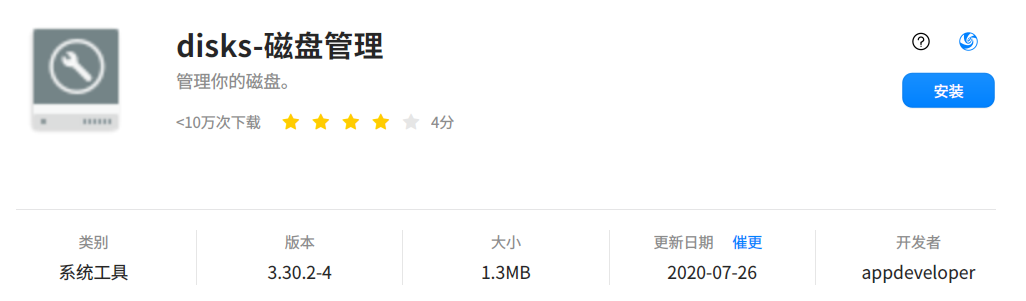
 可以尝试使用 disks 工具:
 deepin
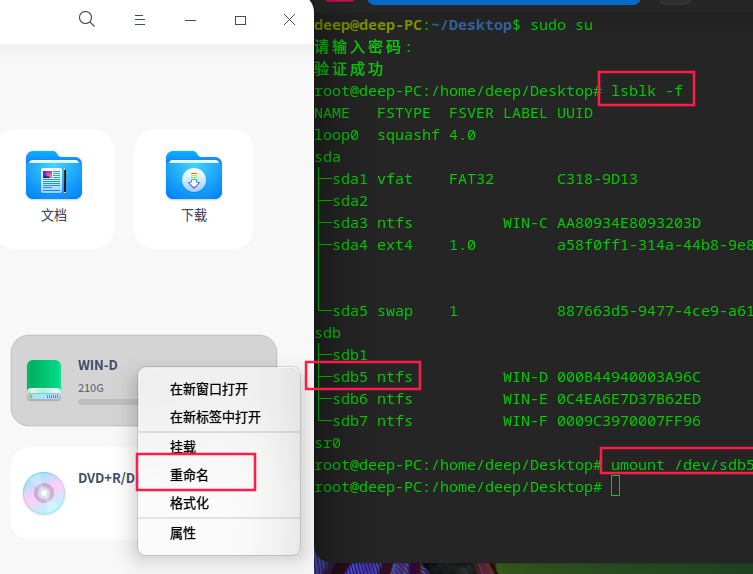
 NTFS分区点右键没有重命名。
如果先将NTFS分区卸载,再点右键,就有重命名了。
卸载方法:


最近安装了deepin,搞了个win11+deepin双系统,但是发现在deepin下无法磁盘命名。直到今天我连上了我的U盘,突然发现显示的盘符就是我曾经命名过的。就那一瞬间,我就有了个大胆的想法😏 。我切到了win11,重命名了盘名称,再切回来deepin,完美搞定