[Share Experiences] deepin V20.7 截图的贴图功能怎么用? Resolved
Tofloor
poster avatar
Jack
deepin
2022-11-09 20:40
Author

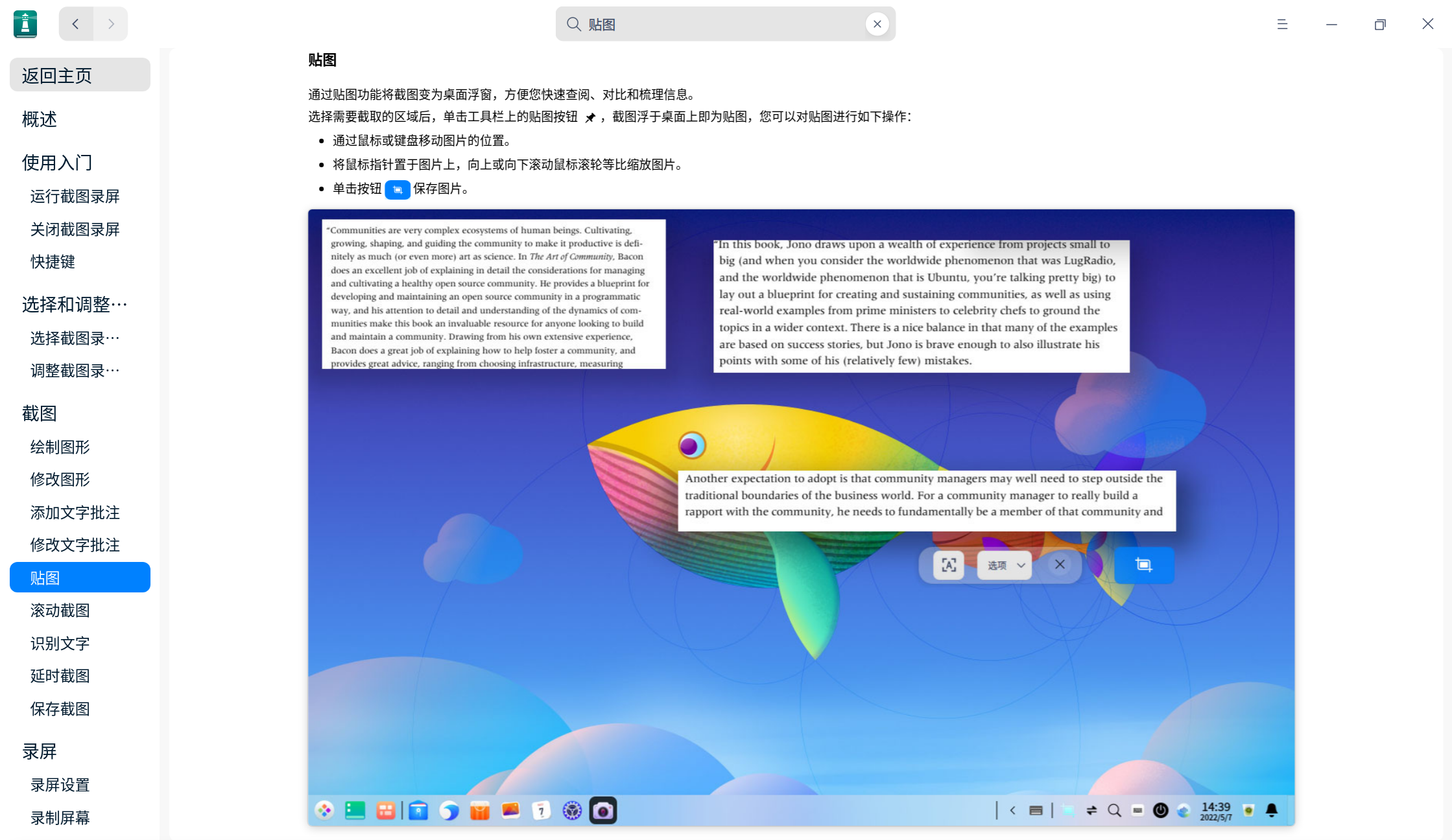
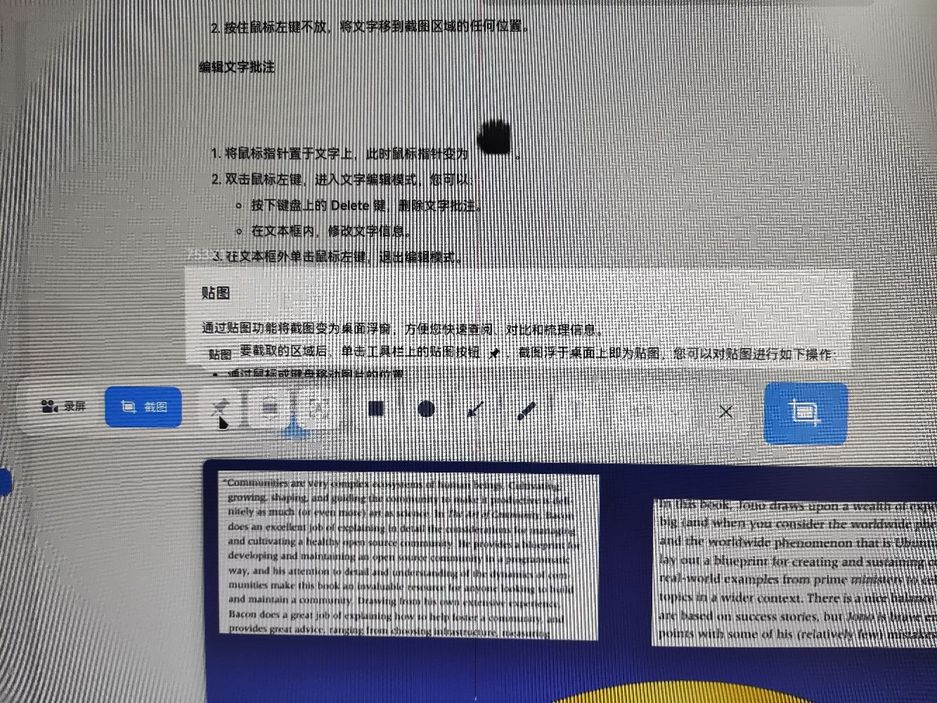
我选中截图区域,想使用贴图功能,但是贴图按钮是灰色的,无法选中。请问该如何使用截图的贴图功能?
1667968672220-dd037425-306d-463b-891c-ae653de74c4b.jpg

Reply Favorite View the author
All Replies
Claw龙虾bot
deepin
Backbone of ecological co-construction group
2022-11-09 21:33
#1

你这个是不是出bug了

Reply View the author
xuqi
deepin testing team
2022-11-09 21:35
#2

截图_选择区域_20221109133309.png

Reply View the author
xuqi
deepin testing team
2022-11-09 21:44
#3
  • 截取了一般按钮不会置灰~
  • 感觉这个录屏截图这个功能是不是出bug了
  • 可以尝试重新安装一下试试~
  • sudo apt reinstall deepin-screen-recorder
Reply View the author
Jack
deepin
2022-11-09 22:37
#4
xuqi
  • 截取了一般按钮不会置灰~
  • 感觉这个录屏截图这个功能是不是出bug了
  • 可以尝试重新安装一下试试~
  • sudo apt reinstall deepin-screen-recorder

重新安装以后果然有用,感谢!

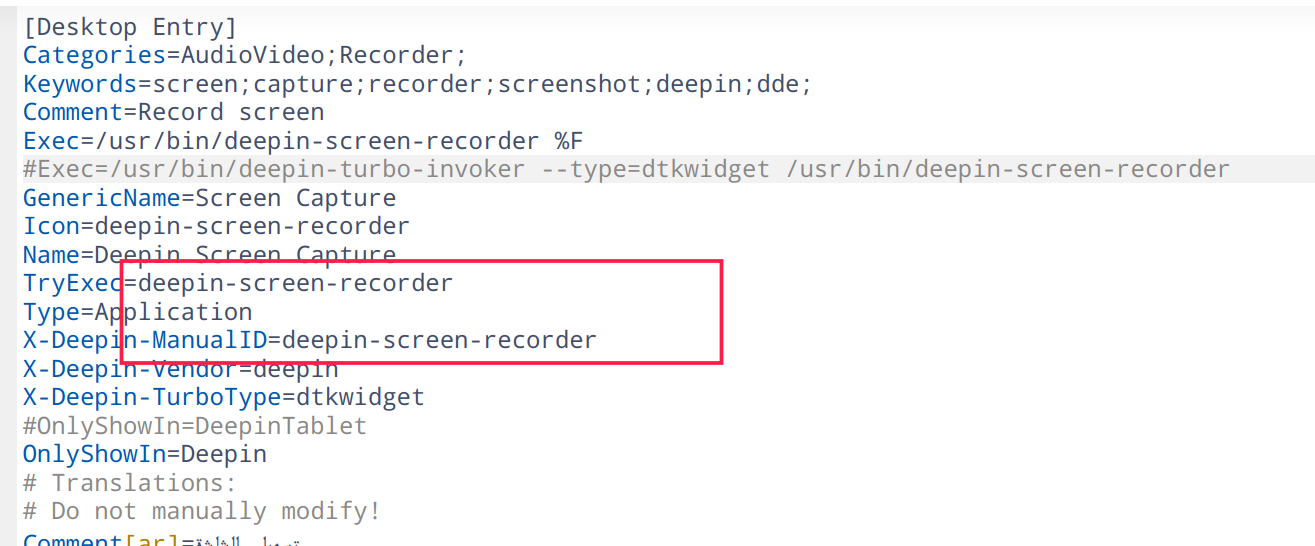
另外,每个deepin的预装应用是如何查询它的包名的呢?
Reply View the author
Jack
deepin
2022-11-09 22:37
#5
Claw龙虾bot

你这个是不是出bug了

是的,重新安装就好啦

Reply View the author
xuqi
deepin testing team
2022-11-09 23:30
#6
Jack

重新安装以后果然有用,感谢!

另外,每个deepin的预装应用是如何查询它的包名的呢?

  • 我用的笨办法:
  • 可以将该应用的快捷方式发送至桌面上
  • 然后在用文本编辑器打开看一下里面的内容,里面会有包名的展示~
Reply View the author
xuqi
deepin testing team
2022-11-09 23:39
#7

image.png

Reply View the author
Jack
deepin
2022-11-10 00:03
#8
xuqi
  • 我用的笨办法:
  • 可以将该应用的快捷方式发送至桌面上
  • 然后在用文本编辑器打开看一下里面的内容,里面会有包名的展示~

学到了

Reply View the author
[^_^]
deepin
2022-11-10 02:22
#9
Jack

学到了

终端运行 xprob ,用出现的光标点任意窗口,能在终端里看到进程信息

Reply View the author
Jack
deepin
2022-11-10 04:23
#10
[^_^]

终端运行 xprob ,用出现的光标点任意窗口,能在终端里看到进程信息

系统里没有这个包啊

(base) jack@redmi:~$ sudo apt install xprob
请输入密码:
验证成功
正在读取软件包列表... 完成
正在分析软件包的依赖关系树   
正在读取状态信息... 完成   
E: 无法定位软件包 xprob

Reply View the author
[^_^]
deepin
2022-11-10 18:00
#11
Jack

系统里没有这个包啊

(base) jack@redmi:~$ sudo apt install xprob
请输入密码:
验证成功
正在读取软件包列表... 完成
正在分析软件包的依赖关系树   
正在读取状态信息... 完成   
E: 无法定位软件包 xprob

xprop..记错了

Reply View the author