

 中文
中文 
Misaka deepin
2022-10-29 18:47 deepin 
Reply Like 0 View the author
 deepin

建议在live系统手动修复,这是最可靠的

注意要加sudo,现在的deepin安装镜像的live的密码未知,所以恐怕不能用

我是来学习的

 deepin
  deepin
 用deepin的live就好了呀
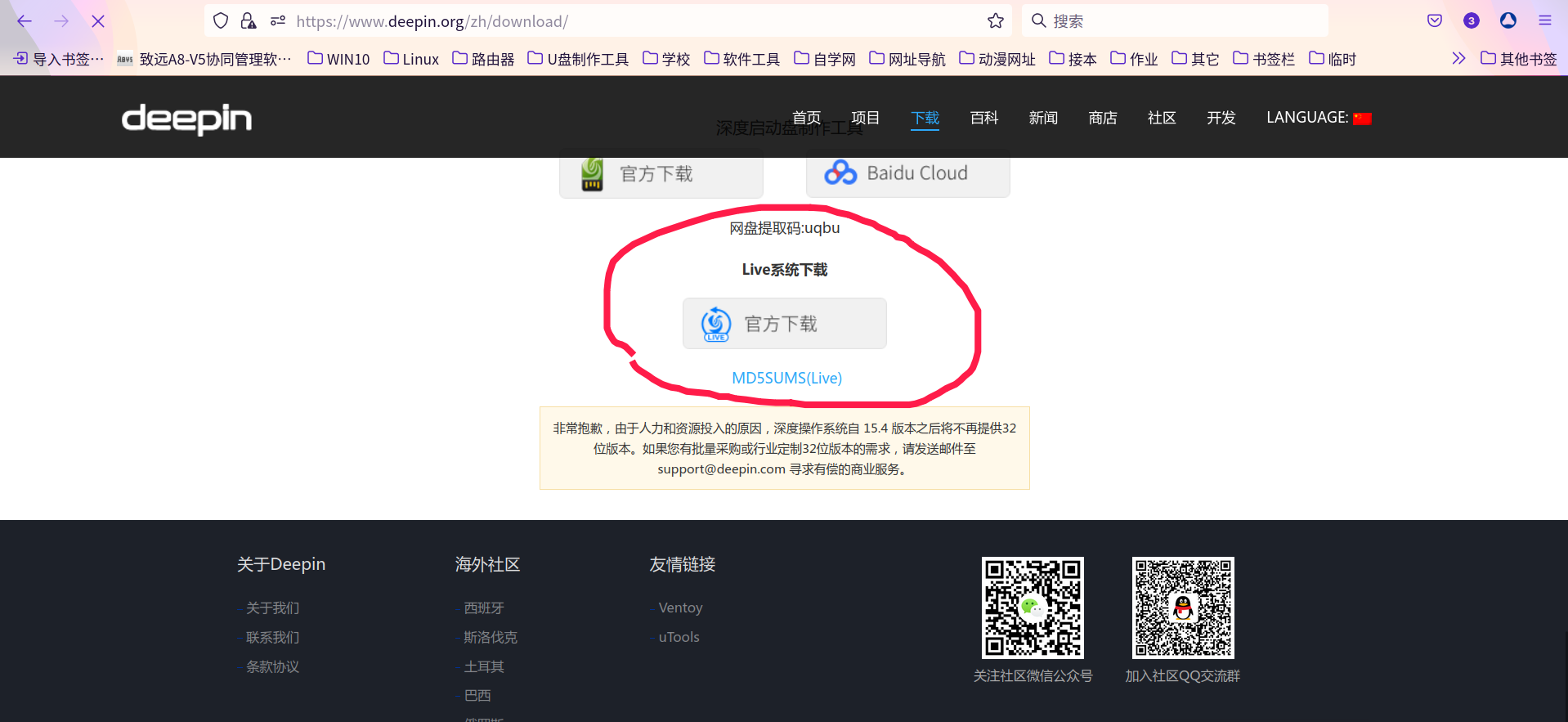
deepin deepin 建议在live系统手动修复,这是最可靠的
注意要加sudo,现在的deepin安装镜像的live的密码未知,所以恐怕不能用
谢谢
谢谢
建议使用楼上gfdgd xi制作的livecd,或者ubuntu等系统的镜像。
其实这个教程也是错的,update-grub会找不到命令,但百度搜一下linux live修复引导应该就有教程了。
还有,提醒一句,官方的live系统比较旧,新电脑可能进入后黑屏。
 deepin
 一般我用boot-repair

 deepin
 可以将任意Linux发行版(建议选择基于Ubuntu的发行版)的启动盘插入电脑,然后选择U盘启动,进入Live CD但是不要选择安装系统到硬盘
进入桌面后打开终端,输入
sudo add-apt-repository ppa:yannubuntu/boot-repair && sudo apt-get update
然后输入
sudo apt-get install -y boot-repair && boot-repair
在弹出的窗口选择recommended repair
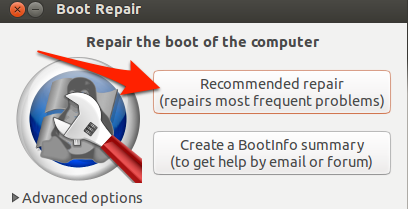
按照boot repair提示的操作进行,完成后重启电脑即可完成。
deepin 用deepin的live就好了呀
请问这个应该如何使用?
deepin 建议使用楼上gfdgd xi制作的livecd,或者ubuntu等系统的镜像。
其实这个教程也是错的,update-grub会找不到命令,但百度搜一下linux live修复引导应该就有教程了。
还有,提醒一句,官方的live系统比较旧,新电脑可能进入后黑屏。
好的,感谢。
deepin 请问这个应该如何使用?
制作成启动盘,然后进入,再找到修复工具就行
deepin 制作成启动盘,然后进入,再找到修复工具就行
OK.
deepin 可以将任意Linux发行版(建议选择基于Ubuntu的发行版)的启动盘插入电脑,然后选择U盘启动,进入Live CD但是不要选择安装系统到硬盘
进入桌面后打开终端,输入
sudo add-apt-repository ppa:yannubuntu/boot-repair && sudo apt-get update
然后输入
sudo apt-get install -y boot-repair && boot-repair
在弹出的窗口选择recommended repair
按照boot repair提示的操作进行,完成后重启电脑即可完成。
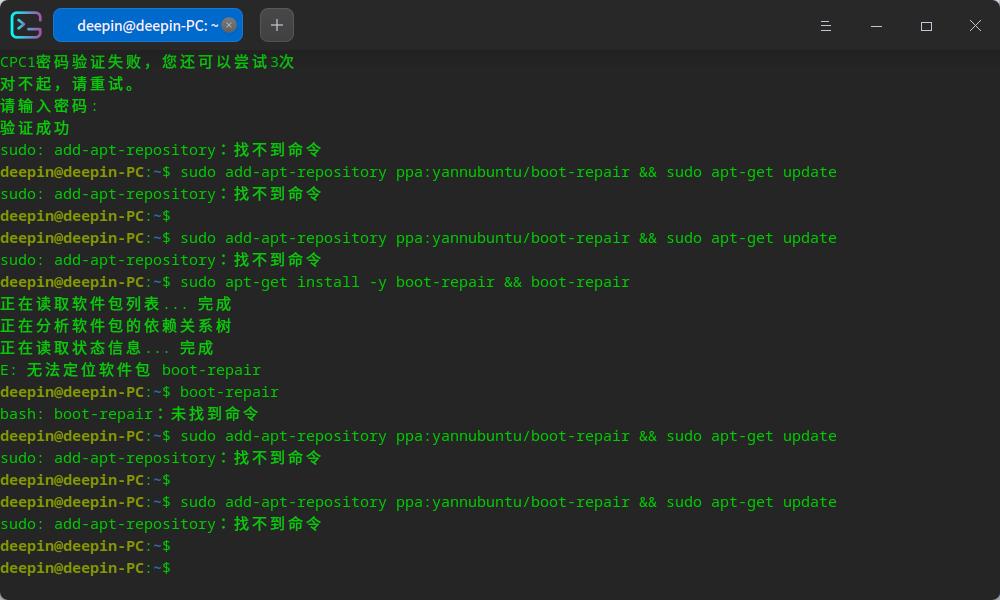


因为本人是WINDOWS和deepin双系统,想要一个可以修复deepin和WINDOWS双系统的引导修复工具,以方便日常维护,请问有没有好的推荐?