[Seek Help] CUPS服务器未运行,不能管理打印机
Tofloor
poster avatar
188******63
deepin
2022-10-21 19:23
Author

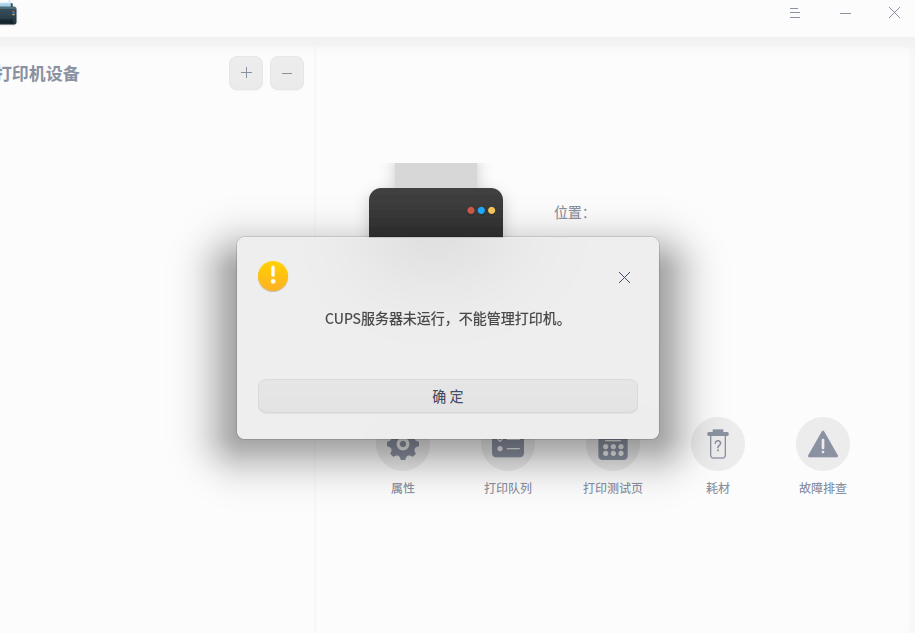
现在无法使用打印机,每次打开打印管理器就显示“CUPS服务器未运行,不能管理打印机”
image.png

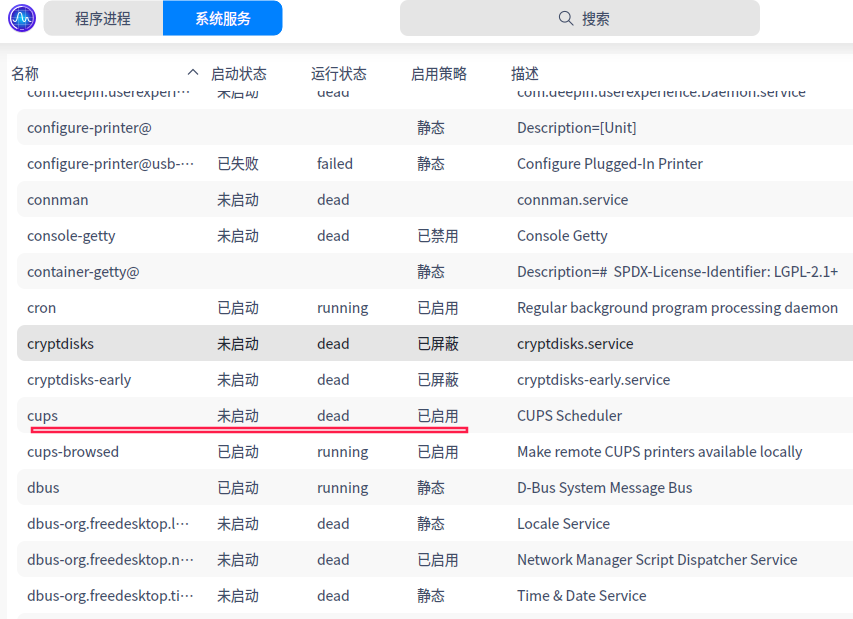
系统监视器中cups服务无法启动
image.png

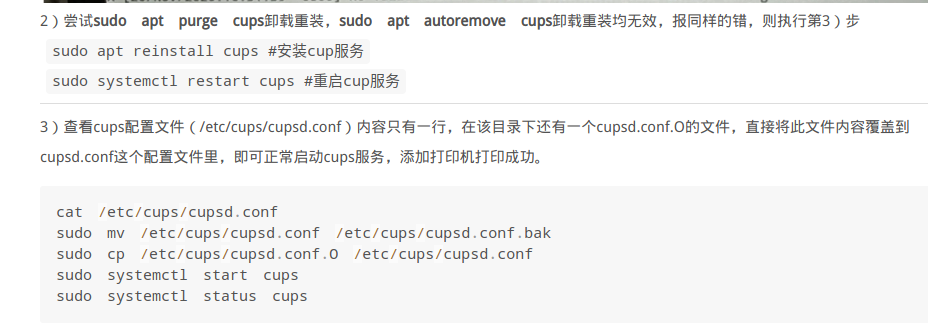
按照统信UOS桌面操作系统技术知识库,给的解决办法,显示这些异常怎么解决?
image.png

image.png
image.png

Reply Favorite View the author
All Replies
晚秋(lateautumn)
Moderator
2022-10-21 23:33
#1

我是来学习的,没想还没有坛神回复joy

Reply View the author
vivian_me
deepin testing team
2022-10-22 00:45
#2
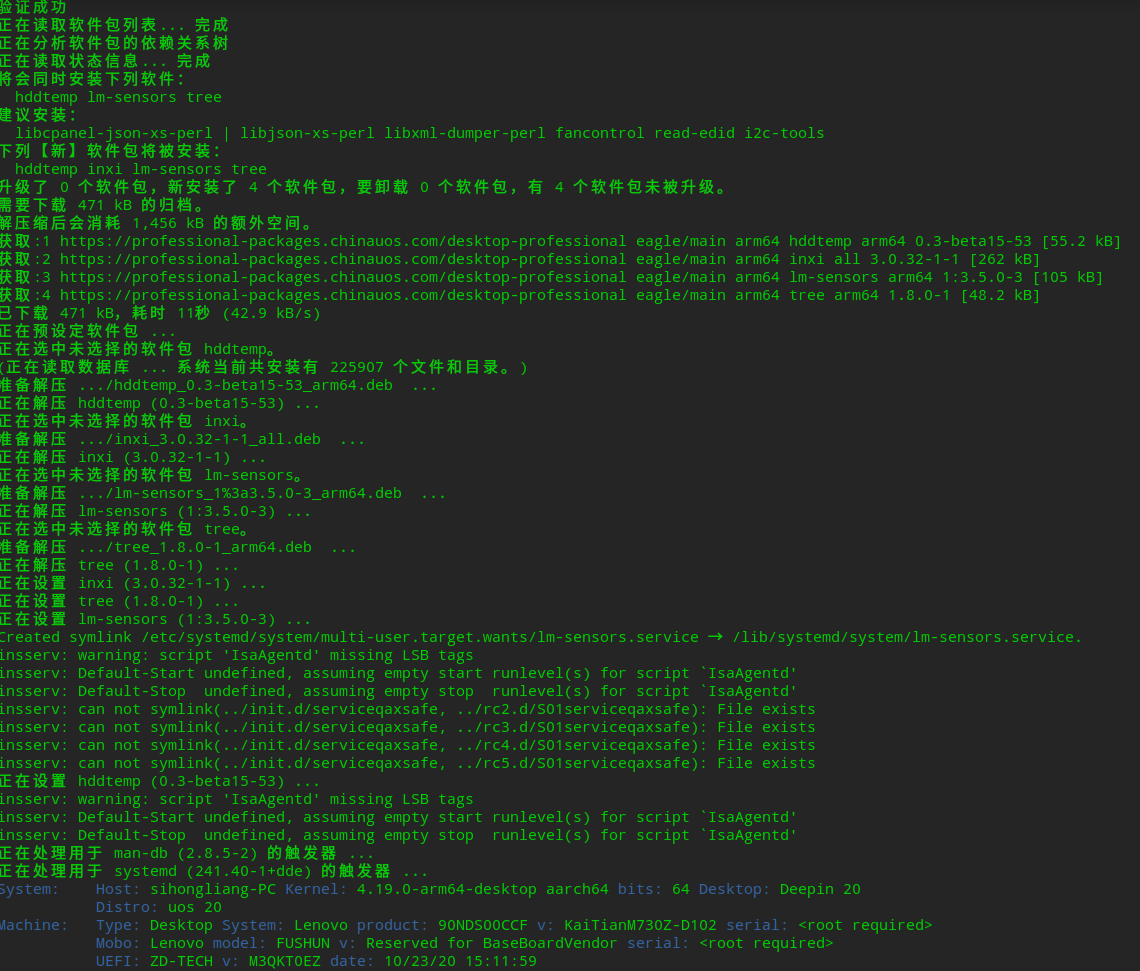
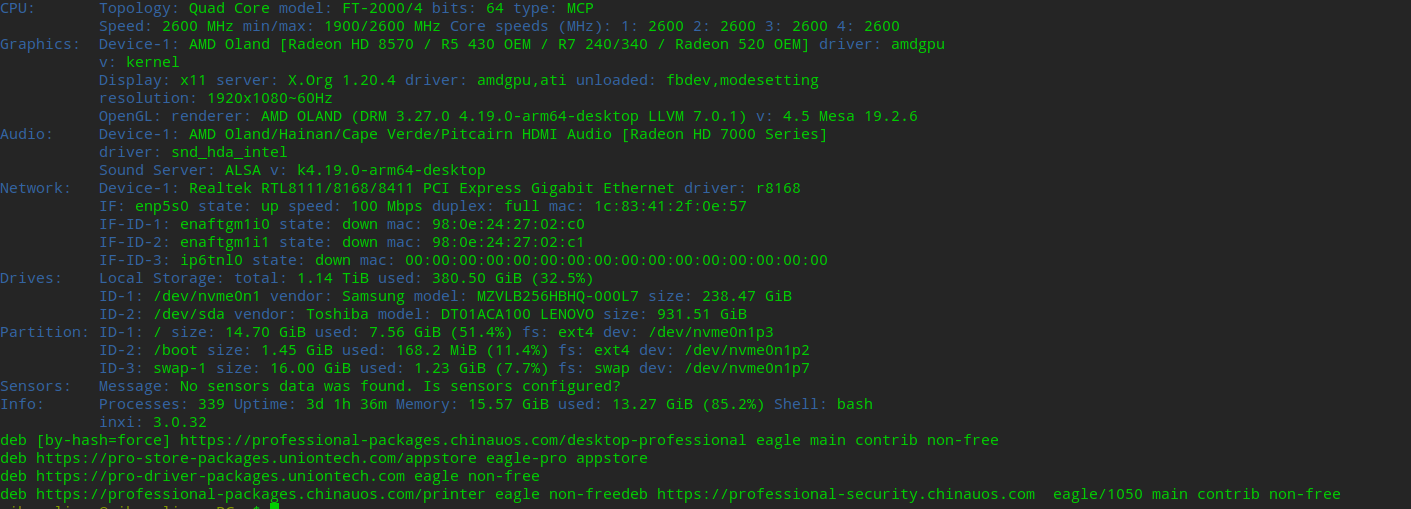
  • 亲在终端执行下这条命令,将截图发上来看看
  • sudo apt install inxi -y && inxi -F && cat /etc/apt/sources.list /etc/apt/sources.list.d/*.list |grep -v ^#
Reply View the author
187******35
deepin
2022-10-22 00:50
#3

应该是拷贝的命令,空格部分 不是半角;

手动敲命令或者修改下空格,再执行试试

Reply View the author
188******63
deepin
2022-10-22 00:57
#4

image.png
image.png

Reply View the author
188******63
deepin
2022-10-22 01:04
#5
187******35

应该是拷贝的命令,空格部分 不是半角;

手动敲命令或者修改下空格,再执行试试

手敲了一遍,这个样子
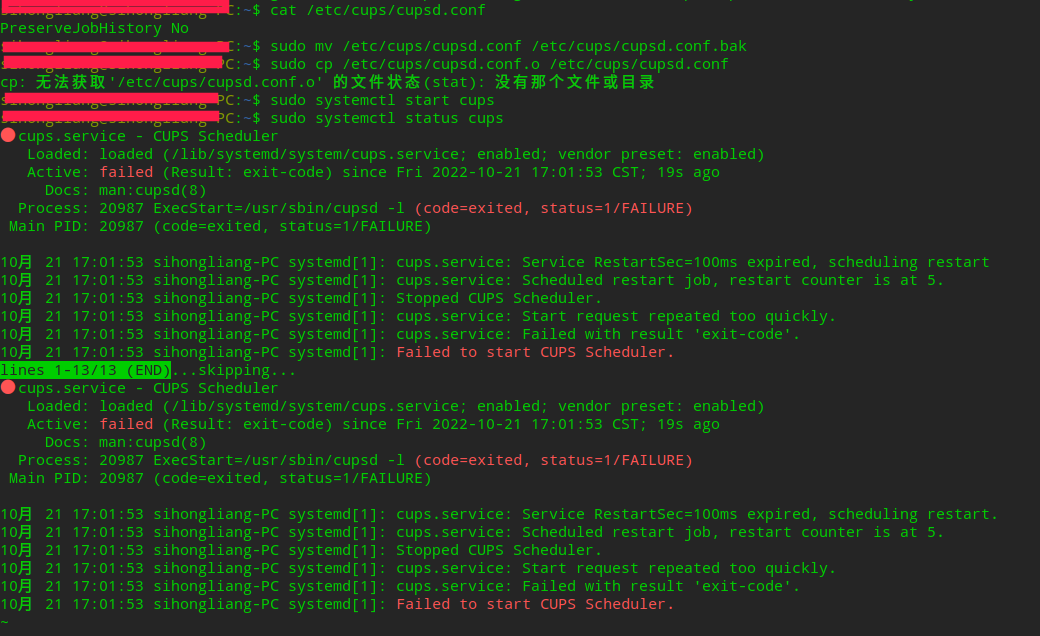
image.png

Reply View the author
云的眼泪
deepin
2022-10-22 04:21
#6

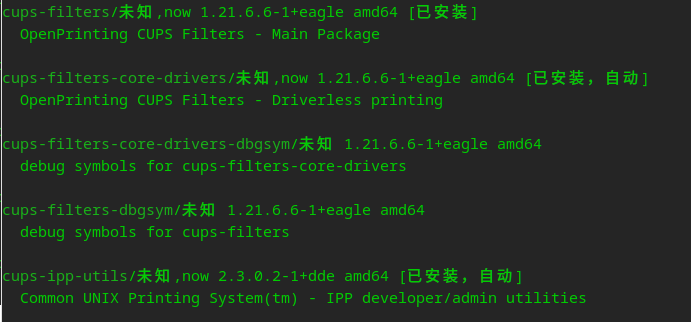
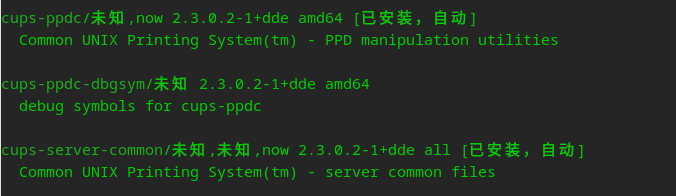
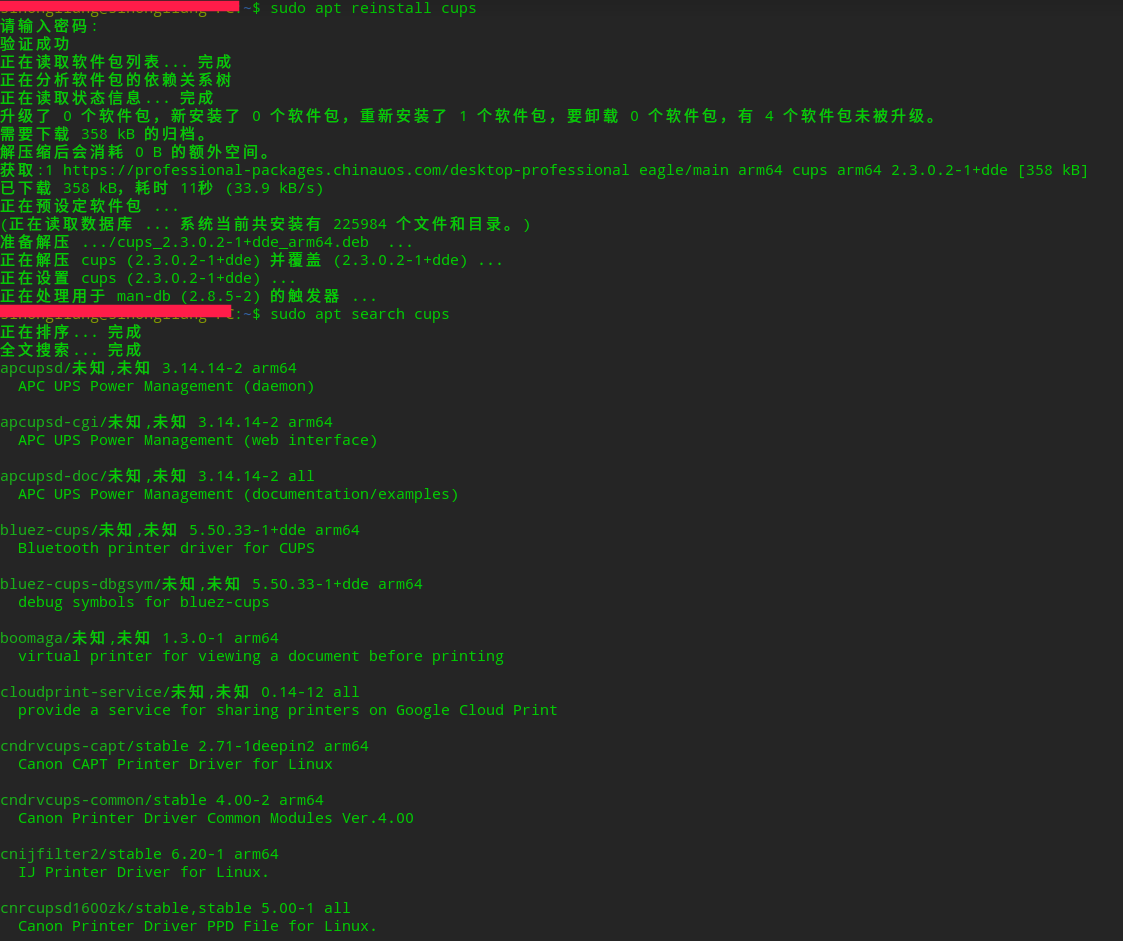
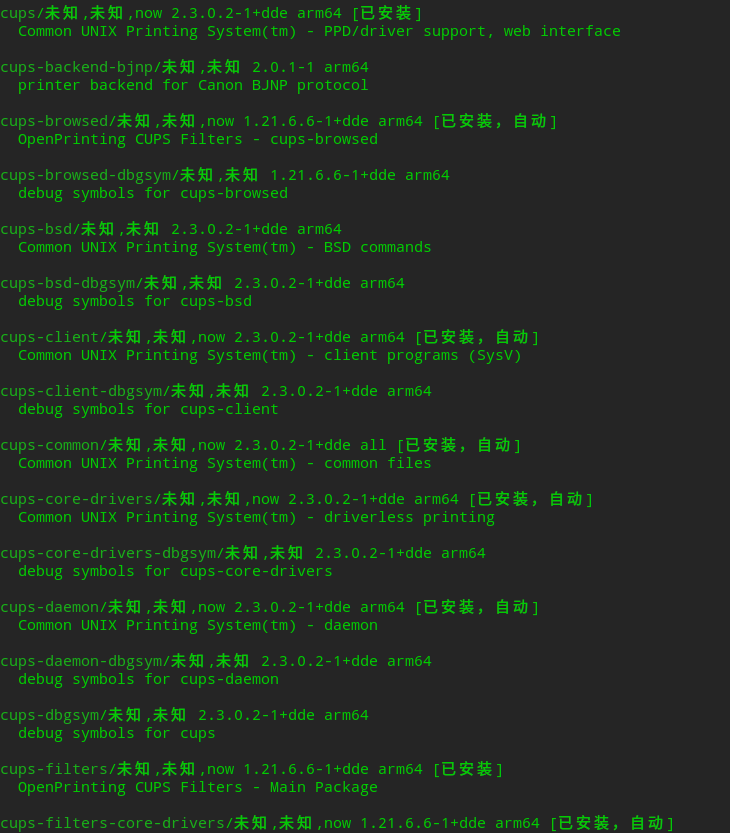
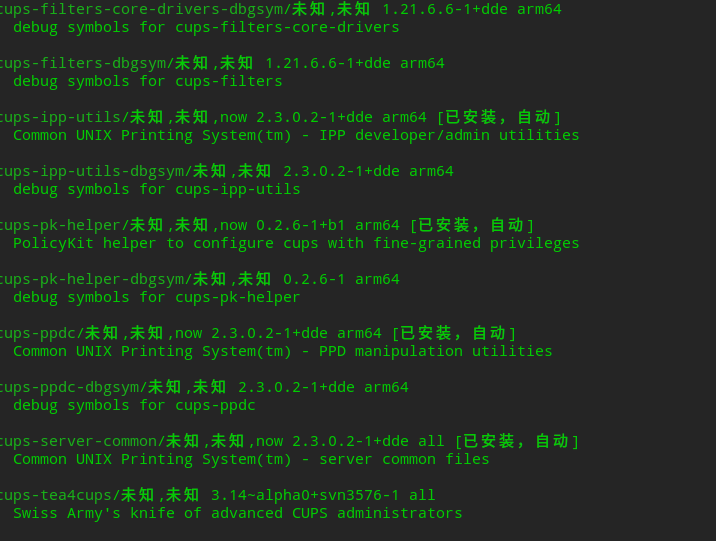
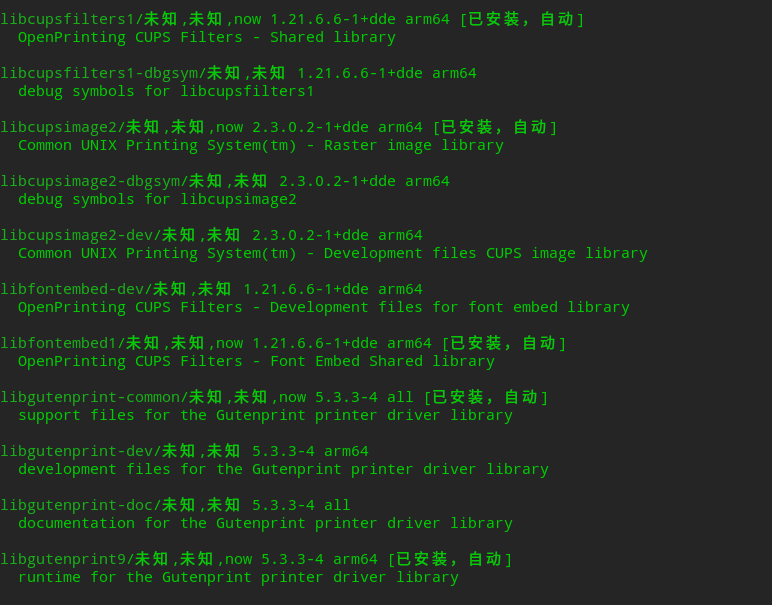
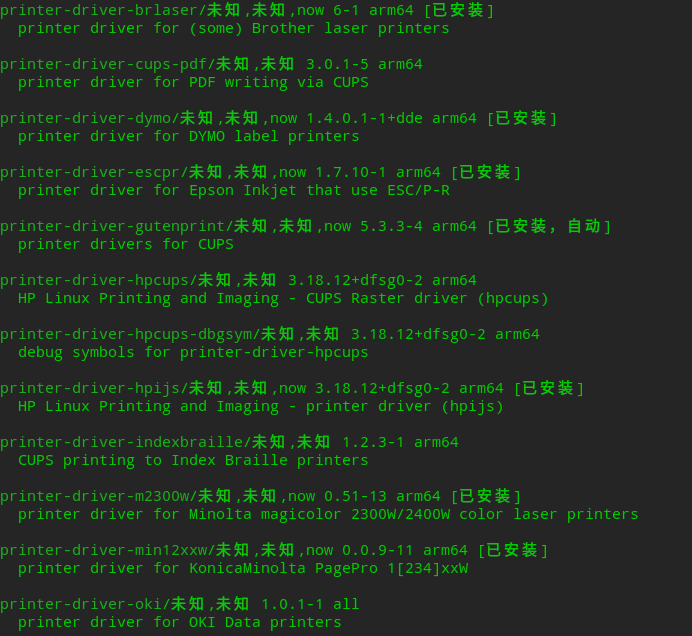
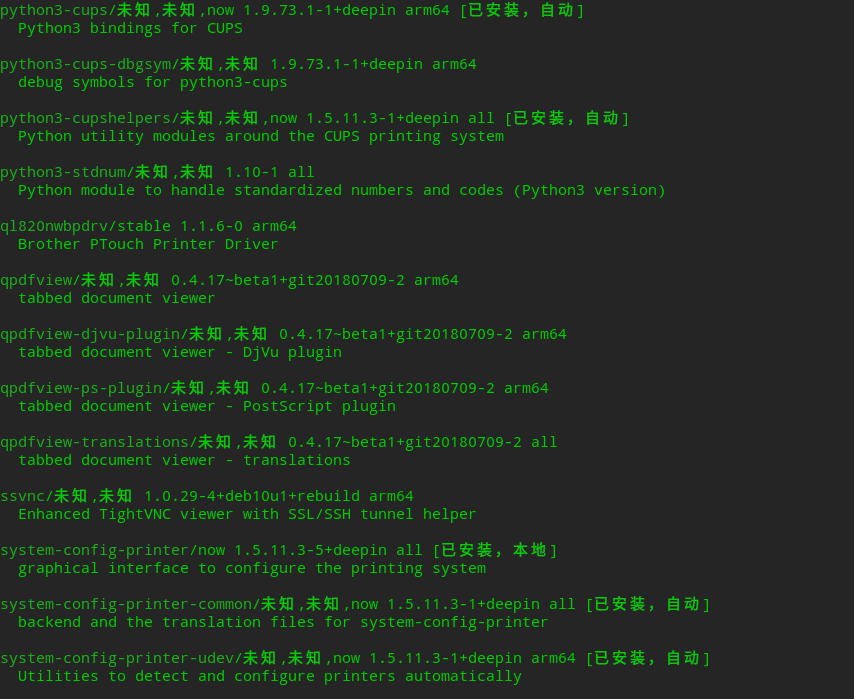
重新安装一下cups

sudo apt reinstall cups

………

有很多相关程序,使用sudo apt search cups查看哪些已安装

image.png

image.png

image.png

image.png

Reply View the author
deepinuser17
deepin
2022-10-22 07:56
#7

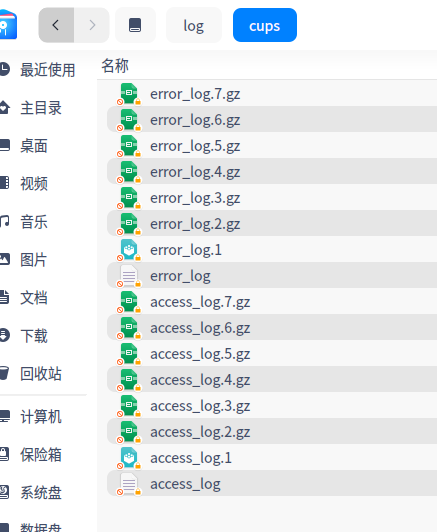
CUPS的系统日志在/var/log/cups下面。 查看/var/log/cups/error_log文件,看看具体的启动错误信息

Reply View the author
188******63
deepin
2022-10-24 18:58
#8
云的眼泪

重新安装一下cups

sudo apt reinstall cups

………

有很多相关程序,使用sudo apt search cups查看哪些已安装
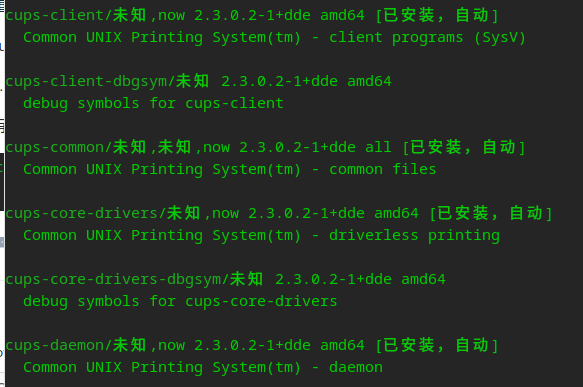
image.png

image.png

image.png

image.png

image.png
image.png
image.png
image.png
image.png
image.png
image.png
image.png

Reply View the author
188******63
deepin
2022-10-24 19:03
#9
deepinuser17

CUPS的系统日志在/var/log/cups下面。 查看/var/log/cups/error_log文件,看看具体的启动错误信息

命令没办法查看,但文件夹里有好多

image.png

image.png

Reply View the author
wyz144343
deepin
2023-12-19 00:18
#10

成功了。

Reply View the author