

 中文
中文 
blue_whale deepin
2022-10-10 21:09 deepin 参考: https://bbs.deepin.org/post/158618
Reply Like 0 View the author
 deepin
 参考: https://bbs.deepin.org/post/158618

 deepin
 控制中心有好像
一般笔记本会提供关闭键的

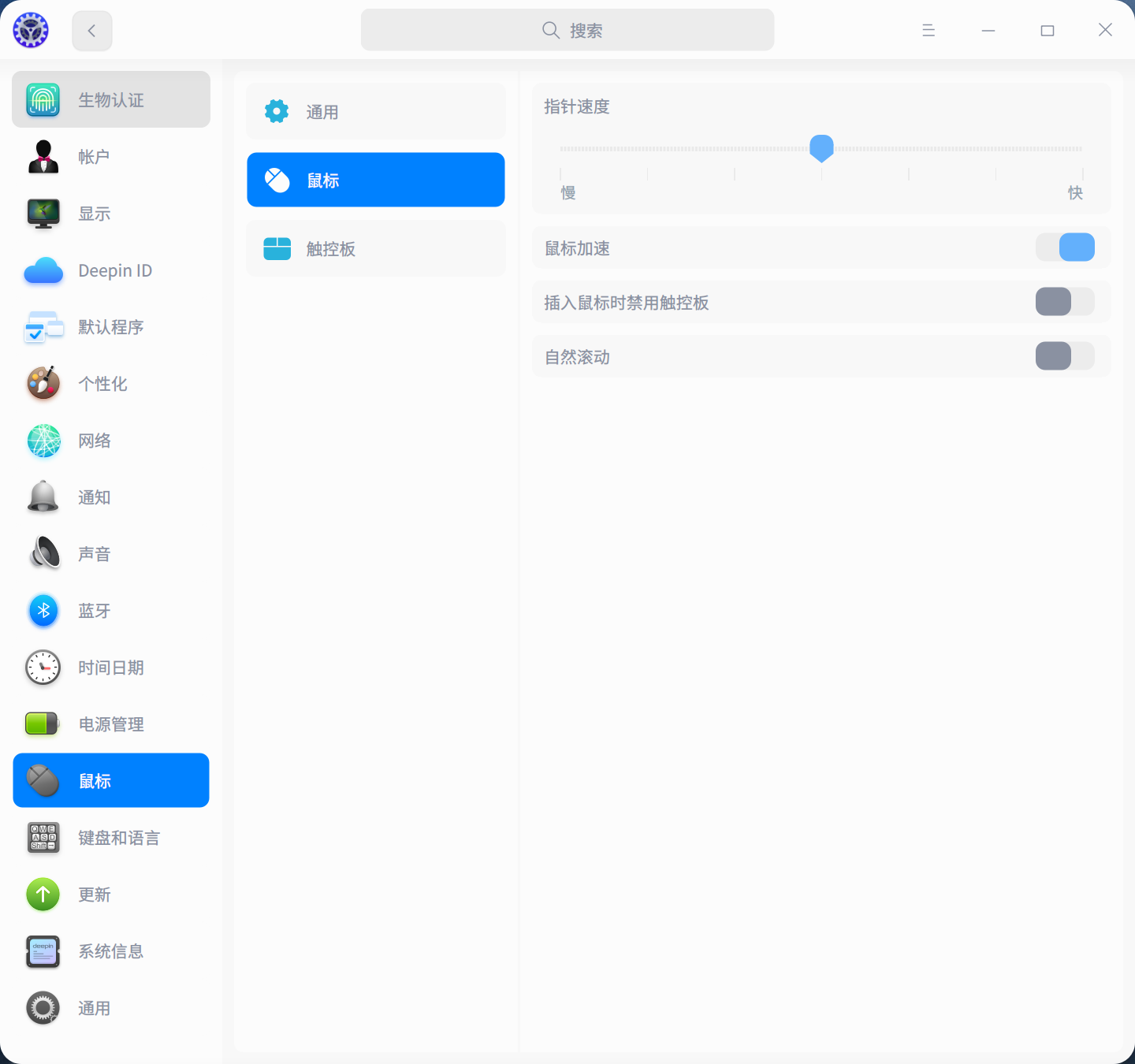
【控制中心】-【鼠标】-插入鼠标时禁用触控板
deepin 【控制中心】-【鼠标】-插入鼠标时禁用触控板
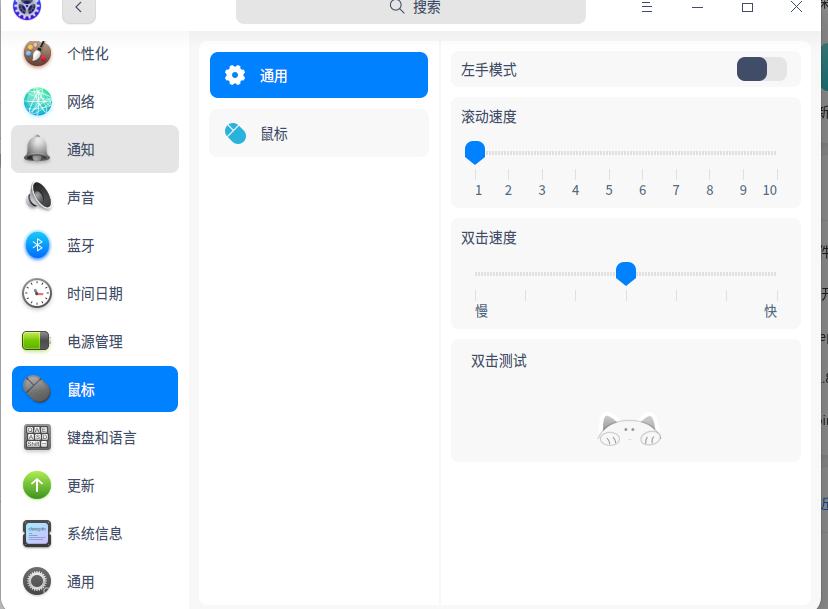
我的没有那个选项,但触控板可以正常使用...
deepin 控制中心有好像
一般笔记本会提供关闭键的
我的没有那个选项...
deepin 参考: https://bbs.deepin.org/post/158618
我的没有那个触控板选项...
deepin 没有触控板的情况之前也有人提到过, 但是讨论结果并不清晰, 你可以看看是否有帮助:
https://bbs.deepin.org/zh/post/243403
deepin 如果确定用不到触摸板,直接在BIOS里禁用,我就是这种不喜欢用触摸板的,Linux下禁用触摸板后,触碰到后还是会移动鼠标,烦的狠,直接BIOS里禁用,一了百了
 deepin
 如果确定用不到触摸板,直接在BIOS里禁用,我就是这种不喜欢用触摸板的,Linux下禁用触摸板后,触碰到后还是会移动鼠标,烦的狠,直接BIOS里禁用,一了百了
BIOS中哪个选项可以关闭触控板?我也不想用触控板。设置中选项时灵时不灵的
deepin BIOS中哪个选项可以关闭触控板?我也不想用触控板。设置中选项时灵时不灵的
额,具体看电脑型号,你可以上你电脑官网打客服咨询,我的是DELL E7440,直接在BIOS看一下有没有【Touchpad】的选项,直接禁用即可

可能是机型比较特殊,系统没有识别出来
deepin 触控板开关命令:
https://wiki.deepin.org/zh/%E5%9F%BA%E7%A1%80%E7%9F%A5%E8%AF%86/%E8%A7%A6%E6%8E%A7%E6%9D%BF
可以使用 synclient 控制触控板开关:
synclient touchpadoff=0synclient touchpadoff=1


rt