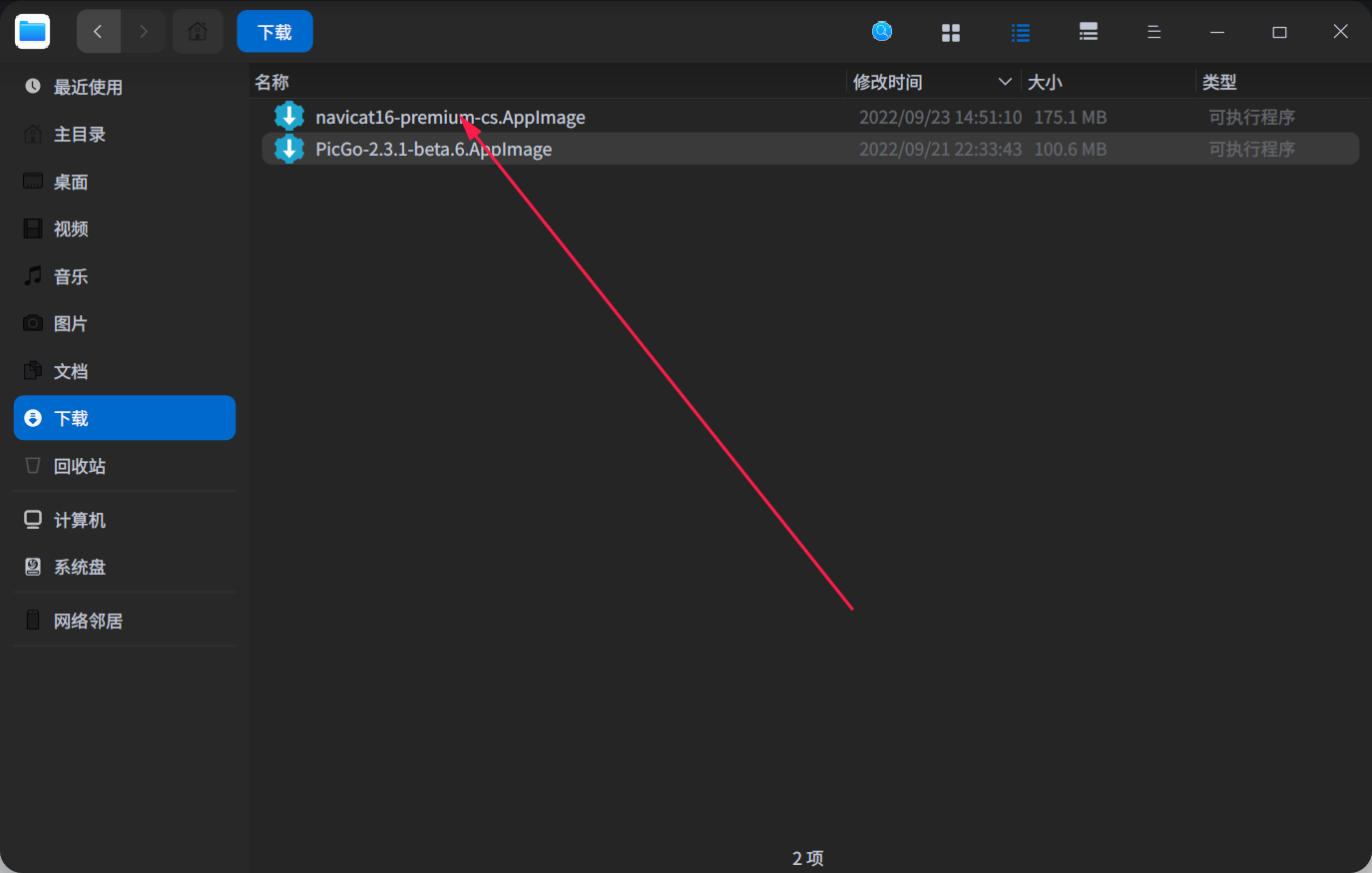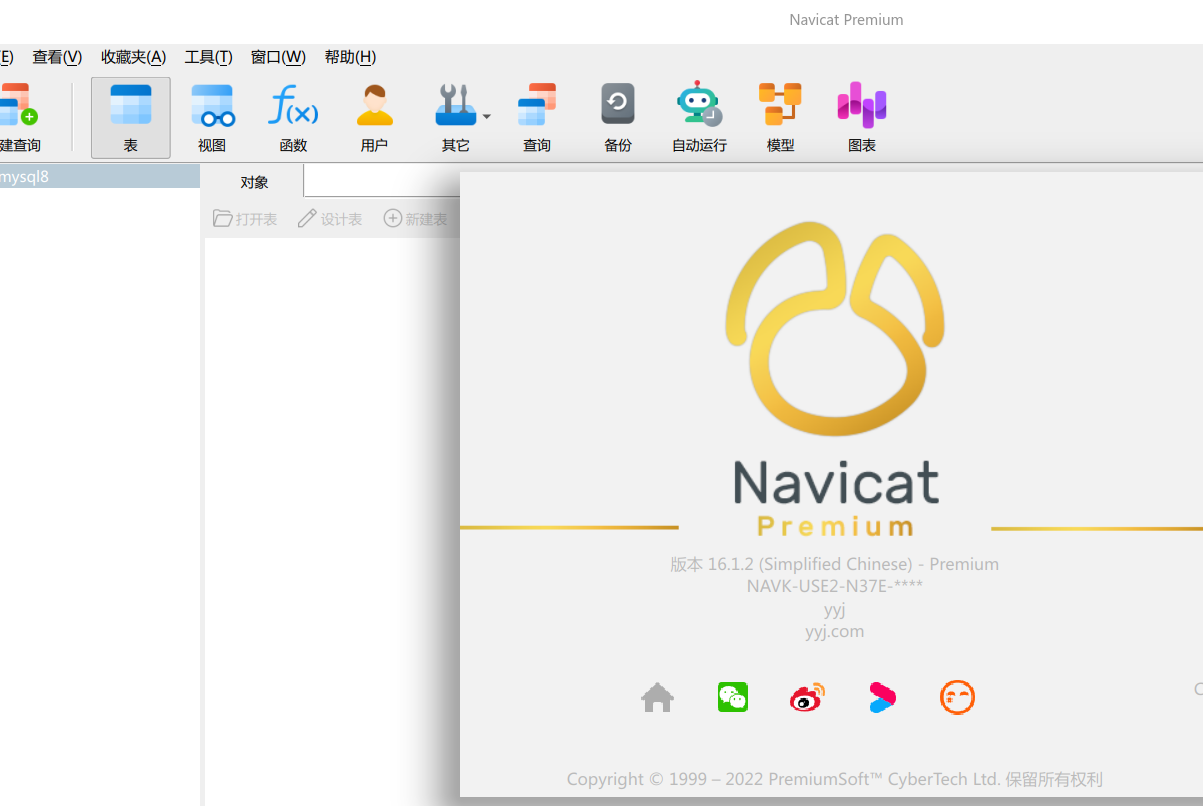
[Tutorials] Navicat16 怎么破解或者无限试用啊,有没有大佬指个方向
Tofloor
poster avatar
152******57
deepin
2022-09-23 23:52
Author

image.png

Reply Favorite View the author
All Replies
寂静的羽夏
deepin
2022-09-24 00:13
#1

我只能给你提供思路,只能用于学习用途,我也不会去帮忙干的,犯法又是苦差事:

  1. 在 linux 中,所有的配置都是以文件的方式存储的,所以,如果有全功能试用,肯定有一个位置记录着时间,如果删掉或清空了它,就可能达到无限制试用。
  2. 如果想自己破解,由于是 appimage 格式,你需要解包,网上搜个命令就解了。然后使用逆向分析框架进行分析可执行文件,比如 IDA 、Ghidra 或者 Cutter 等,然后 patch 或者分析出算法制作注册机,这个得看软件,难易程度不同。这个要求知识储备可能比较多(如果自己从网上找到破解方式,自己搞)。
Reply View the author
youngyajun
deepin
2022-09-24 00:53
#2

github上有教程,直接激活navicat16

Screenshot_select-area_20220923165233.png

Reply View the author
沈拙言
deepin
2022-09-24 01:03
#3

换个软件呗,干嘛非用它

Reply View the author
152******57
deepin
2022-09-24 01:24
#4
沈拙言

换个软件呗,干嘛非用它

习惯这个了tail

Reply View the author
152******57
deepin
2022-09-24 01:31
#5
youngyajun

github上有教程,直接激活navicat16

Screenshot_select-area_20220923165233.png

给个传送门呗老哥

Reply View the author
youngyajun
deepin
2022-09-24 01:36
#6
152******57

给个传送门呗老哥

Screenshot_select-area_20220923173633.png

Reply View the author
youngyajun
deepin
2022-09-24 01:37
#7
youngyajun

Screenshot_select-area_20220923173633.png

我就是按照这个操作的

Reply View the author
偷捧时间煮酒喝
deepin
2022-09-25 08:26
#8

推荐dbeaver替代。开源免费。

Reply View the author
renbooc
deepin
2023-04-20 18:15
#9
偷捧时间煮酒喝

推荐dbeaver替代。开源免费。

这个不错~

Reply View the author
洛克李
deepin
2023-06-28 17:25
#10

os version

cat /etc/os-release
PRETTY_NAME="Deepin 20.9"
NAME="Deepin"
VERSION_ID="20.9"
VERSION="20.9"
VERSION_CODENAME="apricot"
ID=Deepin
HOME_URL="https://www.deepin.org/"
BUG_REPORT_URL="https://bbs.deepin.org/"

kernel version

uname -r
5.15.77-amd64-desktop

depend

sudo apt install cmake libfmt-dev libssl-dev rapidjson-dev

在执行此命令时报错:

./navicat-patcher ~/navicat16-premium-en-patched

报错信息如下:


  •   navicat-patcher by @DoubleLabyrinth       *
    
  •           version: 16.0.7.0-3               *
    

[+] Try to open libcc.dll ... OK!

[-] patch_solution_since<16, 0, 7, 0>: Vftable for CSRegistrationInfoFetcher_LINUX is not found.
[-] patch_solution_since<16, 0, 7, 0>: This patch solution will be suppressed.
[-] .\navicat-patcher\elf64_interpreter.cpp:570 ->
File offset(0xffff80f3d35cd008) doesn't have corresponding virtual address.

不知道什么原因导致的?

Reply View the author
xsluck
deepin
2023-10-22 08:31
#11
youngyajun

github上有教程,直接激活navicat16

Screenshot_select-area_20220923165233.png

给个16.1的安装包吧,官网下的是16.3破不了,谢谢了

Reply View the author
张立强
deepin
2023-12-11 19:28
#12
洛克李

os version

cat /etc/os-release
PRETTY_NAME="Deepin 20.9"
NAME="Deepin"
VERSION_ID="20.9"
VERSION="20.9"
VERSION_CODENAME="apricot"
ID=Deepin
HOME_URL="https://www.deepin.org/"
BUG_REPORT_URL="https://bbs.deepin.org/"

kernel version

uname -r
5.15.77-amd64-desktop

depend

sudo apt install cmake libfmt-dev libssl-dev rapidjson-dev

在执行此命令时报错:

./navicat-patcher ~/navicat16-premium-en-patched

报错信息如下:


  •   navicat-patcher by @DoubleLabyrinth       *
    
  •           version: 16.0.7.0-3               *
    

[+] Try to open libcc.dll ... OK!

[-] patch_solution_since<16, 0, 7, 0>: Vftable for CSRegistrationInfoFetcher_LINUX is not found.
[-] patch_solution_since<16, 0, 7, 0>: This patch solution will be suppressed.
[-] .\navicat-patcher\elf64_interpreter.cpp:570 ->
File offset(0xffff80f3d35cd008) doesn't have corresponding virtual address.

不知道什么原因导致的?

我也报相同的错误。请问解决了吗?

Reply View the author
pangqiangqiang
deepin
2023-12-22 17:57
#13

有办法解决了吗。?有低版本的安装包吗 16.1的来一份呗

Reply View the author