

 中文
中文 
keno123 deepin
2022-09-20 05:56 deepin 尝试安装其他输入法安装不上
Reply Like 0 View the author
 deepin
 尝试安装其他输入法安装不上
deepin System: Host: keno-PC Kernel: 5.15.45-amd64-desktop x86_64 bits: 64 Desktop: Deepin 20.7 Distro: Deepin 20.7
Machine: Type: Laptop System: LENOVO product: 81XD v: Lenovo XiaoXinPro-13API 2019 serial:
Audio: Device-1: Advanced Micro Devices [AMD/ATI] Raven/Raven2/Fenghuang HDMI/DP Audio driver: snd_hda_intel
Device-2: Advanced Micro Devices [AMD] Raven/Raven2/FireFlight/Renoir Audio Processor driver: snd_pci_acp3x
Device-3: Advanced Micro Devices [AMD] Family 17h HD Audio driver: snd_hda_intel
Sound Server: ALSA v: k5.15.45-amd64-desktop
Network: Device-1: Qualcomm Atheros QCA6174 802.11ac Wireless Network Adapter driver: ath10k_pci
IF: wlp1s0 state: up mac: 10:63:c8:41:b6:0f
Device-2: Qualcomm Atheros type: USB driver: btusb
IF-ID-1: br-0378848c22c6 state: down mac: 02:42:91:6d:96:e0
IF-ID-2: br-09ecc1209c2e state: down mac: 02:42:af:9b:86:1f
IF-ID-3: docker0 state: down mac: 02:42:4c:5d:32:77
Drives: Local Storage: total: 476.94 GiB used: 438.29 GiB (91.9%)
ID-1: /dev/nvme0n1 vendor: Samsung model: MZVLB512HBJQ-000L2 size: 476.94 GiB
Partition: ID-1: / size: 14.66 GiB used: 11.41 GiB (77.8%) fs: ext4 dev: /dev/nvme0n1p3
ID-2: /boot size: 1.44 GiB used: 227.1 MiB (15.4%) fs: ext4 dev: /dev/nvme0n1p2
ID-3: swap-1 size: 16.00 GiB used: 0 KiB (0.0%) fs: swap dev: /dev/nvme0n1p7
Sensors: Message: No sensors data was found. Is sensors configured?
Info: Processes: 310 Uptime: 20m Memory: 14.59 GiB used: 4.39 GiB (30.1%) Shell: bash inxi: 3.0.32
deepin 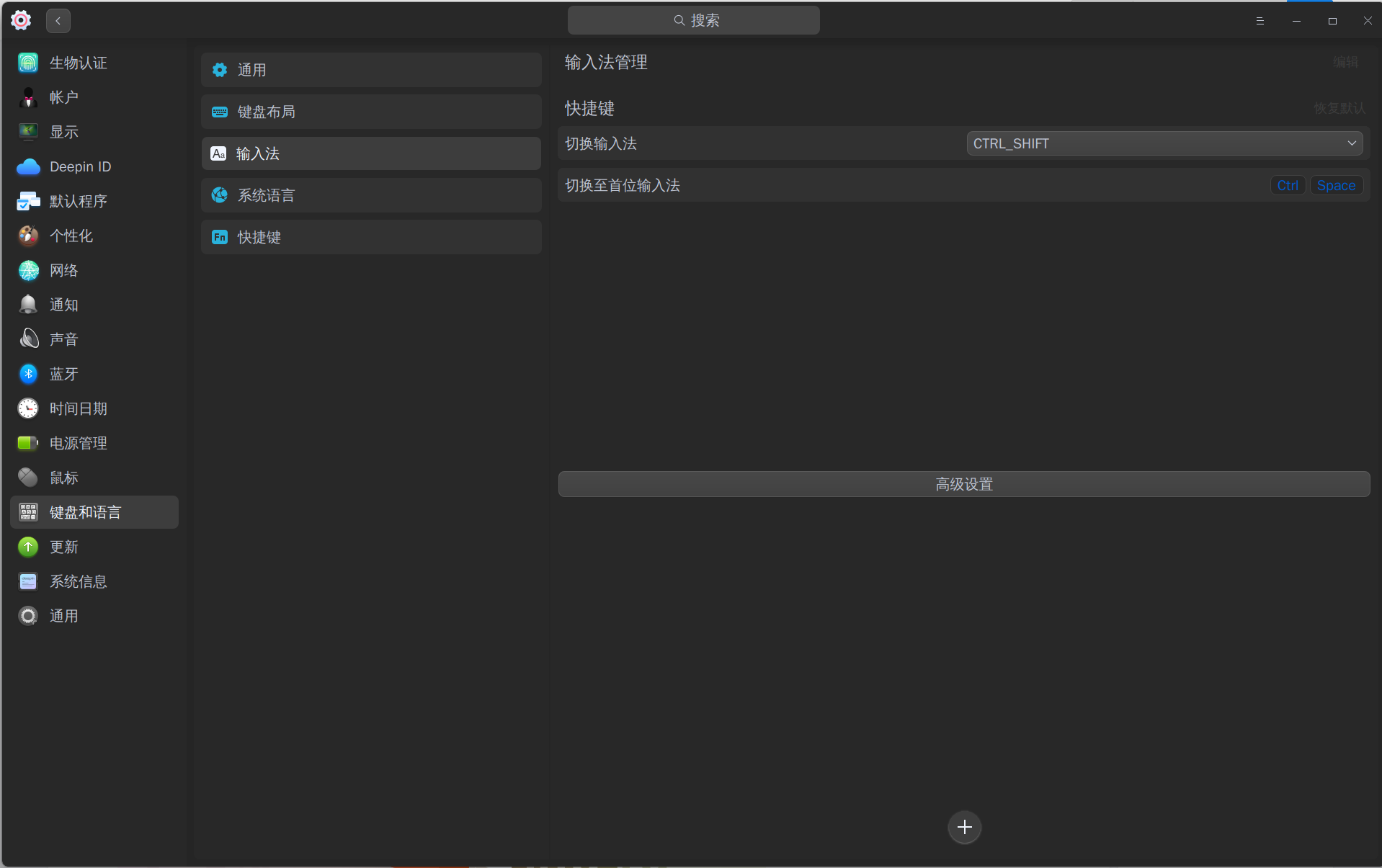
deepin deepin 

 deepin
 有可能是你的输入法把系统默认输入法搞坏了,尝试使用以下命令进行修复(不一定有用):
sudo apt purge *fcitx*
sudo apt autoremove
sudo apt install fcitx
第一条是删除所有和 fcitx 相关的所有组件,直接确认即可
第二条是删除所有 fcitx 的依赖,防止有残留组件的影响
第三条是安装 fcitx 相关组件,恢复系统默认的输入法支持
deepin 好了也行
deepin 非常感谢

 deepin
 依赖错误问题,看到以有人提供解决办法。


早上升级完,中文无法输入
数据源没有换过