

 中文
中文 

xexz deepin
2022-08-24 06:20 deepin https://git.kernel.org/pub/scm/linux/kernel/git/firmware/linux-firmware.git/
这里下个最新的:
https://git.kernel.org/pub/scm/linux/kernel/git/firmware/linux-firmware.git/snapshot/linux-firmware-20220815.tar.gz
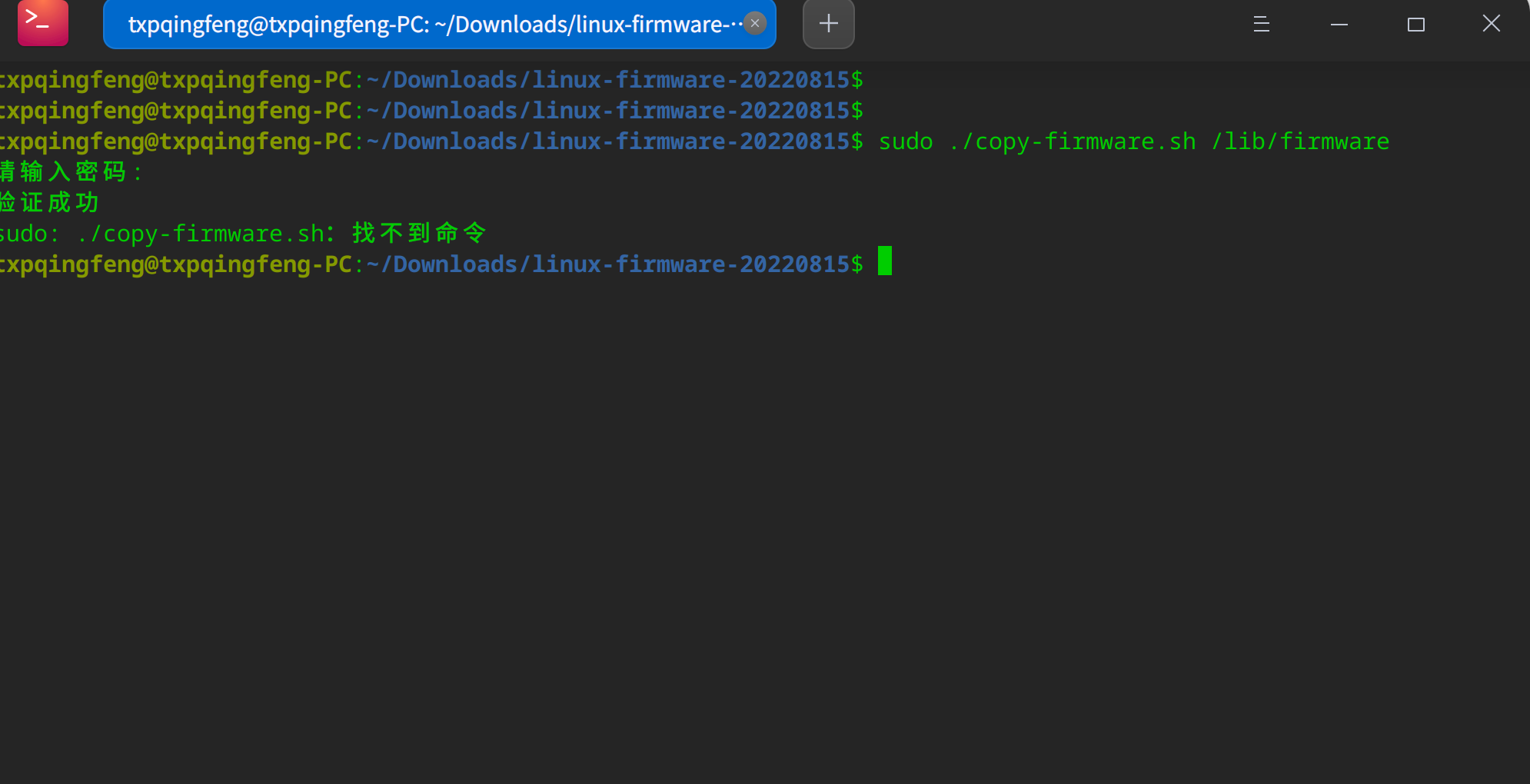
展开,打开一个终端窗口,进入展开目录,里面有个“copy-firmware.sh” ,敲下面命令执行之它:
sudo ./copy-firmware.sh /lib/firmware
Reply Like 1 View the author





 Which version of the Deepin system is the best?


新买的联想yoga14S 2021酷睿版Intel 酷睿i5 11300H NVIDIA GeForce MX450想体验下国产系统
刚开始安装的统信UOS系统结果,安装好以后就是闪屏,联系工程师远程控制解决了闪屏问题,但是麦克风和鼠标蓝牙连接问题一直无法解决,研发工程师也没办法,说是需要等内核处理,而且时间比较久,不知道何时能够解决;本人想用这个作为主用最后果断放弃。
因为以前老电脑用过deepin系统感觉不错,于是安装了deepin系统,安装了V20.6和V23麦克风和蓝牙问题解决了,但是画面都不能正常显示,安装V20.6一直闪屏,升级了5.18.8内核也不行鼠标移动就感觉有拖影,无法正常使用,安装V23也是同样问题,希望哪位大神能够帮忙解决板载显卡和独显驱动问题,能够正常显示;谢谢