中文
中文 
fuuko deepin
2022-08-19 23:32 deepin 那个键在Linux下叫super
Reply Like 0 View the author
 deepin
 那个键在Linux下叫super
 deepin
 拖动窗口,拖到左边缘松开就会显示在左半屏,拖到右边显示在右半屏。

 deepin
 拖动窗口,拖到左边缘松开就会显示在左半屏,拖到右边显示在右半屏。
我这边拖动窗口到边缘没有发生任何变化,倒是拖到最顶部可以最大化.
deepin 我这边拖动窗口到边缘没有发生任何变化,倒是拖到最顶部可以最大化.
可能是第三方应用兼容问题。
deepin浏览器、谷歌浏览器、360浏览器都可以
WPS系列软件不行。
deepin 可能是第三方应用兼容问题。
deepin浏览器、谷歌浏览器、360浏览器都可以
WPS系列软件不行。
我安装了systemsettings后解决.
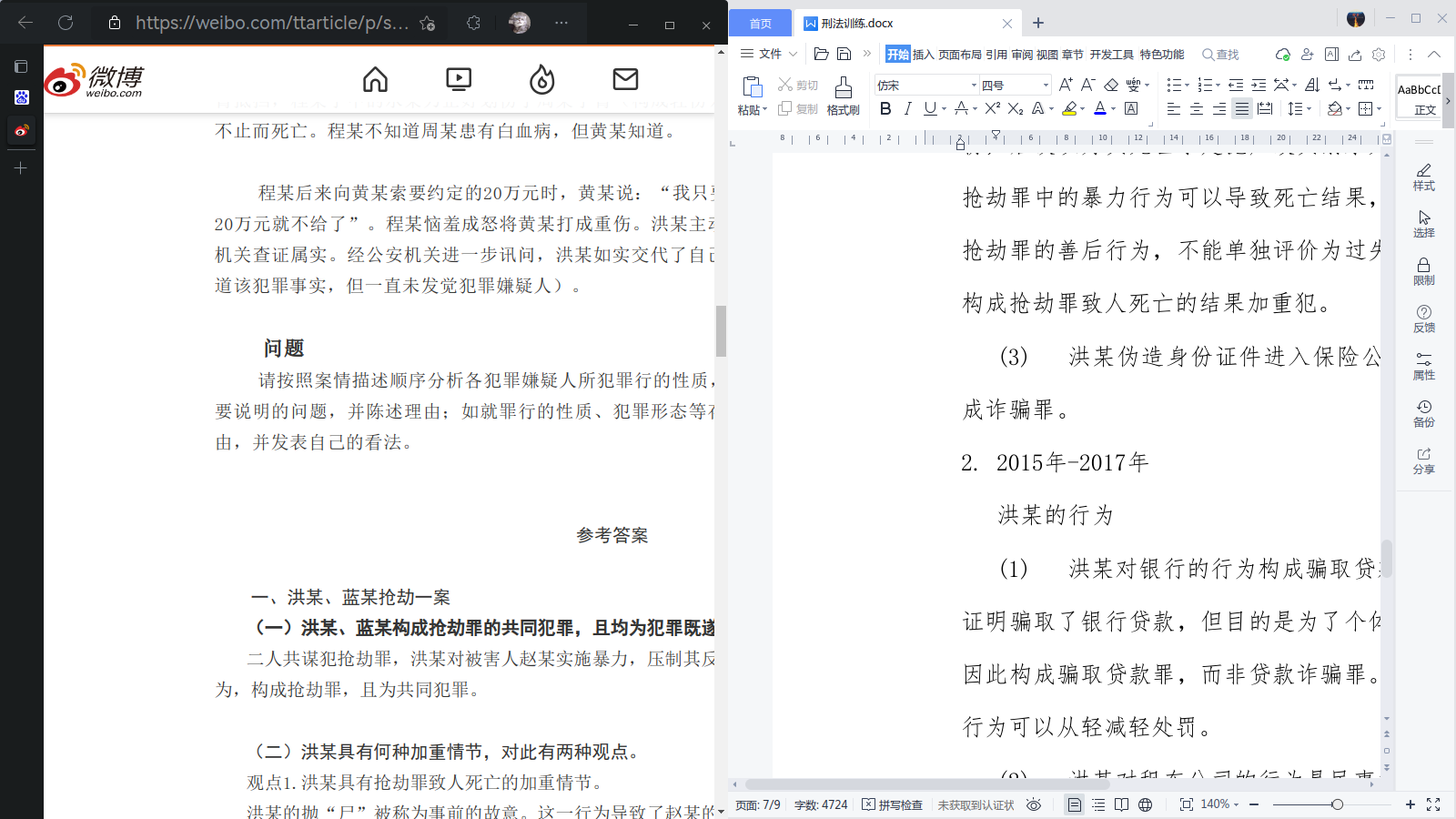
使用命令:sudo apt install systemsettings
然后打开安装好的KDE系统设置即可.
deepin 我安装了systemsettings后解决.
使用命令:sudo apt install systemsettings
然后打开安装好的KDE系统设置即可.


 deepin
 我安装了systemsettings后解决.
使用命令:sudo apt install systemsettings
然后打开安装好的KDE系统设置即可.
可以将设置的重点给我截图吗?或者有类似教程的链接?我现在安装了systemsettings,但是没有找到设置的地方
deepin 可以将设置的重点给我截图吗?或者有类似教程的链接?我现在安装了systemsettings,但是没有找到设置的地方
https://www.bilibili.com/read/cv13898717/
我当时是参照这个文章设置。现在重装了系统,无法截图当时的操作。
 deepin
 deepin除了手动拖拽方式,有类似快捷键吗?
Popular Ranking
ChangePopular Events
More


 Which version of the Deepin system is the best?
如题所示,在windows 中这种操作是非常常见的,在同一块屏幕中使用快捷键来布置窗口.
而在deepin v20.6中,使用类似的快捷则会创建新的工作区,
对于只有一块屏幕的用户而言,实际上就是新增了另一块桌面,无法实现同屏显示.
请问各位,在使用过程中,是否有可行的解决方案呢?