

 中文
中文 
song deepin
2022-08-14 20:18 deepin usb ssd盘,在用DG分好区之后,v20.6的安装,只需要5分钟就能完成
Reply Like 0 View the author
deepin usb ssd盘,在用DG分好区之后,v20.6的安装,只需要5分钟就能完成

 deepin
 虚拟机了安装V23 preview没有问题。还没在实体机安装过
deepin 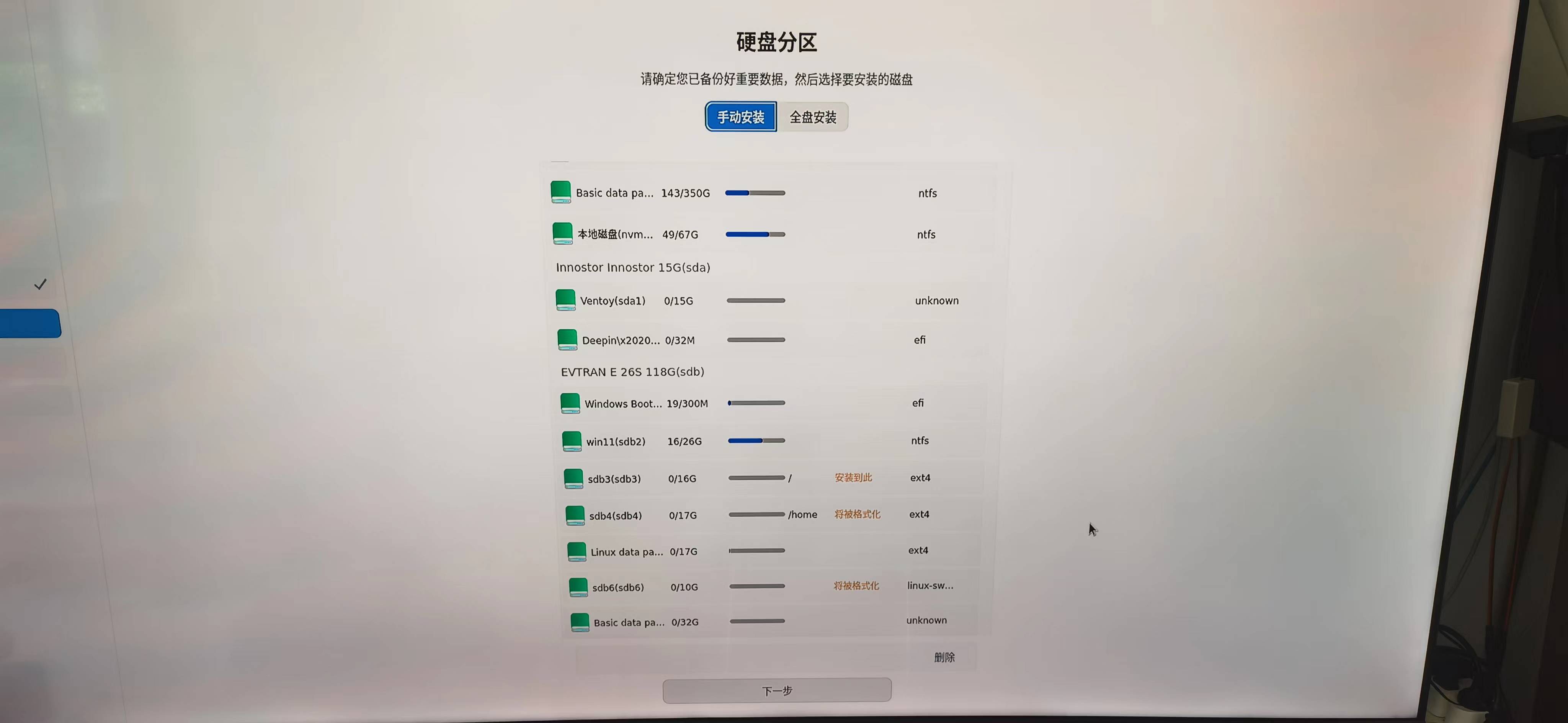
deepin 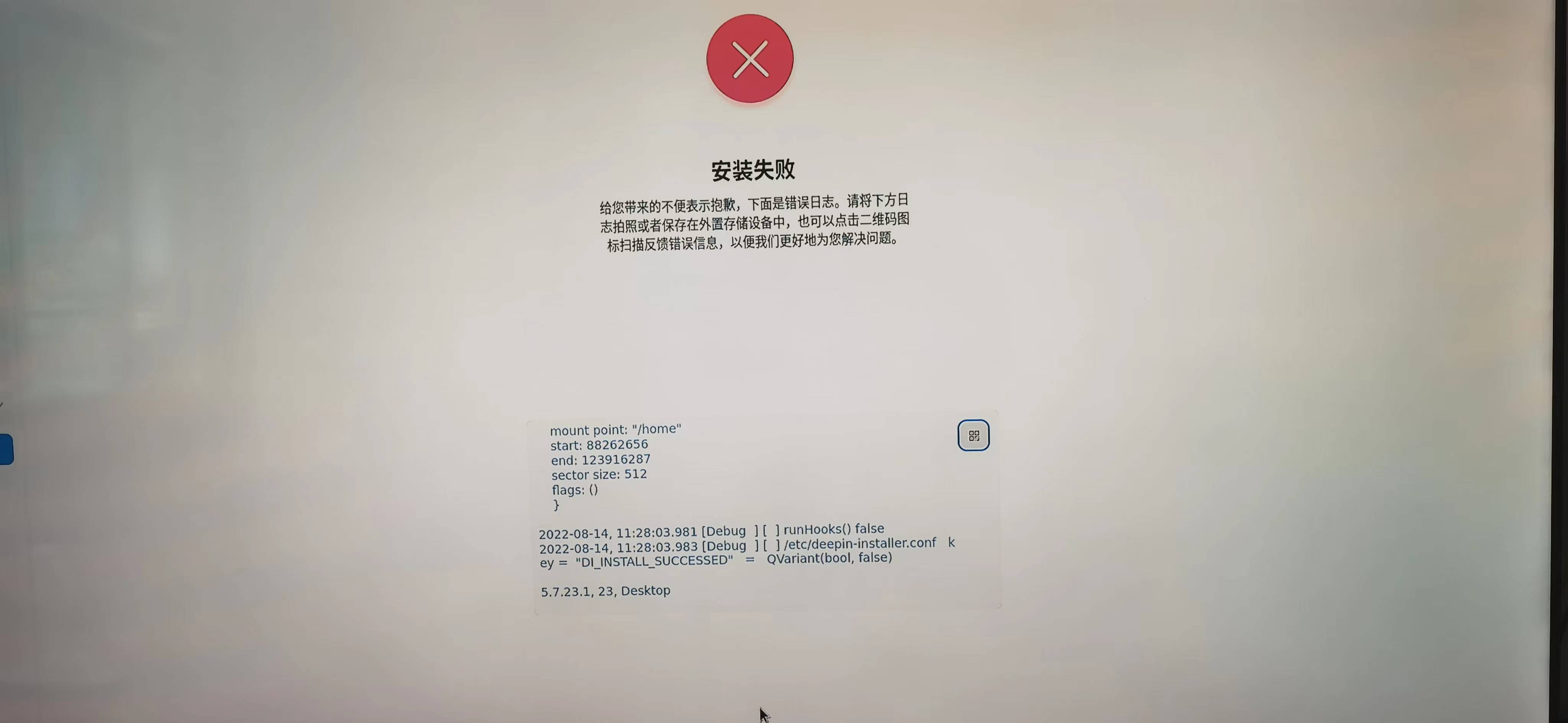
deepin 手动分区时不要home,只保留EFI、SWAP和/试一下
deepin 手动分区时不要home,只保留EFI、根分区、SWAP, V23 preview成功安装!此条信息就是在刚装好的系统下发的。
V20.6的安装不限于只能挂根分区和swap。
deepin  deepin
 我是直接选择了全盘安装 过了,分区我一般之分两个,一个boot 一个根 装不了
Popular Ranking
ChangePopular Events
More


 Which version of the Deepin system is the best?
硬盘为USB接口的SSD,手动分区安装,相同的分区设置,Ⅴ20.6能顺利完成安装,而V23preview选定分区后下一步就报错终止了安装。