中文
中文 
漂泊的旅客 deepin
2022-07-27 06:10 deepin 您是在应用商城里下载的吗?我发现你的WPS右上角图标不正常(没有最大化、最小化、关闭)。
目前,没碰到这种情况。可以尝试去应用商城下载、安装试试看。
Reply Like 0 View the author
deepin 您是在应用商城里下载的吗?我发现你的WPS右上角图标不正常(没有最大化、最小化、关闭)。
目前,没碰到这种情况。可以尝试去应用商城下载、安装试试看。

 deepin
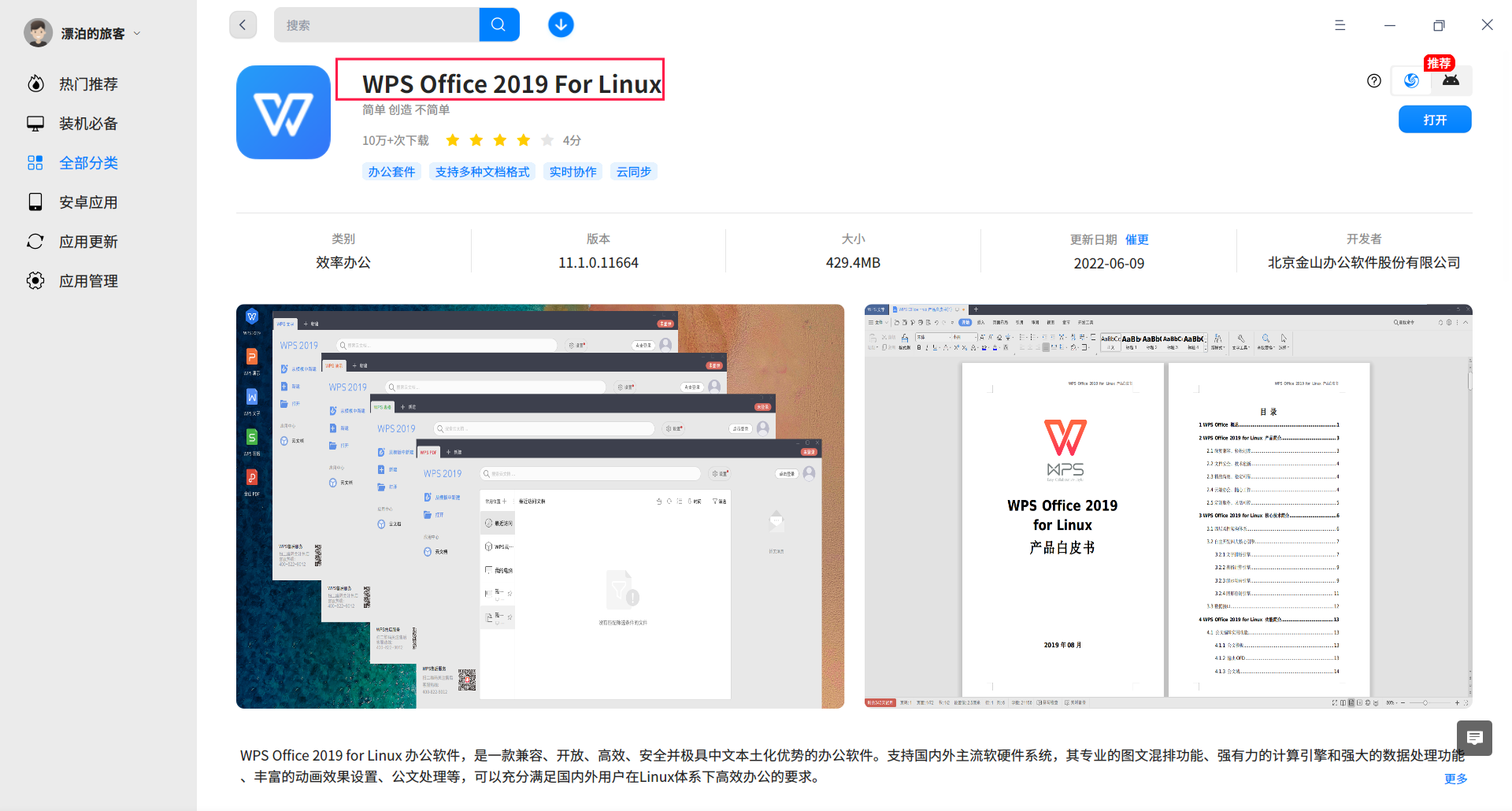
 原生就有专业版,过期了也能用

您是在应用商城里下载的吗?我发现你的WPS右上角图标不正常(没有最大化、最小化、关闭)。
目前,没碰到这种情况。可以尝试去应用商城下载、安装试试看。
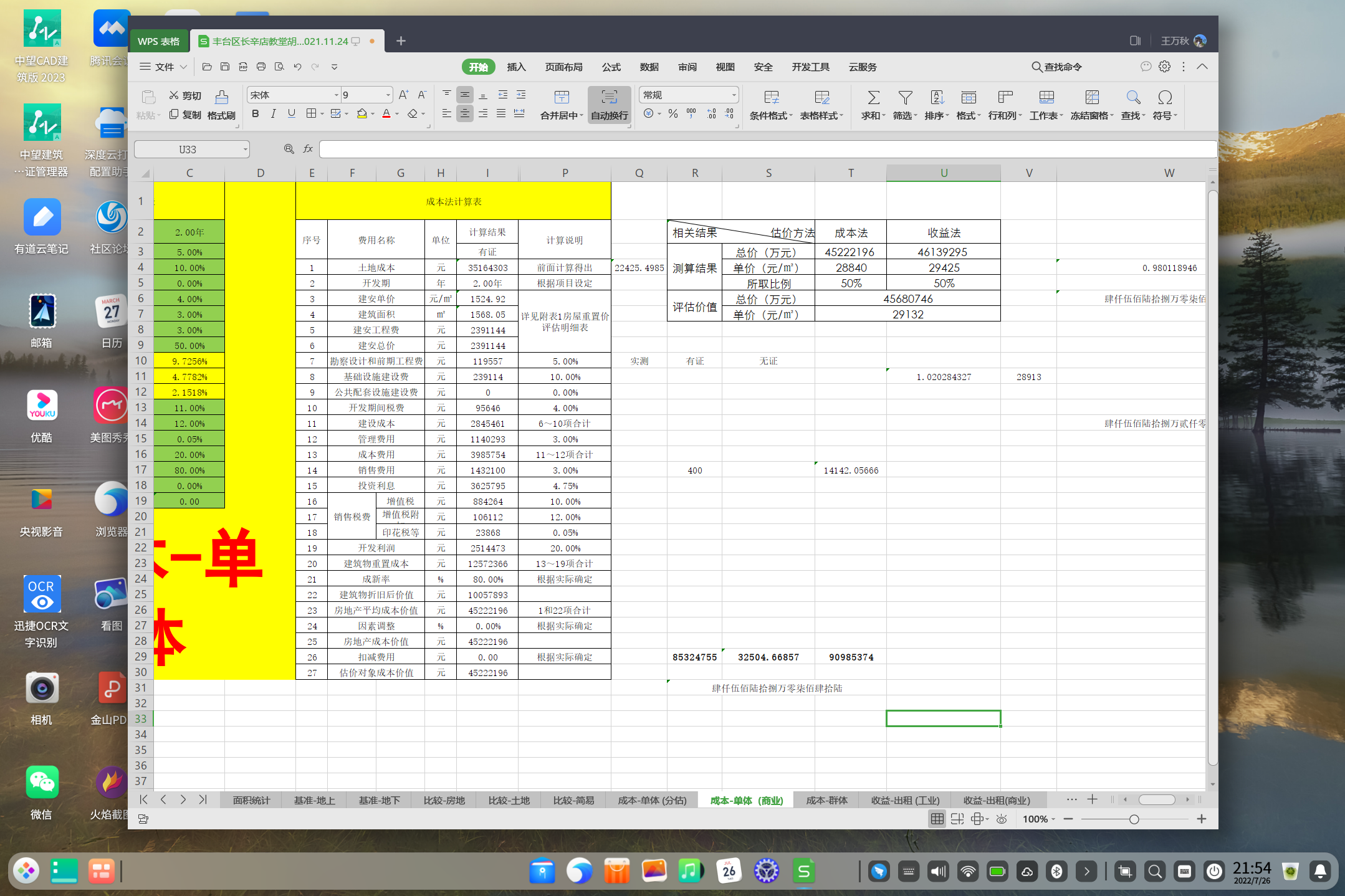
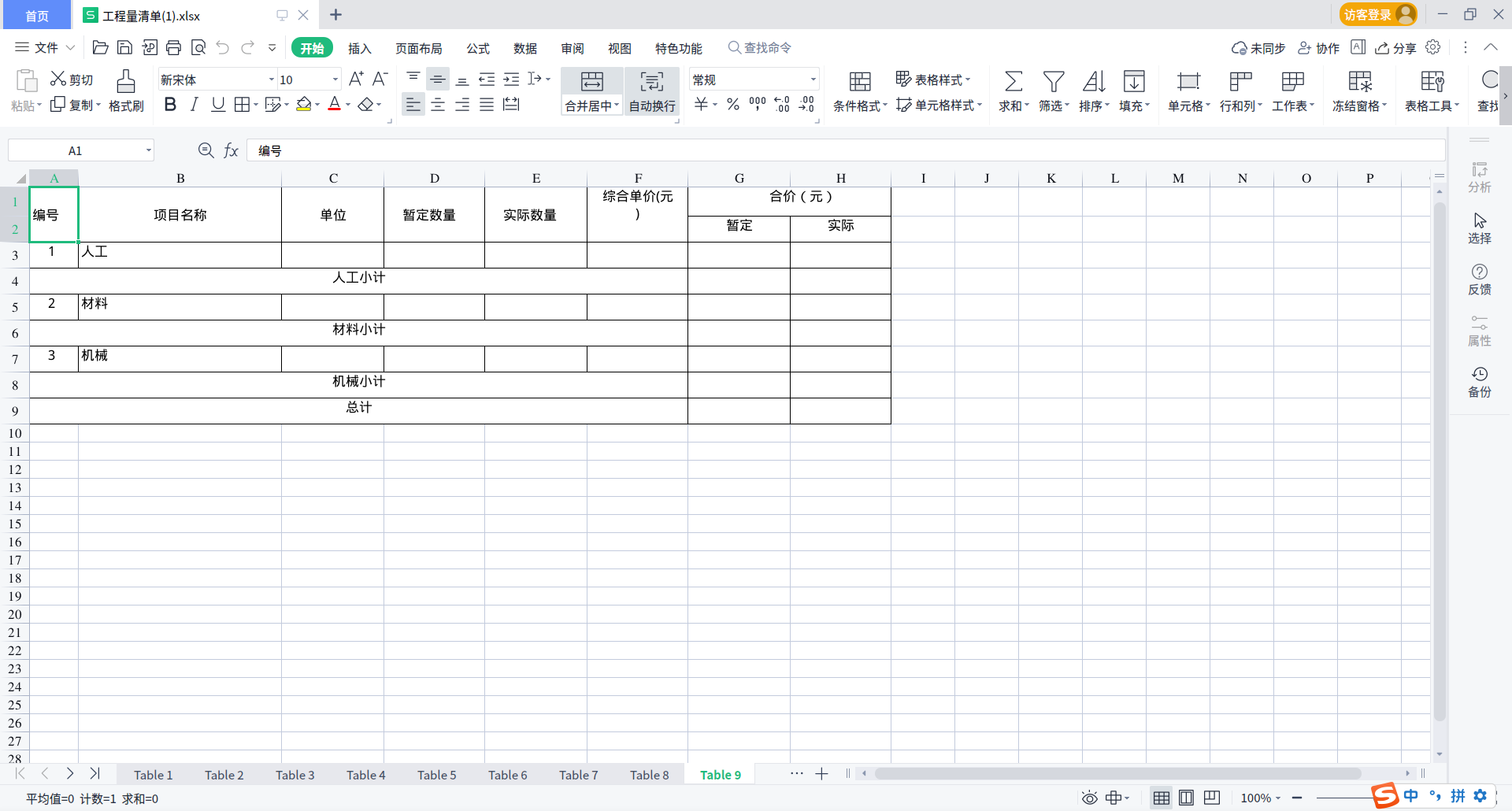
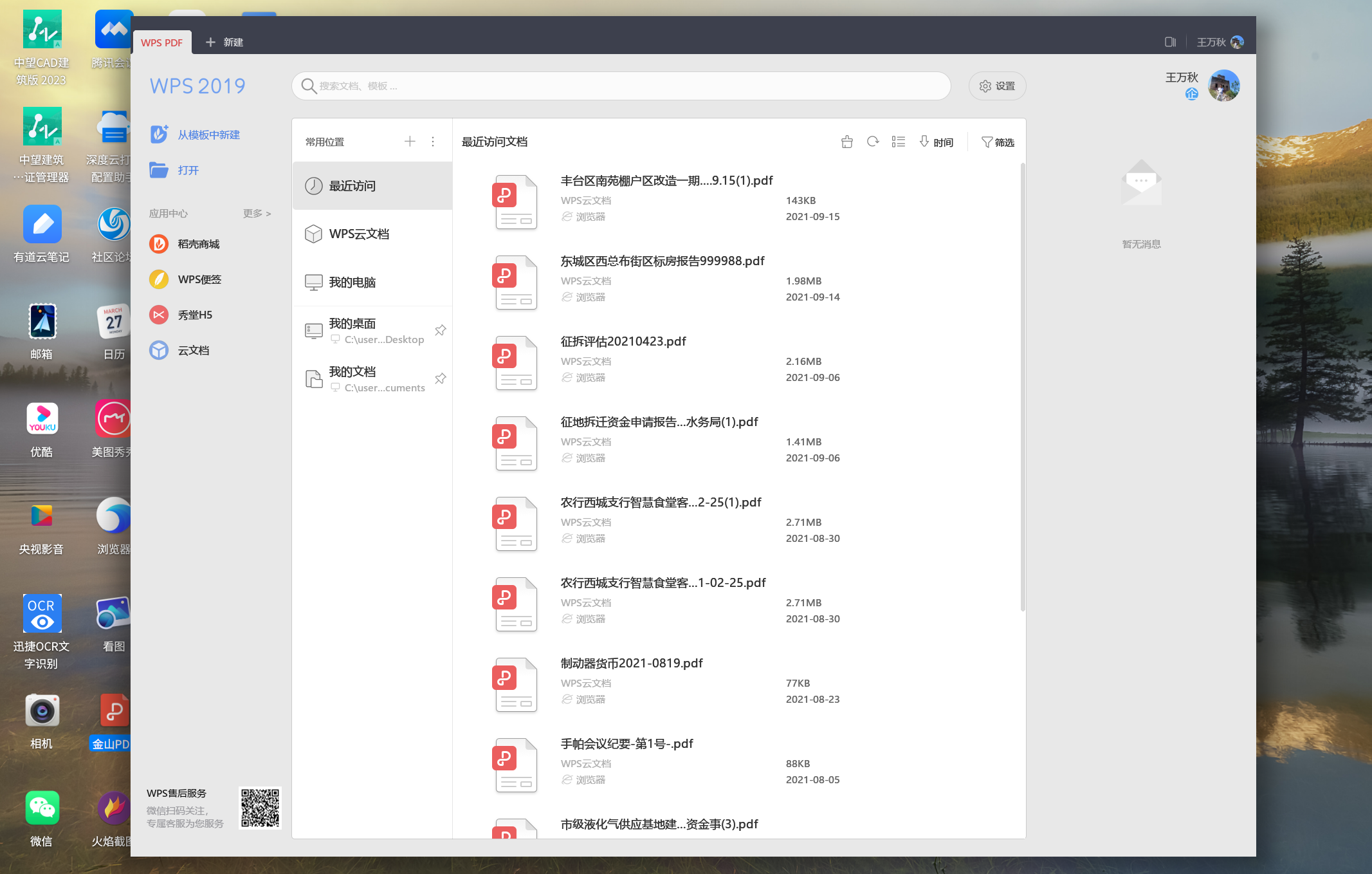
通过软件中心安装的linux版本的WPS是没有问题。因为我需要宏,所以又通过Wine安装了Windows系统下的WPS专业版。发现不能全屏显示,页且右上角没有那几个快捷命令。
原生就有专业版,过期了也能用
从哪下载,我找了半天没找到。是不是得需要花580元购买。

 deepin
 你自己wine的?
 deepin
 双击标题栏空白位置试试
 deepin
 从哪下载,我找了半天没找到。是不是得需要花580元购买。
UOS家庭版中可以下载WPS专业版
deepin 你用的是deepin-wine6-stable还是原生wine?
容器名称是什么?
之前在金山PDF上遇到过类似问题,更改winecfg里面的windows版本为windows xp看看。
你用的是deepin-wine6-stable还是原生wine?
容器名称是什么?
之前在金山PDF上遇到过类似问题,更改winecfg里面的windows版本为windows xp看看。
我也不是特别明白,第一次用Wine,我感觉我选择的是deepin-wine6-stable
我也不是特别明白,第一次用Wine,我感觉我选择的是deepin-wine6-stable
deepin 我也不是特别明白,第一次用Wine,我感觉我选择的是deepin-wine6-stable
我刚刚试着用deepin-wine6-stable装一下WPS专业版,安装进度条卡在86%很久了。你装的时候卡进度条了吗?
没卡,安装还算顺利
本来下载了win7的镜像,win没安装成功,所以就直接安装在deepin-wine6-stable容器里了。
你用的是deepin-wine6-stable还是原生wine?
容器名称是什么?
之前在金山PDF上遇到过类似问题,更改winecfg里面的windows版本为windows xp看看。
我刚刚试着用deepin-wine6-stable装一下WPS专业版,安装进度条卡在86%很久了。你装的时候卡进度条了吗?
只要打开通过Wine容器安装的WPS2019就不能全屏显示。
deepin 有原生就没必要wine
有原生就没必要wine
 当然了,因为我找不到原生呀!所以才wine的。
 deepin
 一般这样的问题 估计大部分解决不了,只能自己折腾,官方对wine应用的维护主要是哪些必不可少也没有替代品的,WPS 有linux版本(可能没有win强大)的情况下,一般建议用原生的,如果工作非得需要,建议还是用win吧
一般这样的问题 估计大部分解决不了,只能自己折腾,官方对wine应用的维护主要是哪些必不可少也没有替代品的,WPS 有linux版本(可能没有win强大)的情况下,一般建议用原生的,如果工作非得需要,建议还是用win吧
明白,在折腾中增长知识。
 deepin
 按win+↑ 可以吗?
Popular Ranking
ChangePopular Events
More


 Which version of the Deepin system is the best?
今天在外面跑了一天,进步不大,但回到家还是忍不住打开电脑,进入深度系统,浏览一下论坛!同时为了每天有点进步,还是请教大神们,通过wine安装的WPS专业版能实现全屏显示吗?在我的电脑中无法全屏显示,比较不舒服。如下图: