

 中文
中文 
liwl deepin
2022-07-27 04:47 deepin 终端dmesg看下有无报错
Reply Like 0 View the author
 deepin
 终端dmesg看下有无报错

 deepin
 可以打开终端输入
dde-launcher -s

您终端中输入apt policy dde-session-shell,看看这个包的版本呢?
 deepin
 终端dmesg看下有无报错
谢谢大佬回复,我试了一下,然后出现了好多好多行的数据,完全看不懂,下面只是部分截图
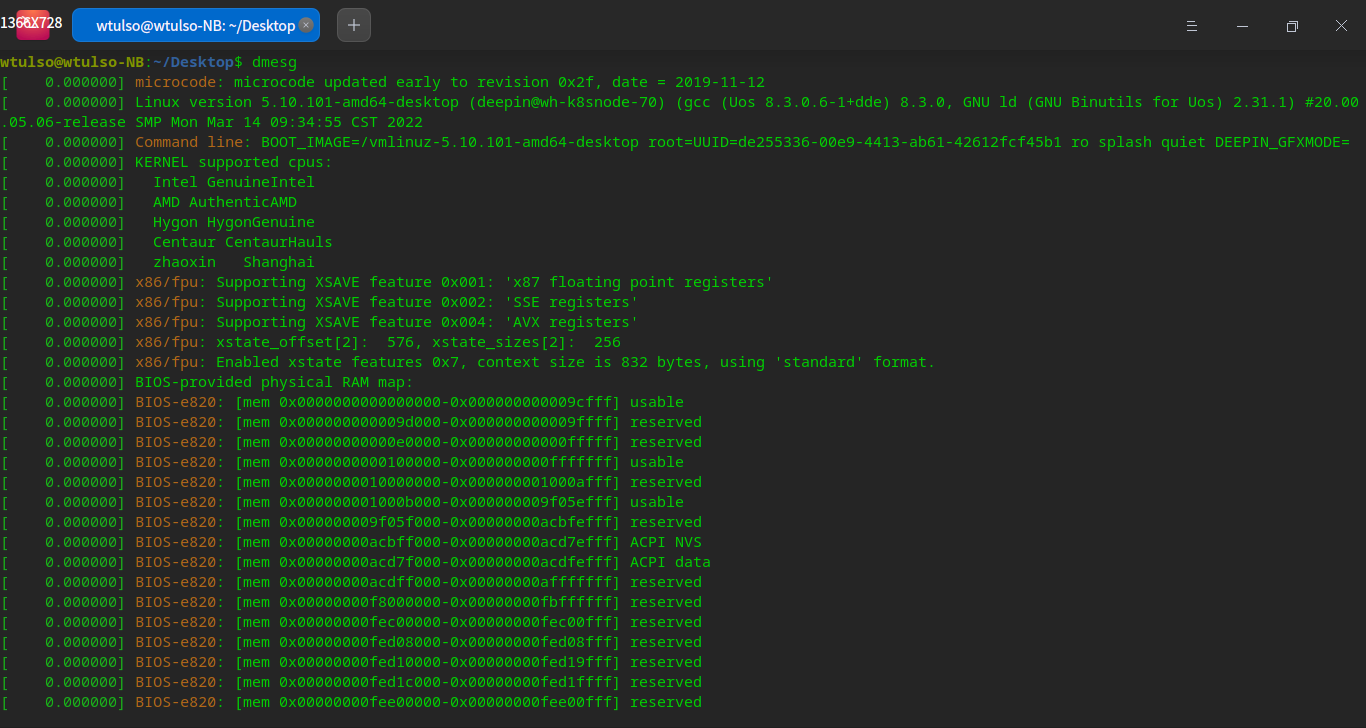
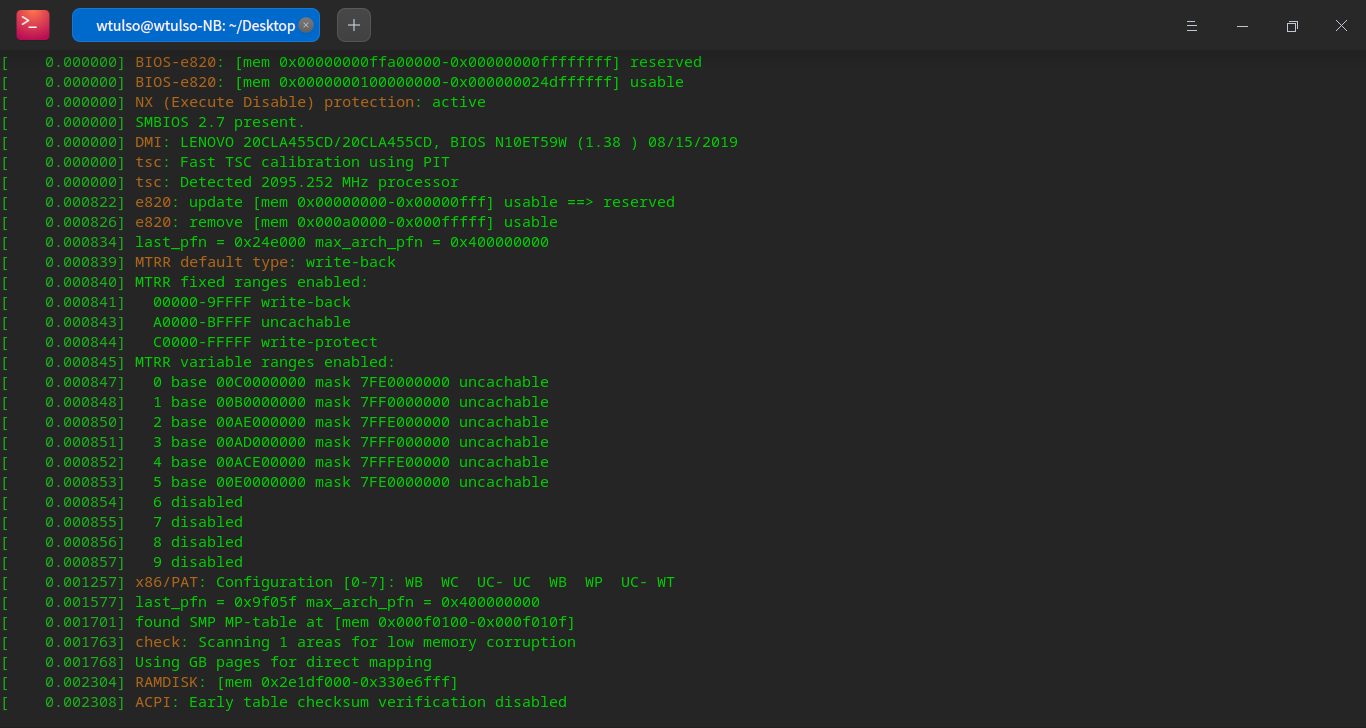
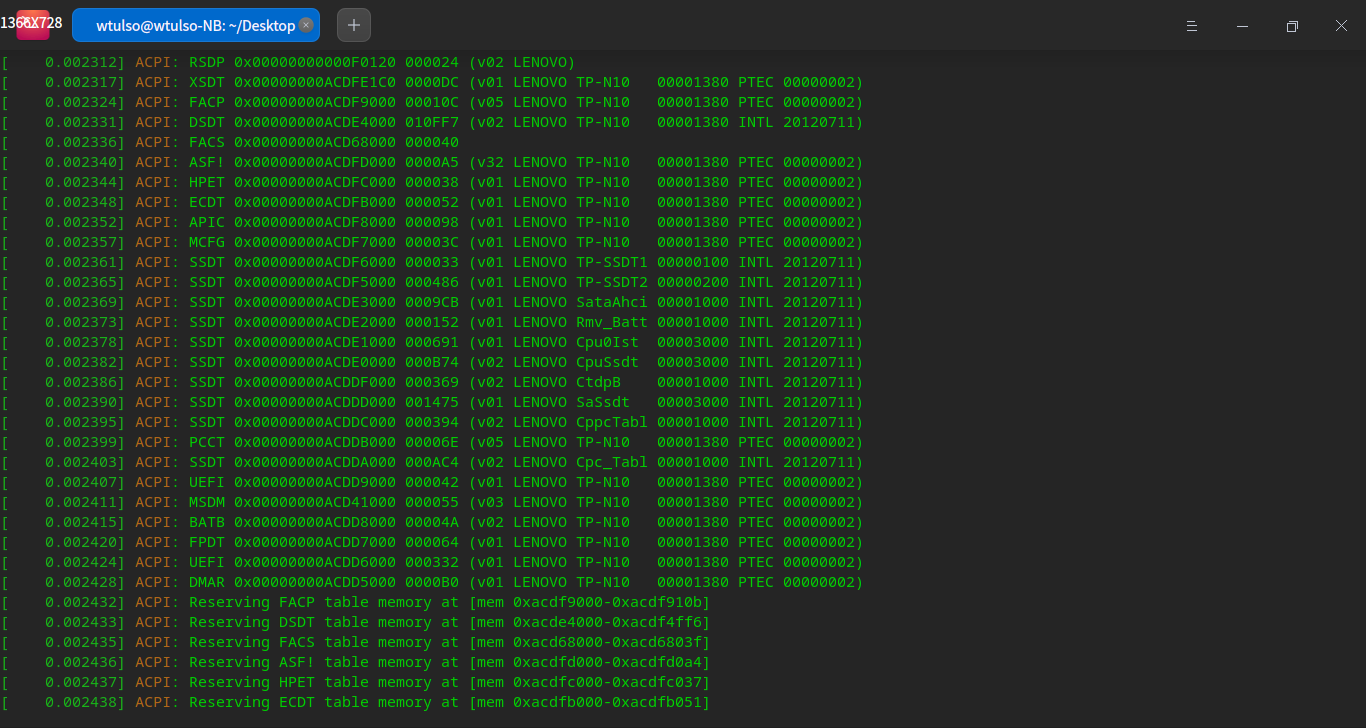
deepin 可以打开终端输入
dde-launcher -s
谢谢,我试了一下,还是一样,重启后点击是它是正常显示的,但运行几个程序之后,就会跟原来一样没有响应

deepin 您终端中输入apt policy dde-session-shell,看看这个包的版本呢?
是这个,麻烦看看我要怎么做?
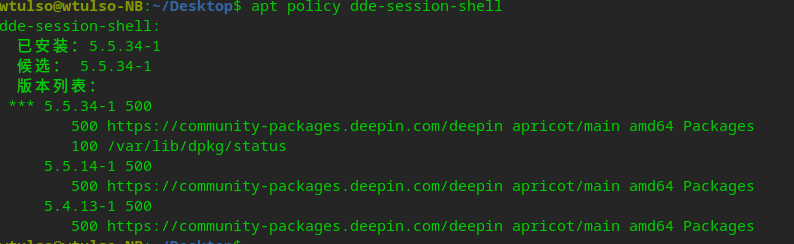
是这个,麻烦看看我要怎么做?
这个版本上启动器是有问题的,我们内测版上(dde-session-shell 5.5.50)这个问题是已经修复了,不知道您是否有兴趣加入内测呢?
sudo vim /etc/apt/sources.list,仓库中添加deb https://proposed-packages.deepin.com/dde-apricot/ unstable main contrib non-free;终端中输入sudo apt update&&sudo apt dist-upgrade -y 升级即可。
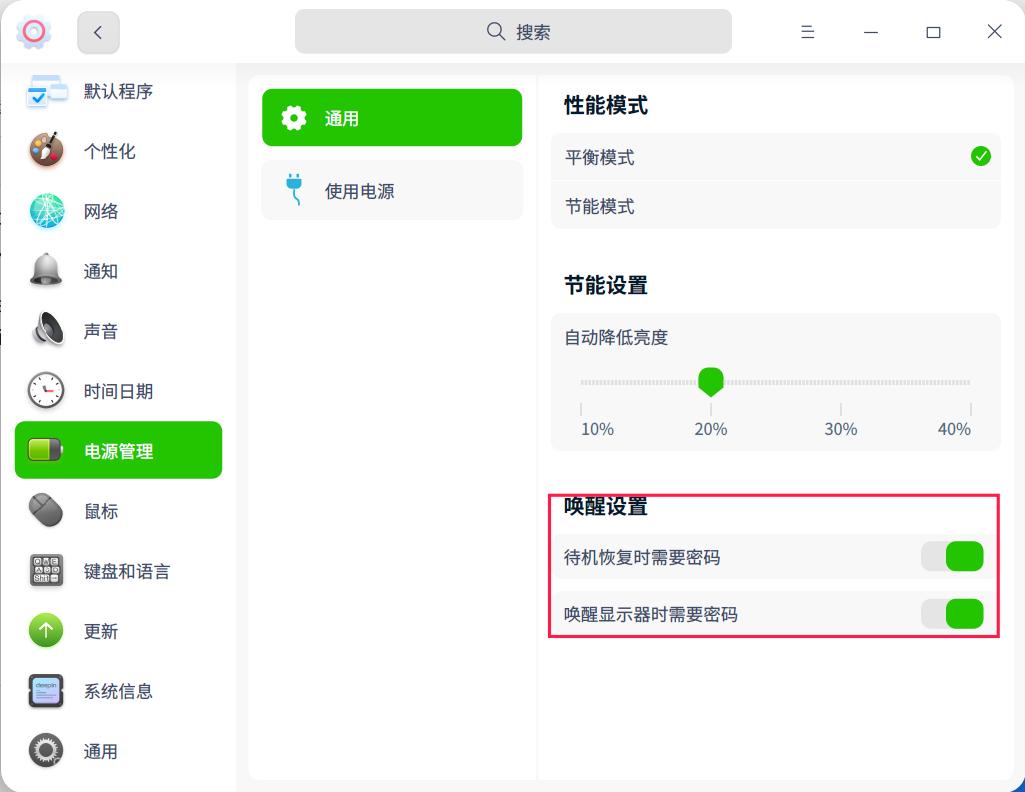
或者打开以下图中的按钮,您看能不能屏蔽该问题:
deepin 这个版本上启动器是有问题的,我们内测版上(dde-session-shell 5.5.50)这个问题是已经修复了,不知道您是否有兴趣加入内测呢?
sudo vim /etc/apt/sources.list,仓库中添加deb https://proposed-packages.deepin.com/dde-apricot/ unstable main contrib non-free;终端中输入sudo apt update&&sudo apt dist-upgrade -y 升级即可。
或者打开以下图中的按钮,您看能不能屏蔽该问题:
好,谢谢,我正在升级。
deepin 谢谢各位,升级后问题解决了,特意运行了一堆程序来测试,目前都能正常显示了👍
Popular Ranking
ChangePopular Events
More


 Which version of the Deepin system is the best?
我使用的是联想X250装的系统,经常有出现左下角 的开始菜单(启动器)点击后没有响应,其它都是正常的,请问这是电脑配置太低的原因吗?