

 中文
中文 
liwl deepin
2022-07-27 03:13 deepin 控制中心先,个性化,快捷键,通知等
Reply Like 0 View the author
 deepin
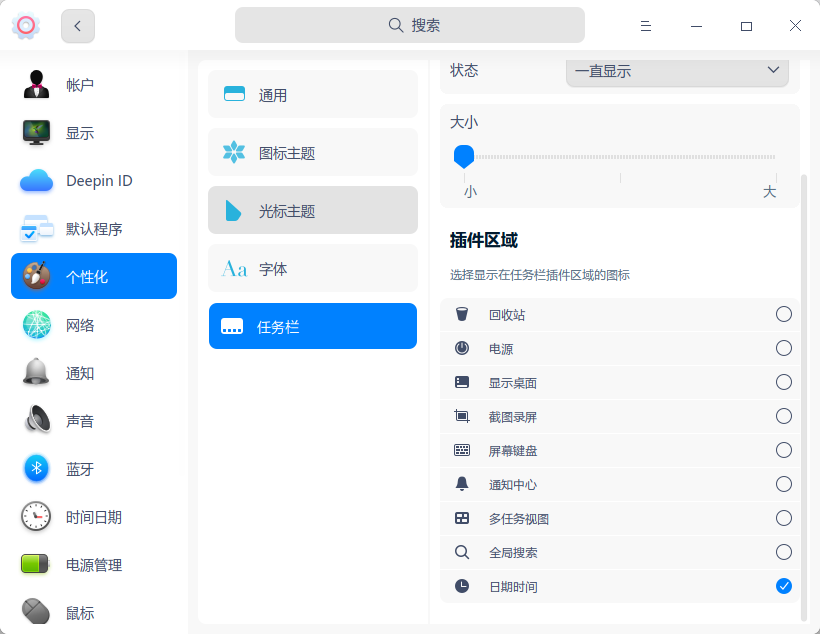
 控制中心先,个性化,快捷键,通知等

 deepin
 有必要啊,我就挺喜欢用的,尤其是那个软键盘按钮。
你不喜欢按照一楼方法取消掉就行了啊。

 deepin
 你可以在控制中心关掉一些。
 deepin
 你可以在控制中心关掉一些。
浏览器没有找到下载扩展的功能,不能使用鼠标手势。
deepin 个人喜好不同,喜欢用鼠标的觉得那几个系统托盘图标很人性;
喜欢快捷键的可以把那几个图标在设置里面关掉哦
deepin 浏览器没有找到下载扩展的功能,不能使用鼠标手势。
扩展功能确实缺失,但是和Chrome的扩展通用,下载好扩展拖放到浏览器就能安装。
鼠标手势看个人需要吧。

 deepin
 浏览器没有找到下载扩展的功能,不能使用鼠标手势。
chrome web extentions store,直接能安装



 deepin
 尤其是那个截图,没有图标的时候很多人都在吐槽不知道怎么截图
deepin 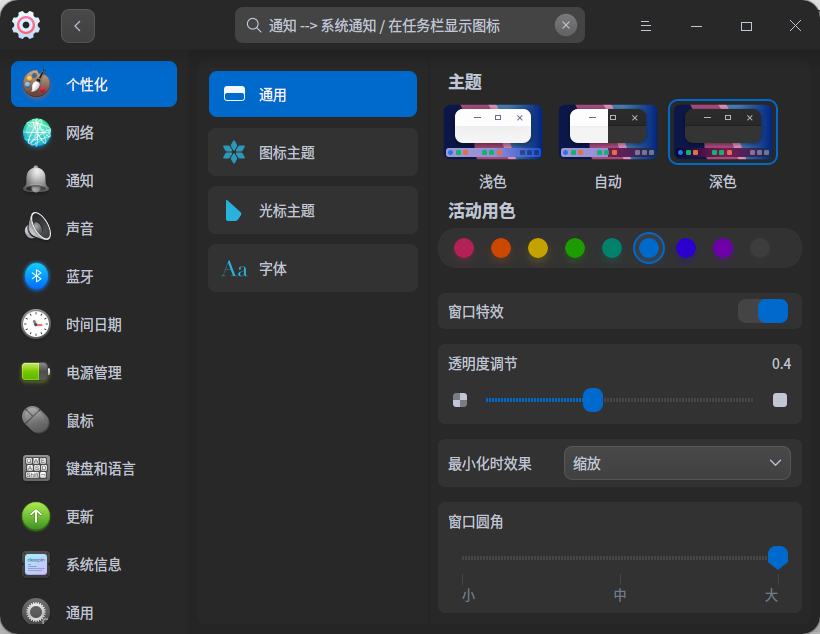
我这个怎么没有“任务栏”的?20.6版本

我这个怎么没有“任务栏”的?20.6版本
终端中输入sudo apt update&&sudo apt dist-upgrade -y升级后,重启看看是否问题依然存在呢。
若问题依然存在,您终端中输入apt policy dde-control-center和apt policy dde-dock看看包的版本呢?

亲更新系统看看
deepin 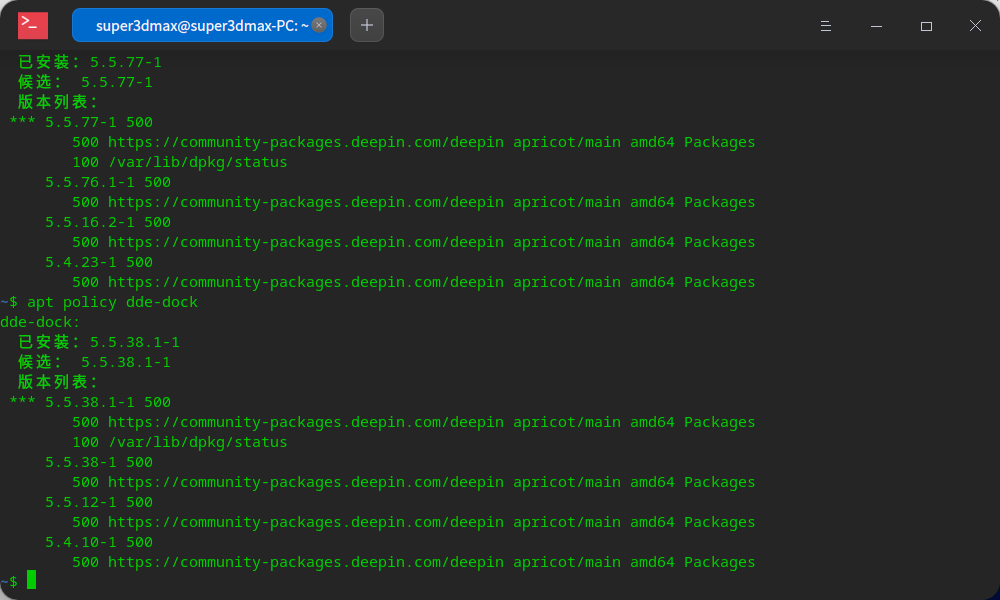
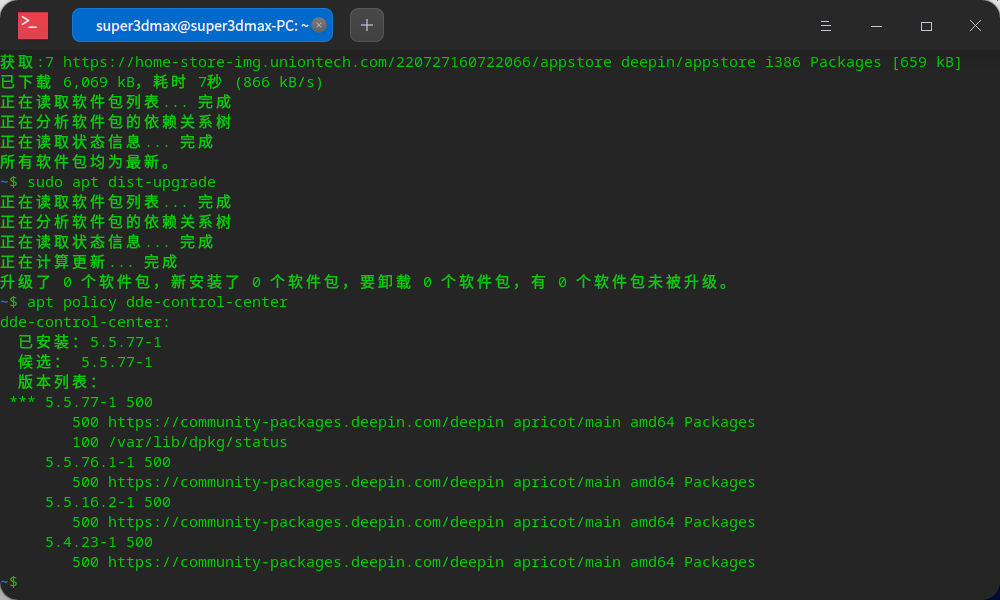 试了,没有任何更新
 deepin
 那些图标是给平板用的,平板哪来的快捷键给你打开虚拟键盘。普通电脑上可以自己设置是否隐藏(控制中心)
 deepin
 应该是兼顾各方面的使用者吧。。
Popular Ranking
ChangePopular Events
More


 Which version of the Deepin system is the best?
问题/建议描述
这个下载完成和删除成功的提示能不能使用那种干脆一点的!
启动系统时那两个黑色的界面能不能不显示?直接显示deepin的图标就好了
问题如何重现
问题重现频率