

 中文
中文 
二狗 deepin
2022-07-24 02:56 deepin 在线等待,论坛大佬
Reply Like 0 View the author
 deepin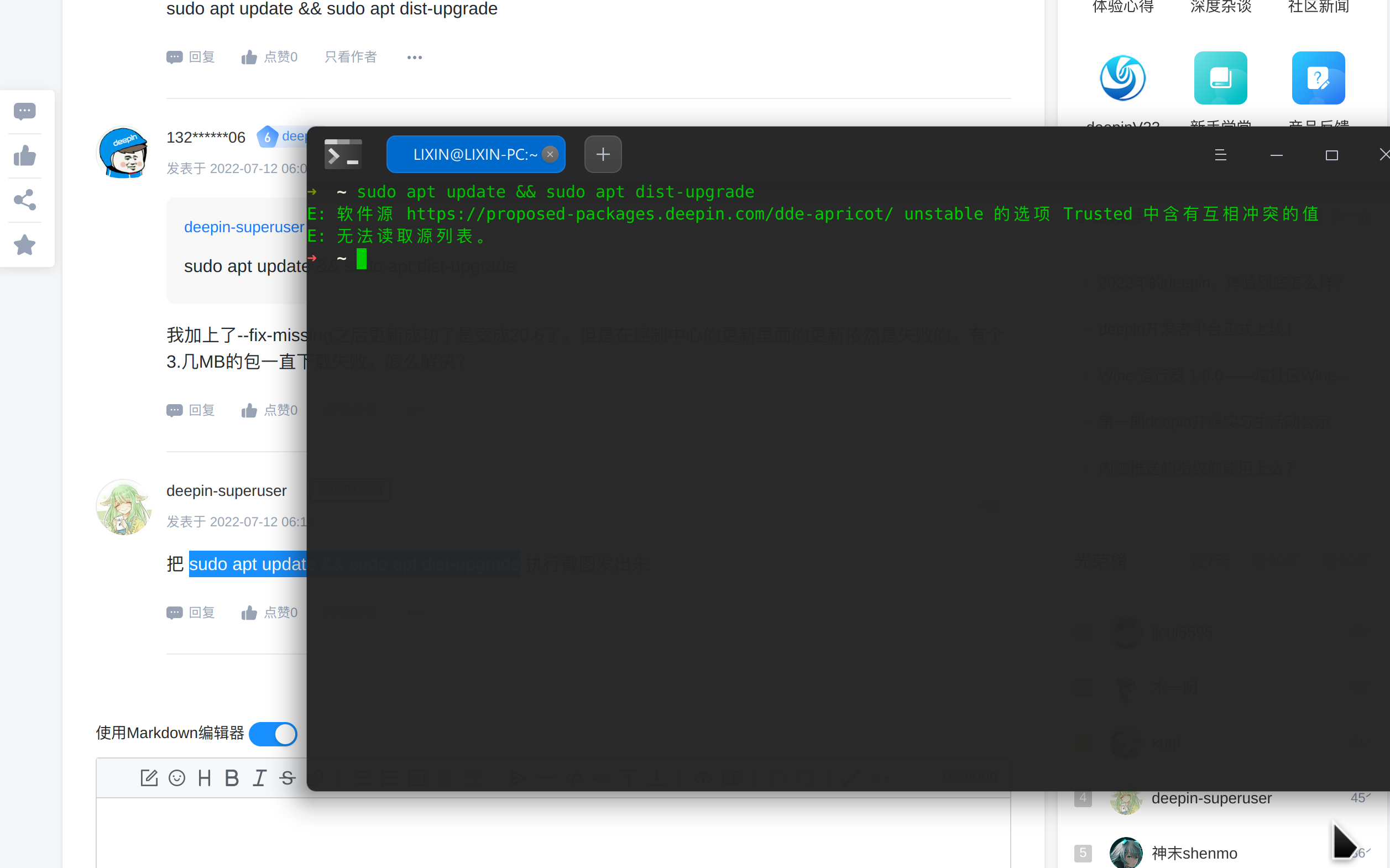
deepin 在线等待,论坛大佬
 deepin
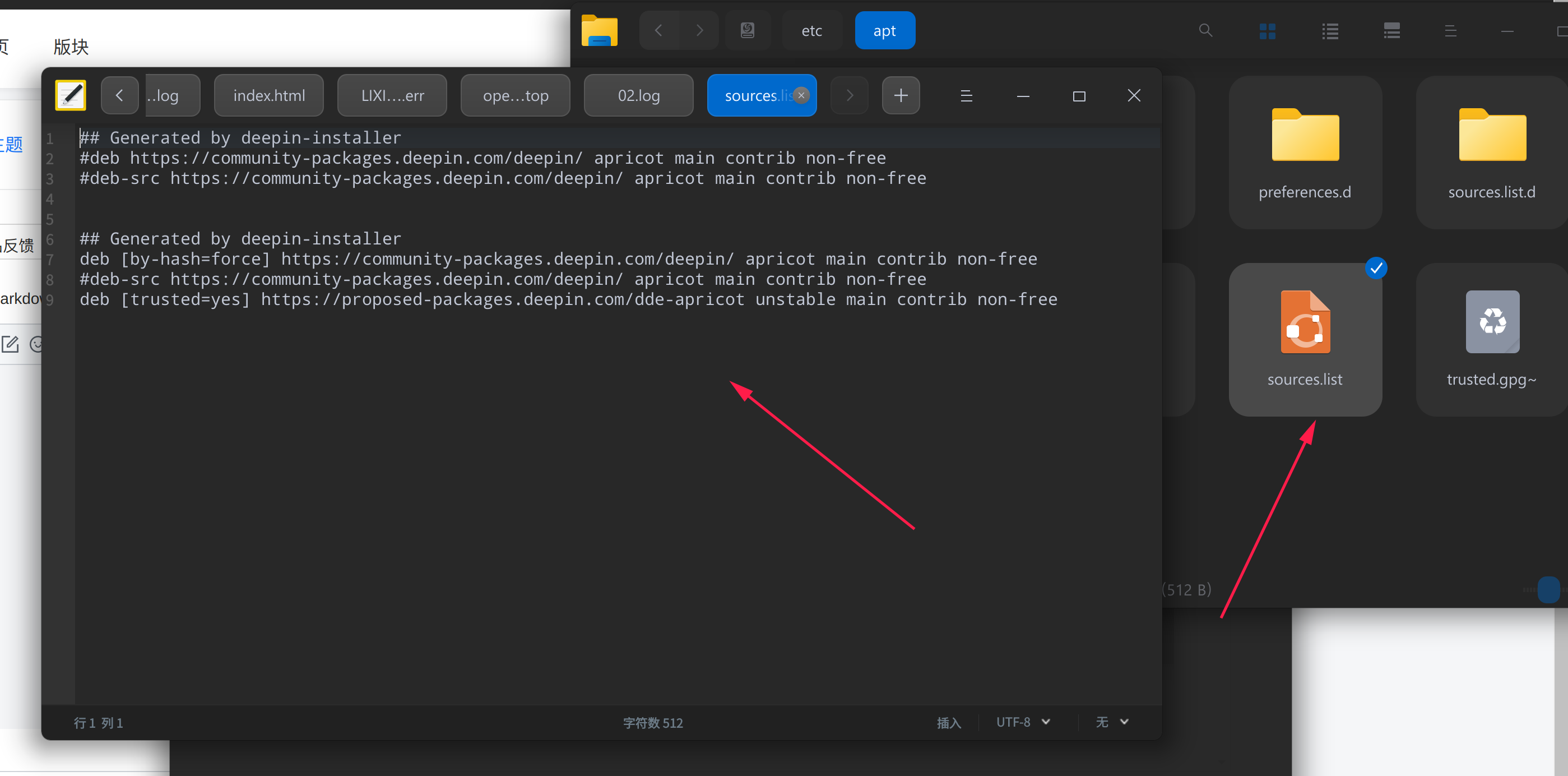
 把第9行的[trusted=yes]删掉
再删掉6、7、8行 不用删

 deepin
 打开/etc/apt/sources.list,把最后一行的前面加上#注释掉
deepin 打开/etc/apt/sources.list,把最后一行的前面加上#注释掉
😄 可以了,感谢大佬
 deepin
 😄 可以了,感谢大佬
那最后一行是内测源,注释掉就不在内测了。
deepin 那最后一行是内测源,注释掉就不在内测了。
更新到最新内测后这个内测源可以删了,当然前提是你要打开控制中心里的内测按钮
deepin 复现出你的问题了。
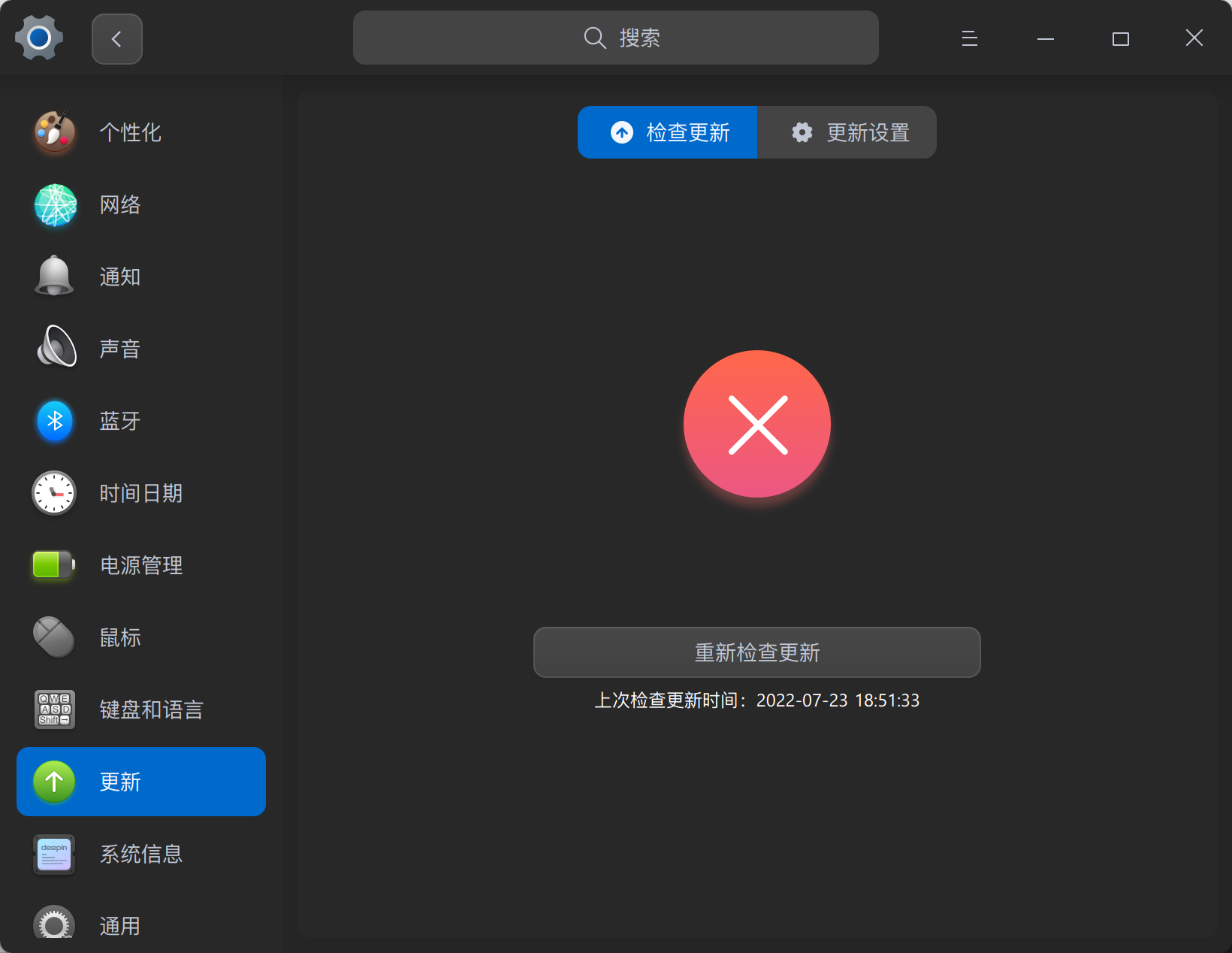
在控制中心 - 更新 - 更新设置 - 内测源更新 中勾选内测通道,成功后会在/etc/apt/sources.list.d/目录中自动创建文件deepin-unstable-source.list,里面的内容是:
## Generated by deepin-unstable-source.
deb https://proposed-packages.deepin.com/dde-apricot/ unstable main contrib non-free
而你自行在/etc/apt/sources.list中添加的内测源内容是:
deb [trusted=yes] https://proposed-packages.deepin.com/dde-apricot unstable main contrib non-free
这两者一个配置了trusted=yes,一个没有,所以提示“Trusted 中含有互相冲突的值”。
内测源只需要添加一次就可以了。
要么用控制中心自动生成的,不要在/etc/apt/sources.list中添加内测源;
要么不用控制中心的,自行在/etc/apt/sources.list中添加内测源。
deepin 😄 可以了,感谢大佬
建议还是给他改成公测源码,这样就算你退出内测也能正常更新
Popular Ranking
ChangePopular Events
More


 Which version of the Deepin system is the best?