

 中文
中文 
deepin-superuser deepin
2022-07-22 06:24 deepin 这个驱动系统自带了吧
Reply Like 0 View the author
 deepin
 这个驱动系统自带了吧

 deepin
 这个驱动系统自带了吧
很多自带的都用不了,开机没有无线选项,需要从新安装

 deepin
 这个驱动系统自带了吧
很奇怪,我前两天就看见一个发帖的,他也是8260网卡,但是没有识别出来
deepin 很奇怪,我前两天就看见一个发帖的,他也是8260网卡,但是没有识别出来
你说的哪个人就是楼主
sudo apt reinstall dcc-network-plugin
sudo apt reinstall dock-network-plugin
sudo apt reinstall dss-network-plugin
sudo apt reinstall libdde-network-core
sudo apt reinstall dde-network-dialog
你说的哪个人就是楼主
sudo apt reinstall dcc-network-plugin
sudo apt reinstall dock-network-plugin
sudo apt reinstall dss-network-plugin
sudo apt reinstall libdde-network-core
sudo apt reinstall dde-network-dialog
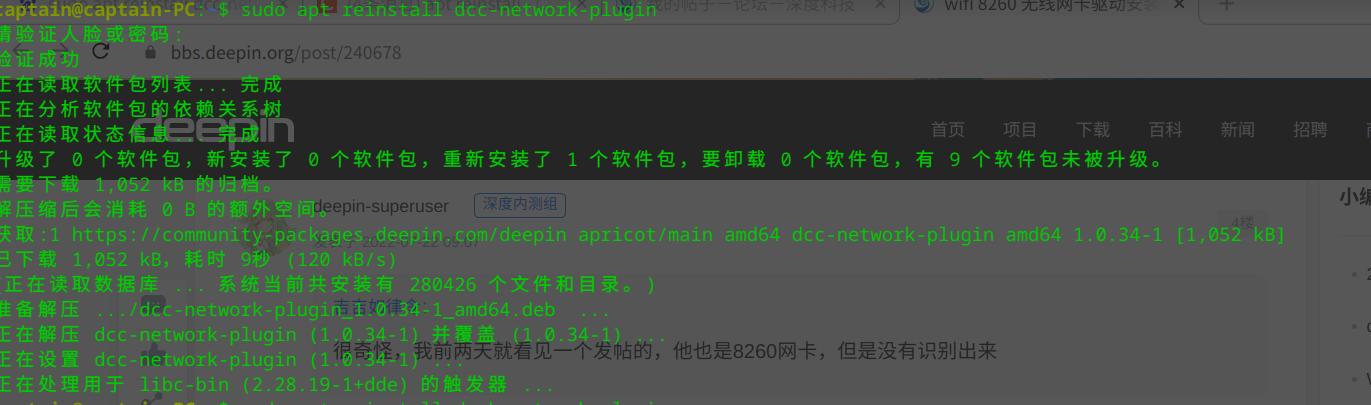
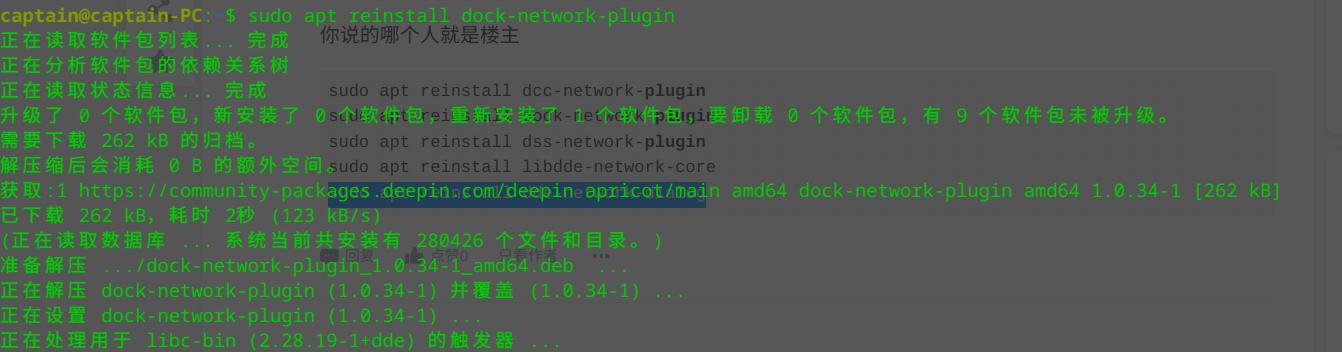
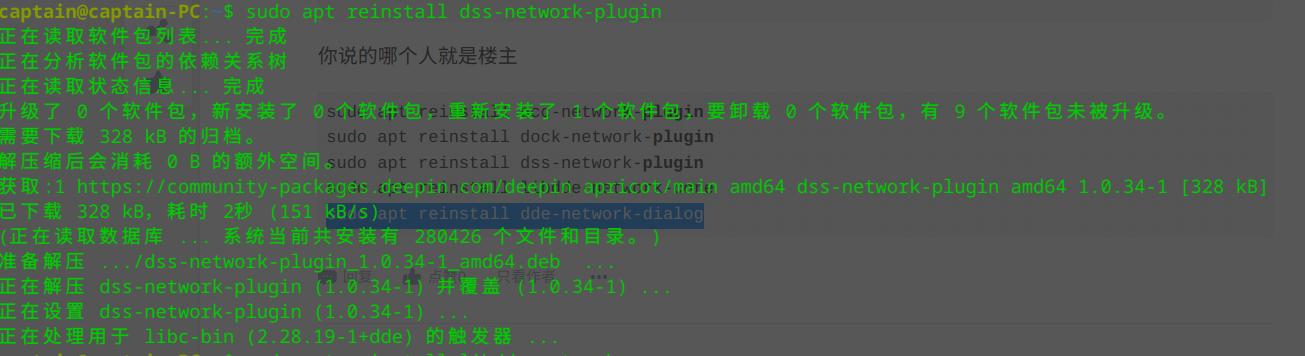
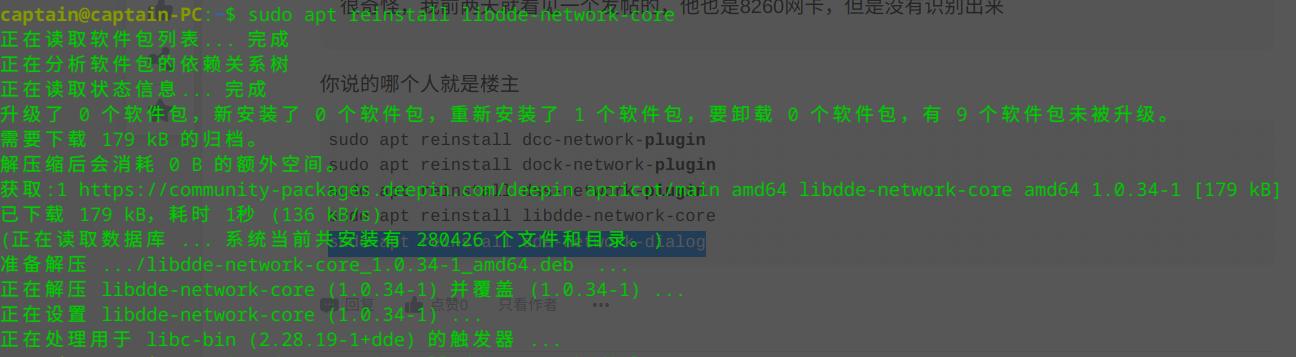
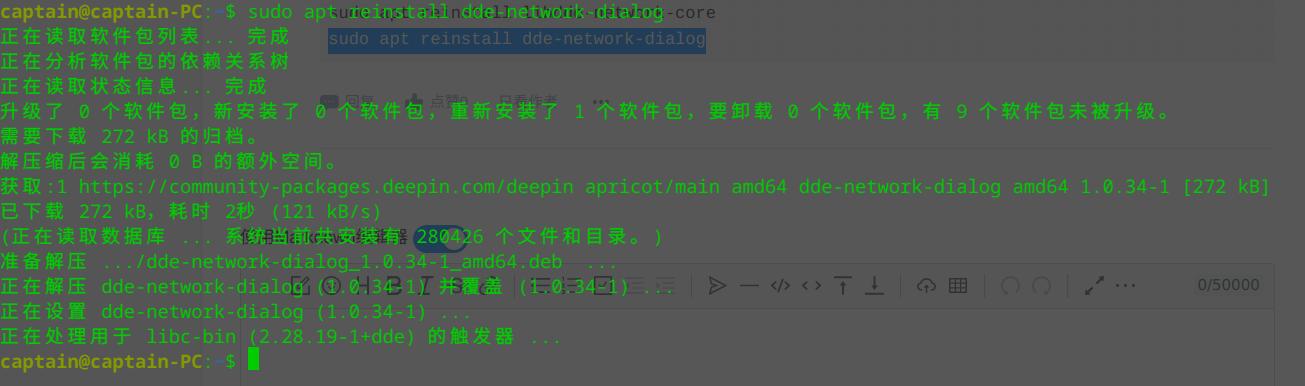 然后我直接关闭终端,重启涛声依旧,插网线才有无线,不插网线就没有无线
deepin 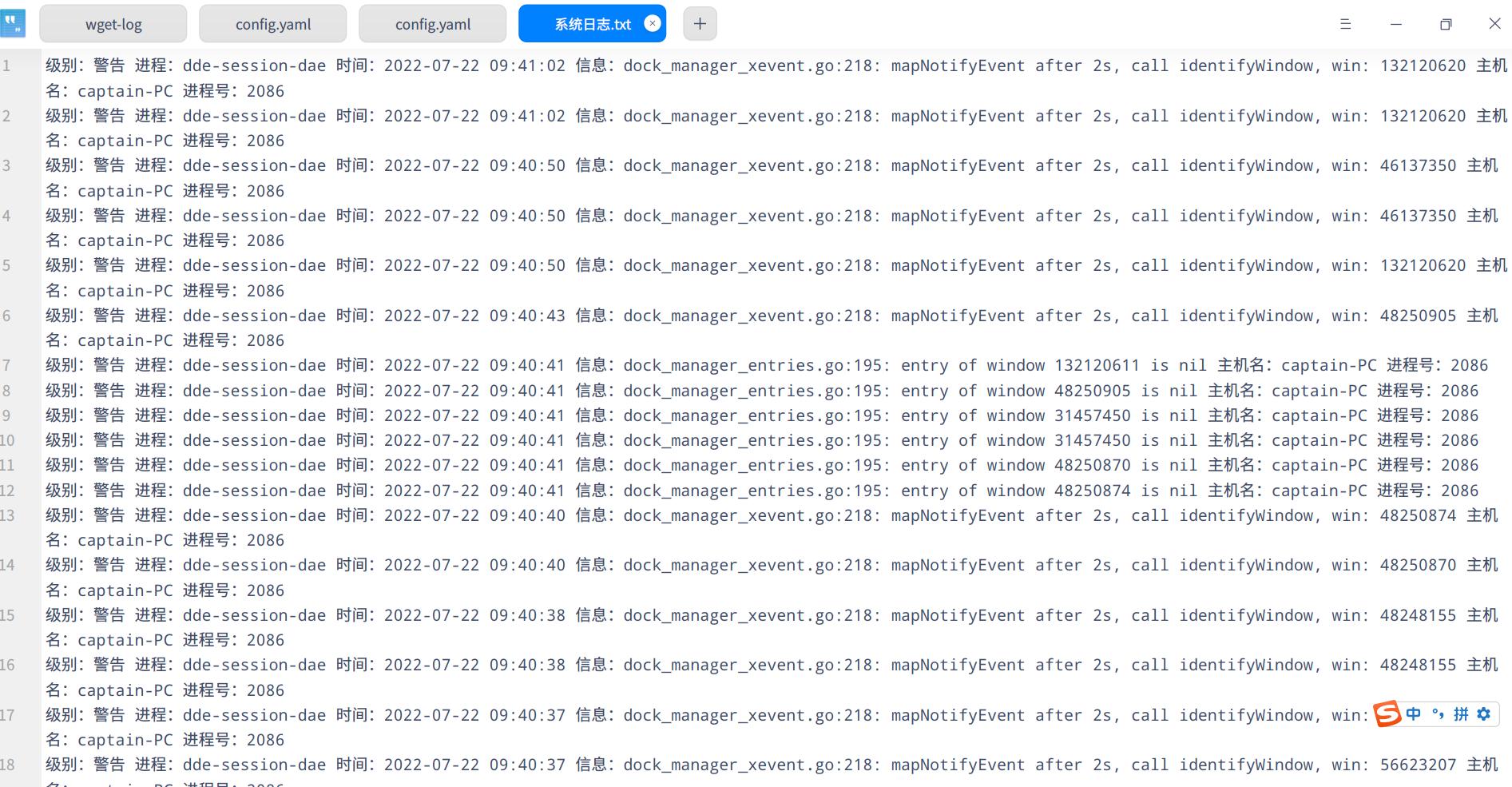
deepin 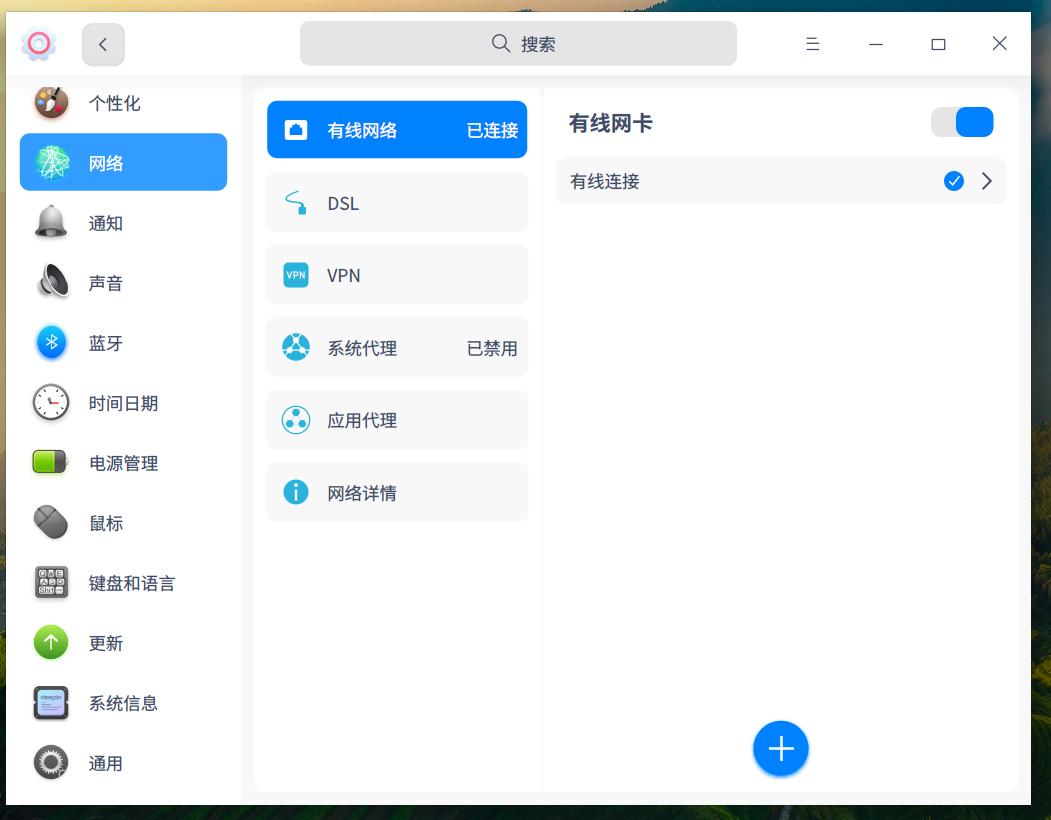
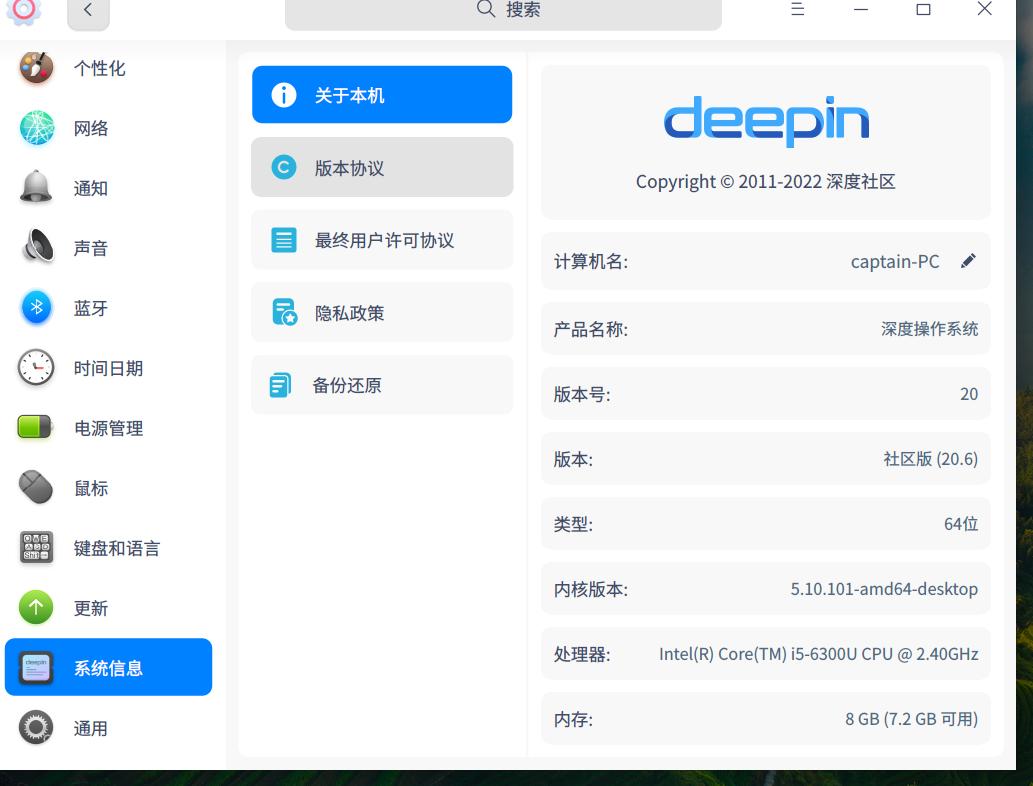
 deepin
 我是8265网卡,安装的5.15的kernel,没啥问题,按道理8260也不应该有问题才对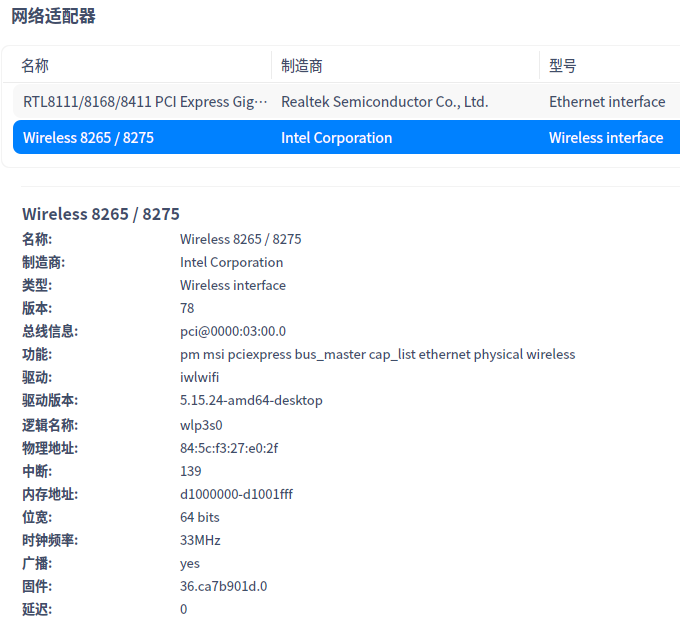
deepin 我是8265网卡,安装的5.15的kernel,没啥问题,按道理8260也不应该有问题才对
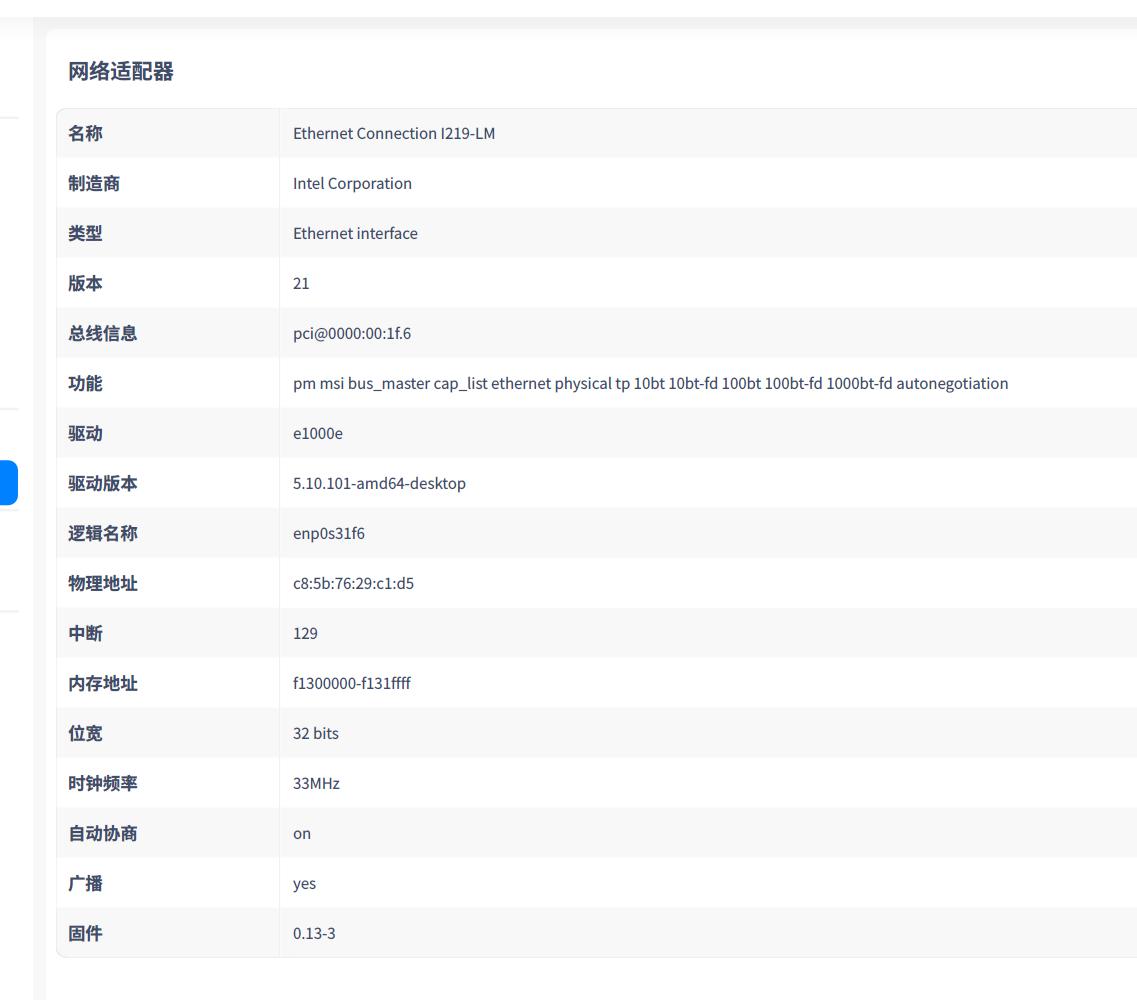
怎么搞的,这是没有插网线,开机就没有无线选项
deepin
怎么搞的,这是没有插网线,开机就没有无线选项
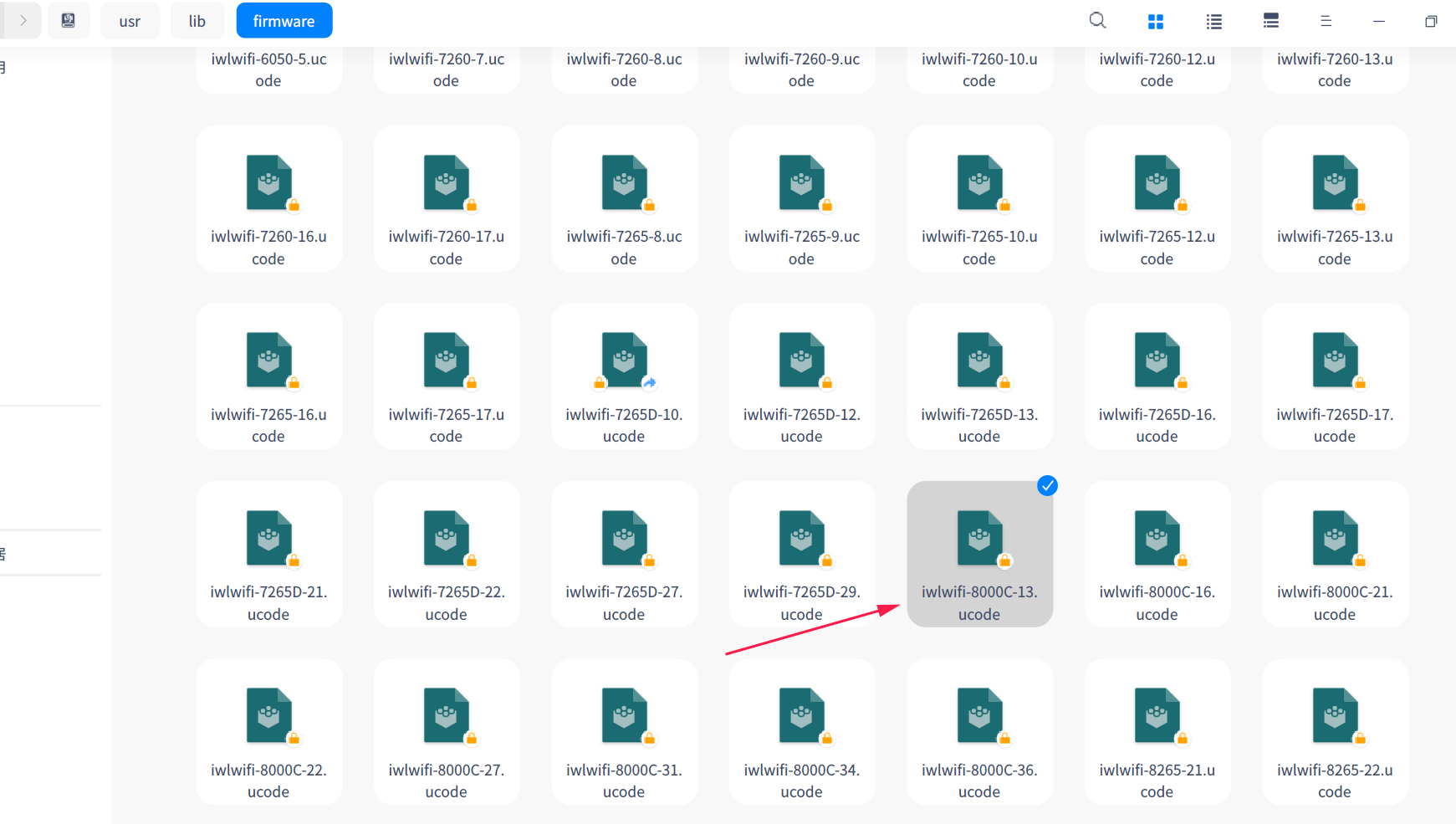
intel提供的驱动不需要编译呀,官网提供的是firmware,直接复制到/lib/firmware目录下,然后重启应该就可以

deepin intel提供的驱动不需要编译呀,官网提供的是firmware,直接复制到/lib/firmware目录下,然后重启应该就可以
复制过程中也出现问题如下: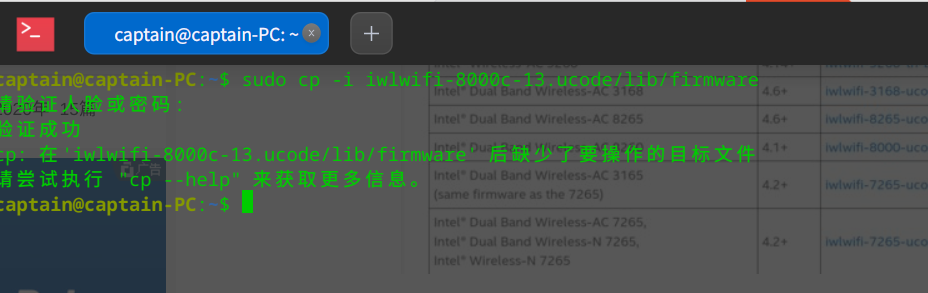
deepin 少了空格

deepin 复制过程中也出现问题如下:
下载完驱动,解压,进入解压后的文件夹在执行这个命令
deepin 下载完驱动,解压,进入解压后的文件夹在执行这个命令
感谢大佬指点
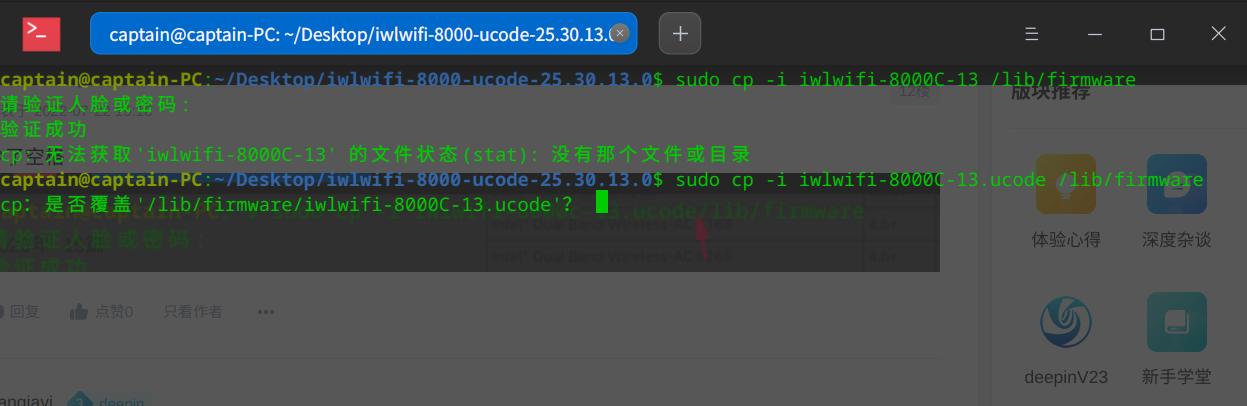
如何覆盖,我查一下,本身就有这个驱动,我很想弄清楚到底是什么原因导致无线网卡驱动无法正常开启
deepin 感谢大佬指点
如何覆盖,我查一下,本身就有这个驱动,我很想弄清楚到底是什么原因导致无线网卡驱动无法正常开启
本身就有这个驱动,,插网线才会自动开启无线驱动,不插网线就不会自动开启,这个无线驱动引导不会是网络引导开启的吧,怎么去排查问题?
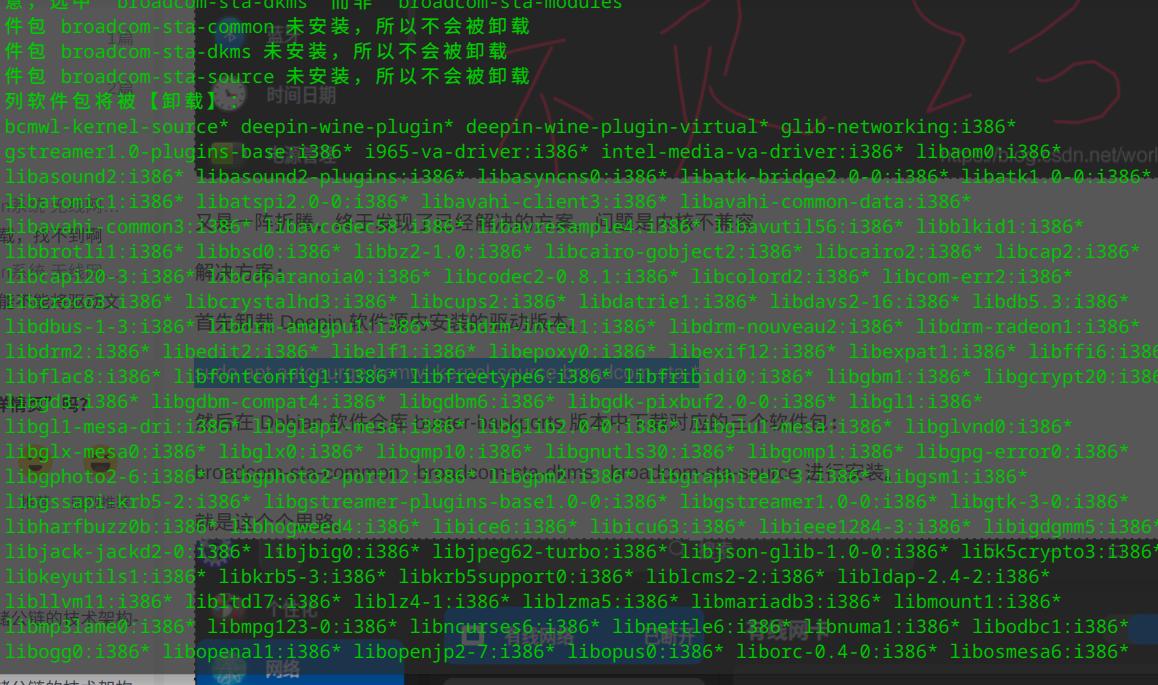
deepin 首先卸载 Deepin 软件源内安装的驱动版本。
sudo apt autopurge bcmwl-kernel-source broadcom-sta-*
然后在 Debian 软件仓库 buster-backports 版本中下载对应的三个软件包:
broadcom-sta-common broadcom-sta-dkms broadcom-sta-source 进行安装。
————————————————
版权声明:本文为CSDN博主「东方-金鸡报晓」的原创文章,遵循CC 4.0 BY-SA版权协议,转载请附上原文出处链接及本声明。
原文链接:https://blog.csdn.net/world0/article/details/116562970
按照第一步卸载这么多,有点拿不准请大佬帮忙看看
deepin 你说的哪个人就是楼主
sudo apt reinstall dcc-network-plugin
sudo apt reinstall dock-network-plugin
sudo apt reinstall dss-network-plugin
sudo apt reinstall libdde-network-core
sudo apt reinstall dde-network-dialog
dde-network-dialog : 依赖: libdde-network-core (= 1.0.69-1) 但是 1.1.7-1 正要被安装
E: 无法修正错误,因为您要求某些软件包保持现状,就是它们破坏了软件包间的依赖关系。
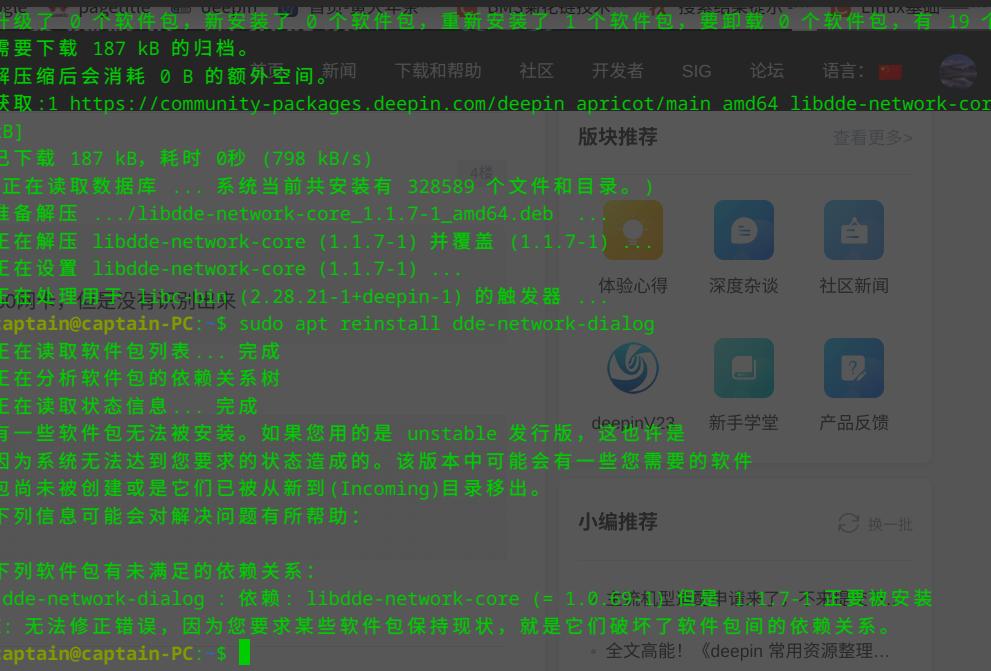
deepin dde-network-dialog : 依赖: libdde-network-core (= 1.0.69-1) 但是 1.1.7-1 正要被安装
E: 无法修正错误,因为您要求某些软件包保持现状,就是它们破坏了软件包间的依赖关系。
大佬,麻烦帮忙看下
deepin dde-network-dialog : 依赖: libdde-network-core (= 1.0.69-1) 但是 1.1.7-1 正要被安装
E: 无法修正错误,因为您要求某些软件包保持现状,就是它们破坏了软件包间的依赖关系。
最新版本去掉了dde-network-dialog 这句不要执行 sudo apt reinstall dde-network-dialog
Popular Ranking
ChangePopular Events
More


 Which version of the Deepin system is the best?
很多使用deepin小白(我也是其中一位),wifi驱动这块是个通病,麻烦请出一个详细安装视频和技术说明,请不要忽视这个细节对我来说deepin已经可以满足我正常办公,但是出差没有无线网络,就很尴尬。我百度各种安装方法但是错误摆出例如从https://www.intel.cn/content/www/cn/zh/support/articles/000005511/wireless.html找到对应驱动下载结果,
下载解压在终端打开输入sudo make -f Makefile.dkms install结果如下图.jpg)
然后接下来怎么操作,细节很多,有很多人有这个需求,请深度大佬勿以善小而不为。
附带:操作来源处https://blog.csdn.net/Homewu/article/details/102981855?spm=1001.2101.3001.6650.1&utm_medium=distribute.pc_relevant.none-task-blog-2%7Edefault%7ECTRLIST%7Edefault-1-102981855-blog-119371429.pc_relevant_default&depth_1-utm_source=distribute.pc_relevant.none-task-blog-2%7Edefault%7ECTRLIST%7Edefault-1-102981855-blog-119371429.pc_relevant_default&utm_relevant_index=2