

 中文
中文 
nero28 deepin
2022-07-21 01:02 deepin 进windows10,然后右击任务栏的电源图标,进入电源设置中,关闭快速启动后保存,再进deepin就好了
Reply Like 0 View the author
 deepin
 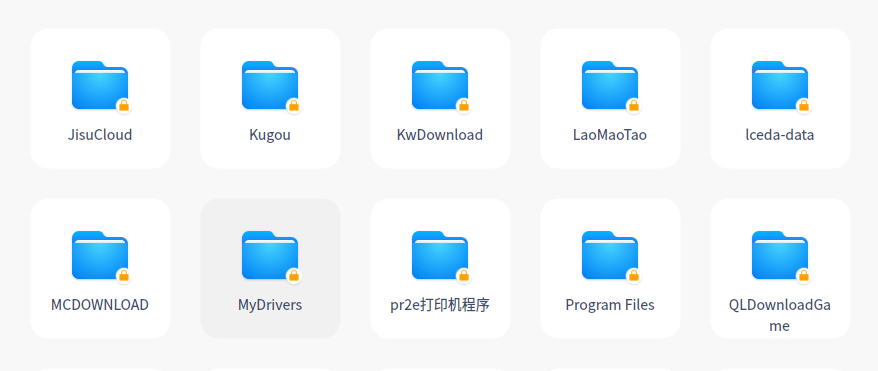 从DEEPIN中开WIN10分区 无法写入数据,win10中快速启动已经关闭
 deepin
 进windows10,然后右击任务栏的电源图标,进入电源设置中,关闭快速启动后保存,再进deepin就好了

 deepin
 如果关闭了快速启动,是不是win10没正常关机,进win10正常关机后再进deepin试一下
 deepin
 进入windows,关闭快速启动
deepin 谢谢各位回复帖子,我重新试了下还是不行,不知道什么地方出的问题
 deepin
 +1,我也遇到了这种情况,先是进windows 然后关机,重启进deepin也是无法解决
deepin 我是在windows下直接重启才好的,不点关机直接点重启
deepin NTFS磁盘在Linux中默认是只能读不能写入的,好像需要有个什么参数还是命令才能写入
 deepin
 我是在windows下直接重启才好的,不点关机直接点重启
我也是这么操作的
deepin 双系统,在windows系统下不要关机,点击重启,重启的时候选择进入deepin系统。系统正常进入之后你会发现锁没了
Popular Ranking
ChangePopular Events
More


 Which version of the Deepin system is the best?