

 中文
中文 
Wootifer deepin
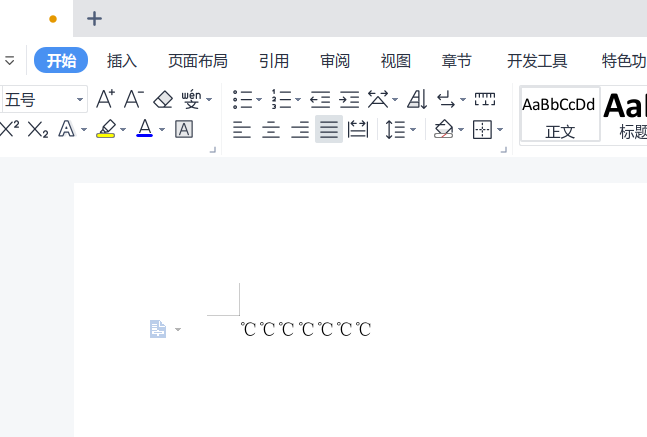
2022-06-11 02:53 deepin - 是这个符号吗,我这正常啊,WPS是不是最新版的
Reply Like 0 View the author
 deepin

 deepin
 缺少字体文件
 deepin
 好像是真的啊,我的也显示不出来

 deepin
 选中未显示但是占位了的 ℃ 字符部分,手动设置字体为 MT Extra 应该就可以了,我试了一下好像是因为默认字体不带这个符号,而 MT Extra 还没有作为 fallback 字体导致(前提:系统已经安装了 MT Extra 字体)
deepin 应该是字体问题,我是把Windows里面的字体都搞过来安装了一下
 deepin
 到官网下载最新版本安装看看,否则就是字体问题了吧。按楼上的复制Windows字体过来用。😄

 deepin
 安装星火商店的winfonts软件,常用字体就都有了。
Popular Ranking
ChangePopular Events
More


 Which version of the Deepin system is the best?
问题/建议描述
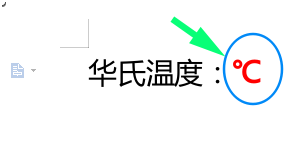
搜狗输入法在wps2019中,输入摄氏度符号,显示不出来
问题如何重现
使用深度系统版本的搜狗输入法和wps2019,在五笔和拼音模式,打出摄氏度的符号,在wps的word、excel中显示是空白。
问题重现频率
一直存在,反复测试均如此。