

 中文
中文 
云的眼泪 deepin
2022-06-07 18:34 deepin 鼠标移动到最下面停留几秒钟,就会出现。
你可以在设置中设置任务栏自动切换。
Reply Like 0 View the author
 deepin
 鼠标移动到最下面停留几秒钟,就会出现。
你可以在设置中设置任务栏自动切换。
 deepin
 https://bbs.deepin.org/post/227900


 deepin
 单屏啊,切换工作区。
我还发现我设置任务栏自动隐藏,工作区1和工作区2可以触发显示任务栏,但工作区3和工作区4无论如何都不能触发显示任务栏!
deepin 楼主是否安装了华宇输入法导致窗口特效变为灰色,卸载华宇输入法,安装搜狗或google拼音输入法,重启桌面解决。
deepin 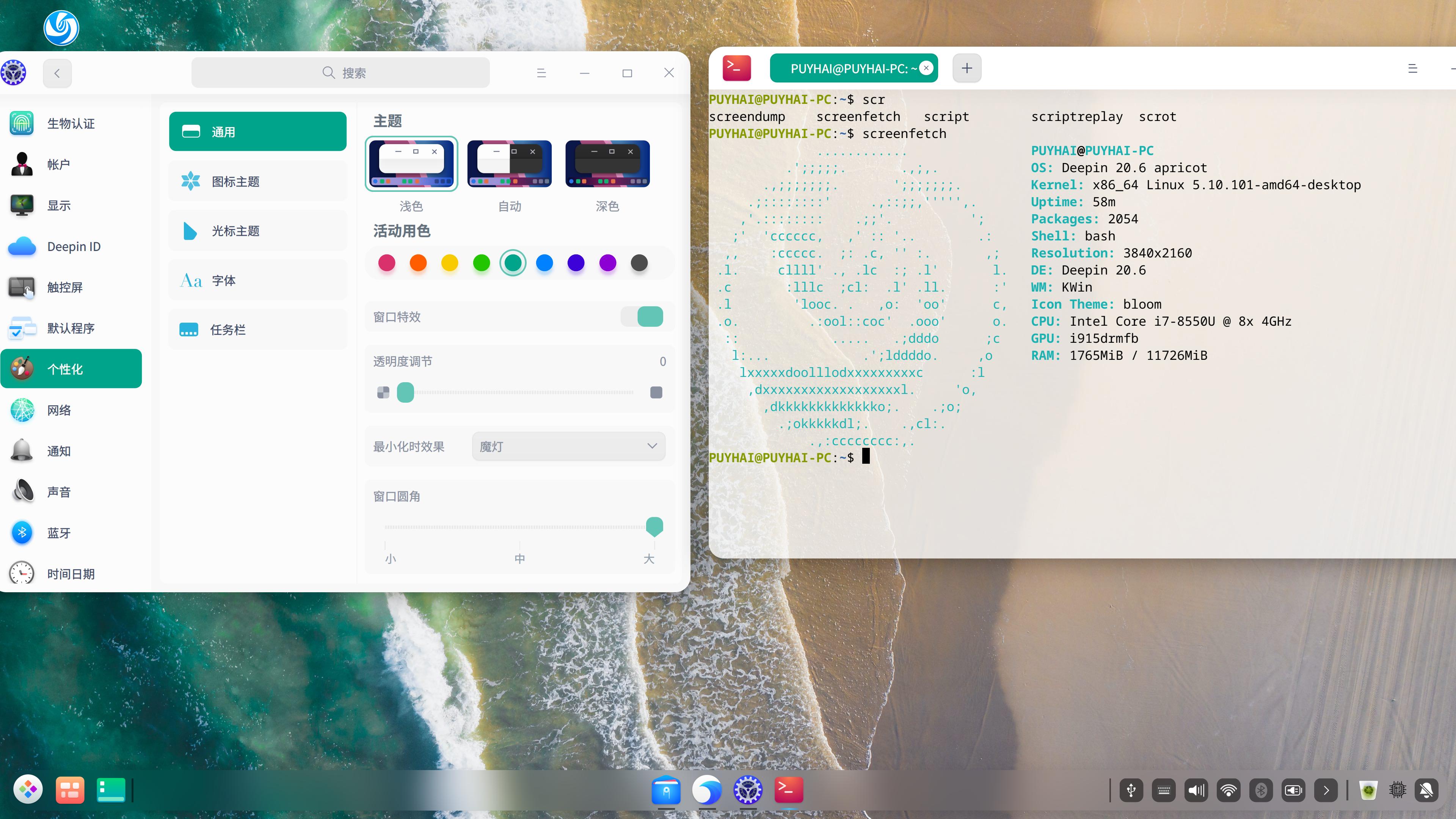
deepin 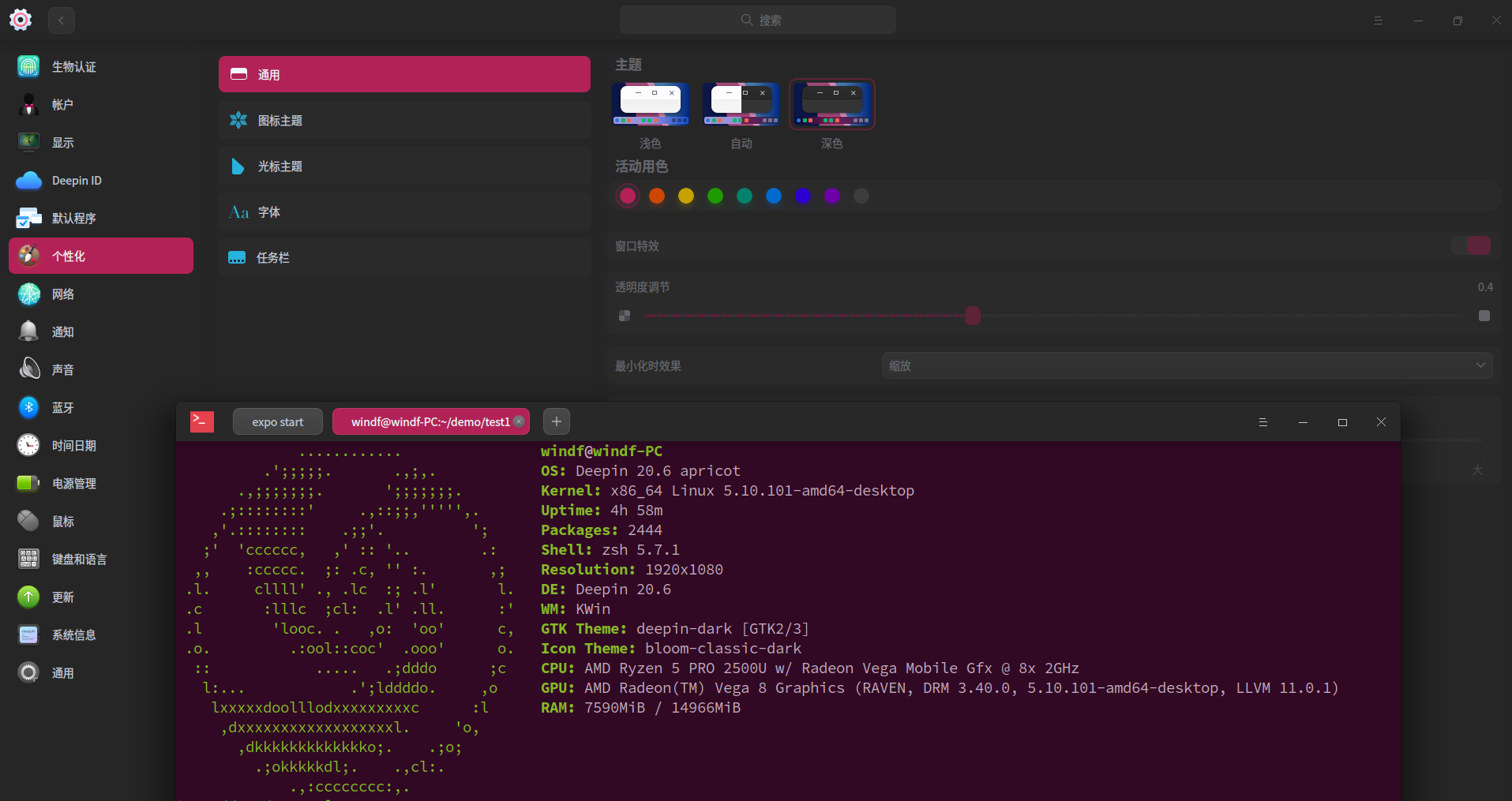
我使用的是fcitx5输入法。
Popular Ranking
ChangePopular Events
More


 Which version of the Deepin system is the best?
升级到20.6以后发现切换工作区时屏幕下方的任务栏不见了!