

 中文
中文 
babyfengfjx
2022-06-01 17:16 Super Moderator
CQA
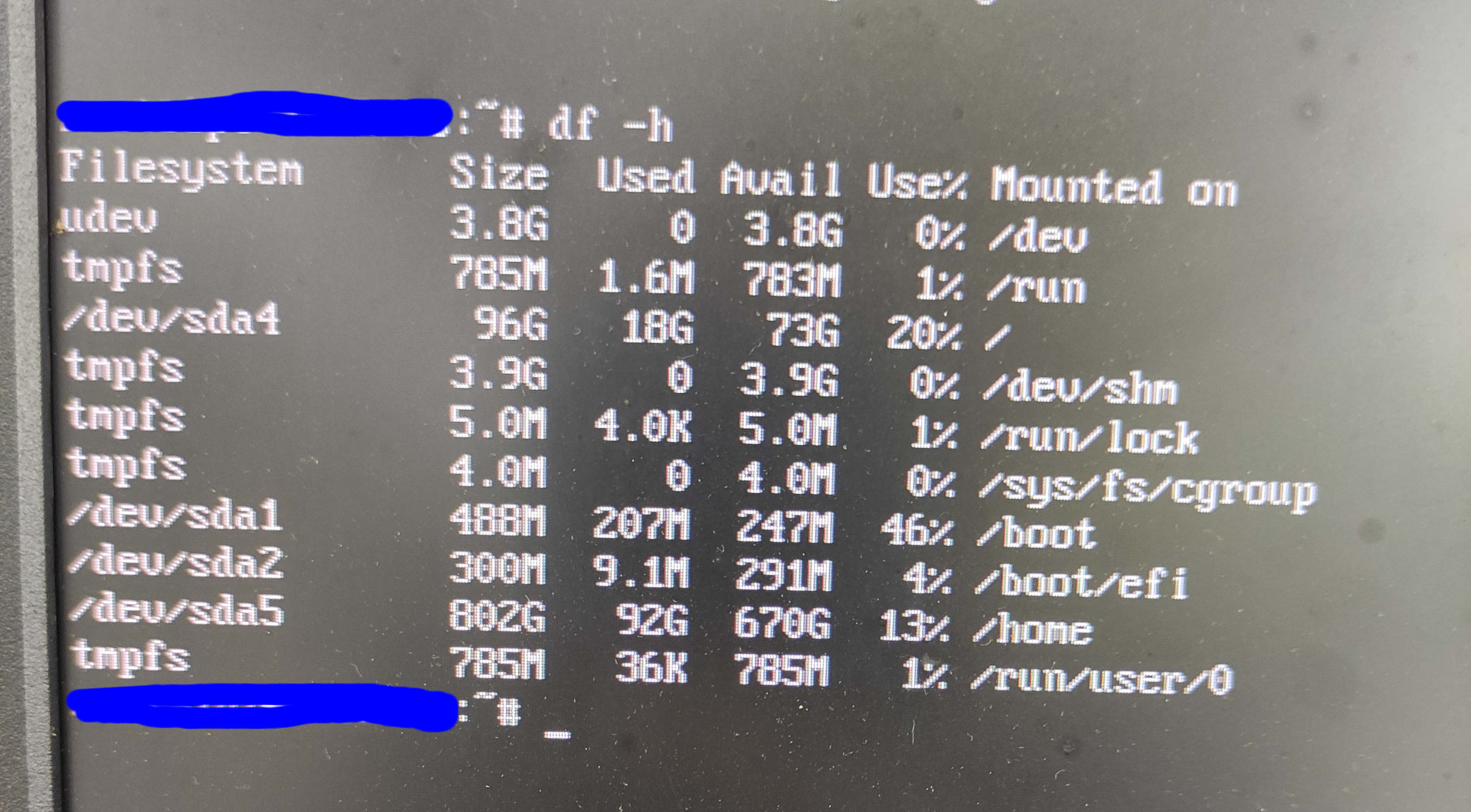
- 看是不是因为老版本内核太多,没卸载,导致boot目录空间不足,导致升级失败;
- 可以回退后,先卸载掉就版本内核,再尝试重新升级;
- 重新安装也是可以选择保留用户选项的,新版本镜像也支持自定义配置根目录空间大小。
Reply Like 2 View the author
 deepin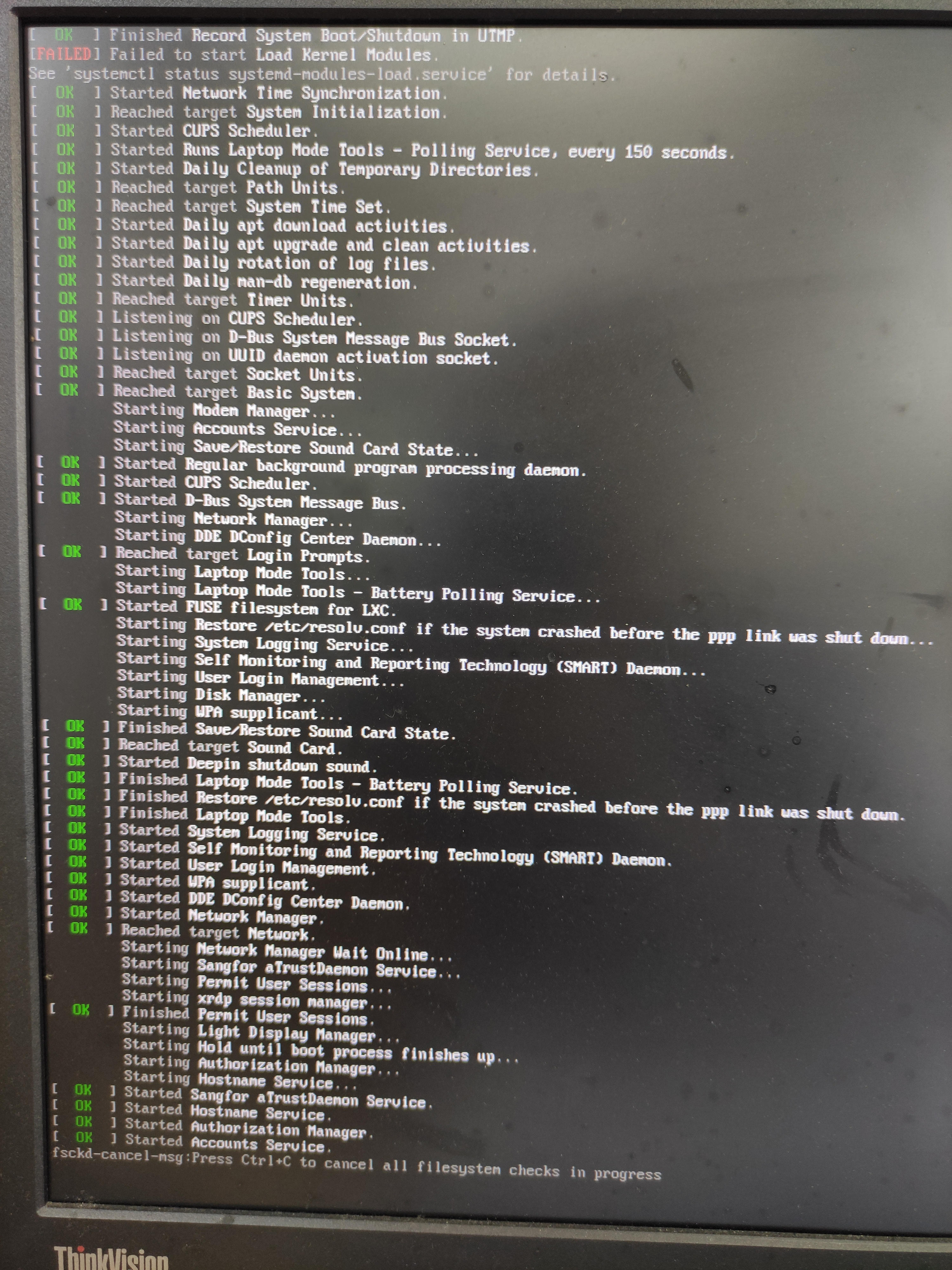
 deepin
 有没有具体操作说明,如何回退,如何卸载内核,安装哪个步骤保留原系统桌面文件,看了下空间基本都够

 deepin
 sudo apt install linux-image-deepin-stable-amd64 linux-headers-deepin-stable-amd64
sudo dpkg -l | egrep "linux-header|linux-image"
sudo apt purge linux-headers-5.xx.xx-amd64-desktop linux-image-5.xx.xx-amd64-desktop
可以在启动菜单高级选项中,先使用老版本内核启动试试。如果老版本内核能进去再处理就好办了

开机后,grub界面检查一下是否有回退选项,若有,直接选择enter即可;卸载内核是进入tty界面输入命令:apt-get remove xxx(得先清楚您设备上的内核版本);安装镜像“硬盘分区”那一步是会有保留用户数据选项的,勾选后,用户的文件会保留。

 deepin
 我的笔记本昨天晚上升级后也进不了系统了
启动后黑屏,换5.10.101内核也不行
估计升级后N卡驱动出问题了。
deepin 折腾了一圈,还是N卡的问题,拔显卡用inter的就行,N卡是GT 730的,有大神指导下拔卡装驱动的方法吗
deepin 最后解决,拔N卡,用inter集成显卡登桌面,然后更新内核到5.17,插上N卡,显示器接N卡,启动桌面ok
Popular Ranking
ChangePopular Events
More


 Which version of the Deepin system is the best?