

 中文
中文 
deepin-superuser deepin
2022-05-31 16:38 deepin https://bbs.deepin.org/post/237746
@木一明 你的帖子白发了
Reply Like 0 View the author

 deepin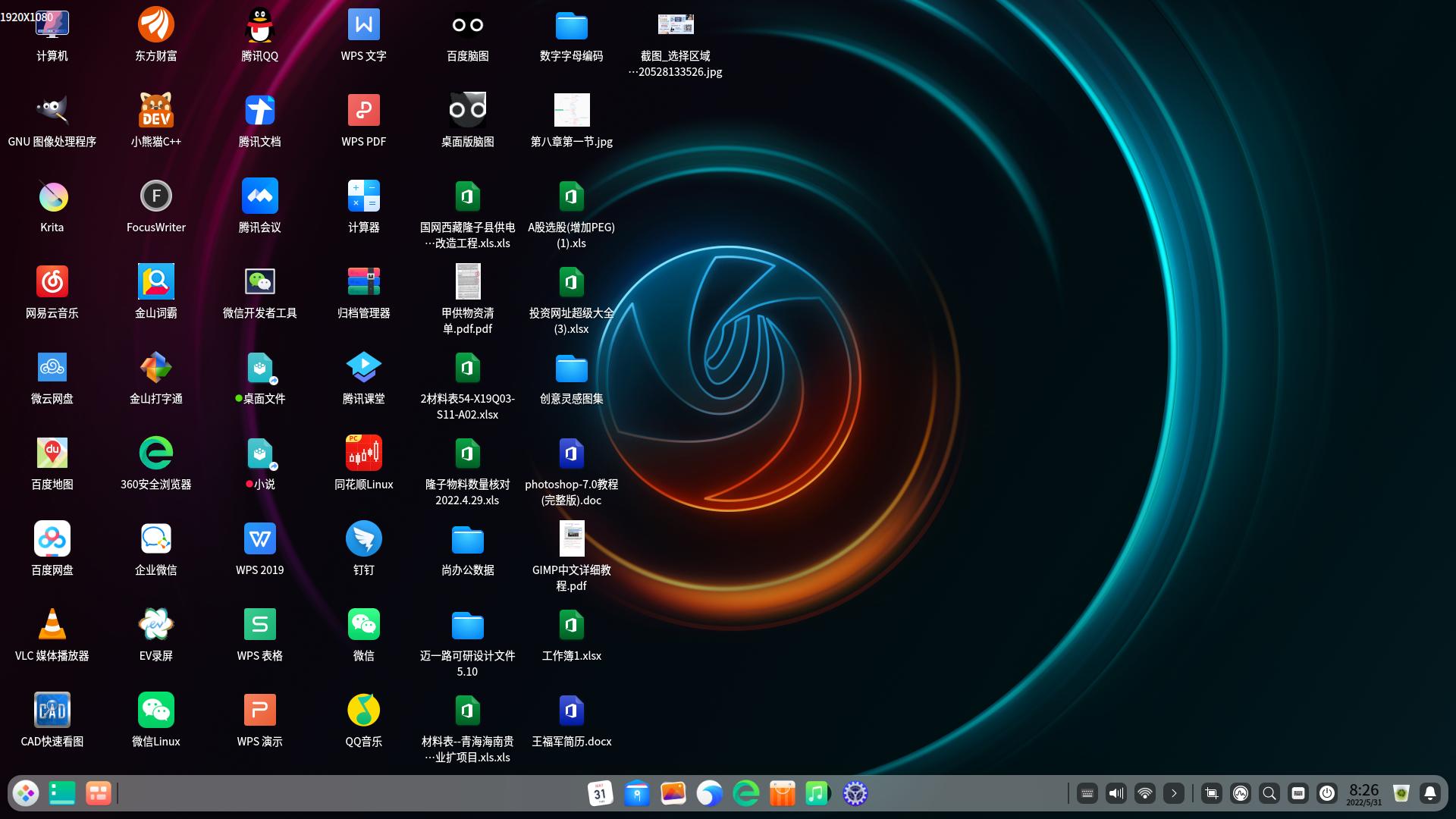
 deepin
 https://bbs.deepin.org/post/237746
@木一明 你的帖子白发了

 deepin
 https://bbs.deepin.org/post/237746
@木一明 你的帖子白发了

没多少人看到吧,除非置顶

大佬直接给方案!
 deepin
 兄弟们,顶上去,实在是间距太宽了,让官方改
deepin 更新后发现,确实太宽了。。。😂
deepin 的确,太宽了点
 deepin
 把字体调整12-13,卓面字体、图标、间隔、都非常美,刚好正点,大家试一试。

 deepin
 为啥就不能默认把图标间距调整紧凑一些呢?或者增加一个简单的图标间距可调的功能,并不是所有人都是大神级的能够自己去搞这些东西。
今天中午装了20.6,发现图标间距不是一般的大!简直大到不能再大了!我估计工程师们的屏幕都是超级大屏吧。
 deepin
 顶帖,顶帖,桌面图标间距确实太宽了,谁知道修改方法~~
deepin @Merlin 像这类的就可以在高级设置中做成设置项
没找到高级设置,求指导
deepin 没找到高级设置,求指导
正在规划的一个项目,还没做呢
Popular Ranking
ChangePopular Events
More


 Which version of the Deepin system is the best?