

 中文
中文 
liwl deepin
2022-05-13 17:27 deepin sudo dpkg -l|egrep "linux-headers|linux-image"
找到5.17的,然后sudo apt purge xxx
Reply Like 0 View the author
 deepin
 sudo dpkg -l|egrep "linux-headers|linux-image"
找到5.17的,然后sudo apt purge xxx
 deepin
 sudo dpkg -l|egrep "linux-headers|linux-image"
找到5.17的,然后sudo apt purge xxx
这里只显示有5.10.101,没有5.17.5,这个时安装系统时的那个内核吧
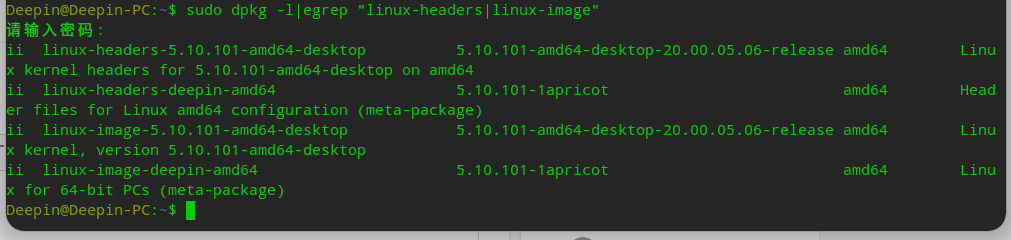
deepin 这里只显示有5.10.101,没有5.17.5,这个时安装系统时的那个内核吧
那就说明,已经没有5.17的内核了,那个目录可以直接删掉的,用root删除就可以了
你这个目录下的5.17.5.18都可以删除了
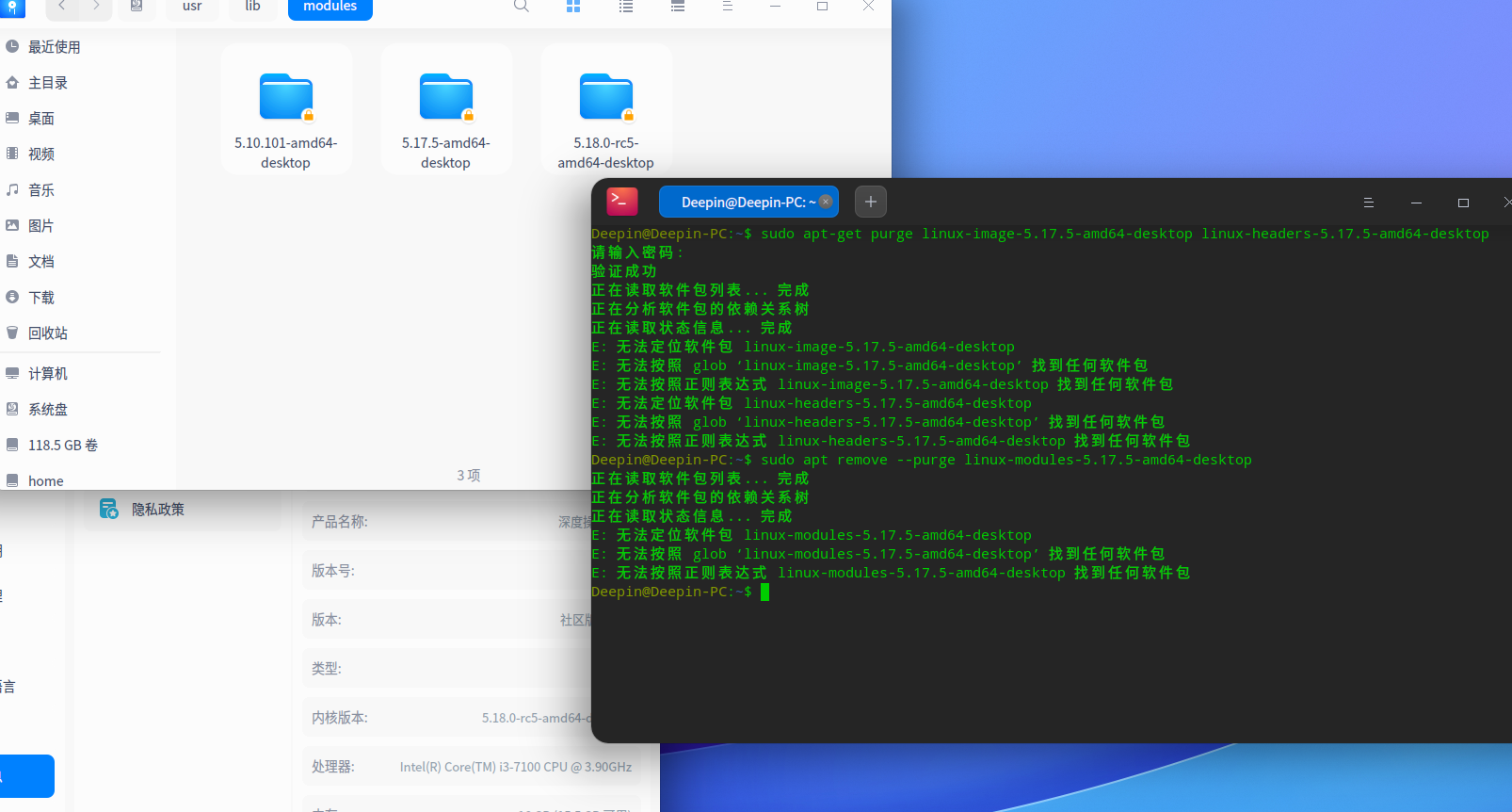
deepin 那就说明,已经没有5.17的内核了,那个目录可以直接删掉的,用root删除就可以了
你这个目录下的5.17.5.18都可以删除了
5.17.5 和5.18是可以启动的,直接删除不会有影响吗
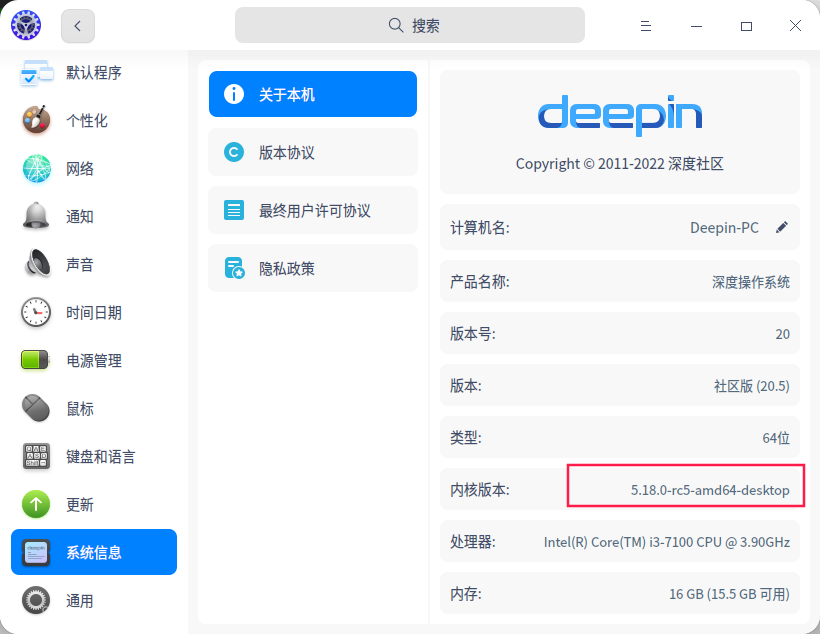
deepin 5.17.5 和5.18是可以启动的,直接删除不会有影响吗
有,还是别删了
deepin 那该如何卸载掉这个不用内核,太占空间了

 deepin
 用新立德删除试试吧
deepin 用新立德删除试试吧
新立德?这是什么东东
Popular Ranking
ChangePopular Events
More


 Which version of the Deepin system is the best?
使用sudo apt-get purge linux-image-5.17.5-amd64-desktop linux-headers-5.17.5-amd64-desktop卸载一个内核报错,提示找不到软件包,使用sudo apt remove --purge linux-modules-5.17.5-amd64-desktop也提示类似的内容,找不到软件包。
使用sudo apt install***更新的内核可以使用以上命令来卸载内核,而按照https://bbs.deepin.org/zh/post/235043这里教程升级的内核使用以上命令好像都会报错,要怎样才能卸载掉自己更新的内核