

 中文
中文 
jjcui8595 deepin
2022-05-08 14:33 deepin 参考这个,我昨天刚刚装过
https://club.uniontech.com/?client=2#/detail?id=e420b61324784052b83ed4a08a523c8e&part=first
Reply Like 0 View the author
 deepin
 参考这个,我昨天刚刚装过
https://club.uniontech.com/?client=2#/detail?id=e420b61324784052b83ed4a08a523c8e&part=first

 deepin
 参考这个,我昨天刚刚装过
https://club.uniontech.com/?client=2#/detail?id=e420b61324784052b83ed4a08a523c8e&part=first
这个流程很给力
deepin 这个流程很给力
谢谢,亲测有效
 deepin
 试试
sudo apt install libglvnd-dev
 deepin
 试试
sudo apt install libglvnd-dev
完美解决!!!
果断卸载重装。
1.sudo nvidia-uninstall
2.reboot
3.ctrl+alt+FN+F2
4.sudo apt purge --autoremove nvidia*
sudo service lightdm stop
5.cd Downloads
6.sudo ./N+tab键
一路默认。
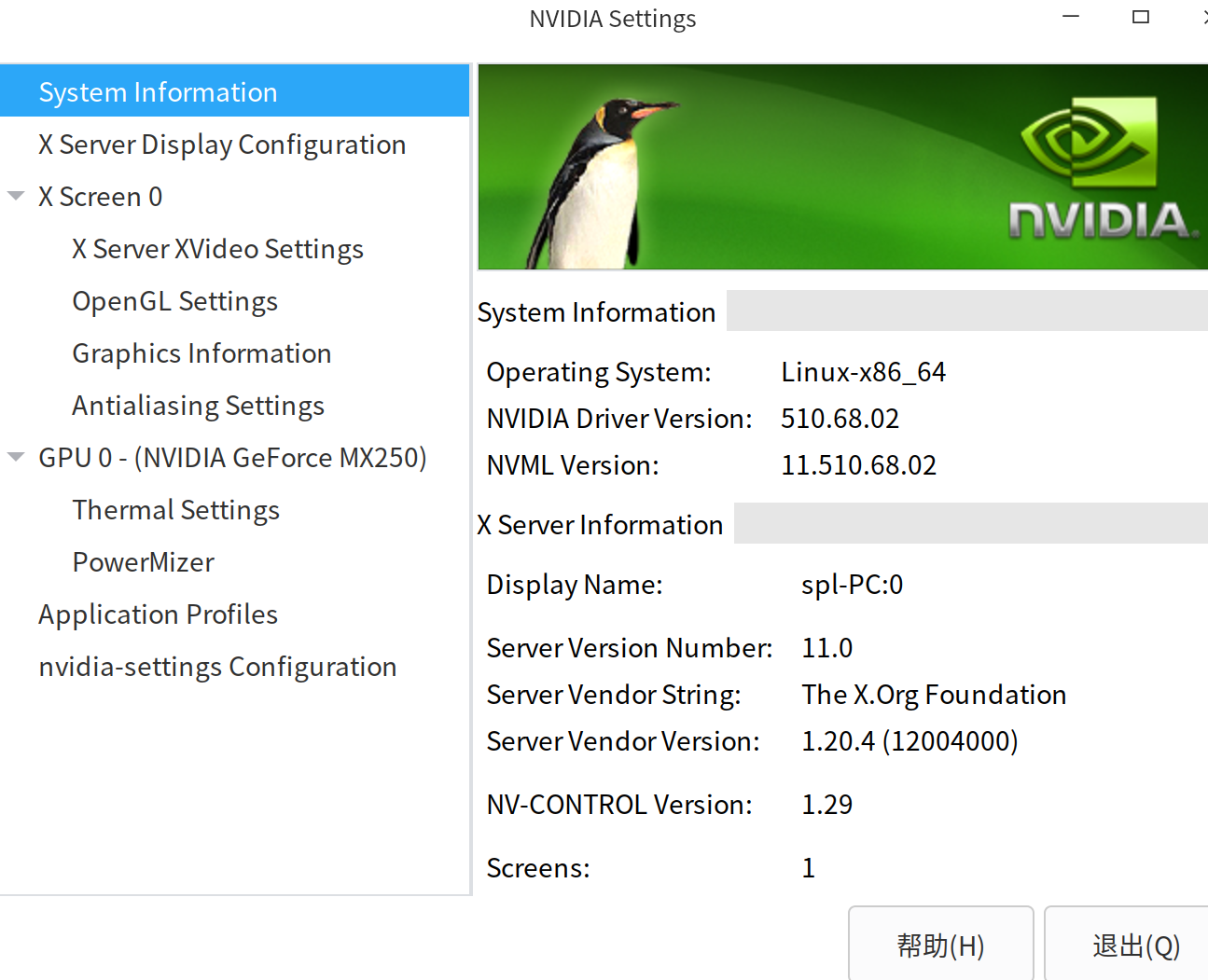
显卡菜单全出来了
Popular Ranking
ChangePopular Events
More


 Which version of the Deepin system is the best?
安装NVIDIA-Linux-x86_64-510.68.02.run,出现:
WARNING: Unable to determine the path to install the libglvnd EGL vendor library config files. Check that you have pkg-config and the libglvnd development libraries installed, or specify a path with一 glvmd-egl-config-path.
如何处理?