

 中文
中文 
beavailable deepin
2022-05-04 02:39 deepin chroot 之后设置一下 root 密码,再重启进入单用户模式试试。
Reply Like 1 View the author
 deepin
 chroot 之后设置一下 root 密码,再重启进入单用户模式试试。

 deepin
 我的也是账号被锁,1435分钟才能输入密码,怎么破呀,怎么重置密码?

 deepin
 deepin把单用户模式干掉了,只能用liveCD修改密码:
1、找个U盘,使用ventoy装上随便下载一个deepin镜像;
2、然后在grub界面按一下TAB;
3、编辑一下安装界面下方Linux开头这一行,将livecd-installer,改成livecd,即删除-installer;
4、然后按Enter,此时就会进入deepin的live系统;
5、进入文件管理器中“/”目录下,右键“在终端中打开”
sudo chroot ./
passwd 用户名
输入新密码
重复输入新密码
6、exit退出终端并重启计算机。

 deepin
 昨天刚测试的进入单用户模式没问题啊,启动参数里加single直接就进去了
deepin 敢换桌面就敢不给你进系统
 deepin
 我本来打算制作一个Deepin GNOME Edition的发行版,将默认的deepin桌面换成修改过各种插件GNOME桌面,并消灭原生GNOME Display Manager的灰色背景,然后Deepin基于Debian,所以用链接https://www.kali.org/docs/development/live-build-a-custom-kali-iso/里说的方法打包,再开一个论坛发布这个镜像,结果第一步就失败了
deepin 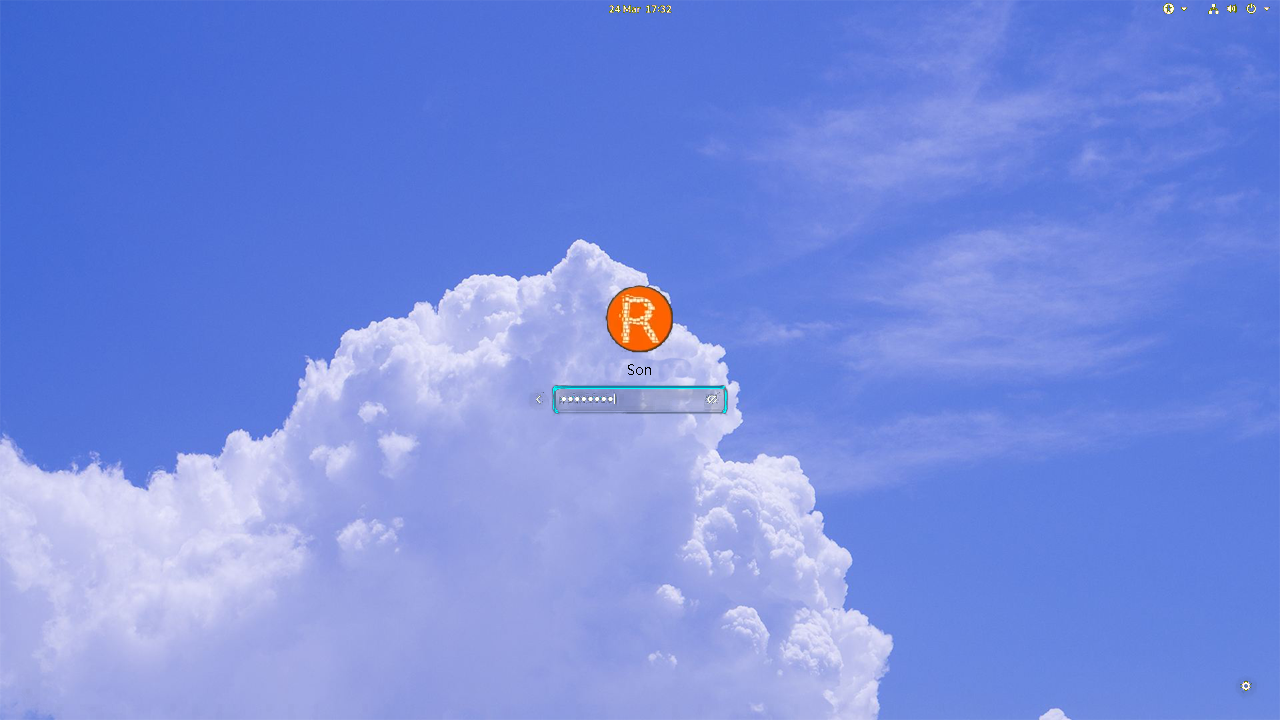
这个图是P的,我预想的GNOME Display Manager
deepin deepin 美化GNOME最难折腾的就是GDM
Popular Ranking
ChangePopular Events
More


 Which version of the Deepin system is the best?
今天我安装了Deepin20.4,打算把桌面换成GNOME桌面,安装GNOME后我把Lightdm换成GDM3之后就无法启动了
我尝试进入单用户模式,打算把GDM3换回Lightdm,发现进不去,屏幕上大概说root被锁掉了,有谁知道这怎么解?
我又进入了Archlinux Live CD,chroot进安装GNOME之后的deepin系统后发现我无法使用dpkg-reconfigure命令