中文
中文 
babyfengfjx
2022-04-26 23:50 Super Moderator
CQA
- 通过终端sudo apt update && sudo apt upgrade 升级;
- 也可以使用deepin。
Reply Like 1 View the author


 deepin
 没有用 使用命令升级 一直显示0%
没有用 使用命令升级 一直显示0%
deepin 单位电脑没法更换系统,现在1031版本经常死机,又没有办法升级

 deepin
 单位定制砍掉就没了
deepin 单位定制砍掉就没了
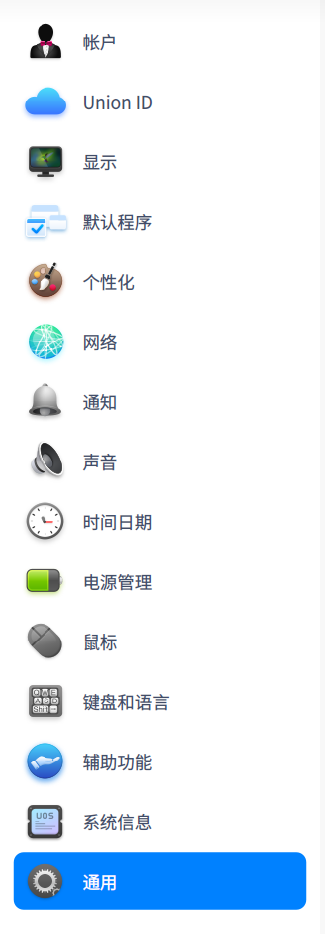
感觉是系统BUG,单位有的电脑在控制中心有“更新”按钮,可以升级至1050版本
 deepin
 感觉是系统BUG,单位有的电脑在控制中心有“更新”按钮,可以升级至1050版本
定制是什么都能定的(
你还是试试能不能通过编译dde-control-center骗过吧
这论坛里绝大多数人都是deepin/其他发行版吧,UOS都不多,更何况普通人接触不到的专业版
建议去UOS论坛/咨询售后

 deepin
 单位定制砍掉就没了
定制的估计是定制的时候就禁用了更新方面的功能
Popular Ranking
ChangePopular Events
More


 Which version of the Deepin system is the best?
统信UOS专业版 目前版本号为1031,想升级至1050,但是发现系统没有“更新”功能