

 中文
中文 
ThinKinG
2022-04-13 17:39 deepin testing team
在终端中输入:sudo rm -rf ~/.local/share/keyrings
这个问题一般是因为在设置自动登录和无密码登录时,没有勾选清空密钥环出现的,建议之后设置自动登录和无密码登录时,勾选下清空密钥环。
Reply Like 0 View the author

 deepin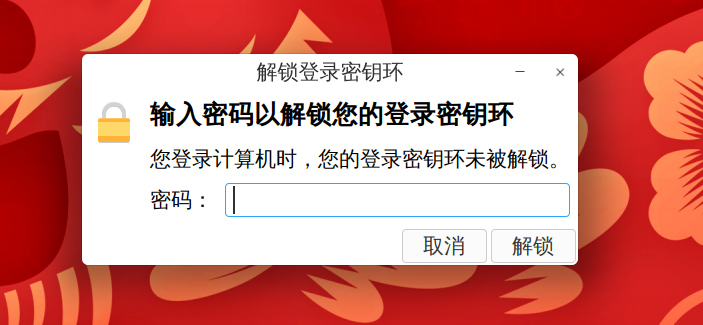

在终端中输入:sudo rm -rf ~/.local/share/keyrings
这个问题一般是因为在设置自动登录和无密码登录时,没有勾选清空密钥环出现的,建议之后设置自动登录和无密码登录时,勾选下清空密钥环。
deepin 在终端中输入:sudo rm -rf ~/.local/share/keyrings
这个问题一般是因为在设置自动登录和无密码登录时,没有勾选清空密钥环出现的,建议之后设置自动登录和无密码登录时,勾选下清空密钥环。
这个操作似乎之前做过 , 然后chrome自动登录的网站全部都要重新登录了
这个操作似乎之前做过 , 然后chrome自动登录的网站全部都要重新登录了
是的,因为保存的文件被清空了
 deepin
 控制中心中关闭自动登录。
Popular Ranking
ChangePopular Events
More


 A bug with the language select