

 中文
中文 
云的眼泪 deepin
2022-04-08 17:46 deepin 太新或者太旧的N卡一般情况都很难安装成功。
集显或者核显应该都可以外接,检查一下设置。
Reply Like 0 View the author
 deepin
 太新或者太旧的N卡一般情况都很难安装成功。
集显或者核显应该都可以外接,检查一下设置。

 deepin
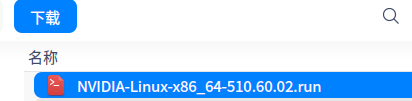
 你选的那个 下载后是一个run可执行程序

 deepin
 你选的那个 下载后是一个run可执行程序
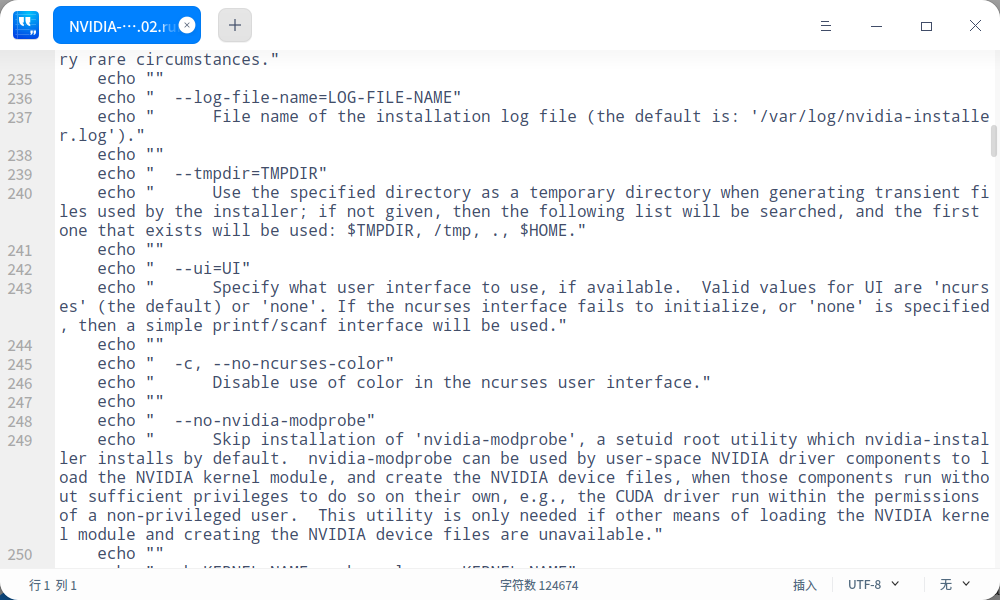
双击后出了个图2,这就安装好了吗

 deepin
 https://bbs.deepin.org/post/232923
不过有个更简单的方法
sudo apt install nvidia-driver
只要不是很新的显卡都可以
deepin 太新或者太旧的N卡一般情况都很难安装成功。
集显或者核显应该都可以外接,检查一下设置。
你的可以外接吗?我的外接显示器没反应。

 deepin
 非常不建议在官网安装驱动。建议选择源内驱动。
sudo apt install nvidia-driver
deepin 非常不建议在官网安装驱动。建议选择源内驱动。
sudo apt install nvidia-driver
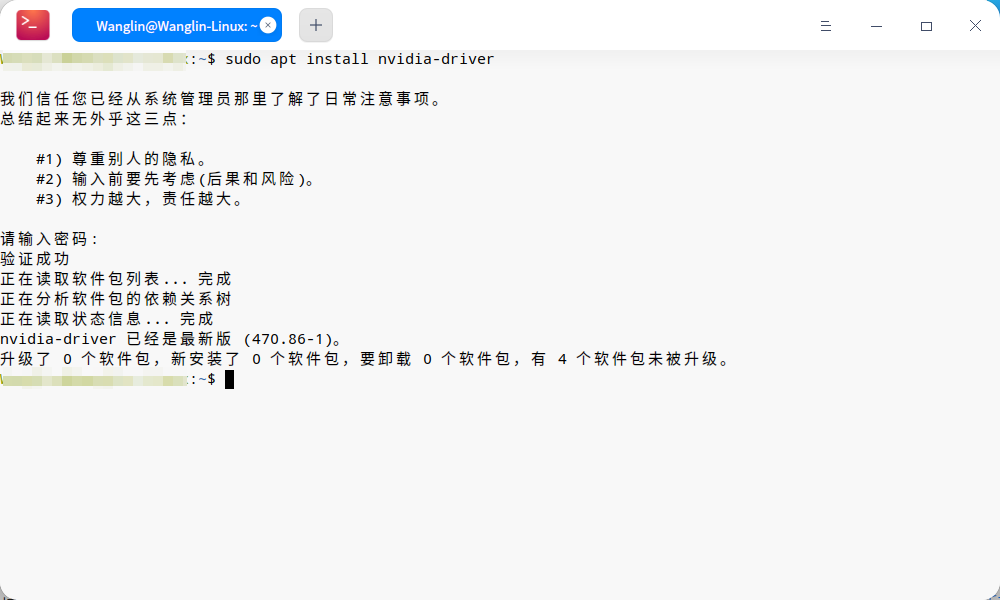
安装deepin时,我选的“安装闭源NVIDIA驱动”。
其实我只想解决笔记本无法外接显示器的问题。不安装驱动,有别的安装方法吗?
deepin
安装deepin时,我选的“安装闭源NVIDIA驱动”。
其实我只想解决笔记本无法外接显示器的问题。不安装驱动,有别的安装方法吗?
驱动已经安装,你用显卡 驱动管理器切换一下性能模式,如果切换成功,说明驱动正常。
WIN系统下外接正常吗?
deepin 驱动已经安装,你用显卡 驱动管理器切换一下性能模式,如果切换成功,说明驱动正常。
WIN系统下外接正常吗?
在哪里切换呢?
deepin 在哪里切换呢?
windows下正常。
deepin 在应用商店安装“显卡驱动管理器”,里面可以切换。
deepin https://bbs.deepin.org/post/232923
不过有个更简单的方法
sudo apt install nvidia-driver
只要不是很新的显卡都可以
是的,这行命令就可以。哪用得着那么麻烦。
sudo apt install nvidia-driver
deepin 在应用商店安装“显卡驱动管理器”,里面可以切换。
好像找不到了,具体包名字是啥?
deepin 已解决。星火商店下载了一个显卡切换器,切换到n卡就可以了。
deepin 是的,这行命令就可以。哪用得着那么麻烦。
sudo apt install nvidia-driver
想要用最新的驱动就要手动装了嘛
不过亲测临时切到nvidia+debian 11的源装最新驱动,装完了立即换回来,系统不会挂
deepin 想要用最新的驱动就要手动装了嘛
不过亲测临时切到nvidia+debian 11的源装最新驱动,装完了立即换回来,系统不会挂
https://blog.csdn.net/qq_27386899/article/details/104113553
我按照这篇文章安装了最新驱动,还有CUDA显卡计算都能正常工作。计算起来速度老快了!
 deepin deepin
 Ctrl + Alt + T 三个按键同时按!
deepin deepin 我的笔记本,1660TI的显卡,不管怎么装驱动,必源啥的也好都试过了,依然外接显示器没反应,驱动啥的全是正常的,就是外接显示器没有反应,设置那里也只有一个显示器
Popular Ranking
ChangePopular Events
More


 A bug with the language select
我的笔记本外接显示器不显示,觉得应该是驱动程序的问题,想在n卡官网下载驱动,我应该下载哪个啊?