

 中文
中文 
孔方兄 deepin
2022-04-04 02:22 deepin 打开显卡驱动管理器看看
Reply Like 0 View the author
deepin 打开显卡驱动管理器看看

 deepin
 打开显卡驱动管理器看看
我现在登的是windows,就是查看电脑信息的那个地方看到的显卡提示是:不可用,然后后面一串英文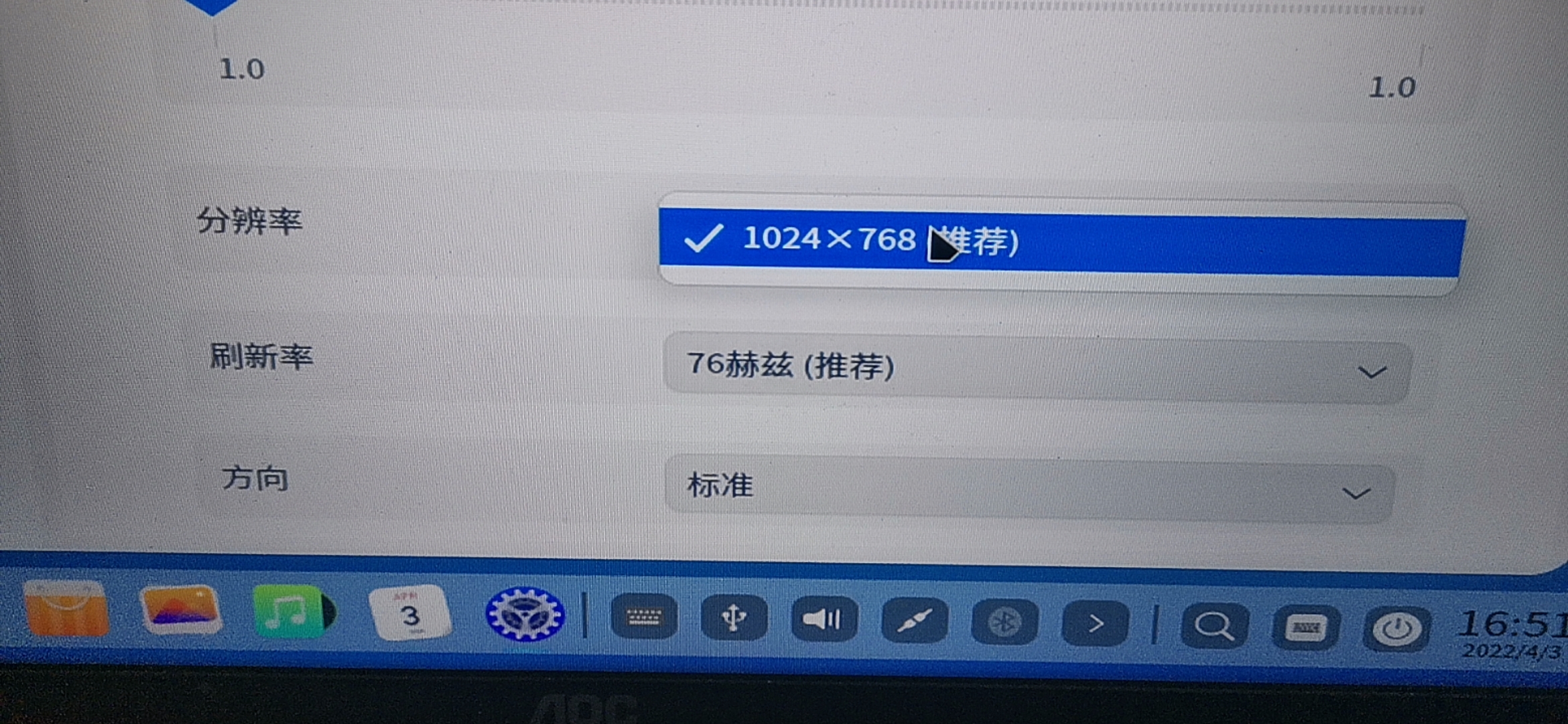
deepin 有没有大神来帮帮忙啊

 deepin
 你是在deepin下显卡无驱动还是在windows 中没驱动?如果是在deepin中没驱动,试试“显卡驱动管理器”
deepin 你是在deepin下显卡无驱动还是在windows 中没驱动?如果是在deepin中没驱动,试试“显卡驱动管理器”
是DEEPIN中显卡没驱动
名称 : 8th Gen Core Processor Gaussian Mixture Model
制造商 : Intel Corporation
型号 : Intel 8th Gen Core Processor Gaussian Mixture Model
版本 : 00
位宽 : 64 bits
中断 : 255 (no events)
功能 : pciexpress msi pm vga_controller bus_master cap_list
DigitalOutput : Unable
DVI : Unable
VGA : Unable
HDMI : Unable
eDP : Unable
DP : Unable
时钟频率 : 33MHz
描述 : VGA compatible controller
当前分辨率 : 1024 x 768
最小分辨率 : 1024 x 768
最大分辨率 : 1024 x 768
总线信息 : pci@0000:00:02.0
I/O端口 : 4000(size=64)
内存地址 : a0000000-a0ffffff 90000000-9fffffff c0000-dffff
物理ID : 2
子制造商 : ASUSTeK Computer Inc.
延迟 : 0
设备 : 8th Gen Core Processor Gaussian Mixture Model
deepin 你是在deepin下显卡无驱动还是在windows 中没驱动?如果是在deepin中没驱动,试试“显卡驱动管理器”
你说的那个显卡驱动管理器,我在
应用商店中没搜到
deepin 正常情况下Intel核显会自动安装, 它的驱动是集成在系统内核中的。
你现在的deepin系统是哪个版本的,建议升级至最新版的。
再不行,试试升级Linux内核版本,
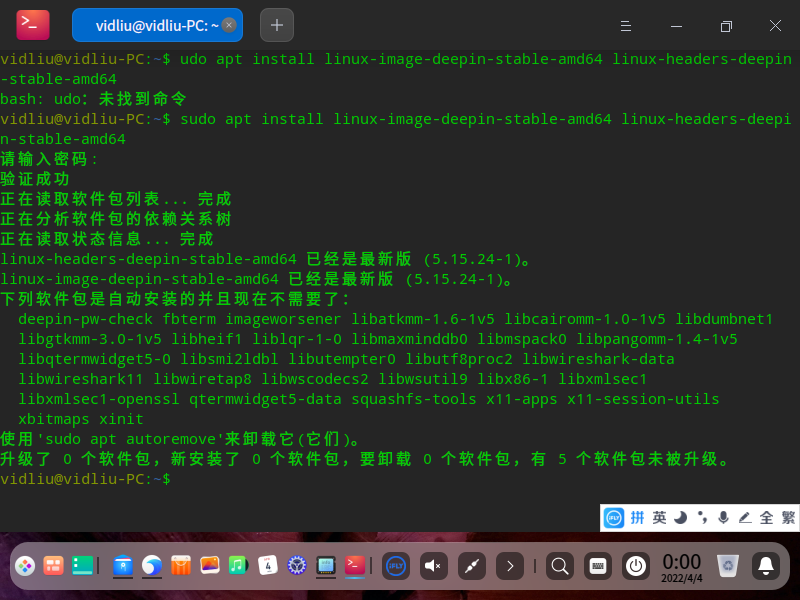
sudo apt install linux-image-deepin-stable-amd64 linux-headers-deepin-stable-amd64
deepin 正常情况下Intel核显会自动安装, 它的驱动是集成在系统内核中的。
你现在的deepin系统是哪个版本的,建议升级至最新版的。
再不行,试试升级Linux内核版本,
sudo apt install linux-image-deepin-stable-amd64 linux-headers-deepin-stable-amd64
社区版20。5
内核版本号5。15。24
今天刚装的,下载的应该也是最新版的
 deepin
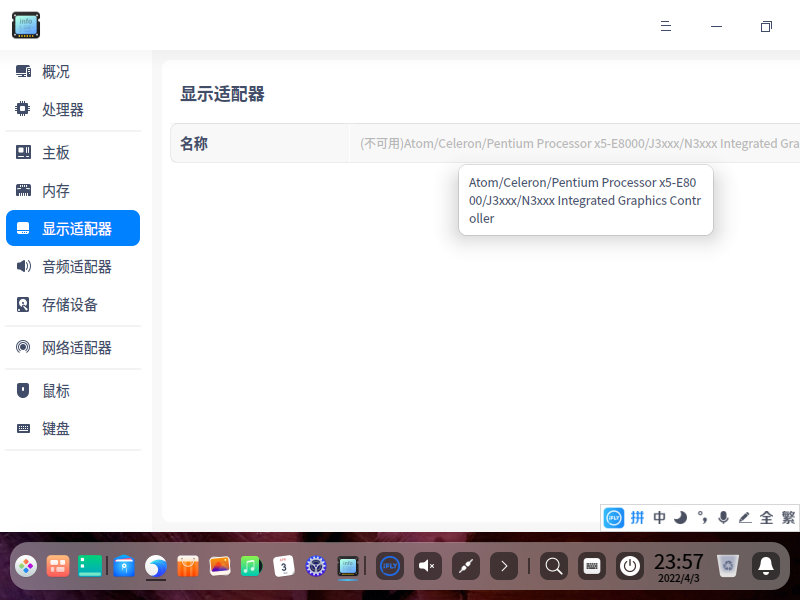
 在 设备管理器 \ 显示适配器 下看到 N3050显卡 的驱动不可用,我已经升级最新的内核了,问题依旧。
deepin 安装显卡驱动教程:
https://hu60.cn/q.php/bbs.topic.94828.html
试试上面的教程吧。
deepin 安装显卡驱动教程:
https://hu60.cn/q.php/bbs.topic.94828.html
试试上面的教程吧。
谢谢,我试试
Popular Ranking
ChangePopular Events
More


 A bug with the language select
我今天装了最新版,分辨率太低,一看就是没驱动,但是我找了很久,也百度了一下,找不到驱动包啊!!!我的是核显HUD630,哪位大神有包给发一个,这里也建议官方有包的话直接放到论坛里,先谢谢各位大神啦