

 中文
中文 
outlaw deepin
2022-04-01 05:14 deepin 更新之前都是有声音的,切换目前的三个内核版本都不行
Reply Like 0 View the author
 deepin
 更新之前都是有声音的,切换目前的三个内核版本都不行
deepin deepin 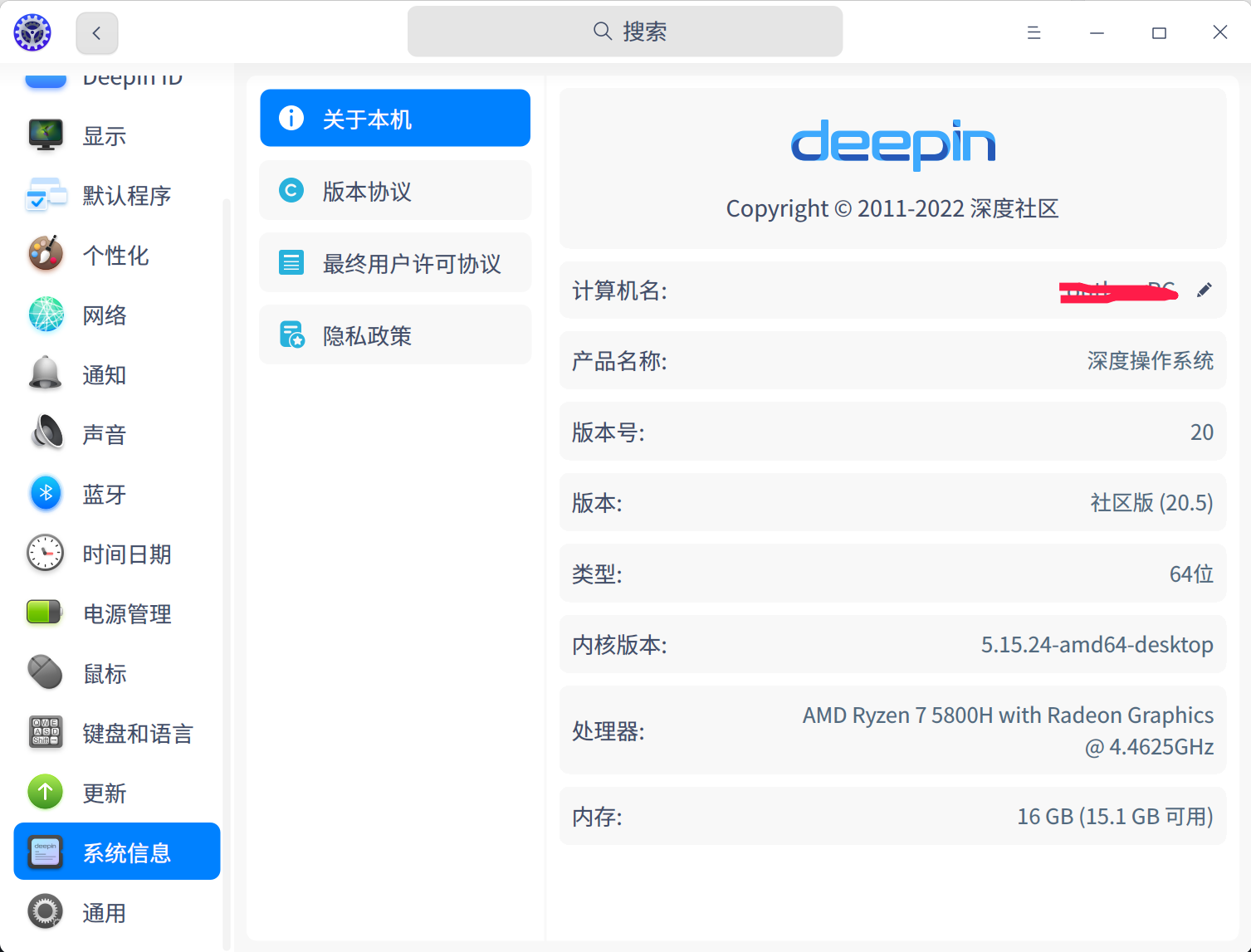
目前 5.10.101 5.15.6 5.15.24三个版本都换了,还是没声音
deepin 尝试在设备管理器把音频设备禁用后在启动试试。

 deepin
 更新后遇到了跟楼主同样的问题,也是找不到音频输出了,升级前内核版本是5.10.83有声音,升级后无论切换哪个内核都没声音

执行一下下面命令,把输出的设备信息发一下看看:
sudo apt install inxi -y && inxi -F
更新后遇到了跟楼主同样的问题,也是找不到音频输出了,升级前内核版本是5.10.83有声音,升级后无论切换哪个内核都没声音
执行一下下面命令,把输出的设备信息发一下看看:
sudo apt install inxi -y && inxi -F
deepin 好,我试试,才下班回来。
deepin 谢谢!晚上回家后试试
deepin 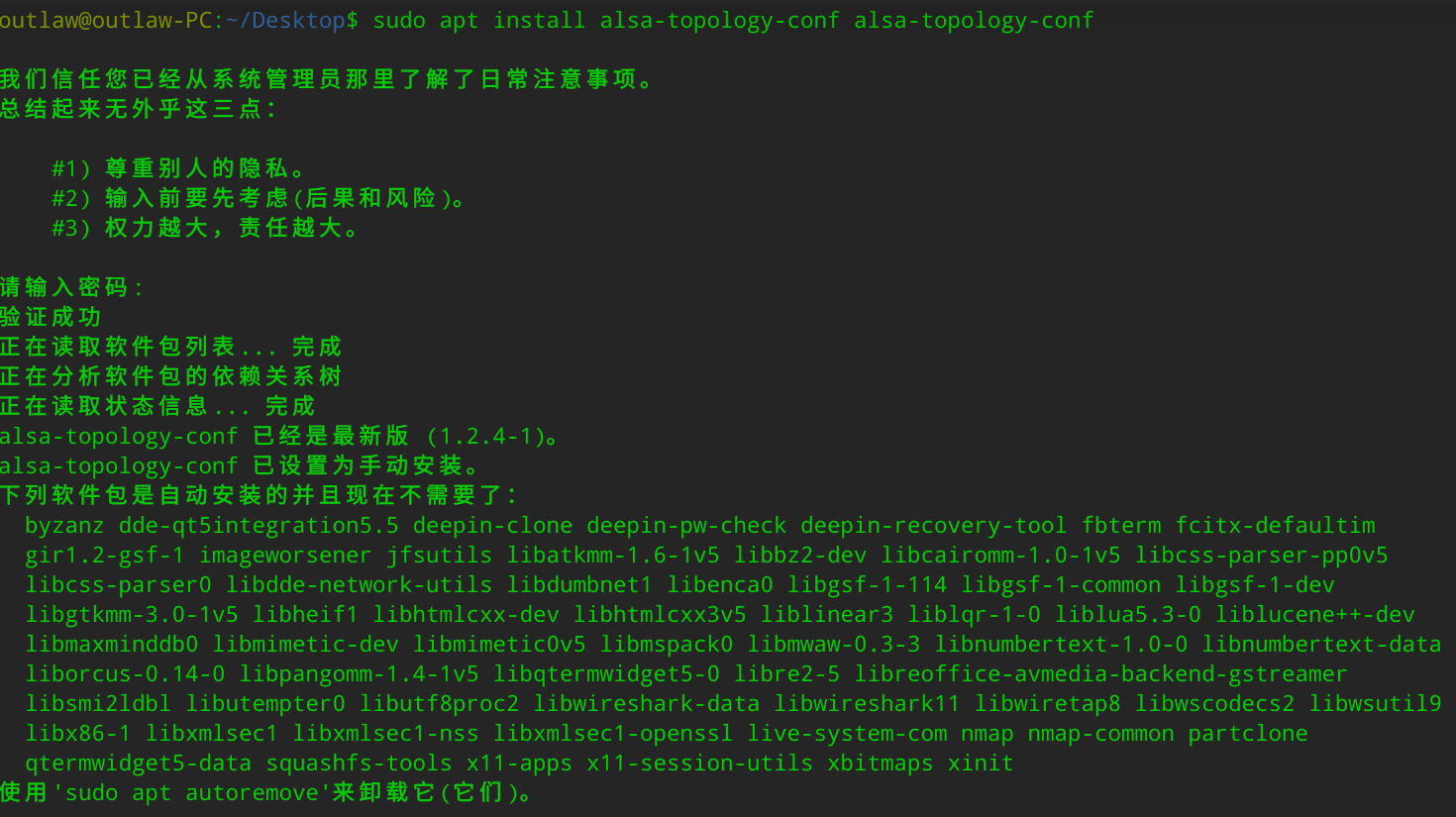
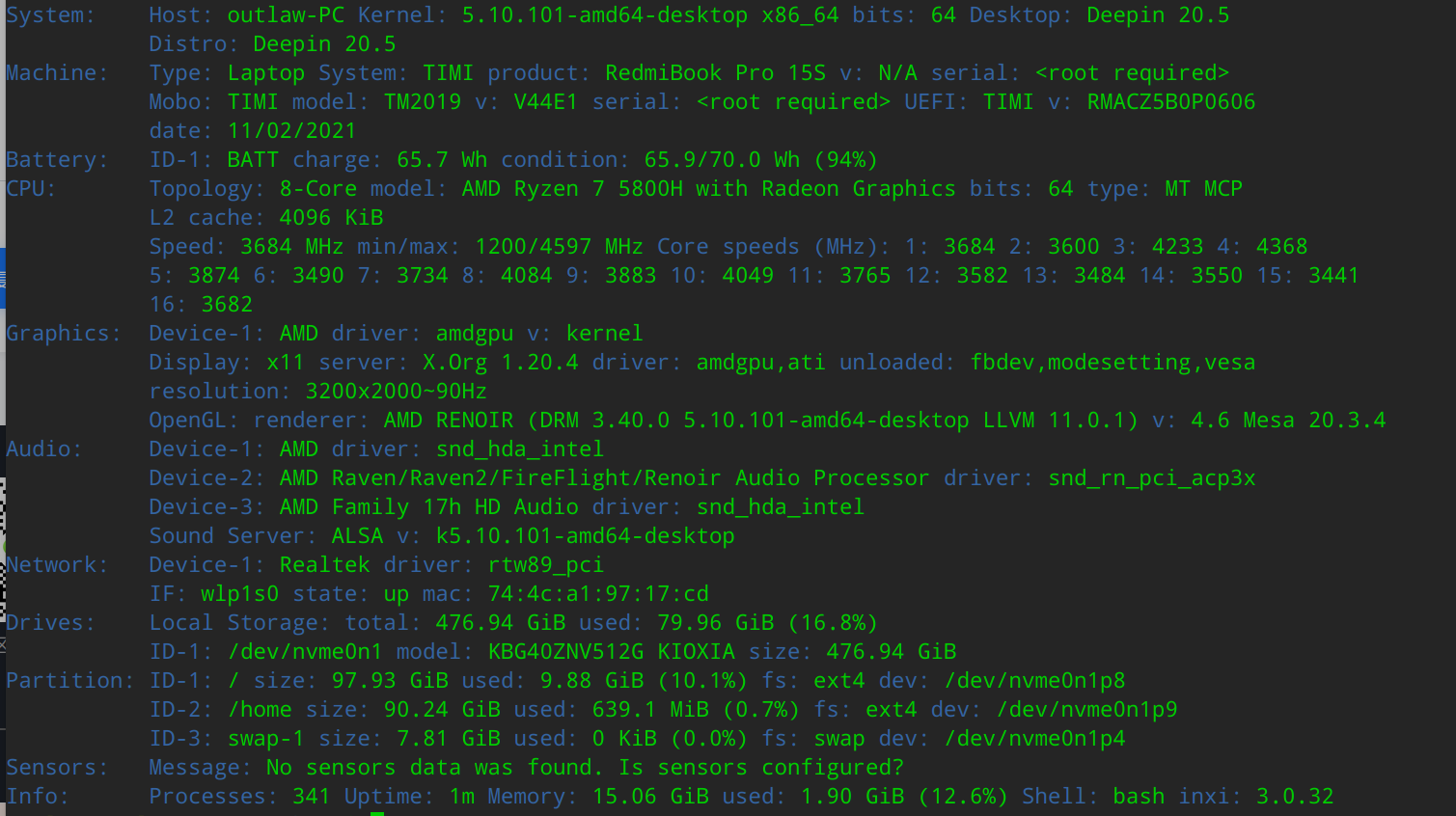
sudo apt install alsa-topology-conf alsa-topology-conf显示是最新的,不需要安装,sudo apt install inxi -y && inxi -F 显示的内容在第二张图
deepin 你帮我看下后面还能怎么搞,禁用设备再启用也没用
deepin 刚刚去下载20.5镜像全新重装,还是没有声音😭
deepin 执行一下下面命令,把输出的设备信息发一下看看:
sudo apt install inxi -y && inxi -F
声卡硬件信息与楼主的相同,看来存在的问题一模一样
 deepin
 遇到了同样的问题
Audio:     Device-1: AMD driver: snd_hda_intel
           Device-2: AMD Raven/Raven2/FireFlight/Renoir Audio Processor driver: snd_rn_pci_acp3x
           Device-3: AMD Family 17h HD Audio driver: snd_hda_intel
           Sound Server: ALSA v: k5.15.24-amd64-desktop
刚刚去下载20.5镜像全新重装,还是没有声音😭
执行这个:sudo apt install alsa-topology-conf alsa-topology-conf
重启后,还是没有效果是吧?
遇到了同样的问题
Audio:     Device-1: AMD driver: snd_hda_intel
           Device-2: AMD Raven/Raven2/FireFlight/Renoir Audio Processor driver: snd_rn_pci_acp3x
           Device-3: AMD Family 17h HD Audio driver: snd_hda_intel
           Sound Server: ALSA v: k5.15.24-amd64-desktop
安装完 重启时候没有效果
还是找不到耳机的音频输出
deepin 执行这个:sudo apt install alsa-topology-conf alsa-topology-conf
重启后,还是没有效果是吧?
这个安装命令显示是已经安装了最新的,不需要再安装了,我前面有截图的
deepin 执行这个:sudo apt install alsa-topology-conf alsa-topology-conf
重启后,还是没有效果是吧?
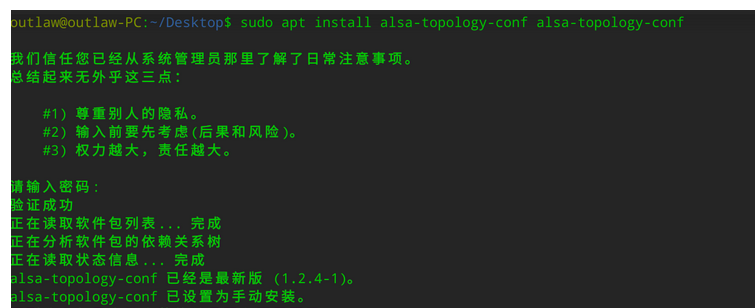
重启后也还是不行,我的设备信息,通过你发的命令运行结果在11楼,我这两天看论坛,好几个红米的笔记本都是一样的问题😂
Popular Ranking
ChangePopular Events
More



 A bug with the language select
欢天喜地更新到20.5,发现声音没了,找不到输出设备,插耳机也没有反应,蓝牙一直没能用过,请求帮助😭