

 中文
中文 
easn deepin
2022-03-27 19:56 deepin 阅读软件,这个必须兼容一下。 国产之光啊
Reply Like 0 View the author
deepin 阅读软件,这个必须兼容一下。 国产之光啊
deepin 现在安卓里面那个阅读legado3 也是国产之光,装完了去关注下wx公众号后加两个源效果不是一般好

 deepin
 自己在Deepin上装安卓版或者windows版不就可以了吗,又不是不能装。
Neat Reader安卓版用UEngine装:
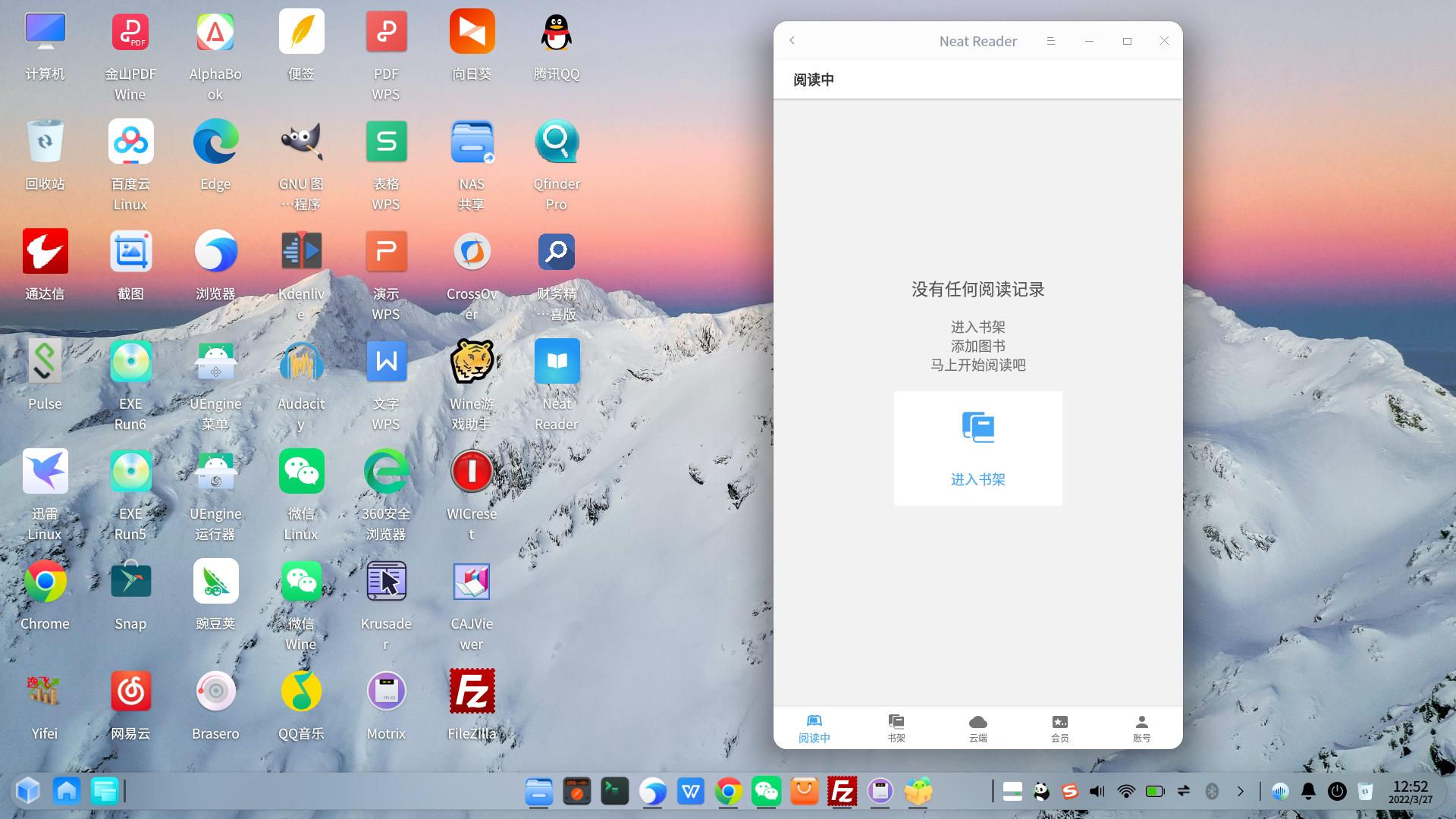
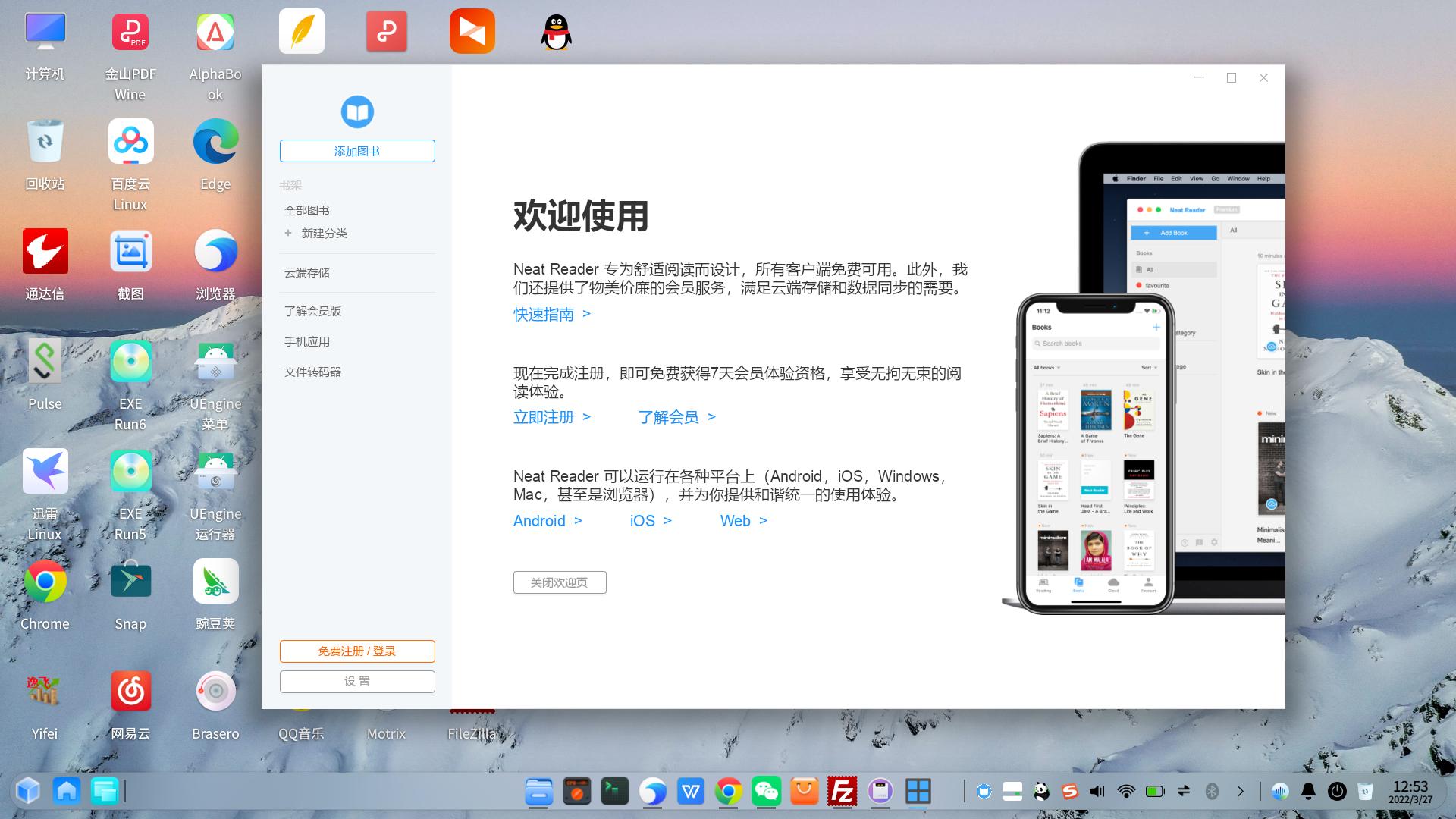
Neat Reader windows版用系统自带的Deepin-wine6装:

 deepin
 自己在Deepin上装安卓版或者windows版不就可以了吗,又不是不能装。
Neat Reader安卓版用UEngine装:
Neat Reader windows版用系统自带的Deepin-wine6装:
懒了😁 这次重新装回 deepin 就是不想折腾了。。。
再者这软件真的不错,希望官方考虑下。
deepin 现在安卓里面那个阅读legado3 也是国产之光,装完了去关注下wx公众号后加两个源效果不是一般好
我试试看。。。
deepin 自己在Deepin上装安卓版或者windows版不就可以了吗,又不是不能装。
Neat Reader安卓版用UEngine装:
Neat Reader windows版用系统自带的Deepin-wine6装:
能否请教一下如何安装,或者大概给个提示,我大概两年没用deepin了,有些不太熟悉了。谢谢。
deepin 安卓软件:
(1)先安装uengine:在终端中输入sudo apt install spark-uengine-runner或者下载UEngine的deb包进行安装。
(2)用uengine来安装安卓软件apk安装包,视频方法:
windows软件:
(1)先配置Deepin-wine6,方法:https://bbs.chinauos.com/zh/post/9802
可以直接使用里面的自动配置的脚本,省得自己去手动配置,该脚本压缩包解压后,直接双击运行里面的wine6_dbclick.sh。
(2)双击即可运行windows软件exe安装包。
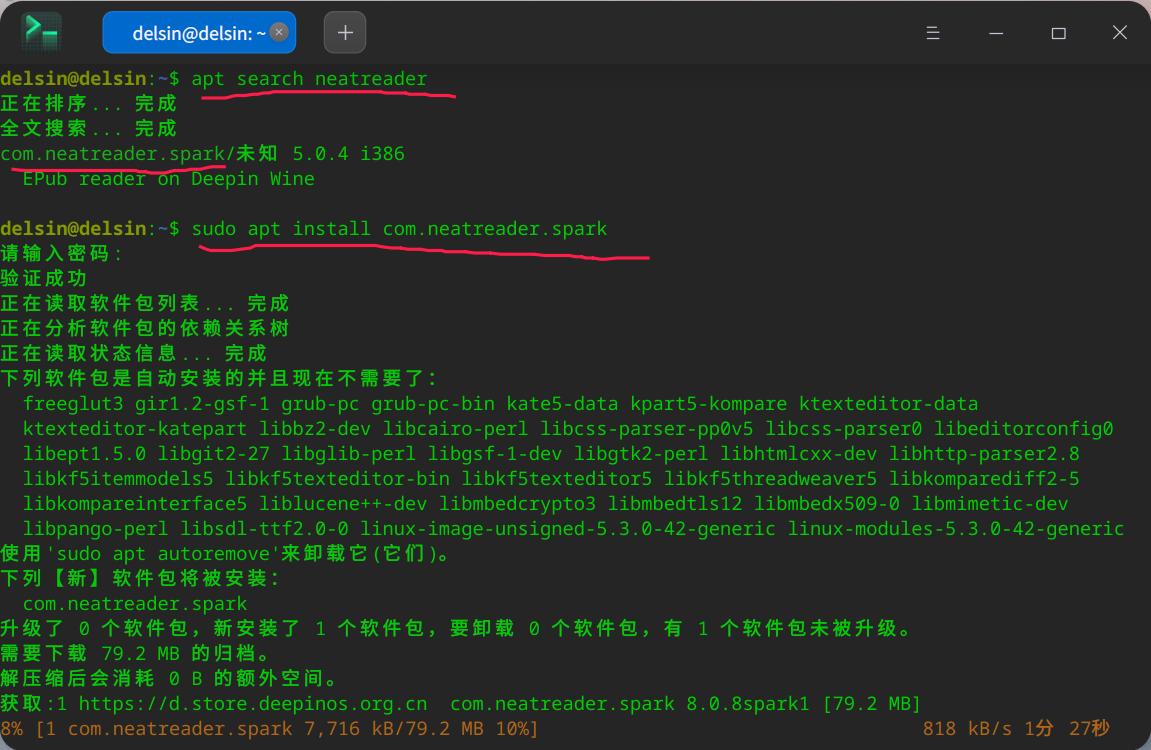
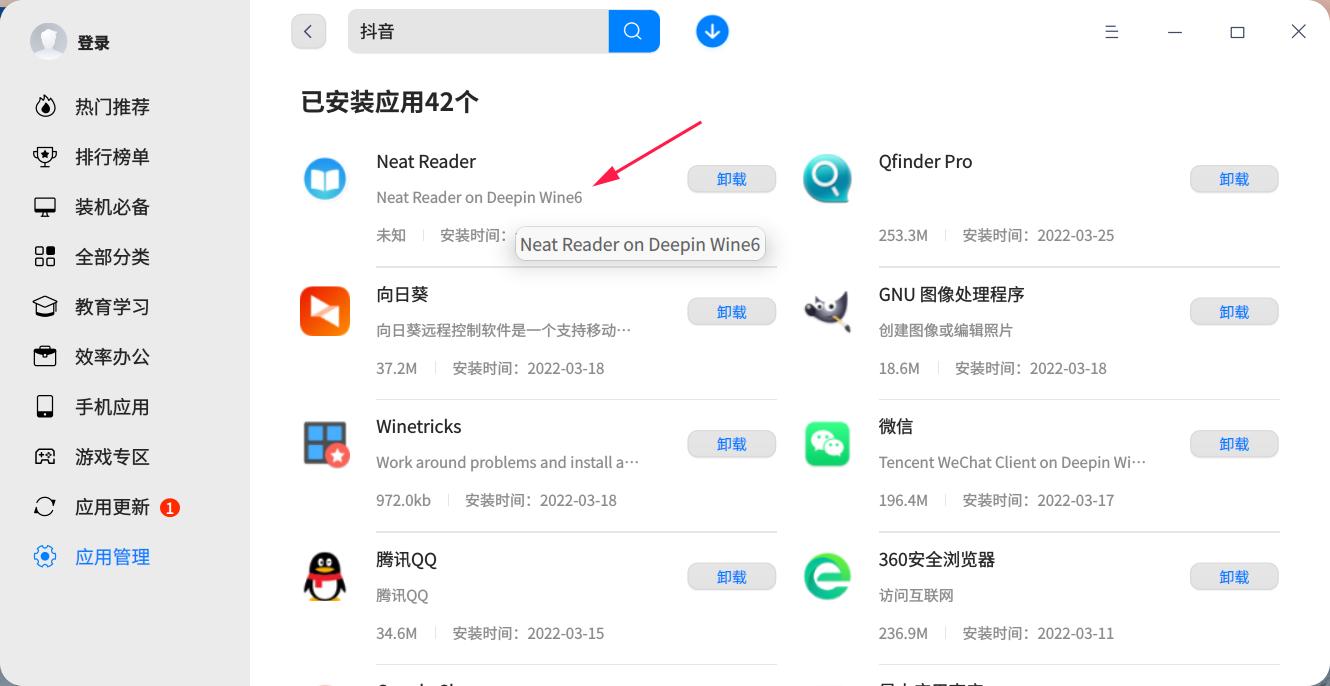
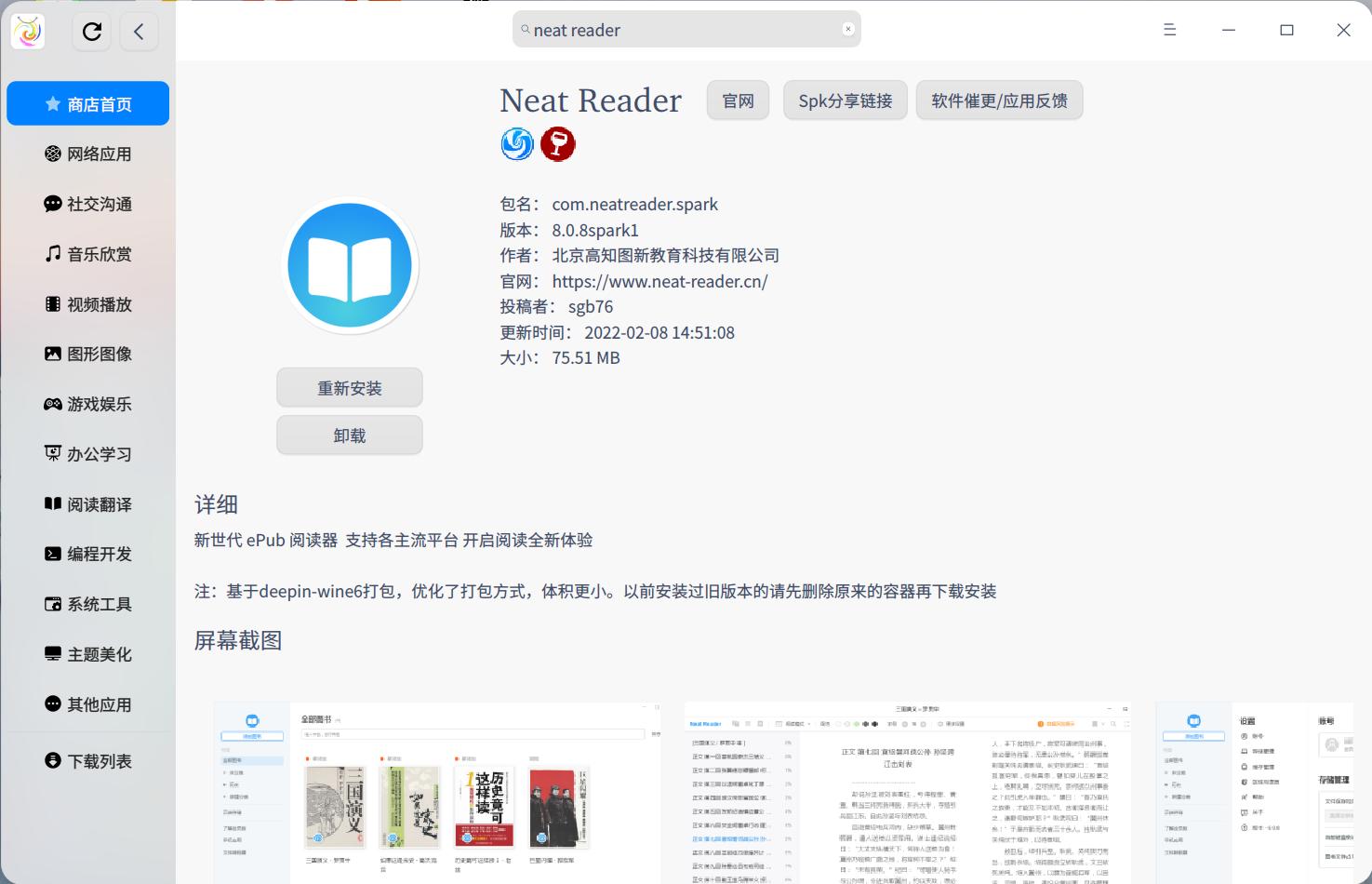
deepin 另外,Neat Reader这款软件的windows版在Deepin库里吧,Neat reader这款软件虽然在应用商店里看不到,但在终端里可以搜到。直接在终端输入sudo apt install com.neatreader.spark就可以安装了啊。
deepin  deepin
 另外,Neat Reader这款软件的windows版在Deepin库里吧,Neat reader这款软件虽然在应用商店里看不到,但在终端里可以搜到。直接在终端输入sudo apt install com.neatreader.spark就可以安装了啊。
这个neat Reader 不在deepin源里,之所以你可以通过apt search查到,是因为你安装了星火商店,而星火源已添加到你的系统里了,所以可以通过apt search查到并安装上
deepin 楼主如果要安装wine版Neat Reader,可以去星火商店下载安装,同时星火商店还有几个不错的阅读软件上架,有Linux原生的koodo-reader、Foliate、csBooks,还有wine版 的Start Reader都是不错的选择
deepin 这个neat Reader 不在deepin源里,之所以你可以通过apt search查到,是因为你安装了星火商店,而星火源已添加到你的系统里了,所以可以通过apt search查到并安装上
哦哦,原来是这样。
那建议楼主先安装星火应用商店,然后再用星火应用商店安装neat reader
deepin 安卓软件:
(1)先安装uengine:在终端中输入sudo apt install spark-uengine-runner或者下载UEngine的deb包进行安装。
(2)用uengine来安装安卓软件apk安装包,视频方法:
windows软件:
(1)先配置Deepin-wine6,方法:https://bbs.chinauos.com/zh/post/9802
可以直接使用里面的自动配置的脚本,省得自己去手动配置,该脚本压缩包解压后,直接双击运行里面的wine6_dbclick.sh。
(2)双击即可运行windows软件exe安装包。
谢谢

 deepin
 Neat用着挺好的,可惜没有原生版本。有一个功能比较重合的阅读器,楼主也可以考虑一下,有Linux原生版,Koodo Reader。
deepin Neat用着挺好的,可惜没有原生版本。有一个功能比较重合的阅读器,楼主也可以考虑一下,有Linux原生版,Koodo Reader。
谢谢,可是我刚刚买了永久会员啊

Neat Reader没有做上架适配,可以使用星火商店里面的安装试下
deepin Neat Reader没有做上架适配,可以使用星火商店里面的安装试下
ok,已经在用了。。。
Popular Ranking
ChangePopular Events
More



 A bug with the language select
Neat Reader 是我使用最多的阅读器。这个阅读器在pc端的阅读体验还不错,最主要的是可以多终端云同步,可惜没有 Linux 版,所以我希望官方能否考虑适配该阅读器的 android 版本,让我能够在官方商店直接安装。
先谢谢了。