

 中文
中文 
gfdgd_xi deepin
2022-03-20 22:43 deepin Ecological co-builder
抢沙发,如果使用程序时需要输入用户密码,输入 123456 即可,此为用户密码
Reply Like 1 View the author
 deepin
 抢沙发,如果使用程序时需要输入用户密码,输入 123456 即可,此为用户密码

 deepin
 deepin
 相当不错

 deepin
 大佬牛逼~
 deepin

 deepin
 支持屏幕调亮度吗?
 deepin
 支持大佬!

 deepin
 楼主精神值得赞扬
deepin 支持屏幕调亮度吗?
好像没精简掉,记错了

deepin 楼主精神值得赞扬
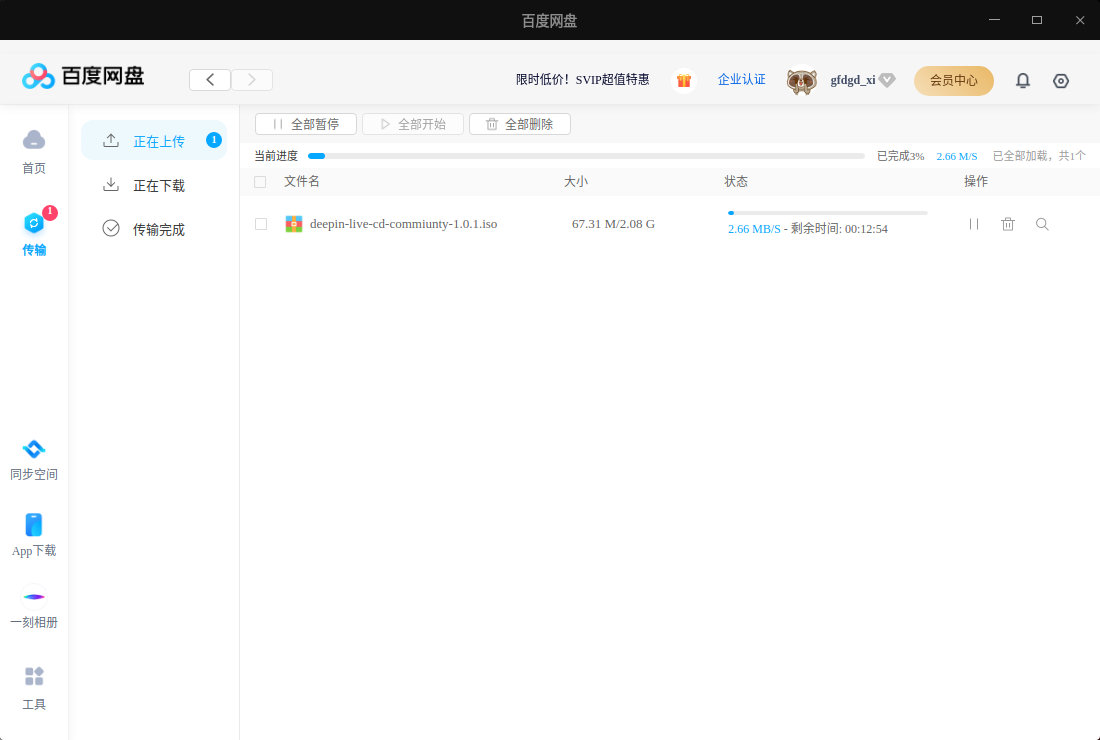
来得正好,我在传 1.0.1 了
 deepin
 大佬牛逼
 deepin
 真是一个人才,还有一个网站 http://www.uostools.com/
 deepin
 用最新版本的ventoy-1.0.71 制作启动盘,1.0beta 在legacy bios模式下无法启动,测试下1.0.1,也无法启动,只能在UEFI 下启动。华硕A450J笔记本,4700HQ CPU ,16G内存。
另外,建议用5.15内核,可支持新的CPU型号。
deepin 真是一个人才,还有一个网站 http://www.uostools.com/
有把这个工具添加进去
deepin 用最新版本的ventoy-1.0.71 制作启动盘,1.0beta 在legacy bios模式下无法启动,测试下1.0.1,也无法启动,只能在UEFI 下启动。华硕A450J笔记本,4700HQ CPU ,16G内存。
另外,建议用5.15内核,可支持新的CPU型号。
如果能以uefi启动,应该不会说是系统不支持这套设备
可能是我用的grub实在有点老,兼容性有点差(没有用新版的ventoy试过),试一下用其它方法制作启动盘试试
我后续改进一下
 deepin
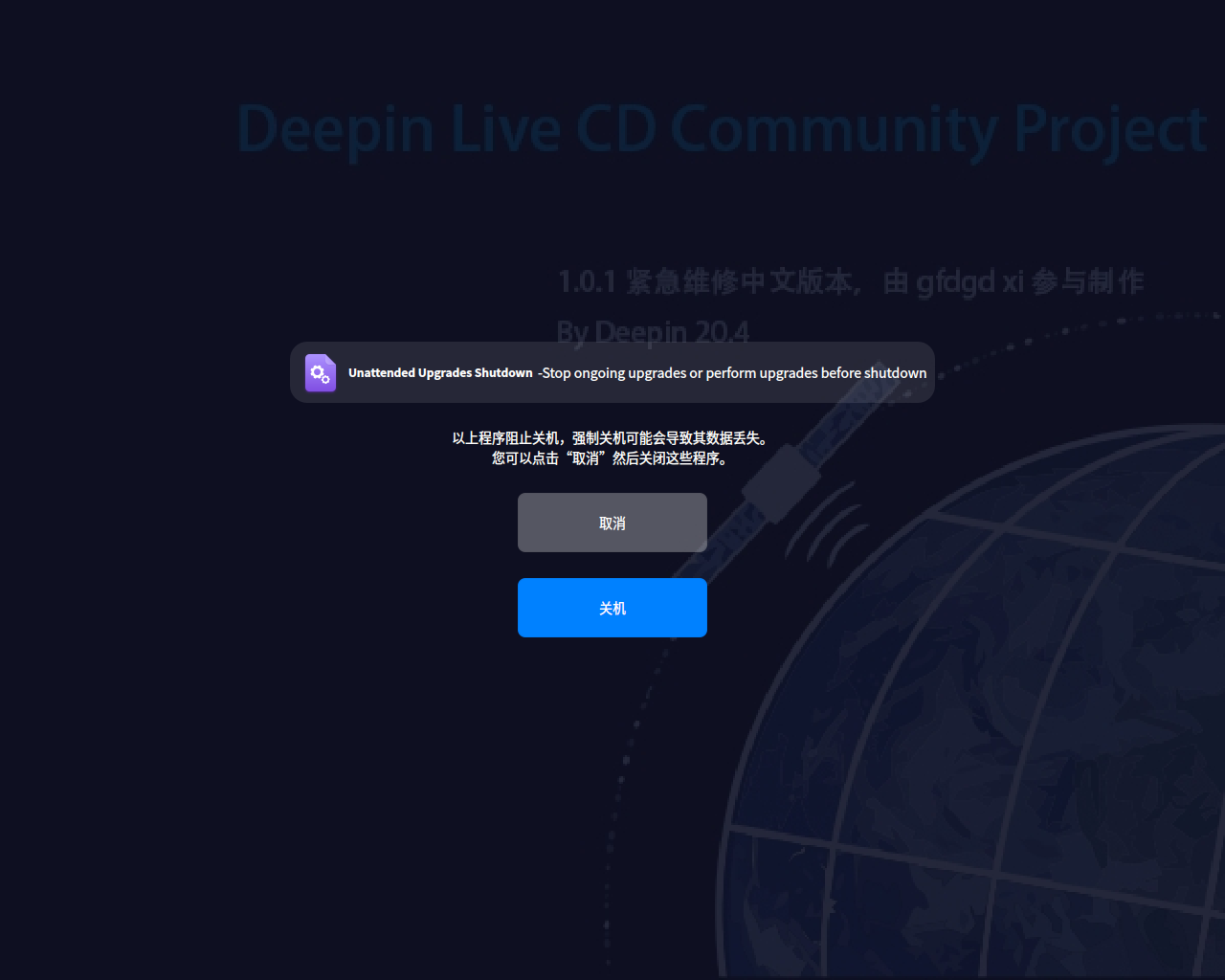
 关机出现这情况
deepin 关机出现这情况
下个版本将会解决
现在可以通过临时禁用unattended-upgrades服务或强制关机/重启临时解决

太棒了,感谢分享
应该要官方支持一下
Popular Ranking
ChangePopular Events
More


 A bug with the language select
1.0.2已经发布,看这里:https://bbs.deepin.org/post/233620
前言
deepin 发布的 Live CD 有点古老,功能有少许不全,在部分新电脑是无法启动,对 ventoy 兼容性不是很好,同时我也想自己定制一个属于自己的 Live CD,于是这个 Live CD 就出现了


旧版 Live CD:
介绍
此 Live CD 基于 deepin 20.4 和原 Live CD 2.0 制作,安装部分维护工具(如果还有需要添加的就说),感谢 https://bbs.deepin.org/post/166409 的作者 @xchngg,测试 Ventoy 在 Legary 和 UEFT 模式下均可运行此 Live CD,有常用驱动(网卡、显卡、声卡),理论上能运行 deepin 20.4 均可运行
用户密码为:123456
打包所带的程序
缺点
截图
1.0.1
更新内容
截图
1.0.0
下载链接
百度网盘:链接: https://pan.baidu.com/s/1n5J8M8iqfI-kMbmHfR-x9w 提取码: ejr7

阿里云盘(要改后缀名):https://www.aliyundrive.com/s/bfzZhFWCEdi

和彩云:链接: https://caiyun.139.com/m/i?0r5CLA9upgtMT 提取码:nEy6