

 中文
中文 
jjcui8595 deepin
2022-03-18 17:11 deepin 切换到TTY新建一个用户,看看登录是不是正常。最好是备份数据后全新安装20.4
Reply Like 0 View the author
 deepin
 切换到TTY新建一个用户,看看登录是不是正常。最好是备份数据后全新安装20.4
 deepin
 切换到TTY新建一个用户,看看登录是不是正常。最好是备份数据后全新安装20.4
根本就进不到控制面板去新建新的用户,只能下20.4重新安装一下了。
deepin 根本就进不到控制面板去新建新的用户,只能下20.4重新安装一下了。
Ctrl+alt+F2进TTY,登录后 sudo useradd新建用户
deepin Ctrl+alt+F2进TTY,登录后 sudo useradd新建用户
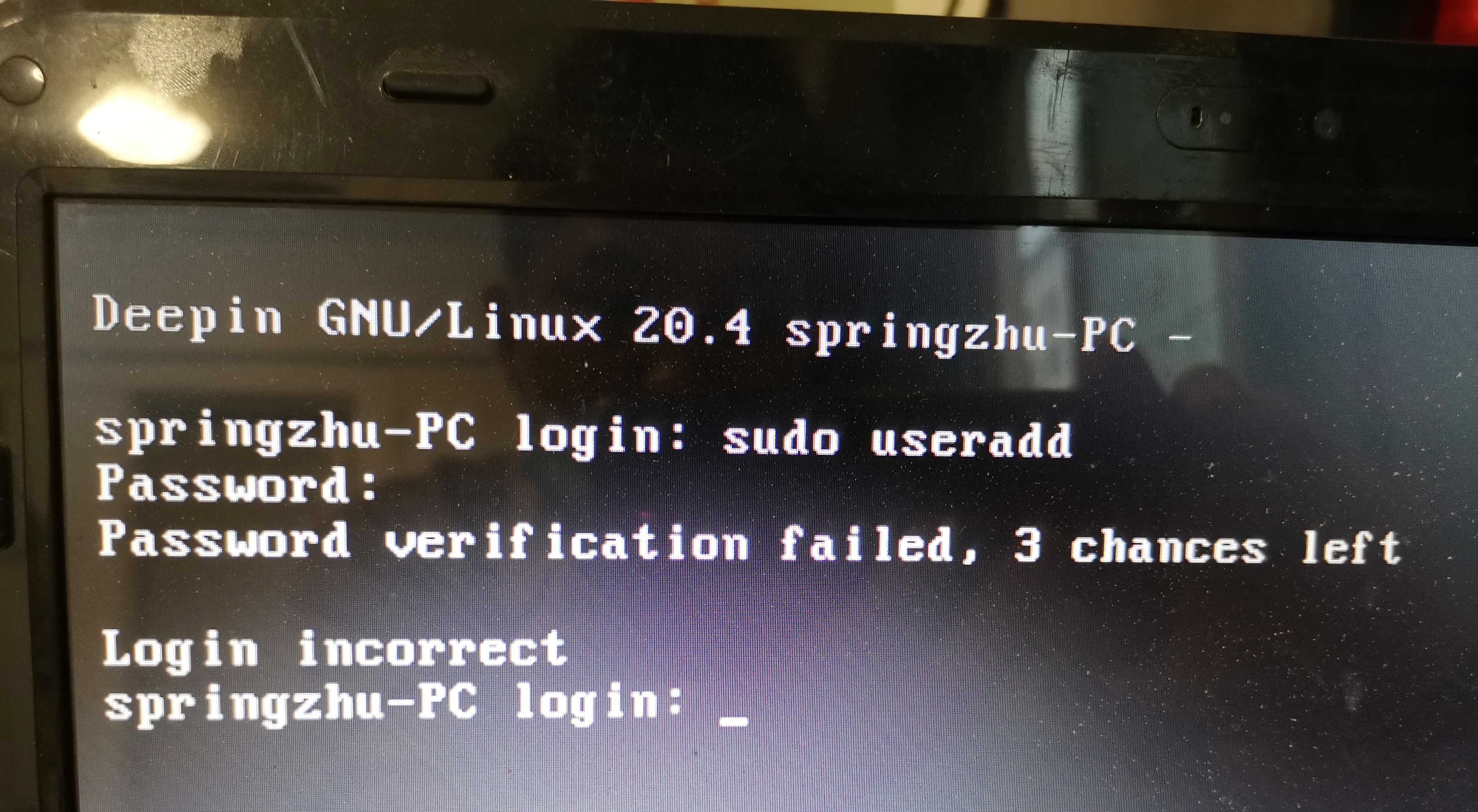
按照你说进去,输入密码也新建不了用户。
deepin
按照你说进去,输入密码也新建不了用户。
你还没有登录系统。
login 输入你的用户名
password 输入你的密码
登录后再执行命令
deepin 你还没有登录系统。
login 输入你的用户名
password 输入你的密码
登录后再执行命令
我重新安装20.4就恢复正常了。
deepin 我重新安装20.4就恢复正常了。
好的
deepin 好的
可以问你一问题吗?系统应该怎么分区?目前我安装时就分了系统挂载区和一个1G 多的交换分区。
deepin 1,如果是GPT格式硬盘,需要EFI分区(如果已经安装windows不需要再建,因为已经有了)
2,swap分区应大于等于内存容量 如果内存较大也可以不建swap
3,如果没有特殊要求,剩余空间全部用来建根分区
deepin 1,如果是GPT格式硬盘,需要EFI分区(如果已经安装windows不需要再建,因为已经有了)
2,swap分区应大于等于内存容量 如果内存较大也可以不建swap
3,如果没有特殊要求,剩余空间全部用来建根分区
我是一个固态硬盘安装了Win10 ,剩下的安装了Deepin 20.4,另一个机械硬盘装了一些资料。
Deepin系统下面就不知道,软件应该安装到哪里去?
deepin 我是一个固态硬盘安装了Win10 ,剩下的安装了Deepin 20.4,另一个机械硬盘装了一些资料。
Deepin系统下面就不知道,软件应该安装到哪里去?
一般在/OPT
Popular Ranking
ChangePopular Events
More


 A bug with the language select
我安装了deepin20.3,连接网络升级到20.4后,操作界面最下面这一条都没有任何东西显示,没有开始菜单任务栏,鼠标右击也没有任何东西出来。关机重启多次都没有用。