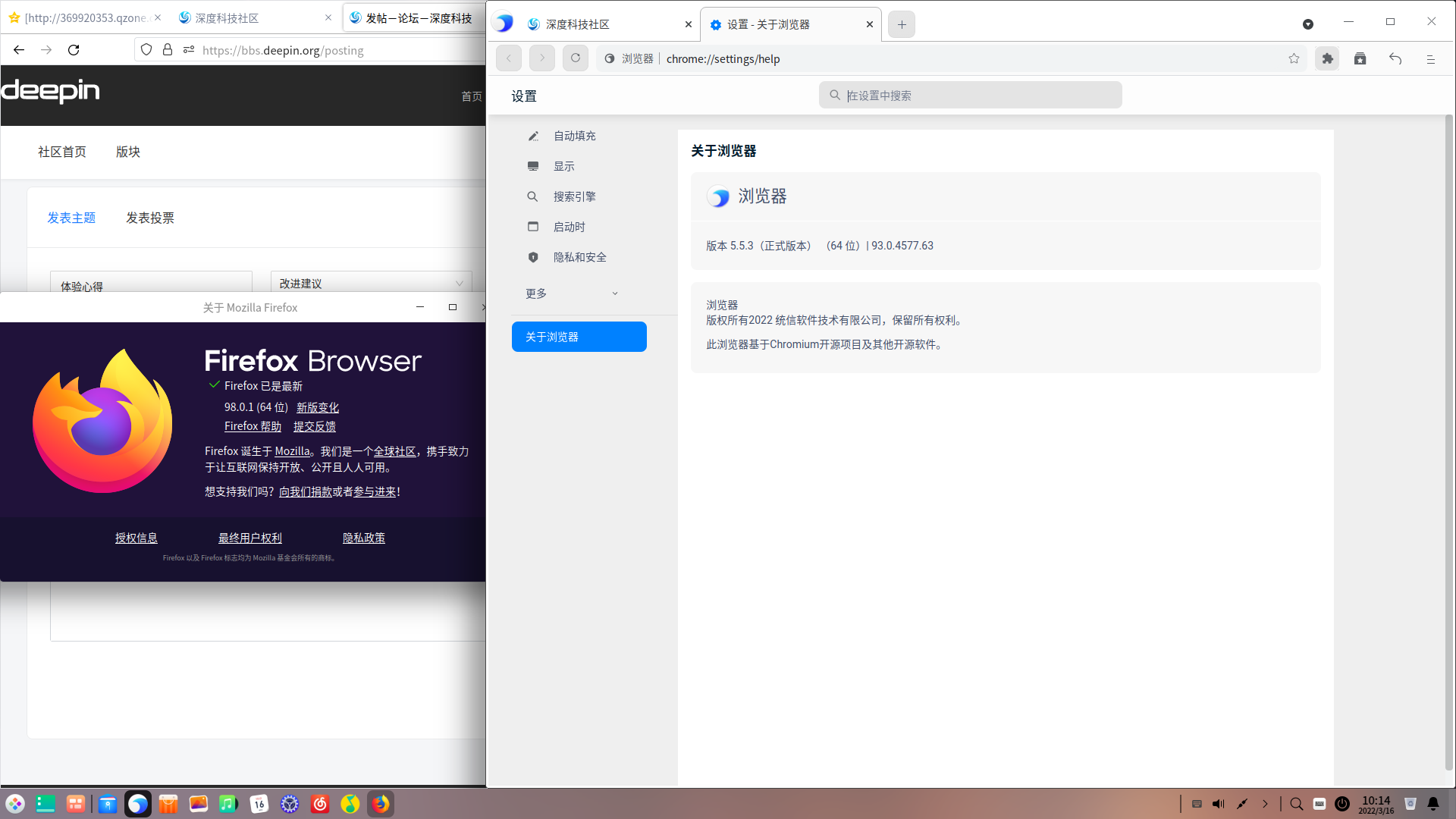
中文
中文 
阿顺呀 deepin
2022-03-16 18:29 deepin 我是firefox+chrome
自带的卸载掉了
Reply Like 0 View the author
 deepin
 我是firefox+chrome
自带的卸载掉了

 deepin
 我用Edge了,还可以和Windows同步书签和扩展。deepin自带浏览器连同步功能都没有。

 deepin
 怎么说呢,自带浏览器界面还不好看,
 deepin
 除了换设计师,别无他法

 deepin
 不止浏览器,深度的所有应用,都有一个大大标题栏,还去不掉
 deepin
 360路过
deepin 不止浏览器,深度的所有应用,都有一个大大标题栏,还去不掉
这个可以用控制台修改:
说明
心血来潮,刷入deepin系统(20.2.3) ,然后发现个问题,这标题栏,比15版本时的还要高,当时我记录过修改的方法https://blog.csdn.net/weixin_41760342/article/details/94132695然而现在,那个方法失效的,文件配置位置变动了
又搜索一番,看到有解决办法
转载链接:https://blog.csdn.net/ysy950803/article/details/102492124
感谢!!
再记录一下喽
mkdir -p ~/.local/share/deepin/themes/deepin/light
mkdir -p ~/.local/share/deepin/themes/deepin/dark
cd ~/.local/share/deepin/themes/deepin/light
vim titlebar.ini
然后写入
[Active]
height=24
[Inactive]
height=24
保存
然后再去dark目录也写入相同的配置(复制即可)
cp ~/.local/share/deepin/themes/deepin/light/titlebar.ini ~/.local/share/deepin/themes/deepin/dark/titlebar.ini
好了:注销或者重启!!!
deepin 这个可以用控制台修改:
说明
心血来潮,刷入deepin系统(20.2.3) ,然后发现个问题,这标题栏,比15版本时的还要高,当时我记录过修改的方法https://blog.csdn.net/weixin_41760342/article/details/94132695然而现在,那个方法失效的,文件配置位置变动了
又搜索一番,看到有解决办法
转载链接:https://blog.csdn.net/ysy950803/article/details/102492124
感谢!!
再记录一下喽
mkdir -p ~/.local/share/deepin/themes/deepin/light
mkdir -p ~/.local/share/deepin/themes/deepin/dark
cd ~/.local/share/deepin/themes/deepin/light
vim titlebar.ini
然后写入
[Active]
height=24
[Inactive]
height=24
保存
然后再去dark目录也写入相同的配置(复制即可)
cp ~/.local/share/deepin/themes/deepin/light/titlebar.ini ~/.local/share/deepin/themes/deepin/dark/titlebar.ini
好了:注销或者重启!!!
自带的软件好像标题大小改不了。。。。这个改的是其它软件大标题栏问题
deepin 自带的软件好像标题大小改不了。。。。这个改的是其它软件大标题栏问题
可以用这个方法取消标题栏显示,https://bbs.deepin.org/post/224774,就会显得很舒服了。
Popular Ranking
ChangePopular Events
More


 A bug with the language select
Deepin自带浏览器的空白地方这么大,多浪费空间啊。用来多显示些内容少翻页面节省时间提高效率不好吗