

 中文
中文 
andktan deepin
2022-03-15 21:45 deepin 我一直用dp浏览器没有闪退等问题,就不费这心了
Reply Like 0 View the author
 deepin
 我一直用dp浏览器没有闪退等问题,就不费这心了

 deepin
 我一直用dp浏览器没有闪退等问题,就不费这心了
按个 Ctrl + S 然后叉掉
不对,你应该是没安装 fcitx5
deepin 按个 Ctrl + S 然后叉掉
不对,你应该是没安装 fcitx5
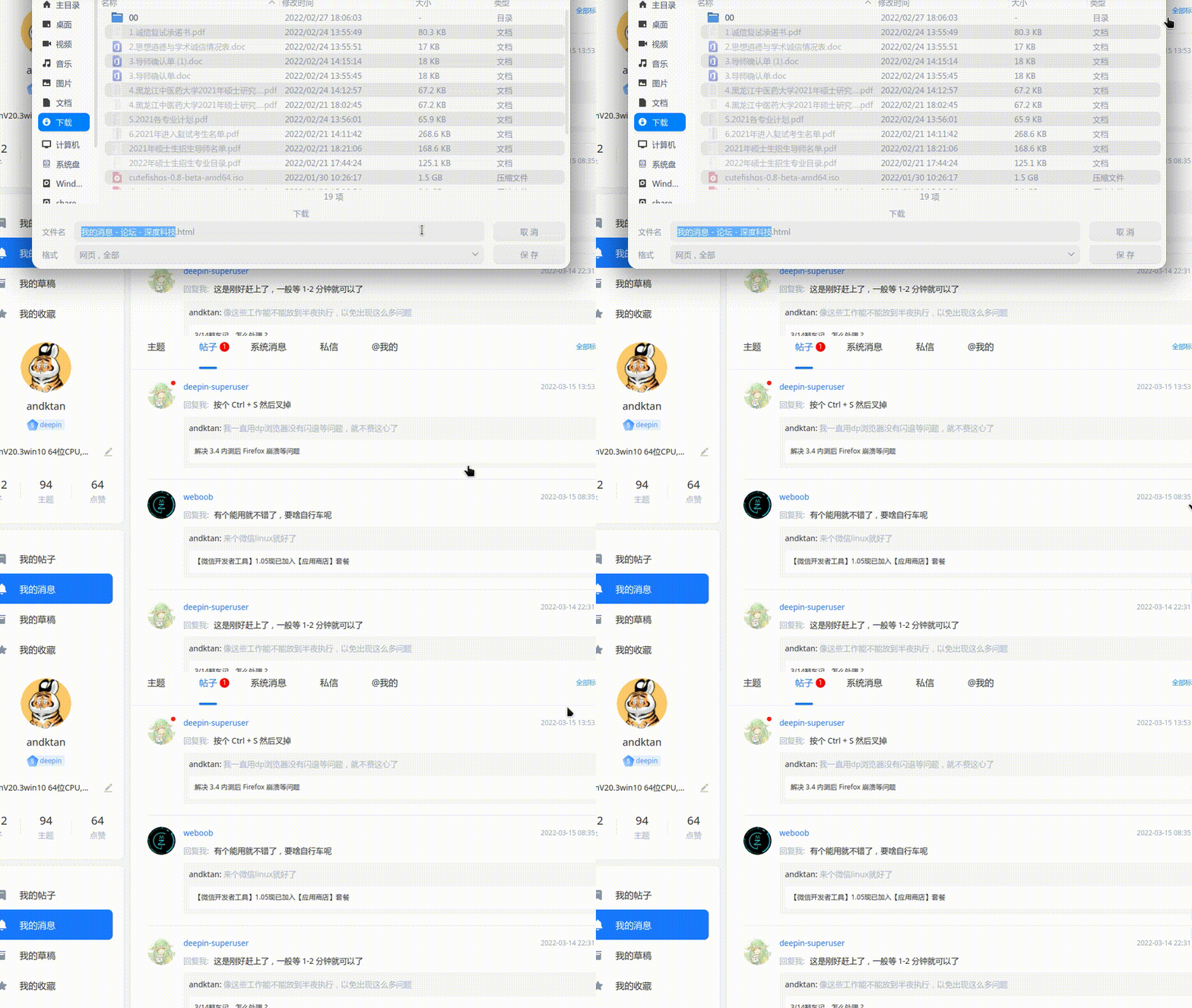
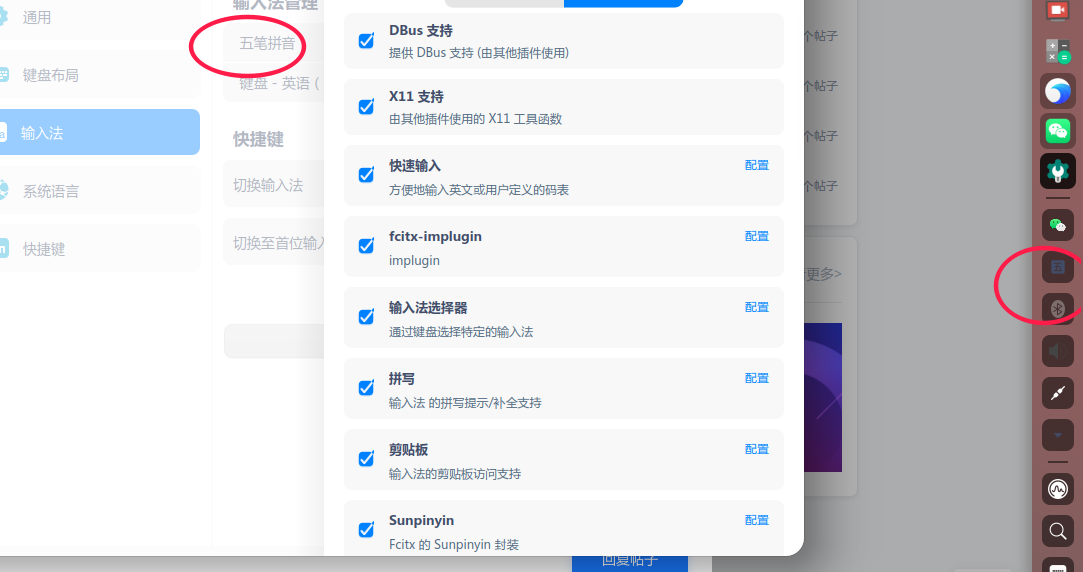
。
deepin
。
你这个是 fcitx4
deepin 你这个是 fcitx4
我这不是有吗?
可是说真的,虽然有这个5,但是感觉不出哪里好用,有什么好处呀
点这个5的图标没反应,点5配置出来下面的框,也不知有啥用处
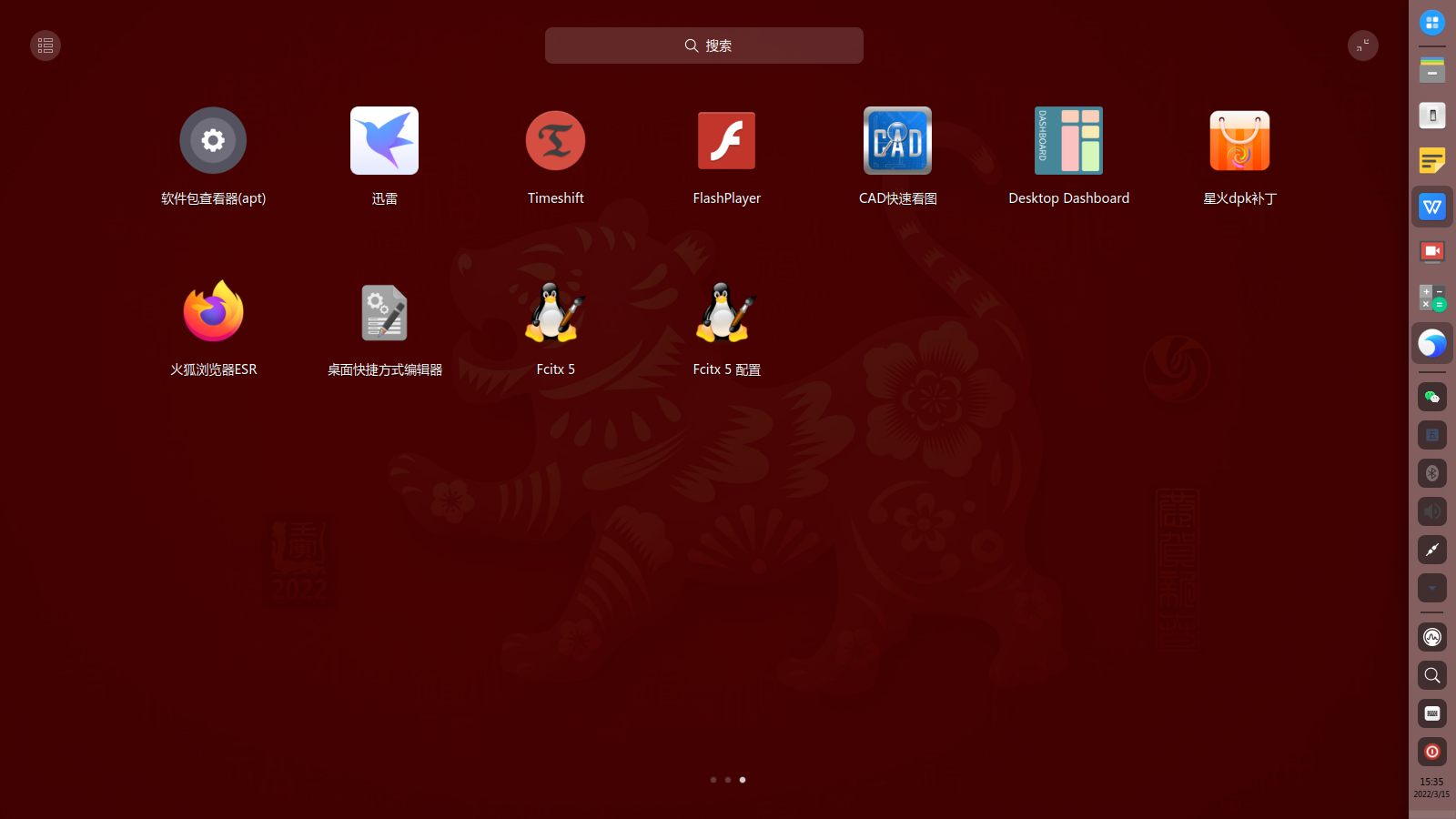
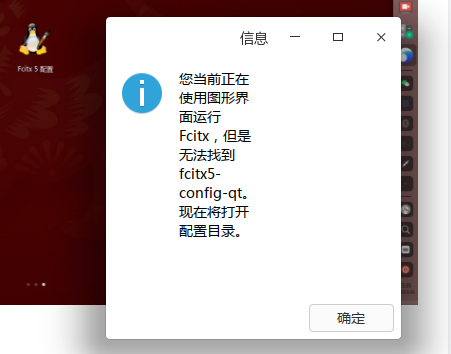
打开目录,咱也不懂😭
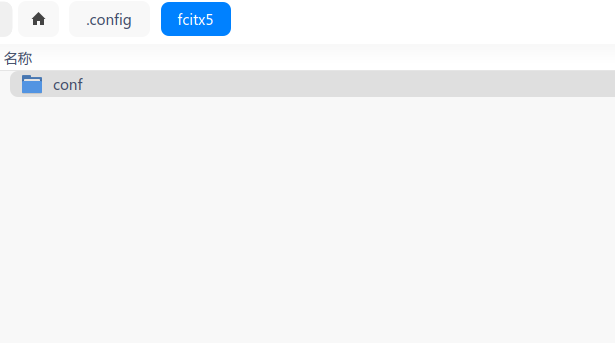
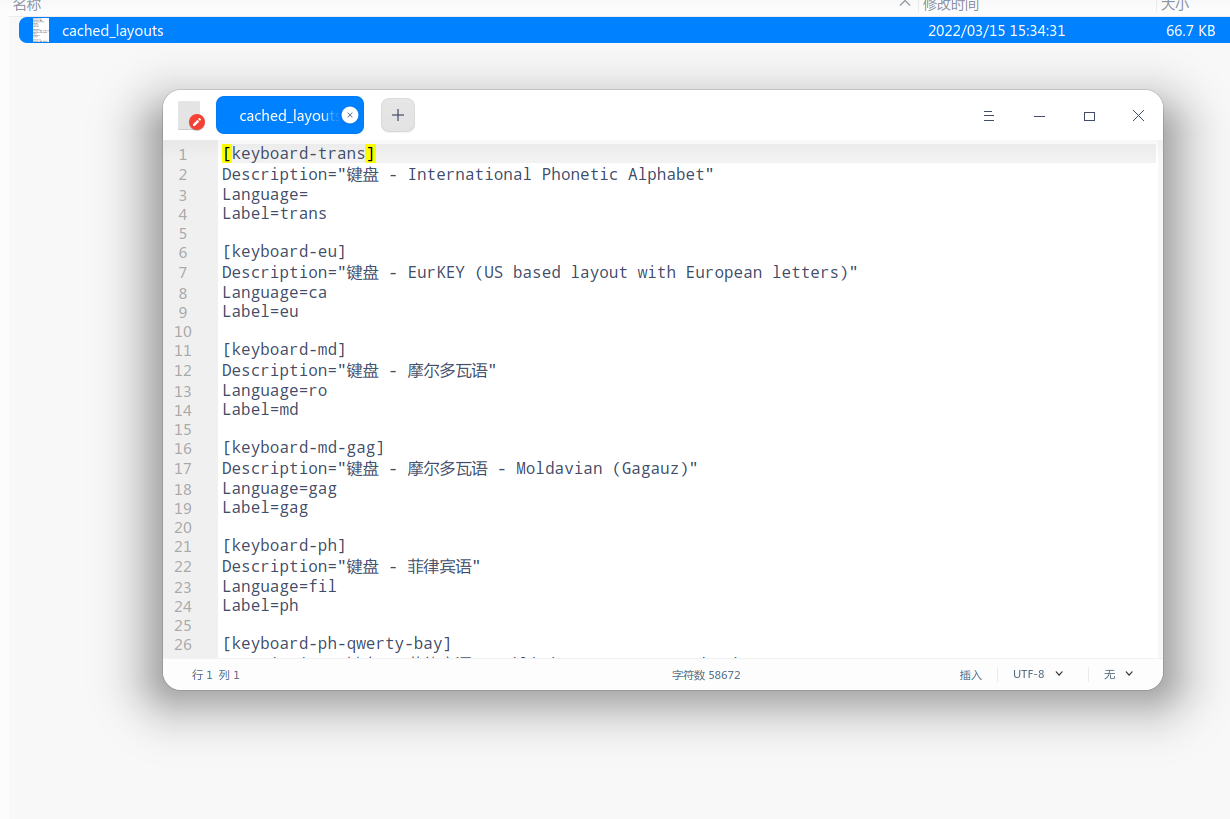
我的/usr/lib/x86_64-linux-gnu/gtk-3.0/3.0.0/immodules/里没有im-fcitx5.so,只有im-fcitx.so

 deepin
 我的/usr/lib/x86_64-linux-gnu/gtk-3.0/3.0.0/immodules/里有个im-fcitx5.so,难道有什么不一样吗?
deepin firefox问题报告:
Add-ons: doh-rollout%40mozilla.org:2.0.0,formautofill%40mozilla.org:1.0.1,pictureinpicture%40mozilla.org:1.0.0,screenshots%40mozilla.org:39.0.1,webcompat%40mozilla.org:30.0.0
AvailablePageFile: 0
AvailablePhysicalMemory: 1956438016
AvailableSwapMemory: 0
AvailableVirtualMemory: 5406175232
BackgroundTaskMode: 0
BuildID: 20220304153049
CrashTime: 1647330581
EMCheckCompatibility: true
HeadlessMode: 0
InstallTime: 1647003823
MozCrashReason: MOZ_RELEASE_ASSERT((run->mRegionsMask[elm] & (1U << bit)) == 0) (Double-free?)
Notes: Deepin 20.5
ProductID: {ec8030f7-c20a-464f-9b0e-13a3a9e97384}
ProductName: Firefox
ReleaseChannel: release
SafeMode: 0
SecondsSinceLastCrash: 28
StartupCrash: 1
StartupTime: 1647330581
TelemetrySessionId: 19a6fb0a-ddb7-4019-8b2d-4a903ca812c0
ThreadIdNameMapping: 24856:"IPC I/O Parent",24857:"Timer",24858:"Netlink Monitor",24859:"Socket Thread",24860:"IPDL Background",24861:"BackgroundThreadPool #1",24865:"JS Watchdog",24868:"Cache2 I/O",24869:"Cookie",24870:"StreamTrans #1",24872:"TaskController #1",24873:"TaskController #2",24871:"TaskController #0",24874:"TaskController #3",24875:"BgIOThreadPool #1",24876:"StreamTrans #2",24877:"StreamTrans #3",24879:"Worker Launcher",
Throttleable: 1
TotalPageFile: 8295178240
TotalPhysicalMemory: 8295178240
UptimeTS: .37552256
Vendor: Mozilla
Version: 98.0
This report also contains technical information about the state of the application when it crashed.
deepin 替换掉确实可用firefox了
deepin 我的/usr/lib/x86_64-linux-gnu/gtk-3.0/3.0.0/immodules/里有个im-fcitx5.so,难道有什么不一样吗?
现在的那个文件有bug, 我这个是修复版
deepin 我这不是有吗?
可是说真的,虽然有这个5,但是感觉不出哪里好用,有什么好处呀
点这个5的图标没反应,点5配置出来下面的框,也不知有啥用处
打开目录,咱也不懂😭
我的/usr/lib/x86_64-linux-gnu/gtk-3.0/3.0.0/immodules/里没有im-fcitx5.so,只有im-fcitx.so
fcitx4 和 5 理论上不能共存,你的fcitx5没安装全
完整安装 fcitx5(注意备份用户词库啥的,得卸载原来的输入法):
sudo apt-get purge -y fcitx*
sudo apt-get autoremove -y --purge
sudo apt-get install -y fcitx5-chinese-addons
mkdir -p ~/.config/autostart
sudo cp /usr/share/applications/org.fcitx.Fcitx5.desktop ~/.config/autostart/org.fcitx.Fcitx5.desktop
安装后不能到系统设置里设置了,只能启动器里点配置 或 托盘右键设置
deepin 现在的那个文件有bug, 我这个是修复版
标记是315,真的是节日快乐,谢谢了
deepin 这个问题修复后,如果没有其它重要问题,就可默认用fcitx5发deepin20.5了。
不知stable内核的如下问题解决没有?
1.用图形法安装系统会出现超频而不能继续;
2.不集成nvidia驱动安装系统后分辨率不支持1920*1080,须进入系统后再安装nvidia驱动才行;
3.直接集成nvidia驱动安装后不能使用wine央视影音。
deepin 这个问题修复后,如果没有其它重要问题,就可默认用fcitx5发deepin20.5了。
不知stable内核的如下问题解决没有?
1.用图形法安装系统会出现超频而不能继续;
2.不集成nvidia驱动安装系统后分辨率不支持1920*1080,须进入系统后再安装nvidia驱动才行;
3.直接集成nvidia驱动安装后不能使用wine央视影音。
这个得去问官方了
deepin fcitx4 和 5 理论上不能共存,你的fcitx5没安装全
完整安装 fcitx5(注意备份用户词库啥的,得卸载原来的输入法):
sudo apt-get purge -y fcitx*
sudo apt-get autoremove -y --purge
sudo apt-get install -y fcitx5-chinese-addons
mkdir -p ~/.config/autostart
sudo cp /usr/share/applications/org.fcitx.Fcitx5.desktop ~/.config/autostart/org.fcitx.Fcitx5.desktop
安装后不能到系统设置里设置了,只能启动器里点配置 或 托盘右键设置
jiu ji a ,an ni shuo de zuo le ,bu neng shu ru han yu la
deepin jiu ji a ,an ni shuo de zuo le ,bu neng shu ru han yu la
重启电脑了吗?
deepin 重启电脑了吗?
guan ji chong qi

 deepin
 我这不是有吗?
可是说真的,虽然有这个5,但是感觉不出哪里好用,有什么好处呀
点这个5的图标没反应,点5配置出来下面的框,也不知有啥用处
打开目录,咱也不懂😭
我的/usr/lib/x86_64-linux-gnu/gtk-3.0/3.0.0/immodules/里没有im-fcitx5.so,只有im-fcitx.so
dpk补丁没用了,看这个
https://shenmo7192.gitee.io/post/dpk%E9%93%BE%E6%8E%A5%E8%A7%A3%E6%9E%90%E8%A1%A5%E4%B8%81%E9%80%82%E7%94%A8%E4%BA%8E%E6%B7%B1%E5%BA%A6%E5%95%86%E5%BA%97%E7%9A%84spk%E9%93%BE%E6%8E%A5/
deepin dpk补丁没用了,看这个
https://shenmo7192.gitee.io/post/dpk%E9%93%BE%E6%8E%A5%E8%A7%A3%E6%9E%90%E8%A1%A5%E4%B8%81%E9%80%82%E7%94%A8%E4%BA%8E%E6%B7%B1%E5%BA%A6%E5%95%86%E5%BA%97%E7%9A%84spk%E9%93%BE%E6%8E%A5/
谢谢提醒
 deepin
 为啥你都能修好, 官方两周还找不到问题呢
deepin 为啥你都能修好, 官方两周还找不到问题呢
这个就是官方修好的。我只是提前编译用着
Popular Ranking
ChangePopular Events
More


 A bug with the language select
im-fcitx5.zip
解决方法
Firefox 打得开了,GPG 签名正常了,Chrome 时不时闪退的毛病也没有了,舒服
dbeaver、Remmina、Edge闪退等问题应该也一起解决了(没有测试)