[Newbies] Deepin-system放了一段时间没进这个系统桌面黑了
Tofloor
poster avatar
alanjames
deepin
2022-03-15 05:56
Author

Deepin-system放了一段时间没进这个系统桌面黑了,网上找的图片。设置为桌面图片,并没生效。桌面上的图标也没有了。一片漆黑。

截图_选择区域_20220314215720.png

录屏_选择区域_20220314220248.gif

Reply Favorite View the author
All Replies
jjcui8595
deepin
2022-03-15 06:34
#1

重启一下试试

Reply View the author
alanjames
deepin
2022-03-15 06:35
#2
jjcui8595

重启一下试试

重启无数了。进去是蒙的。

Reply View the author
alanjames
deepin
2022-03-15 06:36
#3
alanjames

重启无数了。进去是蒙的。

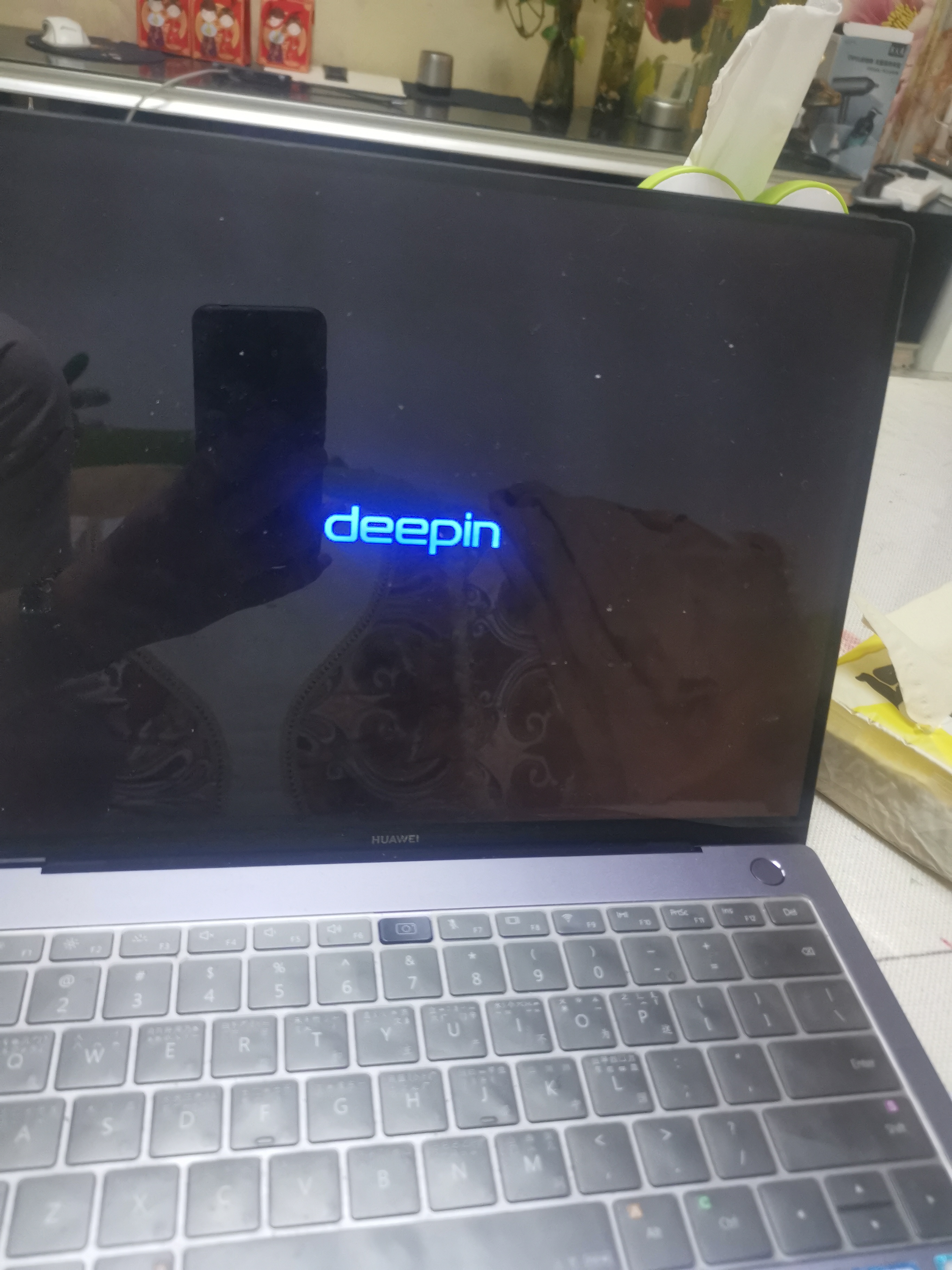
16472685333565248231762542669855.jpg

唉!

Reply View the author
alanjames
deepin
2022-03-15 06:41
#4
alanjames

16472685333565248231762542669855.jpg

唉!

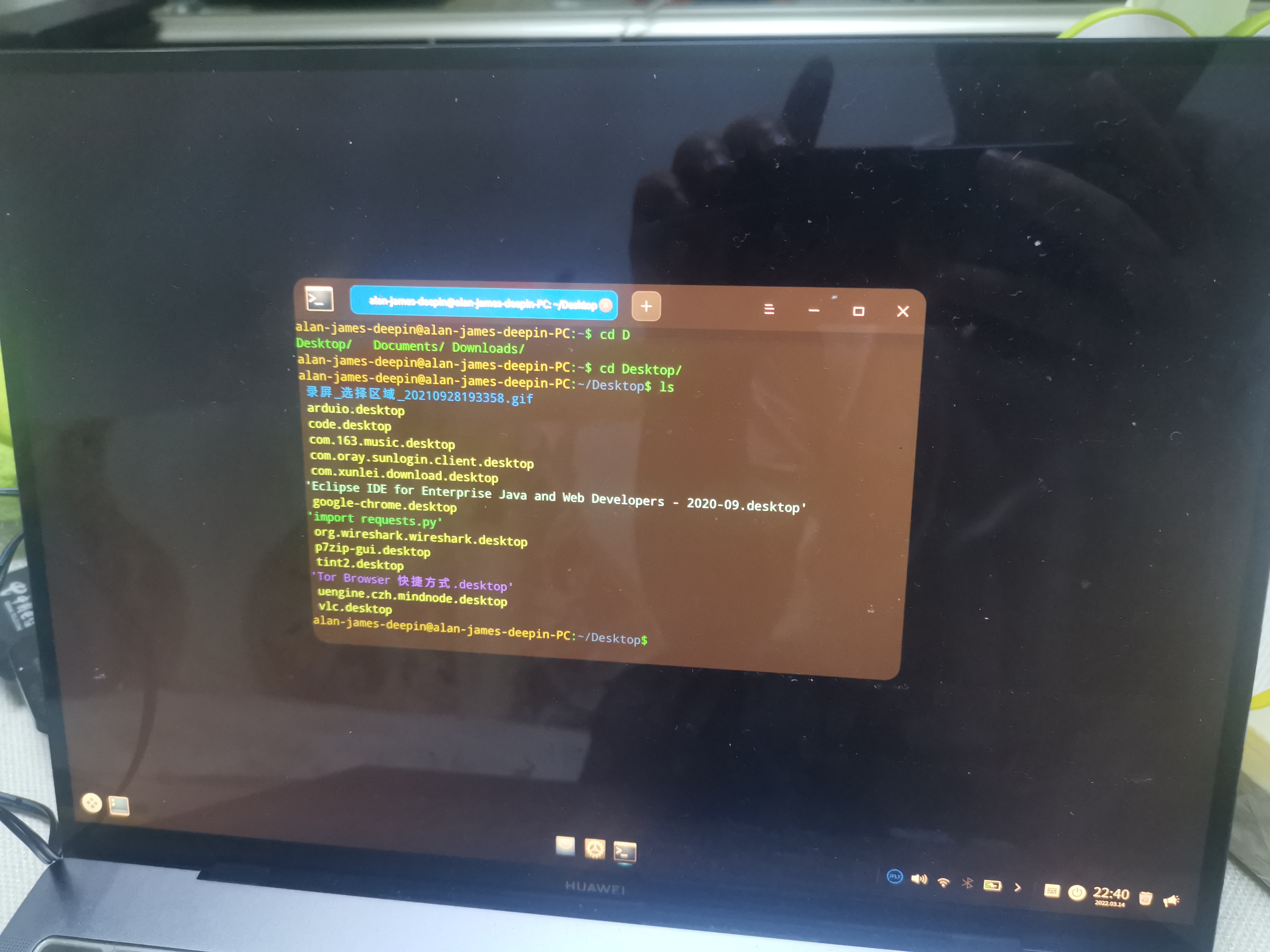
命令行看桌面是有文件的。16472687995286956729263123363310.jpg

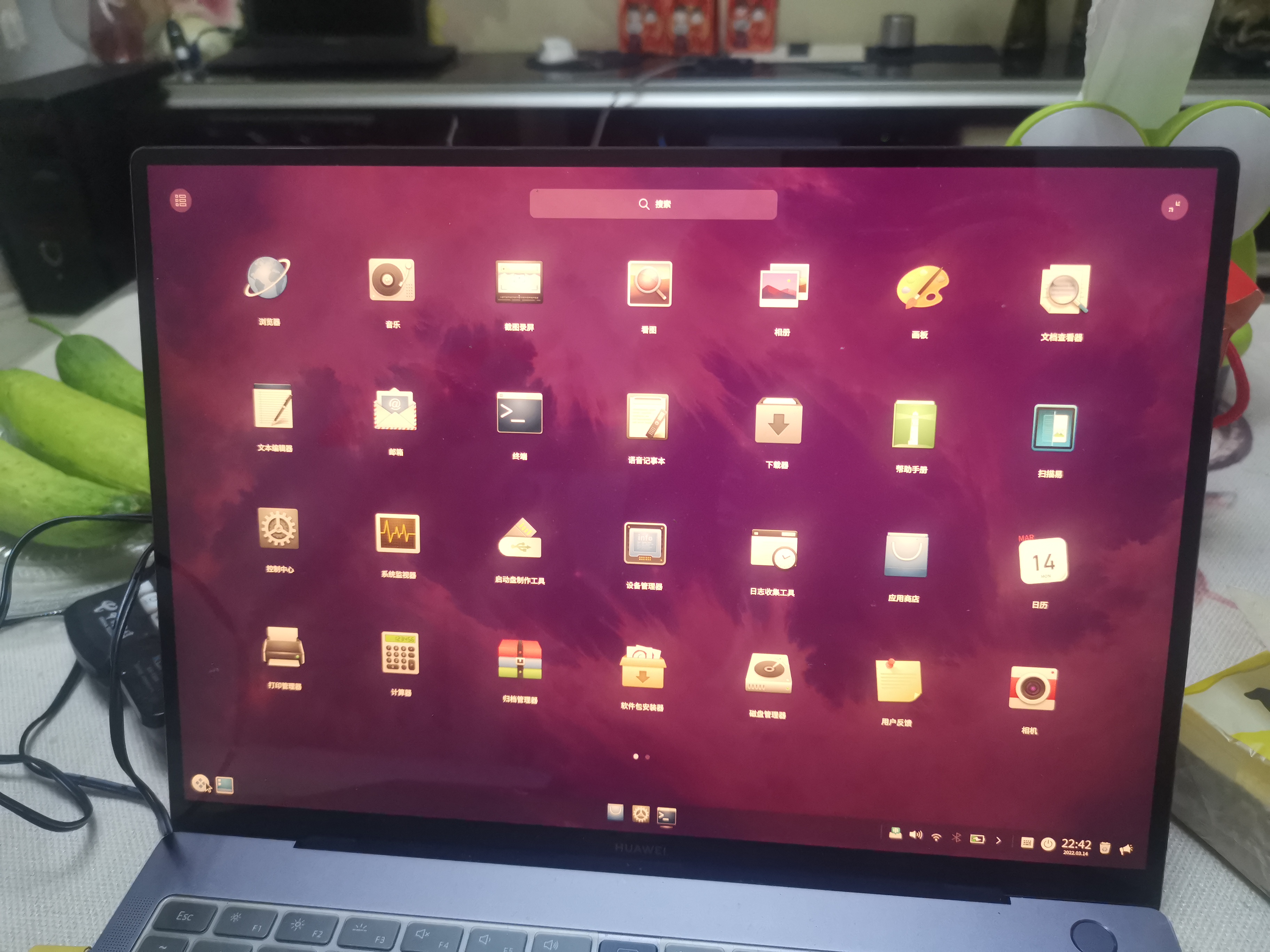
启动器上看的话,桌面图片是设置好了的。只是在桌面上完全是一片黑。桌面图标也没有。
Reply View the author
alanjames
deepin
2022-03-15 06:42
#5
alanjames

命令行看桌面是有文件的。16472687995286956729263123363310.jpg

启动器上看的话,桌面图片是设置好了的。只是在桌面上完全是一片黑。桌面图标也没有。

16472689309564912140173558148562.jpg这个是启动器。界面的画面。

Reply View the author
alanjames
deepin
2022-03-15 07:48
#6

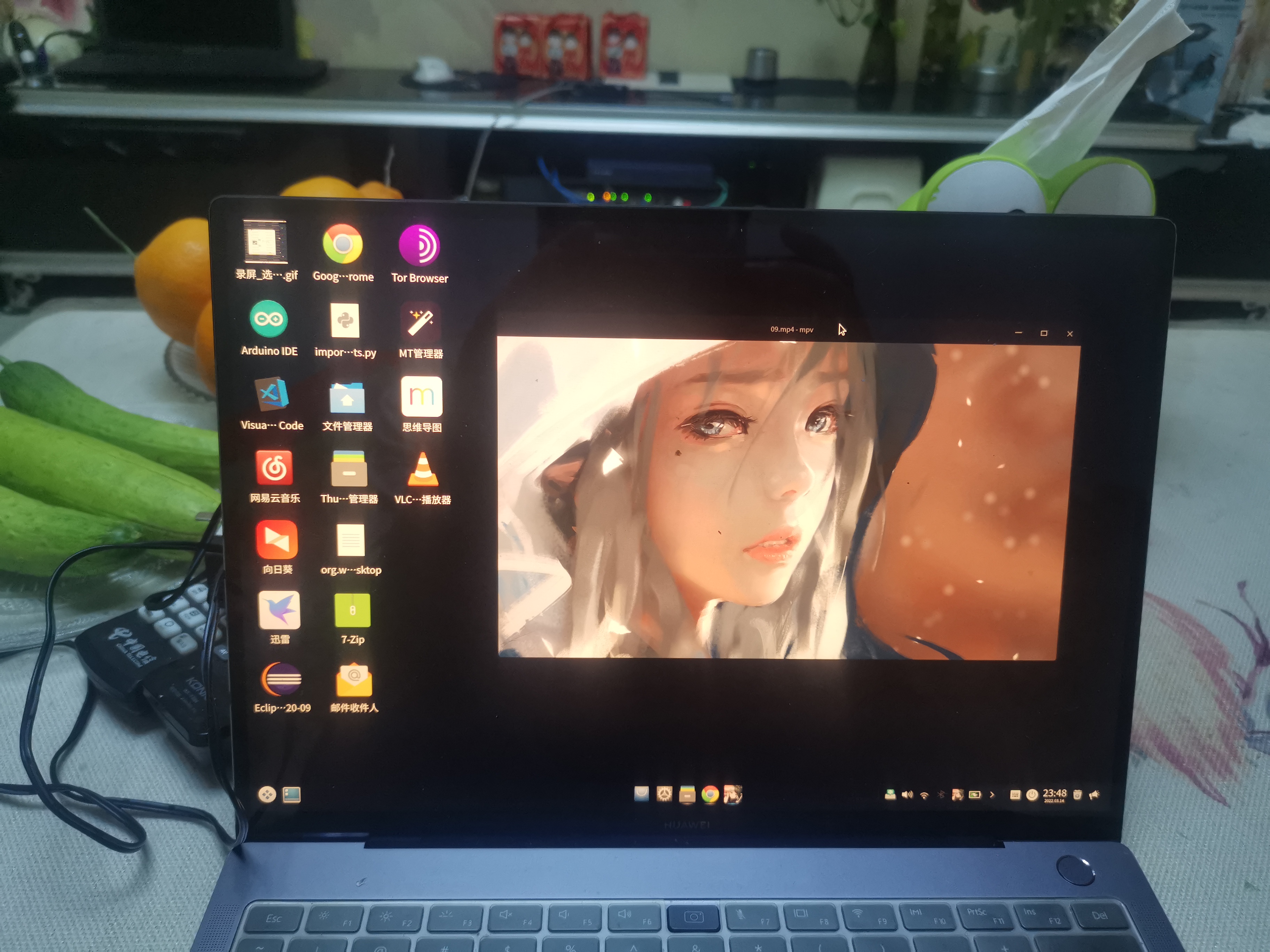
啊,经过不懈努力,终于弄出来了。

16472729145847271022681720863073.jpg

Reply View the author
jjcui8595
deepin
2022-03-15 14:29
#7
alanjames

啊,经过不懈努力,终于弄出来了。

16472729145847271022681720863073.jpg

怎么做的,分享一下呗

Reply View the author
deepin-superuser
deepin
2022-03-15 16:44
#8
sudo apt-get reinstall dde-desktop
Reply View the author
alanjames
deepin
2022-03-16 05:13
#9
deepin-superuser
sudo apt-get reinstall dde-desktop

你说的对!

Reply View the author
alanjames
deepin
2022-03-16 05:24
#10
deepin-superuser
sudo apt-get reinstall dde-desktop

这个是deepin-superuser:

sudo apt-get reinstall dde-desktop

他说的很对!

我是根据我以前安装的动态桌面推断出来的,从安了动态桌面软件!方法不一样,原理是一样的!

https://bbs.deepin.org/post/220964

Reply View the author