[Official Events] 【名单公布】deepin复活旧电脑计划
Tofloor
poster avatar
deepin-mq
deepin
2022-03-10 18:40
Author


相信大家手上都会有一台上了“年纪”的电脑吧,可能会因为硬件配置不能满足最新某操作系统版本的要求,或者是系统文件垃圾过多,导致电脑在处理一些日常任务时,出现卡顿、死机等现象。


deepin作为一个Linux发行版,继承了Linux的优良特性,系统本身不会占用多大的磁盘空间,安装软件也都是规范的位置,在稳定性和流畅性上有着不错的体验。


基于能让这些旧电脑能够重新正常使用的目的,深度社区开启《deepin复活旧电脑计划》活动。安装使用deepin,尝试让你的旧电脑复活,参与就有机会获得深度定制精美礼品~


【中奖名单】


按照活动回复顺序,结合活动规则,本次活动中奖名单如下:


回复楼层 用户昵称 CPU型号 中奖情况
1 deepin-superuser i5-4210U 中奖
2 fozei i7-6700HQ 中奖
3 梁山伯住阳台 i3-4160 中奖
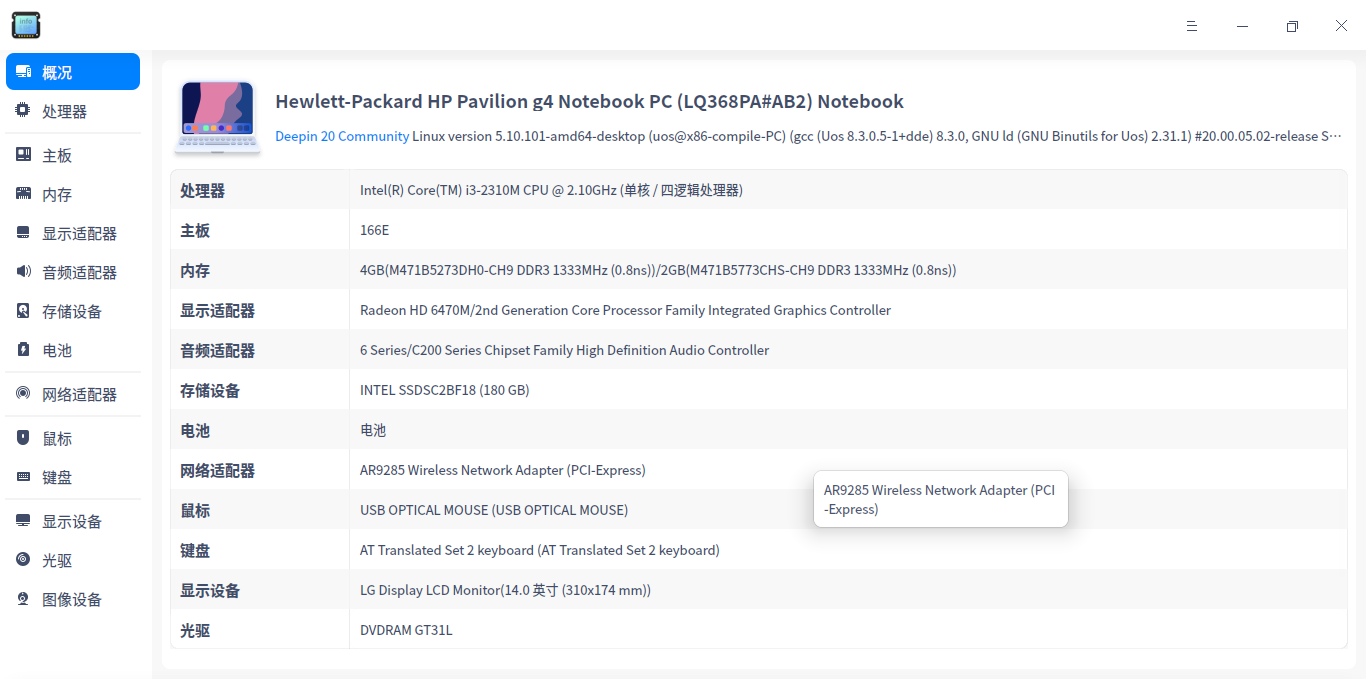
6 186******75 i3-2310M 中奖
8 158******63 i5-6200U 中奖
10 wangpj i7—8565U 非7代U及之前设备,奖项顺延
18 jiao i5-6500 中奖
19 jjcui8595 i7-3612QM 中奖
21 honor i5-4210U 与楼层1回复CPU型号重复,奖项顺延
25 RE.彼岸 i5-6500 与楼层18回复CPU型号重复,奖项顺延
26 bzq i3-5300U 中奖
29 小小怪下士 i5-7300HQ 中奖
30 小新倒拔垂杨柳 Intel Pentium N3710 中奖


恭喜以上获奖的童鞋,请在 4月3日前私信:deepin复活旧电脑计划+ID+姓名+地址+联系方式 给本帐号。


【活动时间】

2022年3月10日—3月30日12:00


【参与方式】


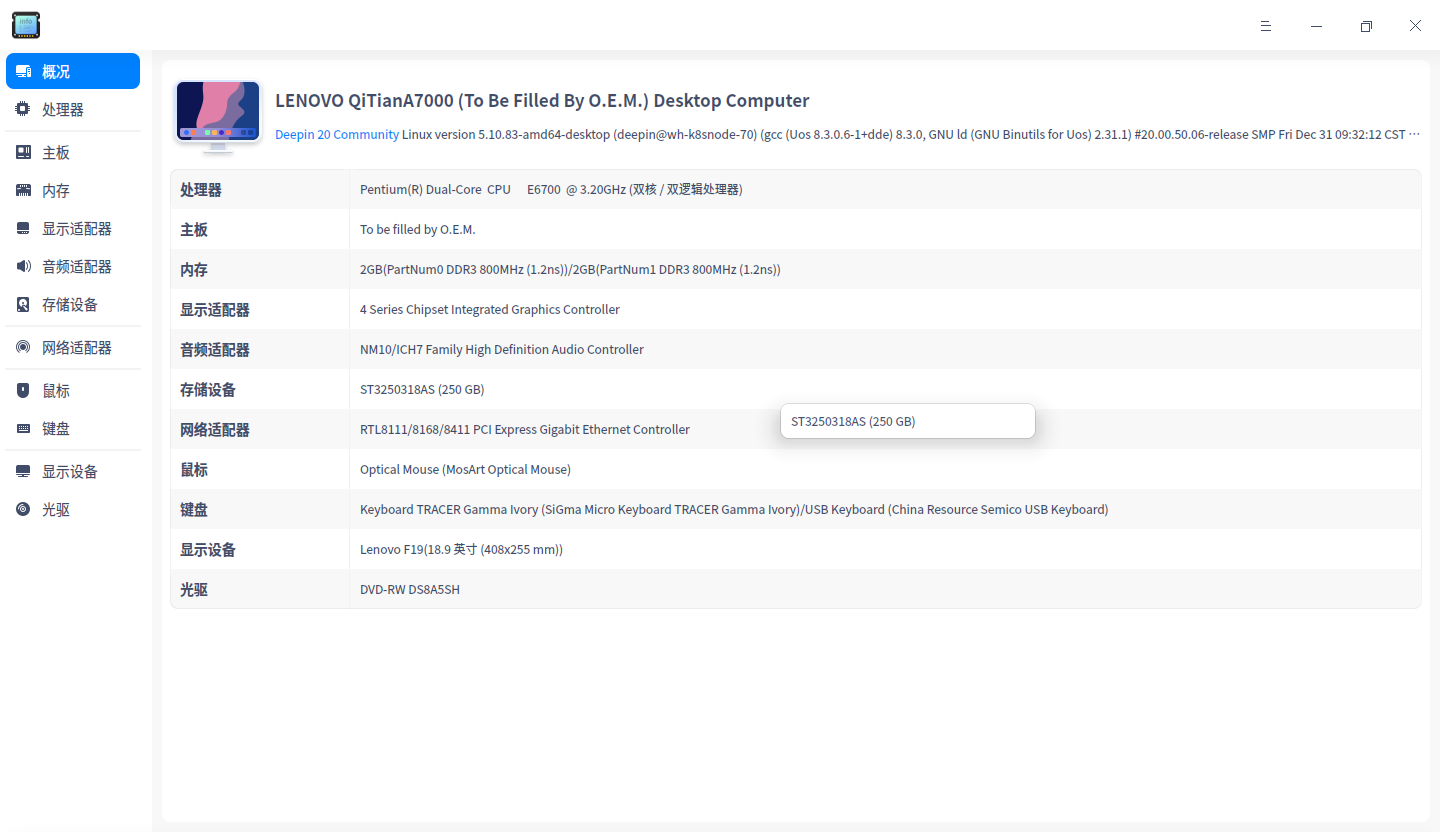
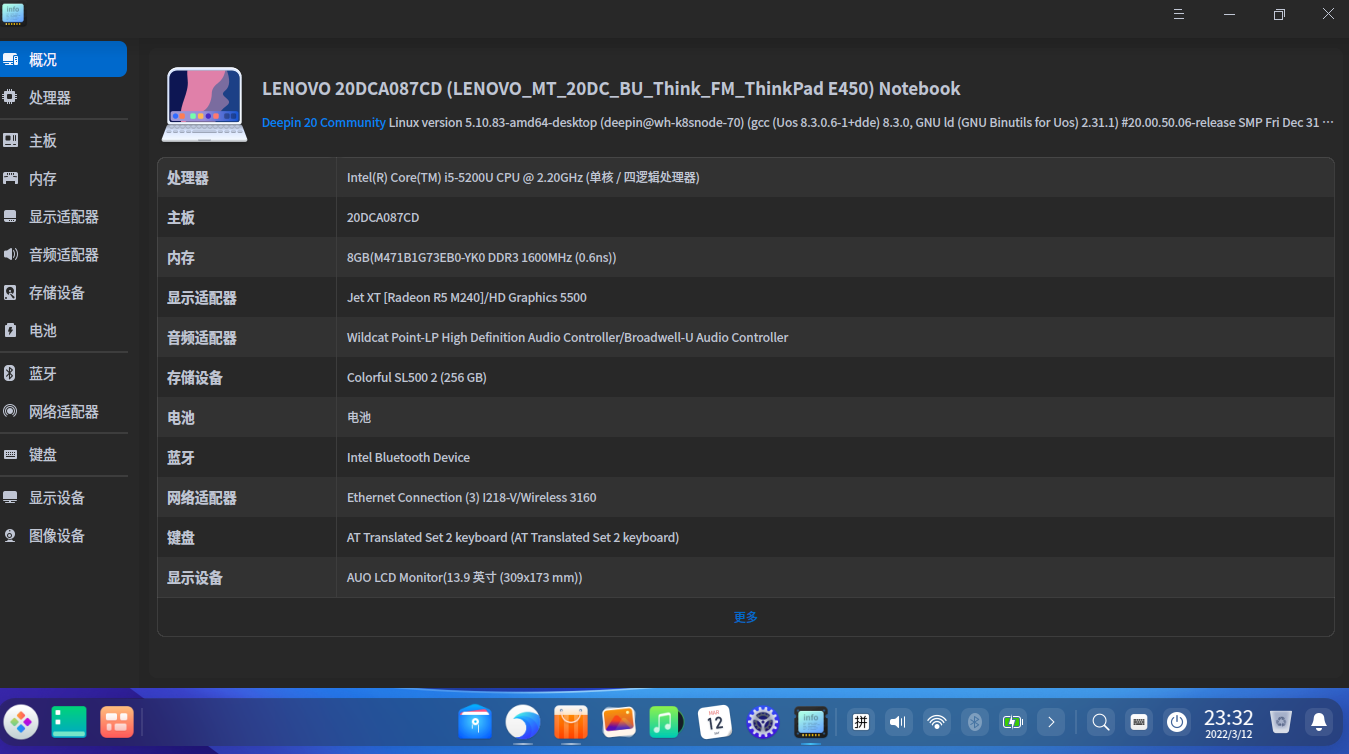
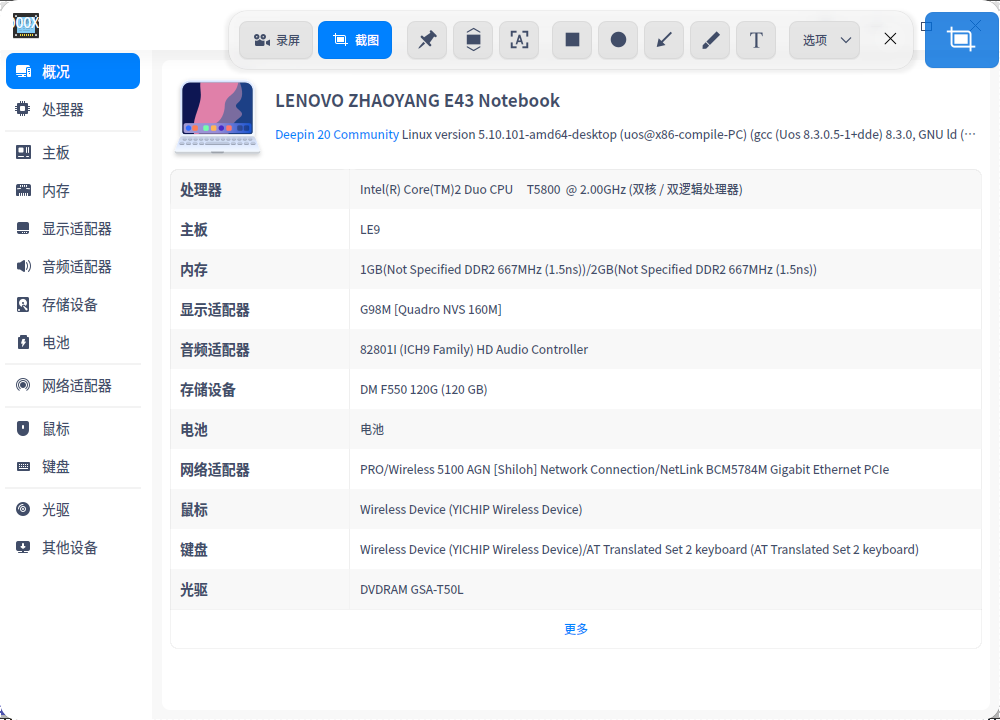
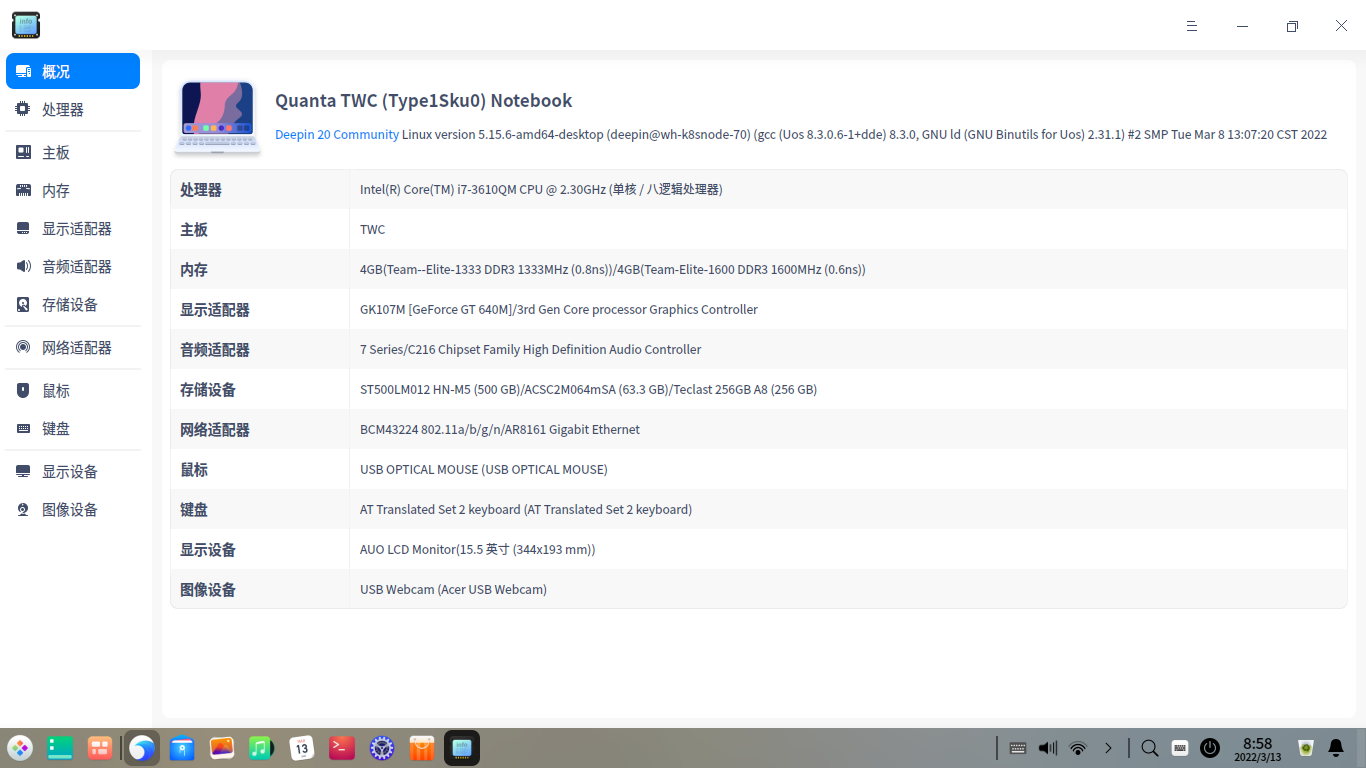
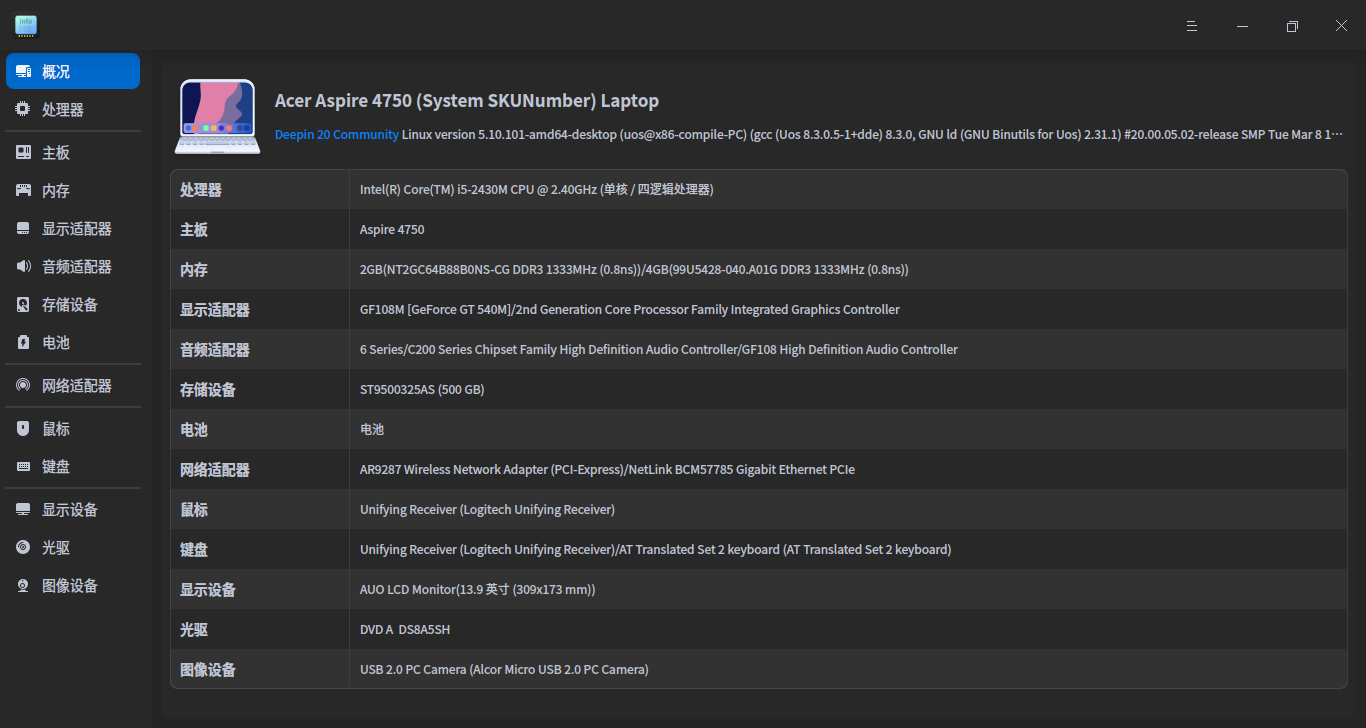
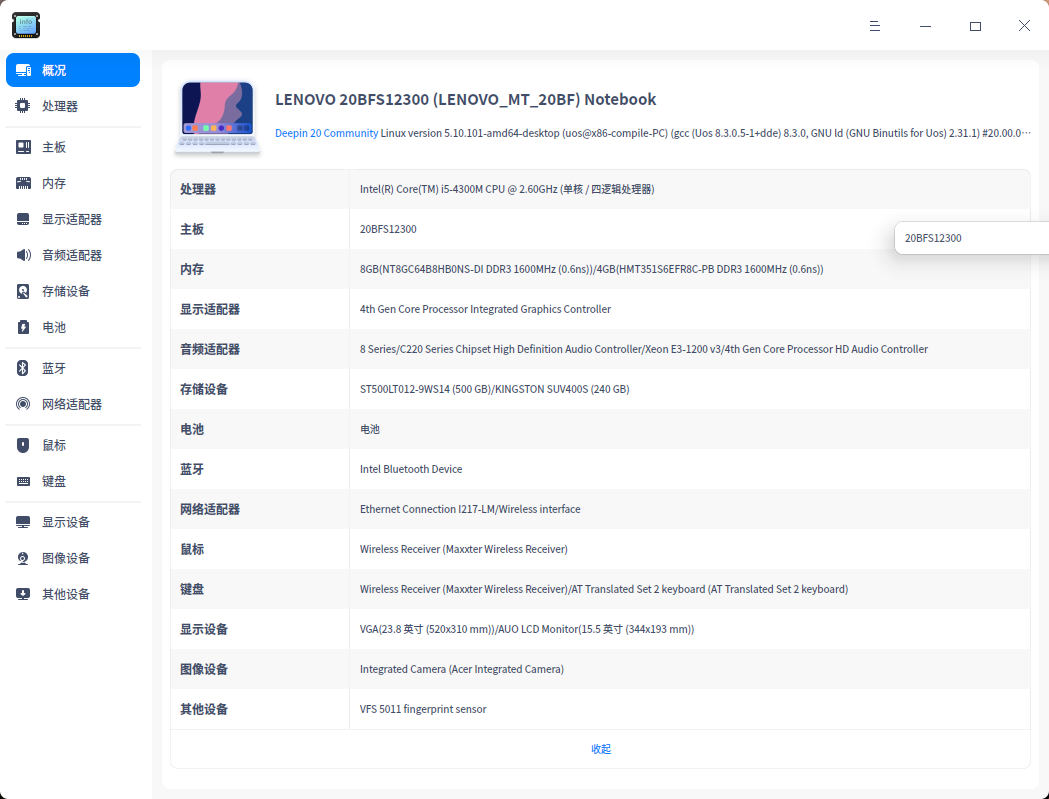
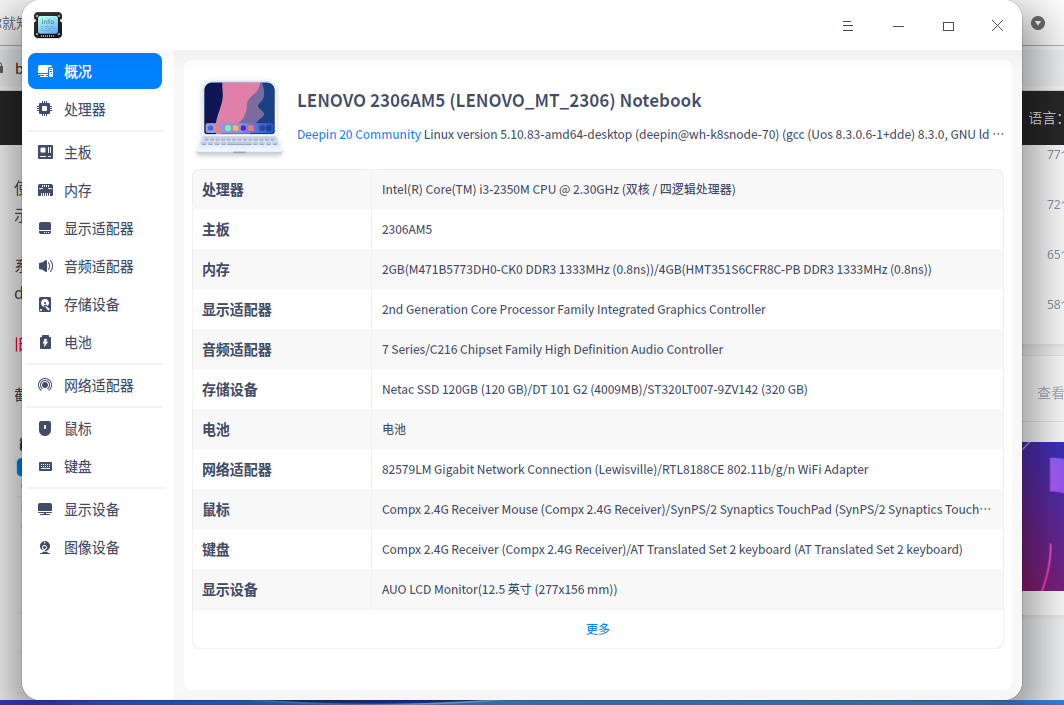
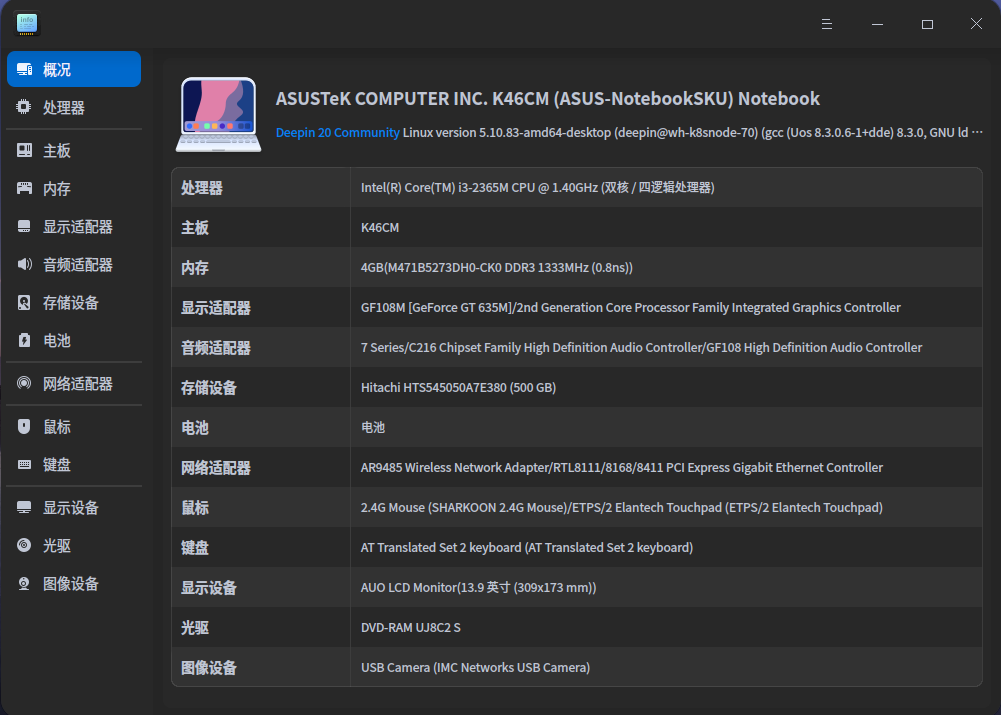
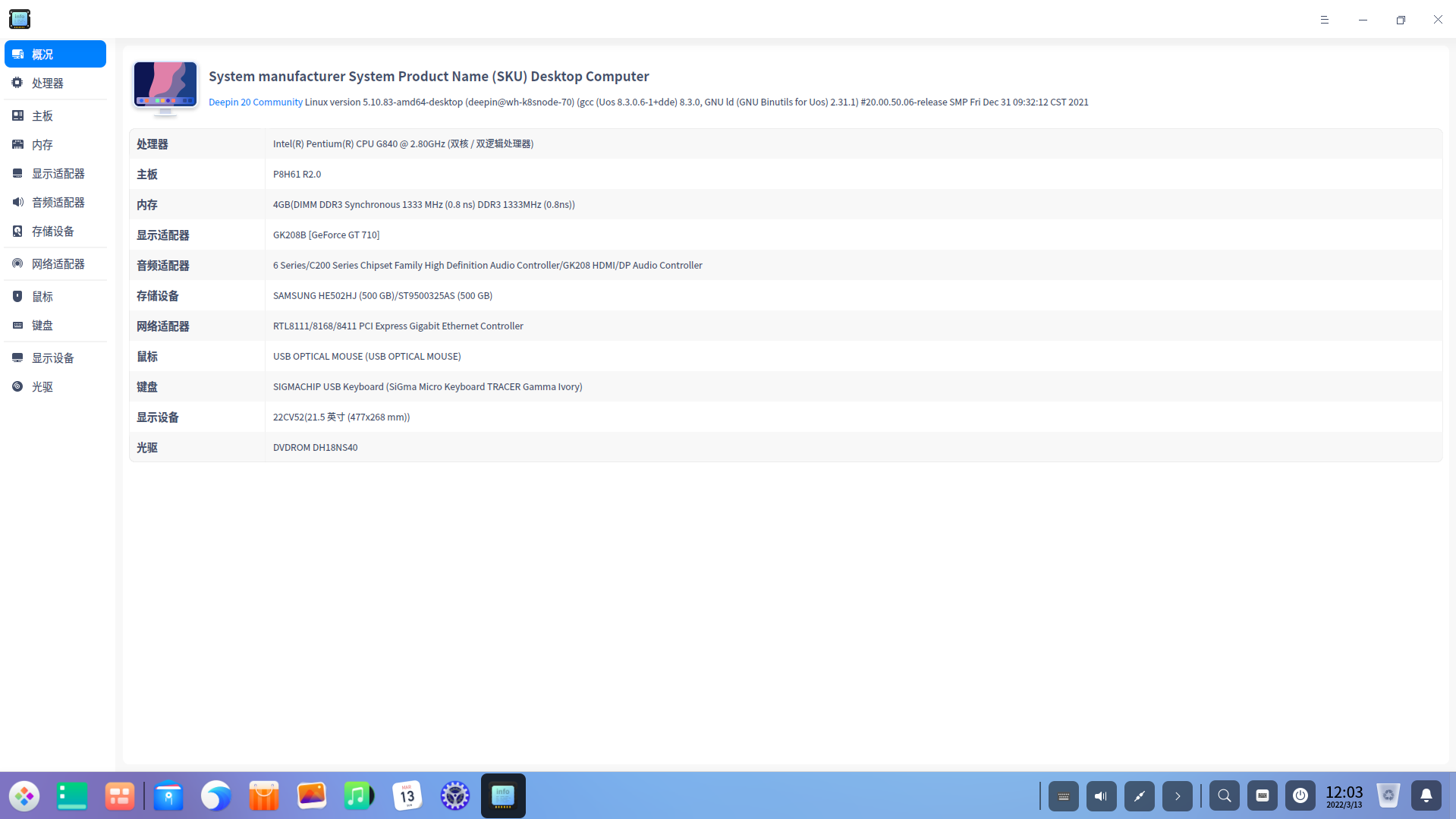
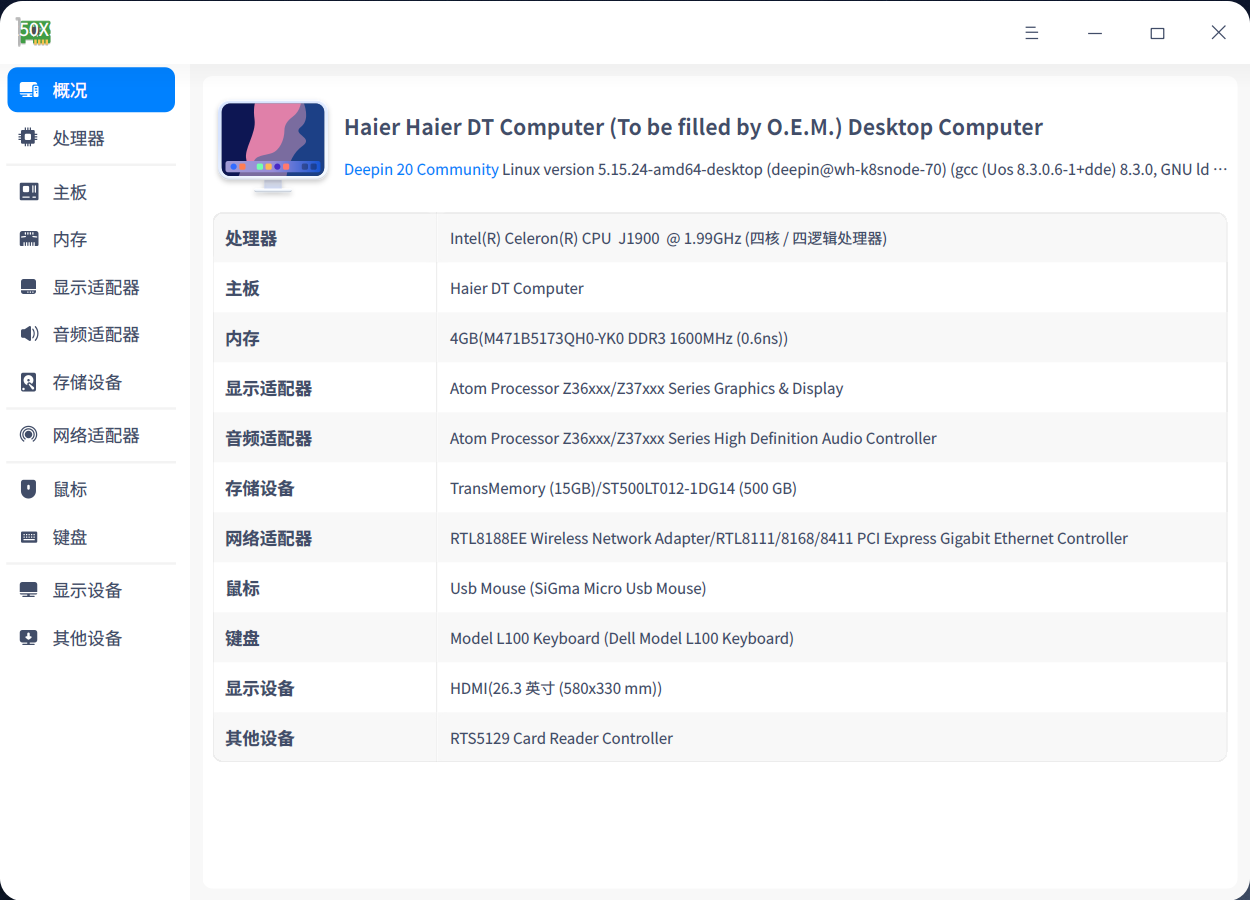
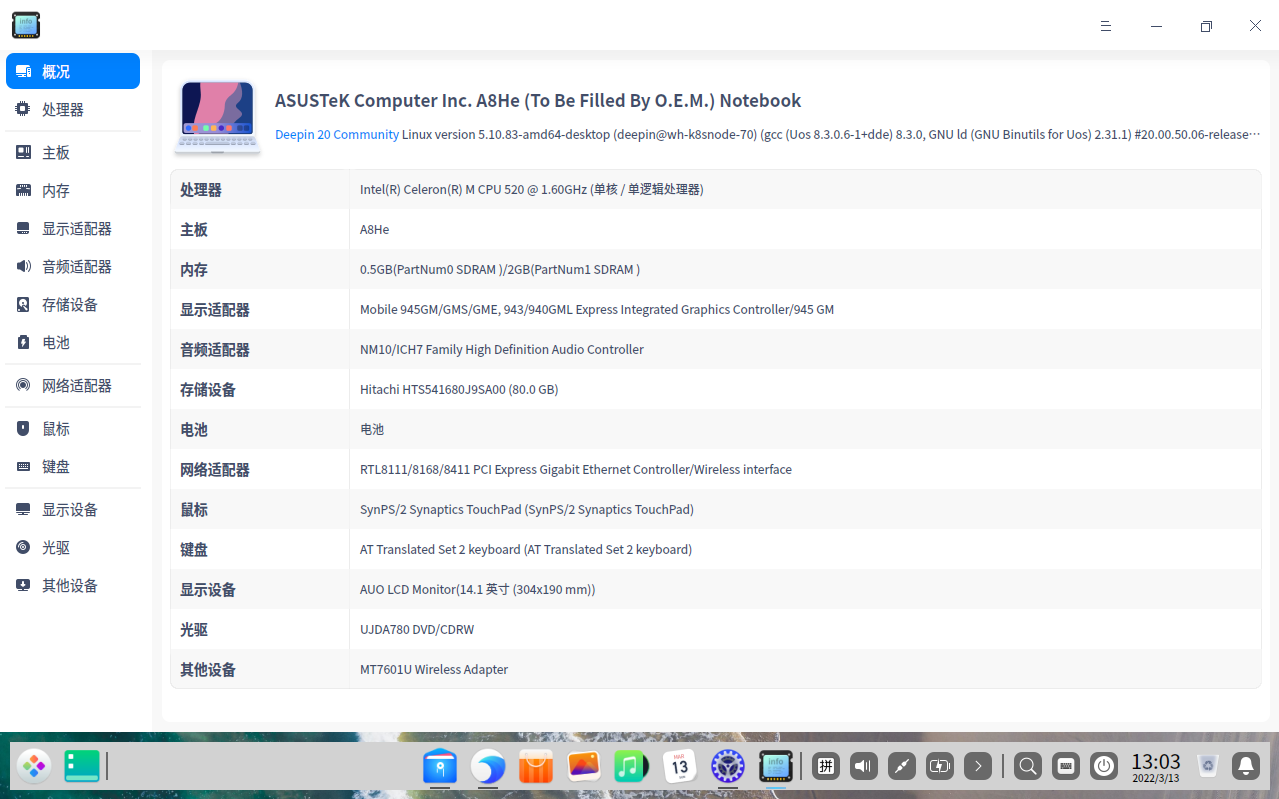
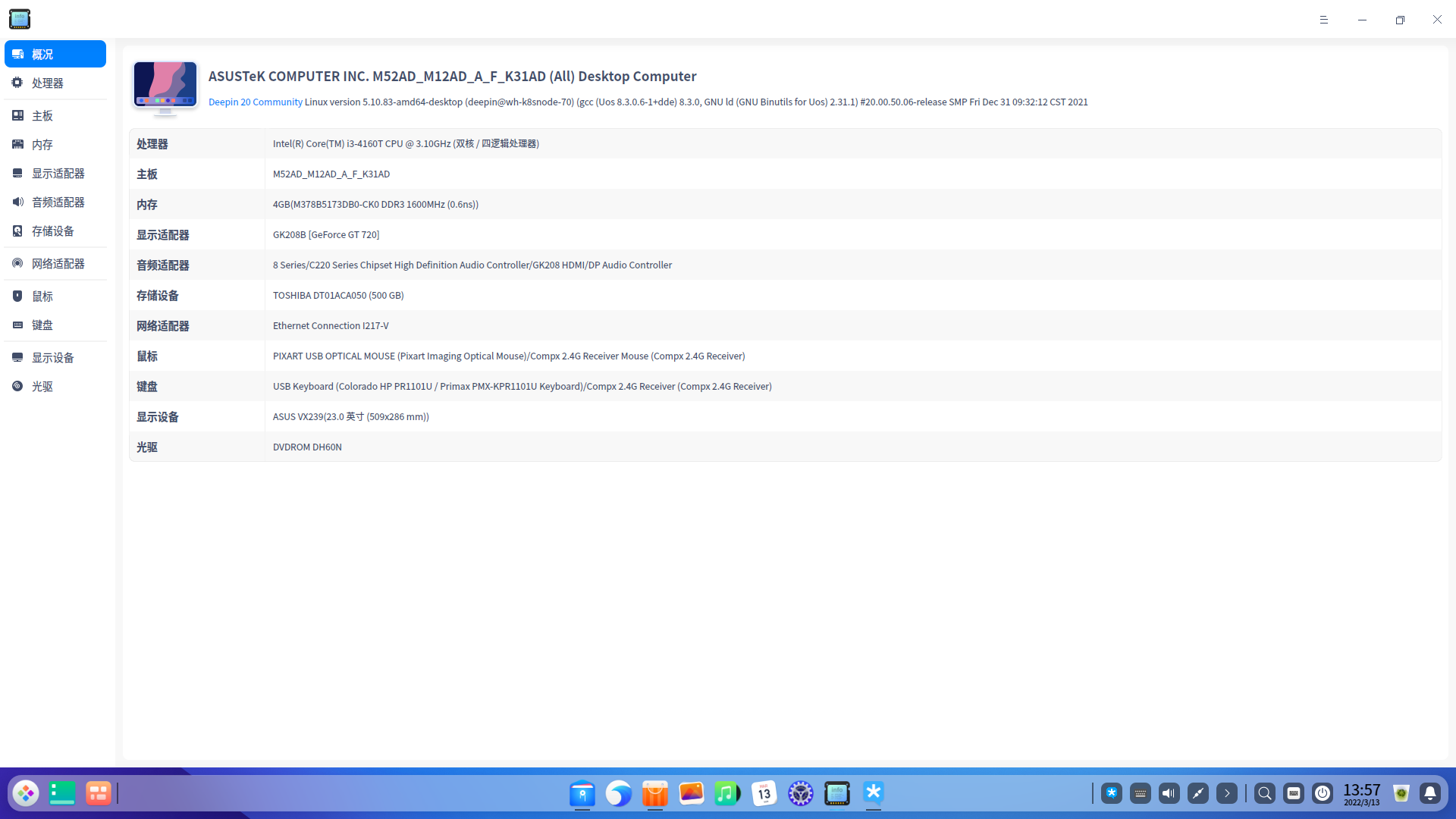
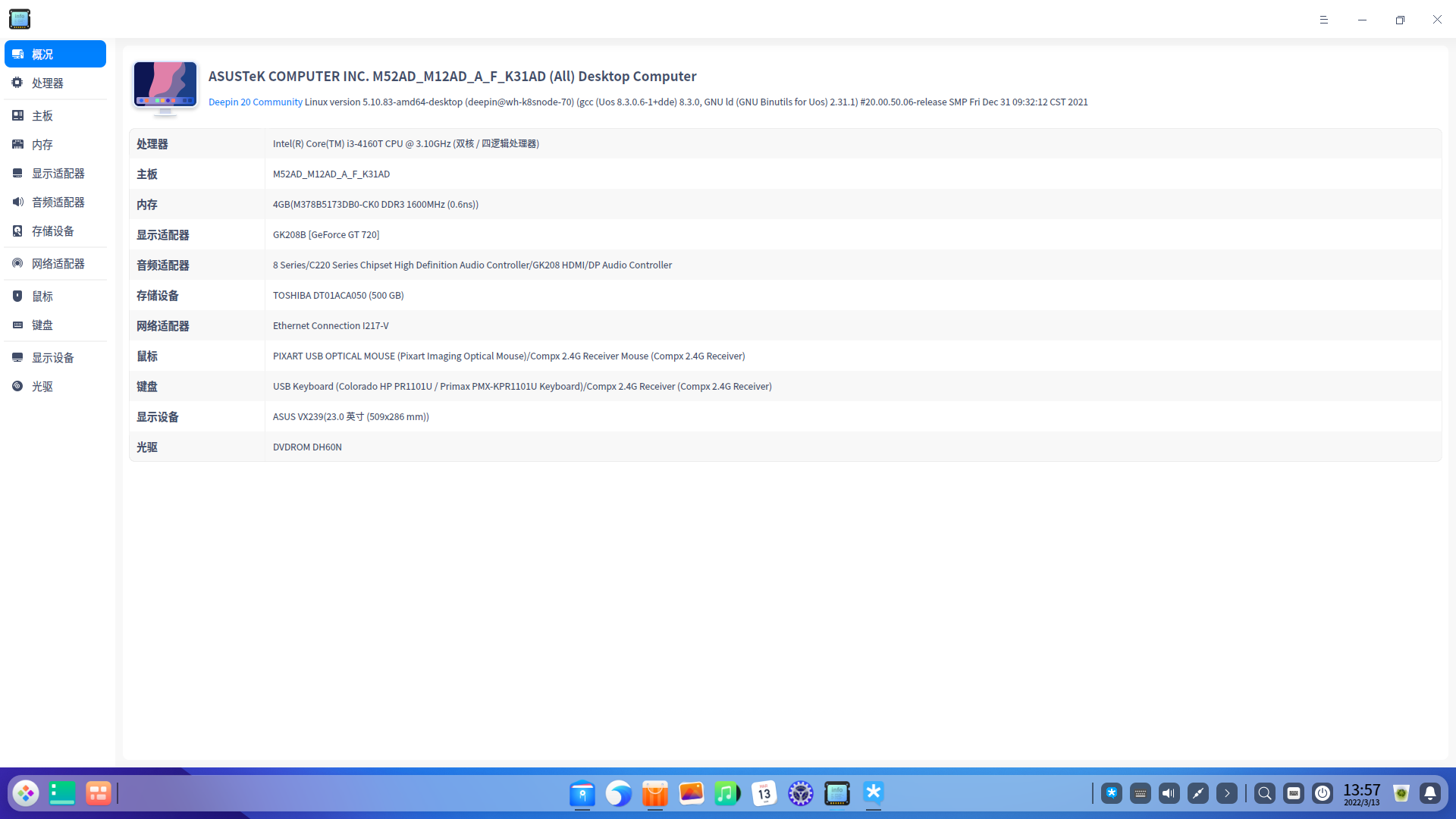
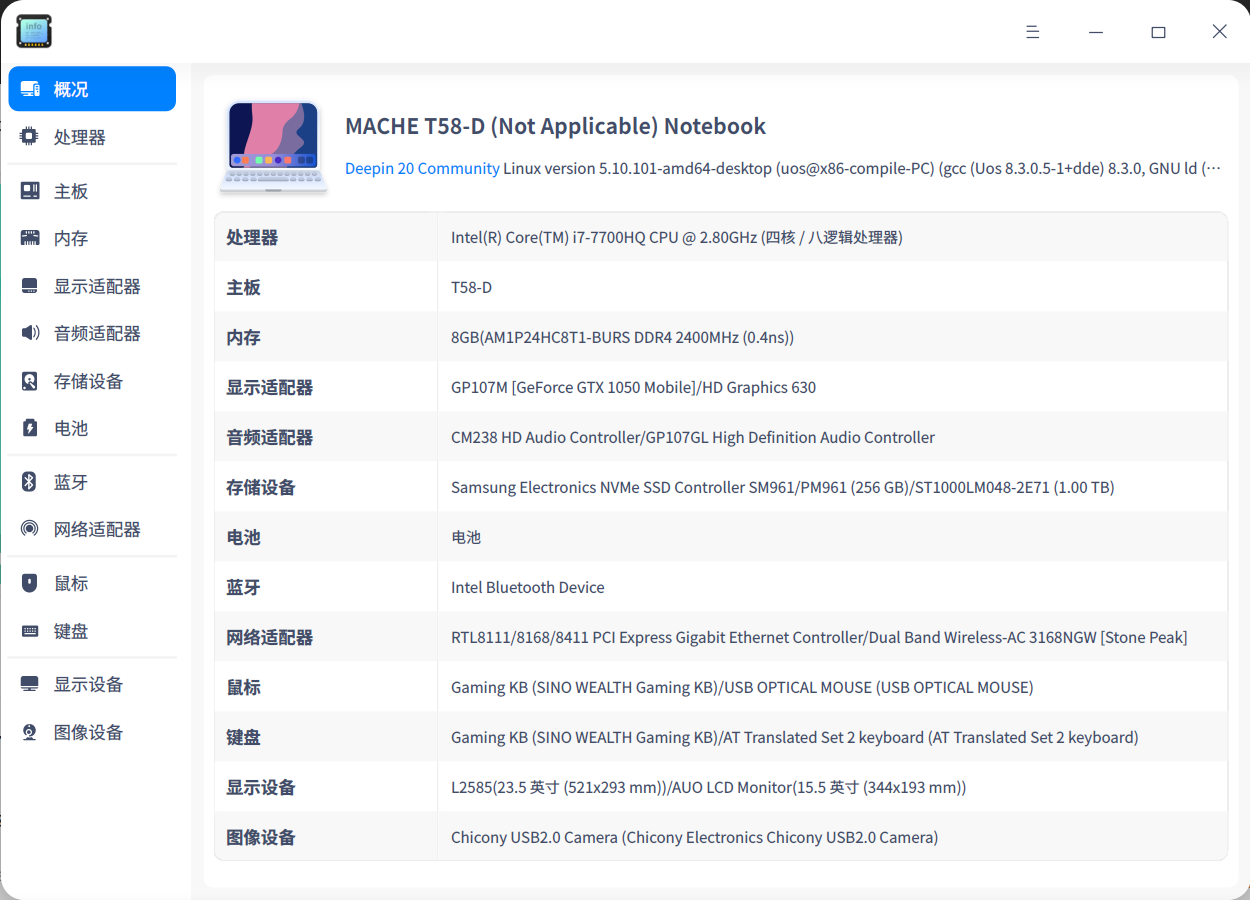
使用旧电脑安装最新deepin20.4版本,安装完成后打开系统“设备管理器”应用后截图(“概况”界面,展示电脑基础的硬件信息),将截图在本帖下回复。


系统安装教程:https://www.bilibili.com/video/BV1DV41117PN

deepin 20.4镜像下载:https://www.deepin.org/download


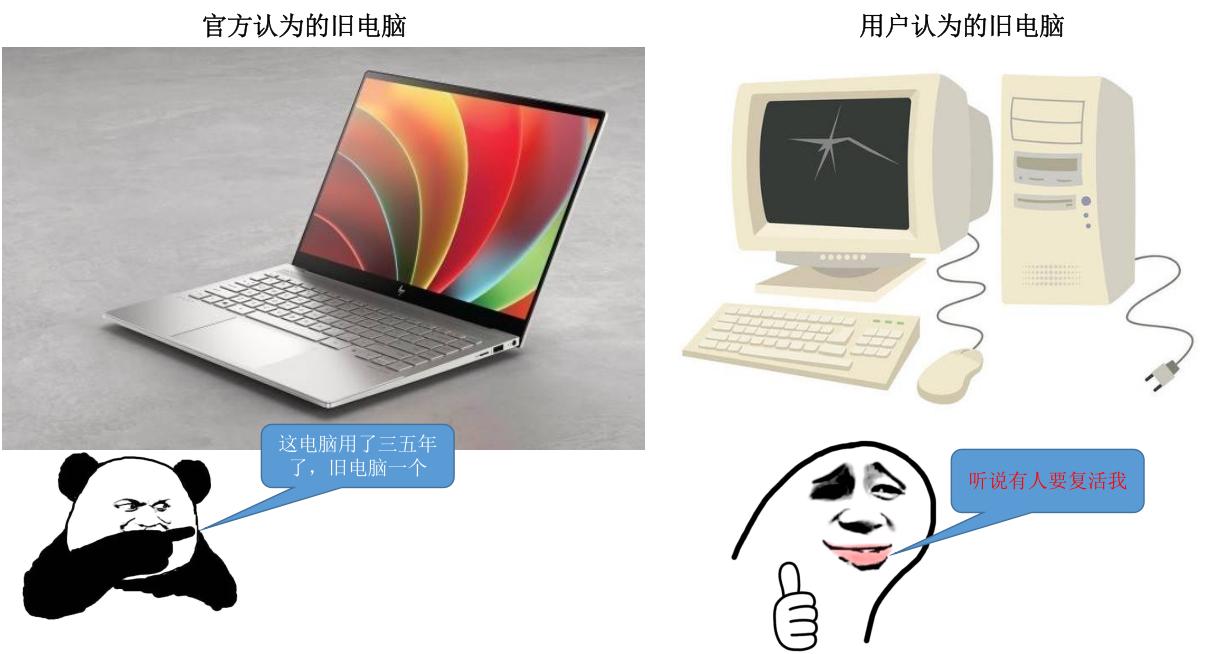
旧电脑标准:2017年及之前上市的电脑(例如:第七代CPU或更前代CPU)


截图示例:(非旧电脑,只作为截图示例参考)


【活动奖励】

小浣熊公仔,共10名


【奖品展示】


【获奖规则】

1、按照回复时间先后顺序,选择按照活动参与方式参与的用户获奖,累计选出10名。

2、对于同一款CPU型号的电脑设备,选择第一个在本帖下回复截图的用户,作为获奖用户,其余用户默认不获奖,奖项顺延。

3、请使用符合旧电脑标准(2017年及之前上市的电脑)的电脑设备,安装deepin后参与活动,否则视为无效参与,奖项顺延。

4、同一社区帐号参与本活动只能获奖一次。

5、本活动最终解释权,归深度社区所有。


【奖品发放】

1、本次活动结束后,会在 3月31日公布获奖名单;

2、获奖的深粉,请在 4月3日前私信:deepin复活旧电脑计划+ID+姓名+地址+联系方式 给本帐号 (逾期未私信将认定为自动放弃获奖资格)。


Reply Favorite View the author
Comments
poster avatar
梁山伯住阳台
2022-03-31 18:40
坐等开奖!
poster avatar
kentrl
2022-03-14 10:52
到工信部留言,让这些拥有金融支付牌照的巨头,开发支持国产系统的相关软件。 他们享受了国家发展的红利,却不支持国产系统的发展。 一起来留言,行动才有希望! https://bzxx.miit.gov.cn/bzxx/appellate/notice
All Replies
......11 / 32
To page
xingguang
deepin
2022-03-13 06:56
#201

截图_deepin-devicemanager_20220312225222.png

Reply View the author
xingguang
deepin
2022-03-13 06:57
#202
xingguang

截图_deepin-devicemanager_20220312225222.png

这个够老吗 安装20.4 还能用

Reply View the author
183******77
deepin
2022-03-13 07:34
#203

image.png

Reply View the author
写虫师
deepin
2022-03-13 08:40
#204
The user is banned, and the content is hidden.
cope123456
deepin
2022-03-13 08:47
#205

DELL E7470 ,16年的本子,主力机使用,加了QUAI内存条,感觉还好.
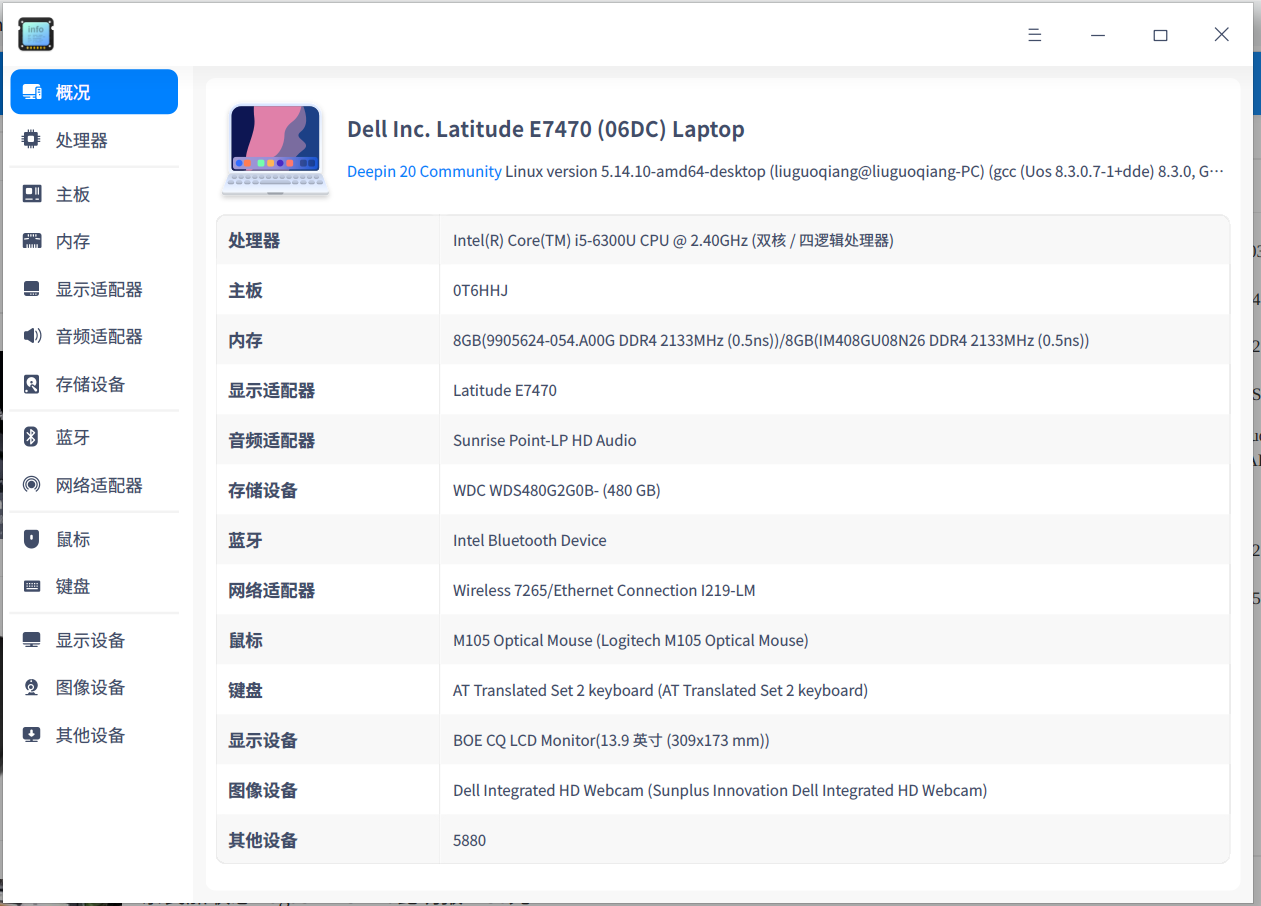
image.png

Reply View the author
= ̄ω ̄=
deepin
2022-03-13 15:00
#206

image.png

Reply View the author
XFG2012
deepin
2022-03-13 16:59
#207

Reply View the author
132******69
deepin
2022-03-13 18:02
#208

截图_deepin-devicemanager_20220313100054.png

Reply View the author
178******55
deepin
2022-03-13 18:45
#209

截图_deepin-devicemanager_20220313104149.png

Reply View the author
189******13
deepin
2022-03-13 18:46
#210

截图_deepin-devicemanager_20220313104530.png

Reply View the author
Qura
deepin
2022-03-13 19:36
#211

感谢deepin 希望越办越好

| 截图_选择区域_20220313113356.png

Reply View the author
Gubor
deepin
2022-03-13 20:01
#212

截图_选择区域_20220313115922.png

终于看到希望了,支持国产系统。

Reply View the author
insur2655
deepin
2022-03-13 20:06
#213

截图_选择区域_20220313120326.png

Reply View the author
北冥夜未央
deepin
Ecological co-builder
2022-03-13 20:19
#214

截图_选择区域_20220313121352.jpg

关于Linux可以拯救旧电脑的宣传是不是该停停了,用户用旧电脑装了你的系统只会来一句“这什么破系统了,卡的要死,整天虚假宣传骗国家经费”

Reply View the author
130******00
deepin
2022-03-13 20:23
#215

截图_deepin-devicemanager_20220313122137.png

Reply View the author
zhiqiangshang
deepin
2022-03-13 21:11
#216

截图_选择区域_20220313130349.png

还有比我的更老的机子和配置吗?

顺带问个问题,外接wifi,可以收到信号,wifie列表信号都正常,但是点击连接后一直显示wlan网络无法找到,连接不上

Reply View the author
191******42
deepin
2022-03-13 22:07
#217

7074460207550731162.png

Reply View the author
191******42
deepin
2022-03-13 22:11
#218

Reply View the author
183******89
deepin
2022-03-13 22:49
#219

截图_deepin-devicemanager_20220313144929.png

Reply View the author
littlebat
deepin
2022-03-13 23:14
#220

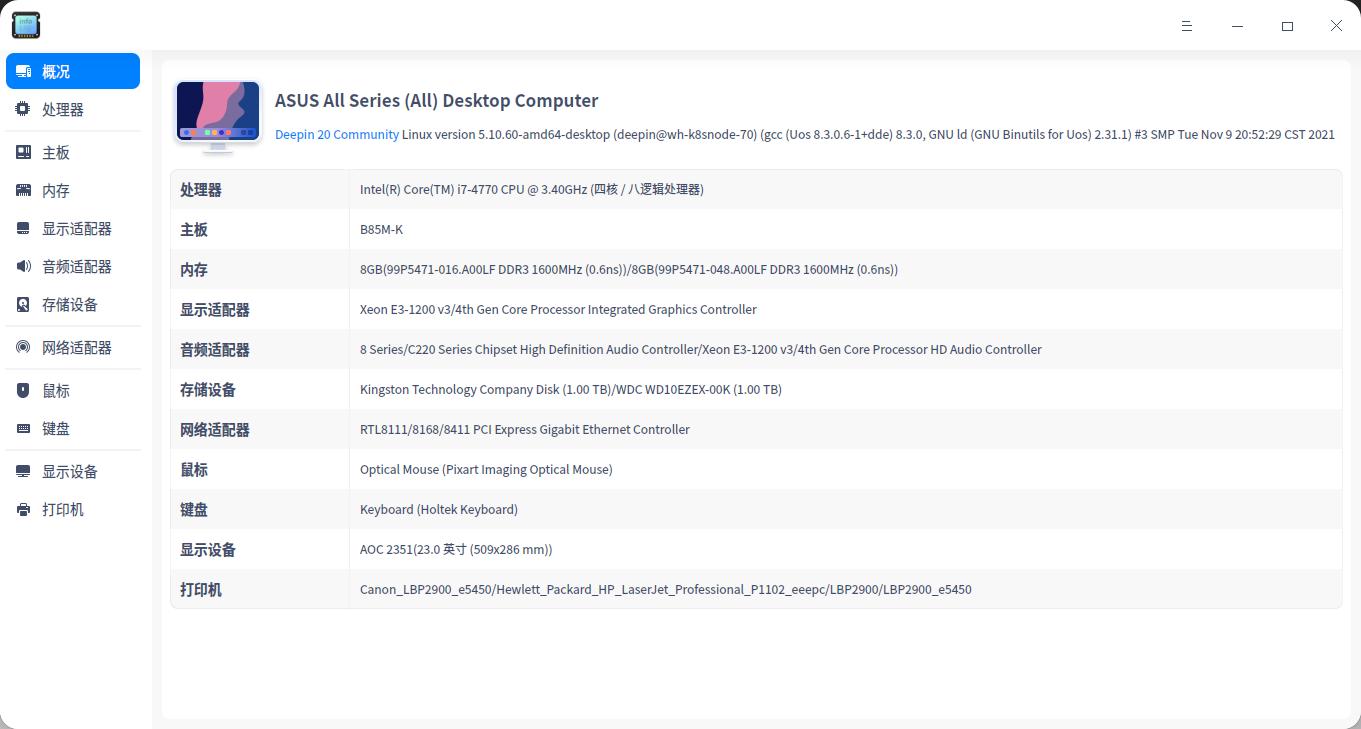
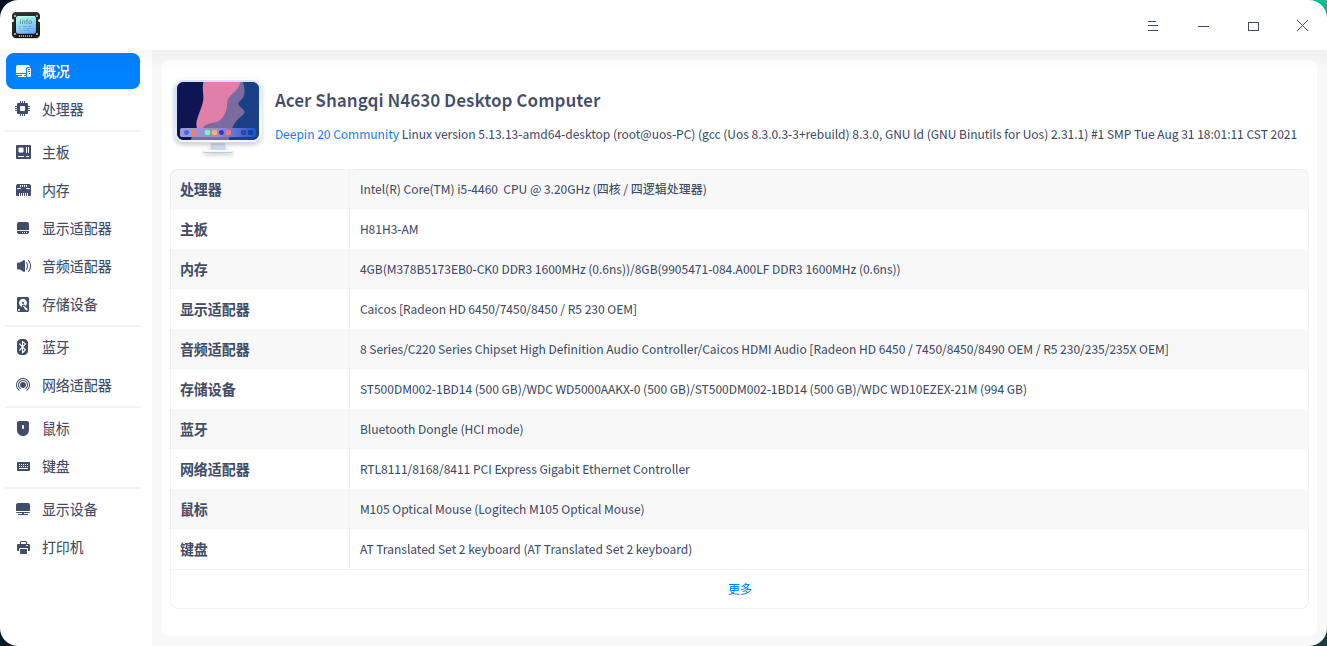
i7-4770.jpg
i5-4460.png

Reply View the author
......11 / 32
To page