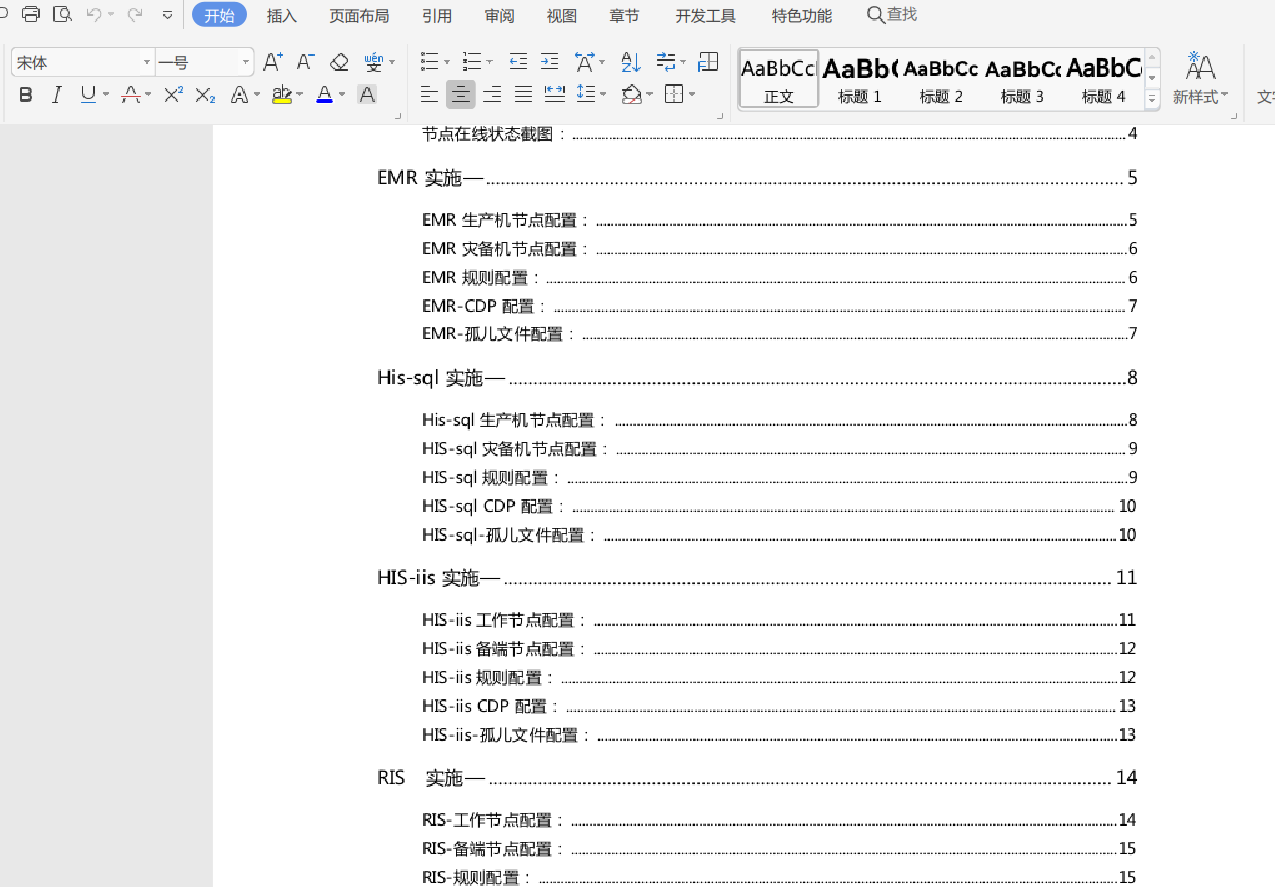
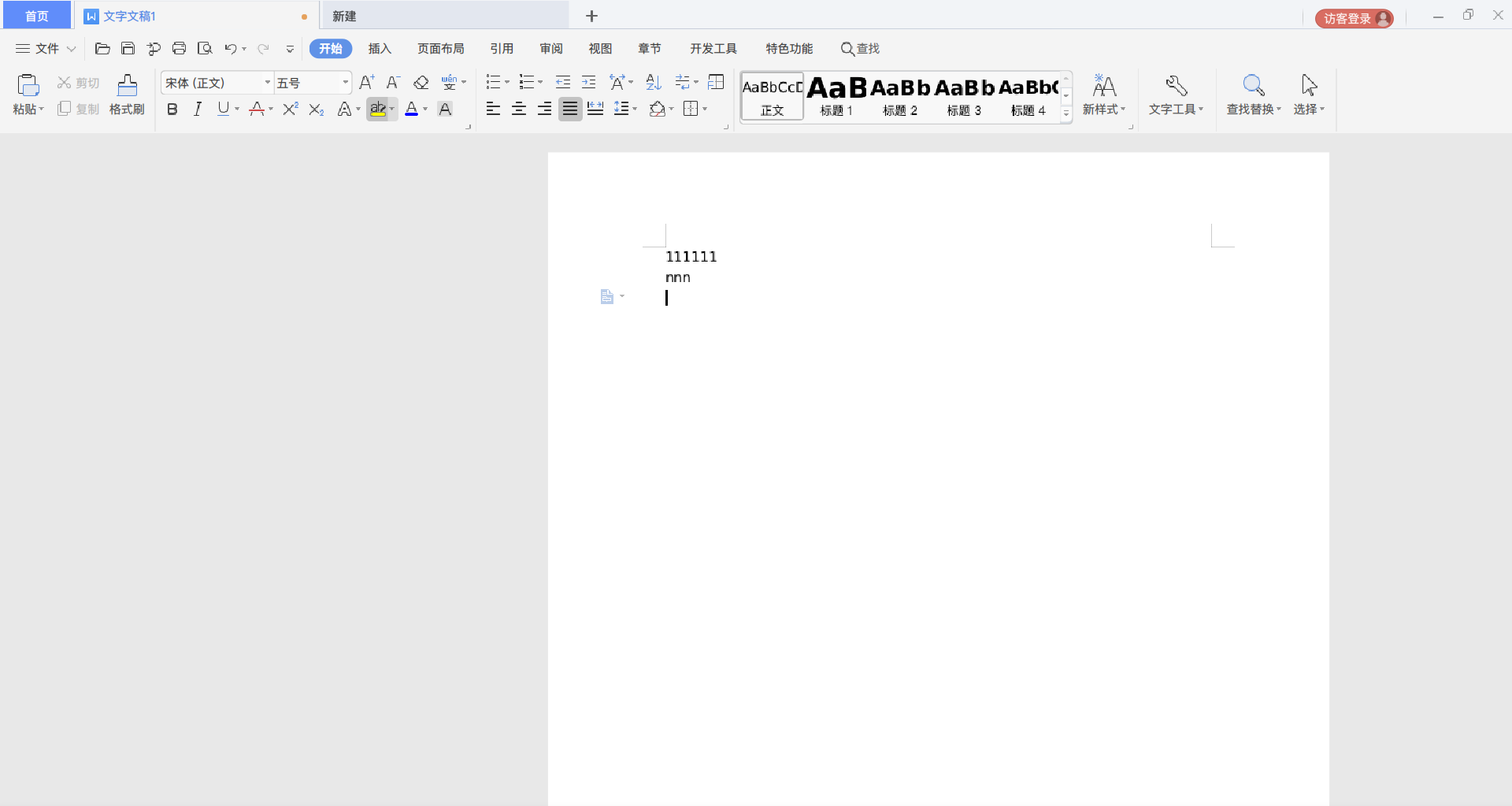
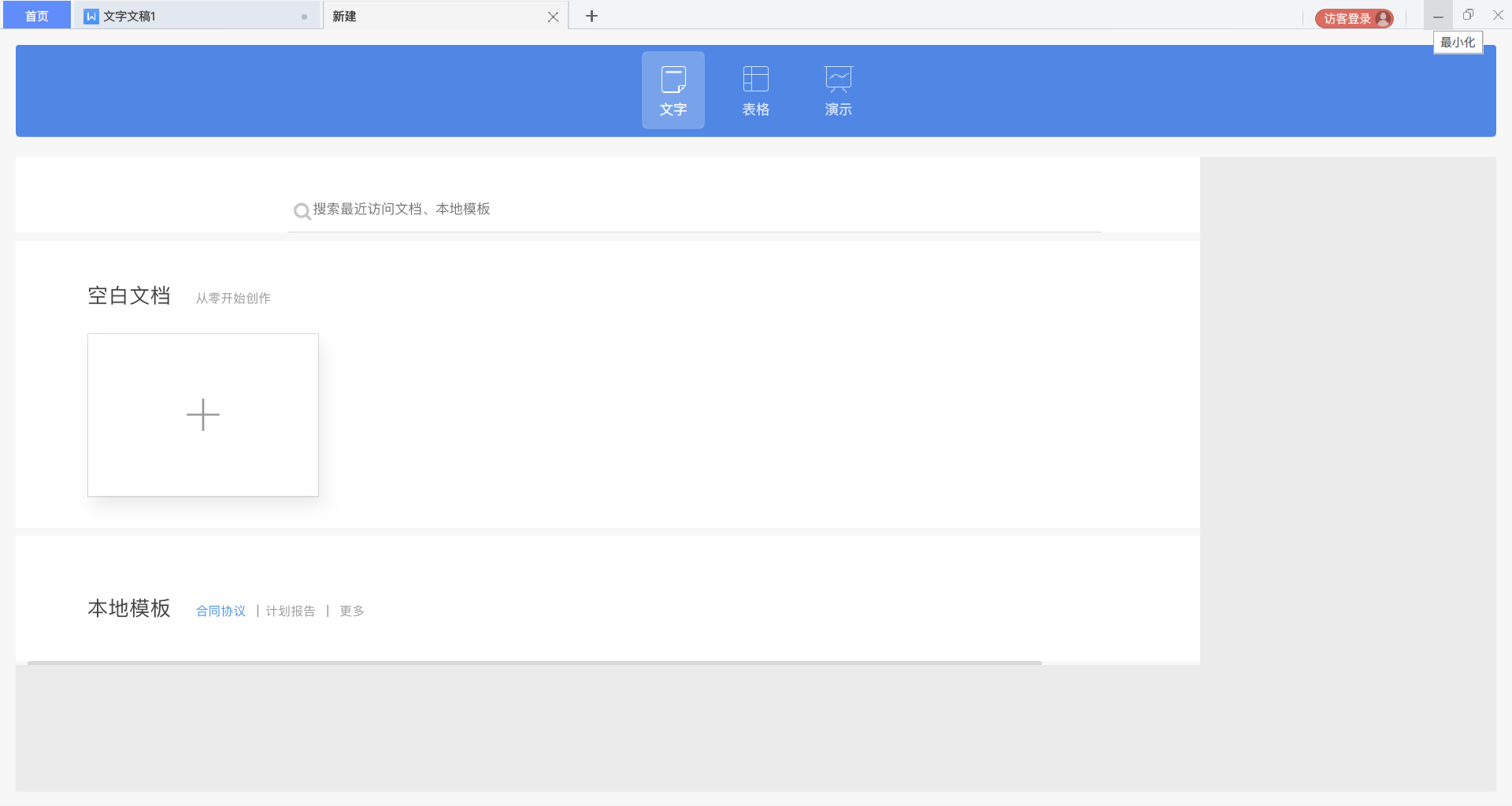
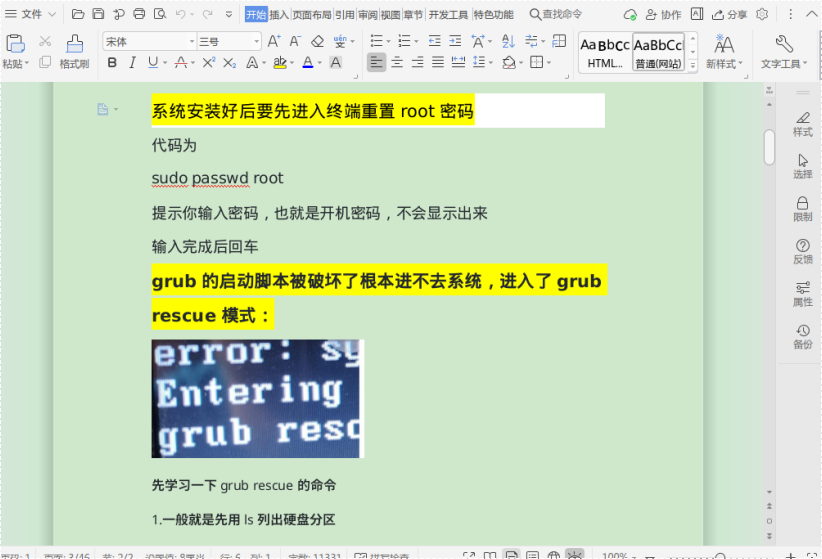
[3rd-Party Apps] 升级后wps模糊不清了~谨慎升级~
Tofloor
poster avatar
liuyongjin1987
deepin
2022-03-06 01:31
Author

image.png

Reply Favorite View the author
All Replies
sammy-621
deepin
2022-03-06 01:36
#1

确实有这样的问题

Reply View the author
liuyongjin1987
deepin
2022-03-06 01:38
#2
sammy-621

确实有这样的问题

不备份的悲剧了~~~

Reply View the author
liwl
deepin
2022-03-06 01:44
#3

啊哈哈哈哈哈哈,赶紧内测反馈一下。我等20.5

Reply View the author
liuyongjin1987
deepin
2022-03-06 01:47
#4
liwl

啊哈哈哈哈哈哈,赶紧内测反馈一下。我等20.5

修复了WiFi图标模糊的问题,结果把wps干成模糊了~修复了个芝麻bug,出来了个西瓜bug,幸亏我有timeshift备份,刚恢复了~~

Reply View the author
deepin-superuser
deepin
2022-03-06 02:27
#5

我这里位置也怪怪的

截图_wpsoffice_20220305182310.png
截图_wpsoffice_20220305182252.png

Reply View the author
liuyongjin1987
deepin
2022-03-06 02:57
#6
deepin-superuser

我这里位置也怪怪的

截图_wpsoffice_20220305182310.png
截图_wpsoffice_20220305182252.png

完了

Reply View the author
sammy-621
deepin
2022-03-06 03:19
#7

目前,在控制中心的显示设置里,将缩放比例调为1,即不放大,可临时解决wps模糊问题。
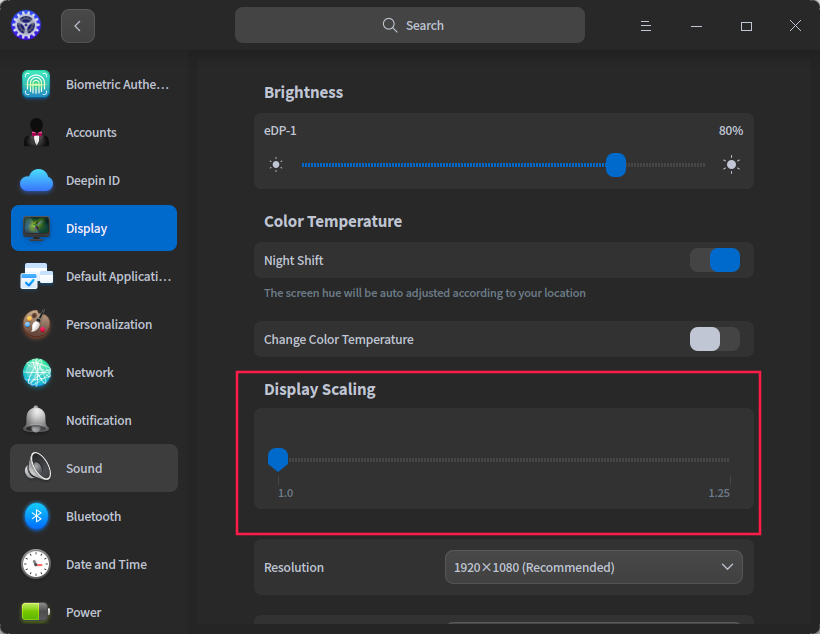
image.png

Reply View the author
andktan
deepin
2022-03-06 03:49
#8

我的正常呀

image.png

Reply View the author
sammy-621
deepin
2022-03-06 04:41
#9
andktan

我的正常呀

image.png

你设置的缩放比例是多少?

Reply View the author
说书人
deepin
2022-03-06 05:11
#10

我的屏幕缩放是1 ,wps显示正常。

Reply View the author
sammy-621
deepin
2022-03-06 05:44
#11
说书人

我的屏幕缩放是1 ,wps显示正常。

缩放比例是1的,不受本次3.4日内测升级影响。

Reply View the author
新手小白
deepin
2022-03-06 15:28
#12
It has been deleted!
liuyongjin1987
deepin
2022-03-06 16:52
#13
新手小白 It has been deleted!

尝试一下

Reply View the author
liuyongjin1987
deepin
2022-03-06 17:38
#14
新手小白 It has been deleted!

已经解决了~

Reply View the author
ping134
deepin
2022-03-06 18:51
#15

出现问题的,修改wps的desktop文件,在exec 这一行添加参数,改为:Exec=env QT_SCREEN_SCALE_FACTORS=1 /usr/bin/wps %F

Reply View the author
andktan
deepin
2022-03-06 20:07
#16
sammy-621

你设置的缩放比例是多少?

我的不支持显示缩放,😓

Reply View the author
zccrs
deepin
2022-03-07 19:01
#17

可以在launcher中试试给wps设置“禁用屏幕缩放”

Reply View the author